 WidgetCraftGet the app
Styles with a ready-made WidgetCraft pack
Brutalist widgets for Android
Heavy type, hard edges, thick outlines and no softening. Brutalist widgets look deliberately raw: oversized condensed type, square corners, thick black outlines and one loud color. Nothing is rounded or shaded, which makes them very readable at a glance.
Also known as: brutalism widgets, bold widgets, raw widgets.
Ready-made Brutalist templates in WidgetCraft
These are real templates from the app's Brutalist pack. Import one, then change any layer.
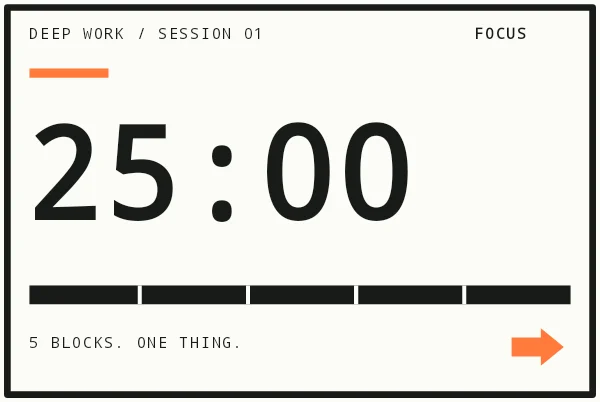
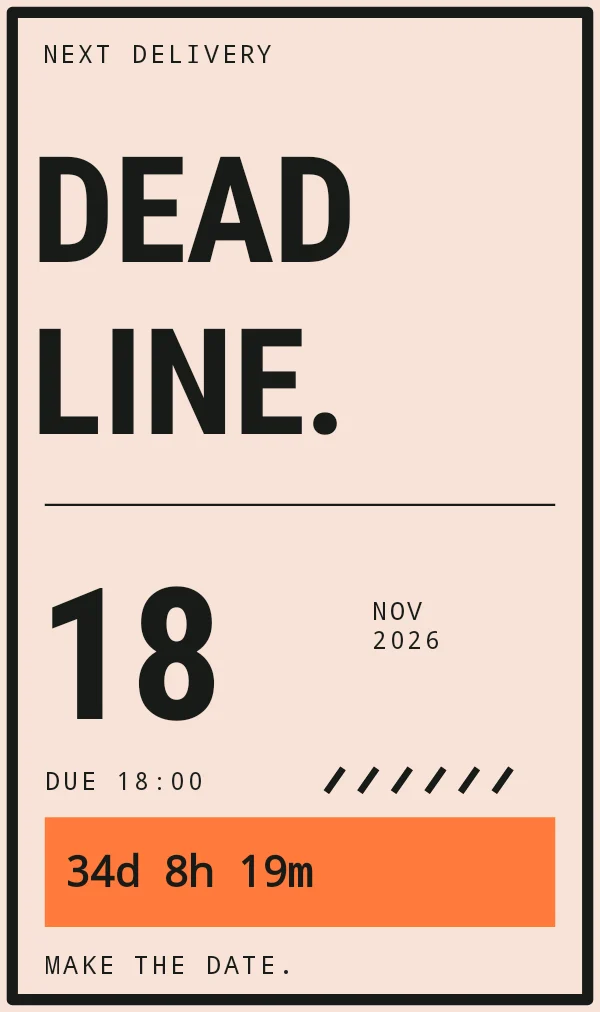
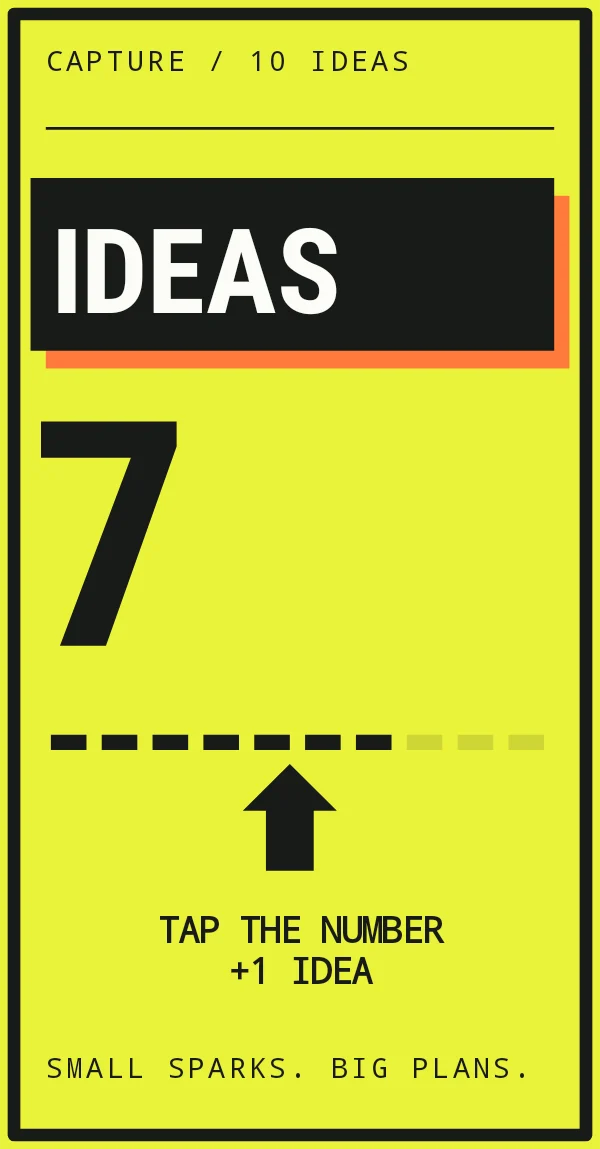
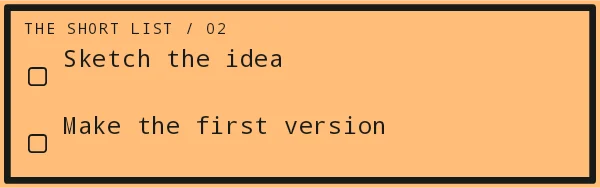
Brutalist widget recipes
Each recipe has a preview, exact colors and layer-by-layer steps.
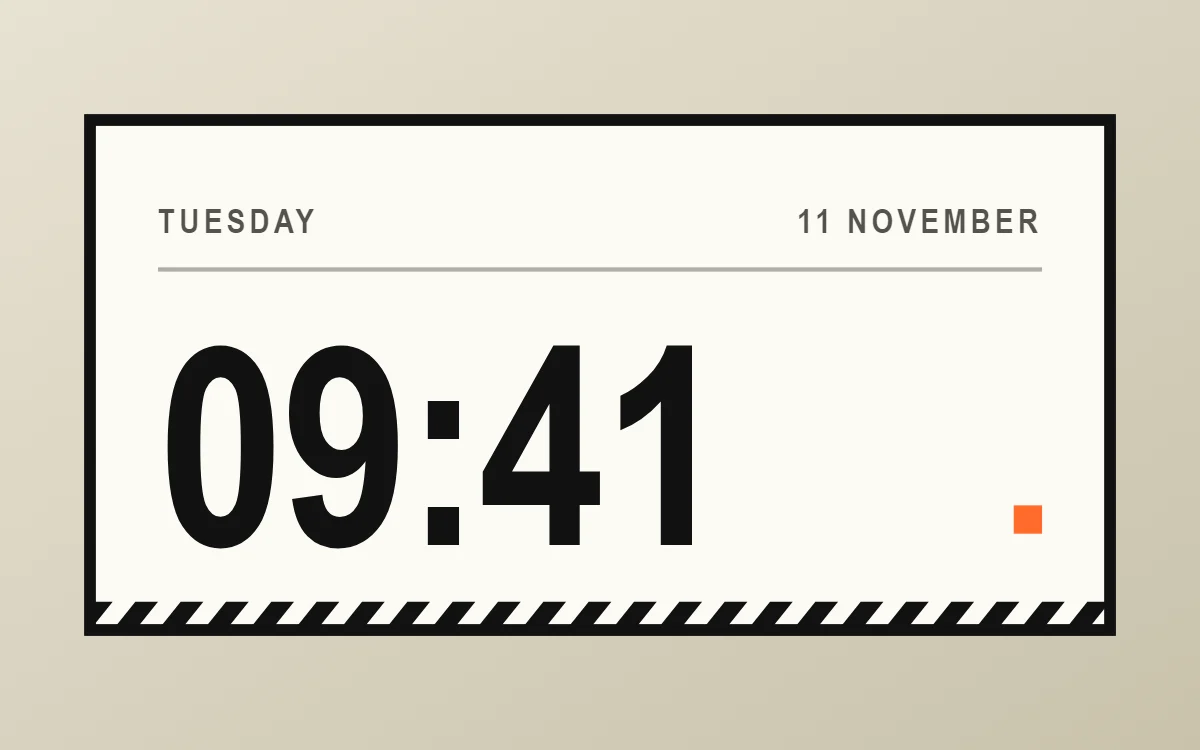 Brutalist clock widgetFree to build
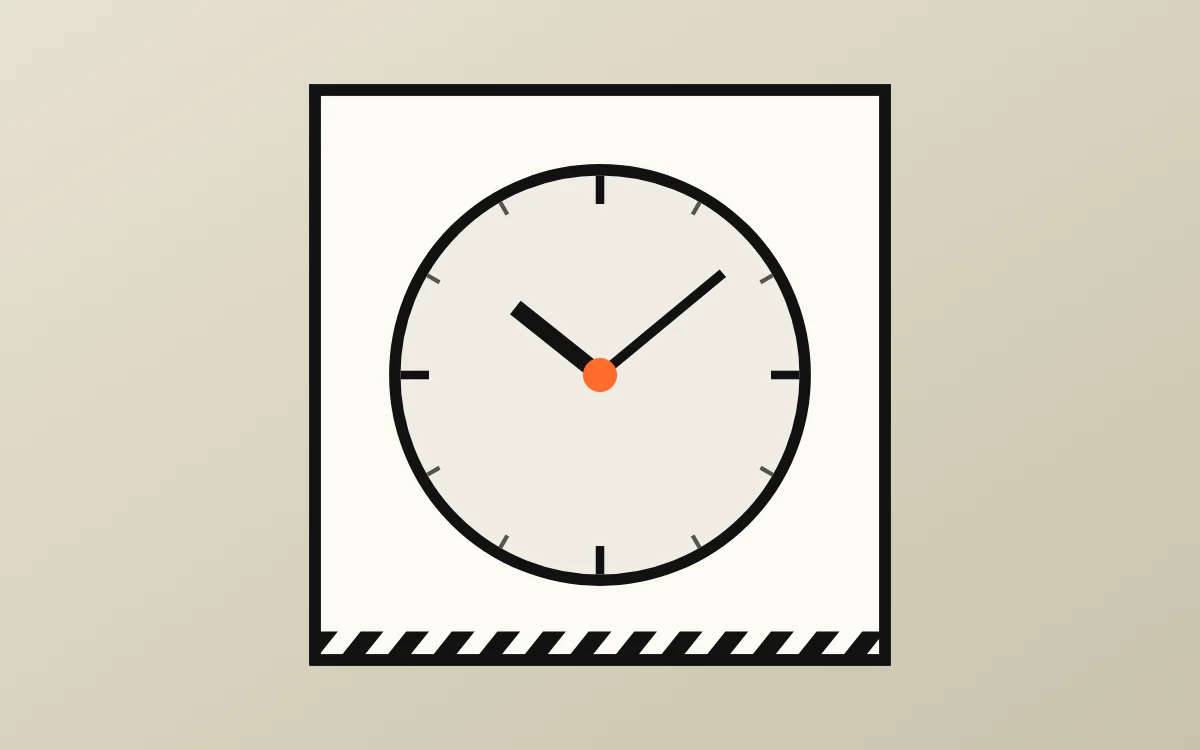 Brutalist analog clock widgetFree to build
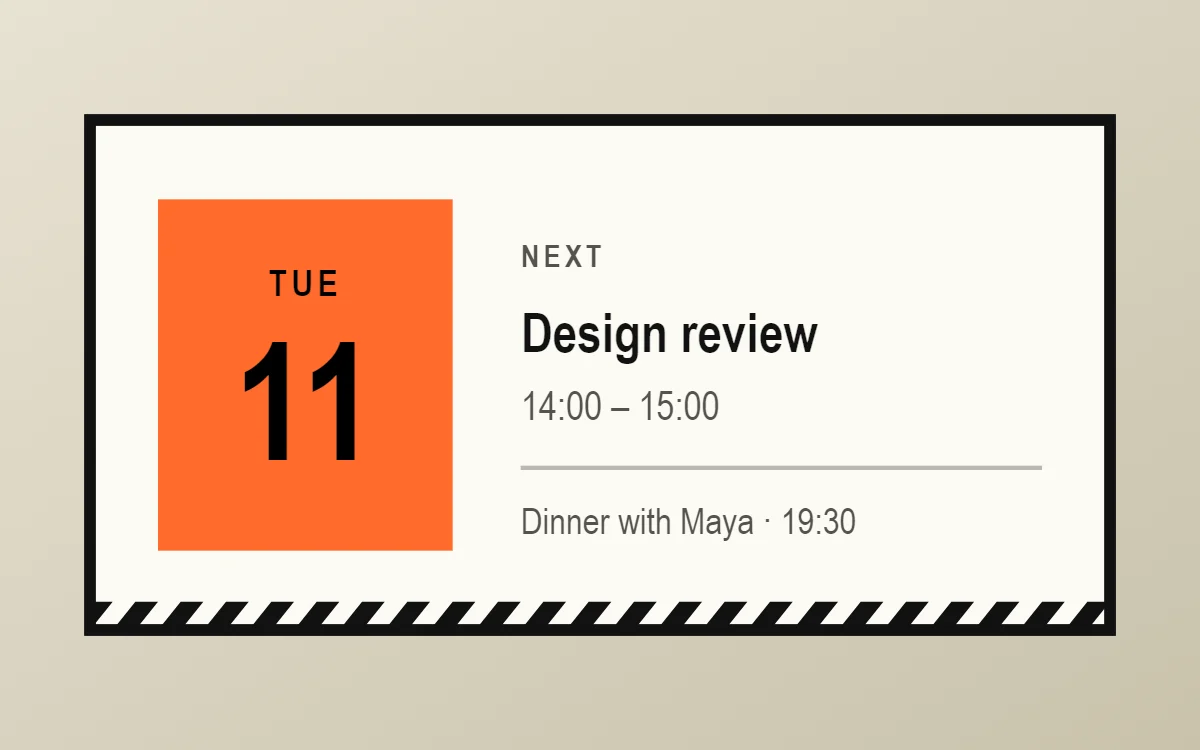 Brutalist calendar widgetData needs Pro
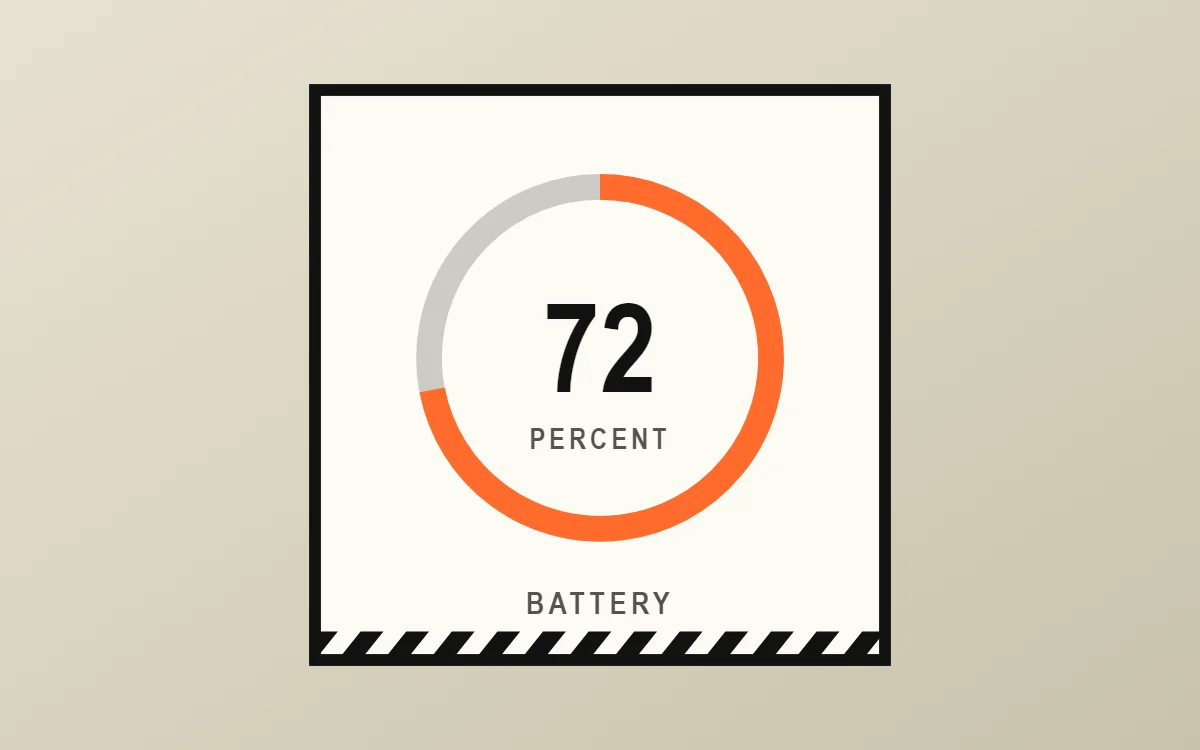 Brutalist battery widgetFree to build
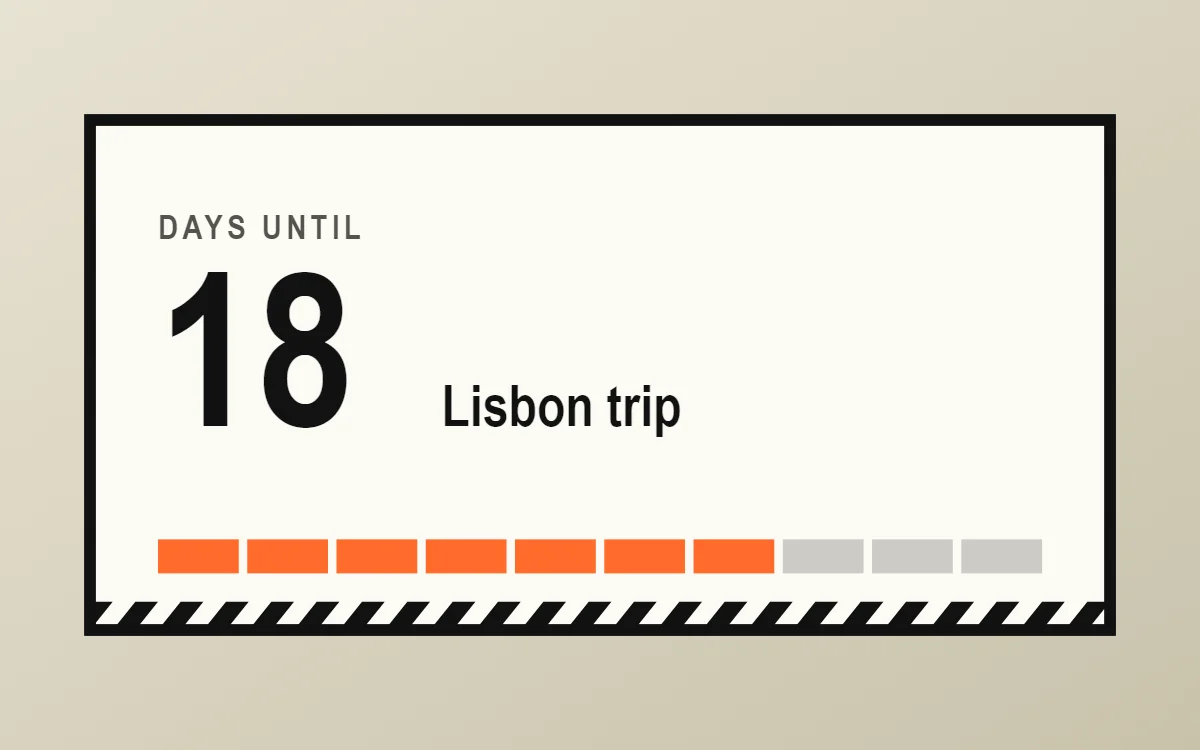 Brutalist countdown widgetFree to build
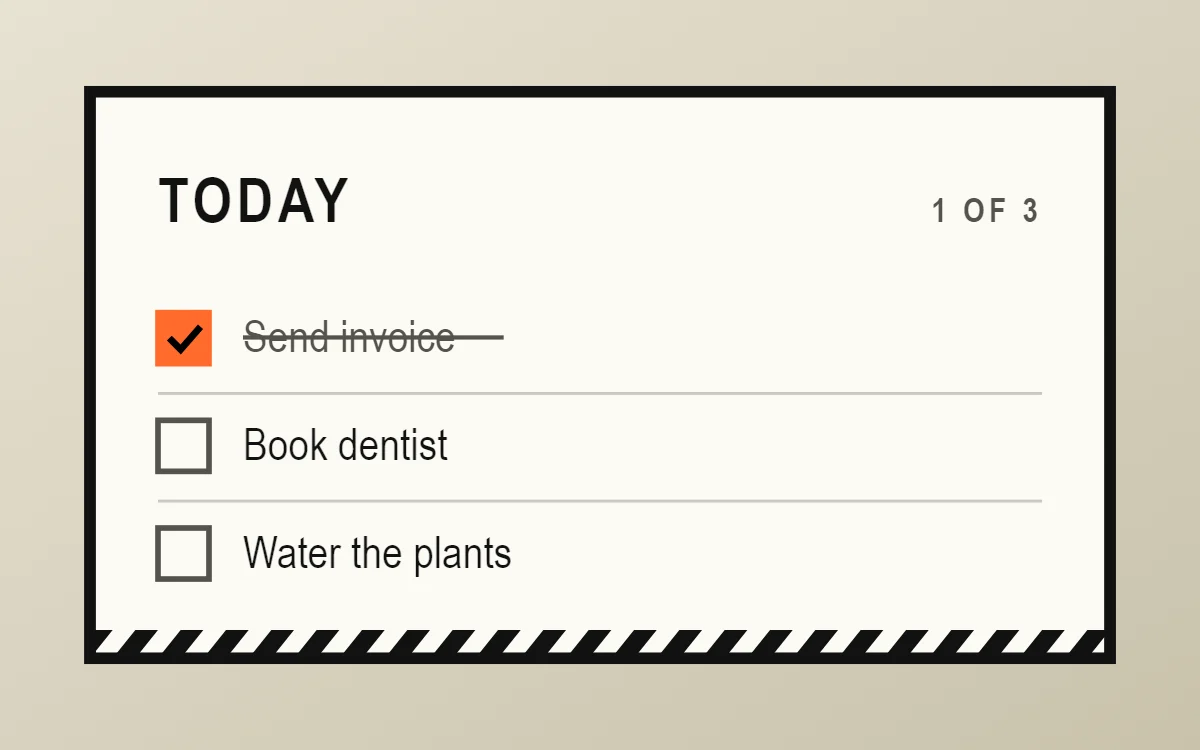 Brutalist to-do list widgetFree to build
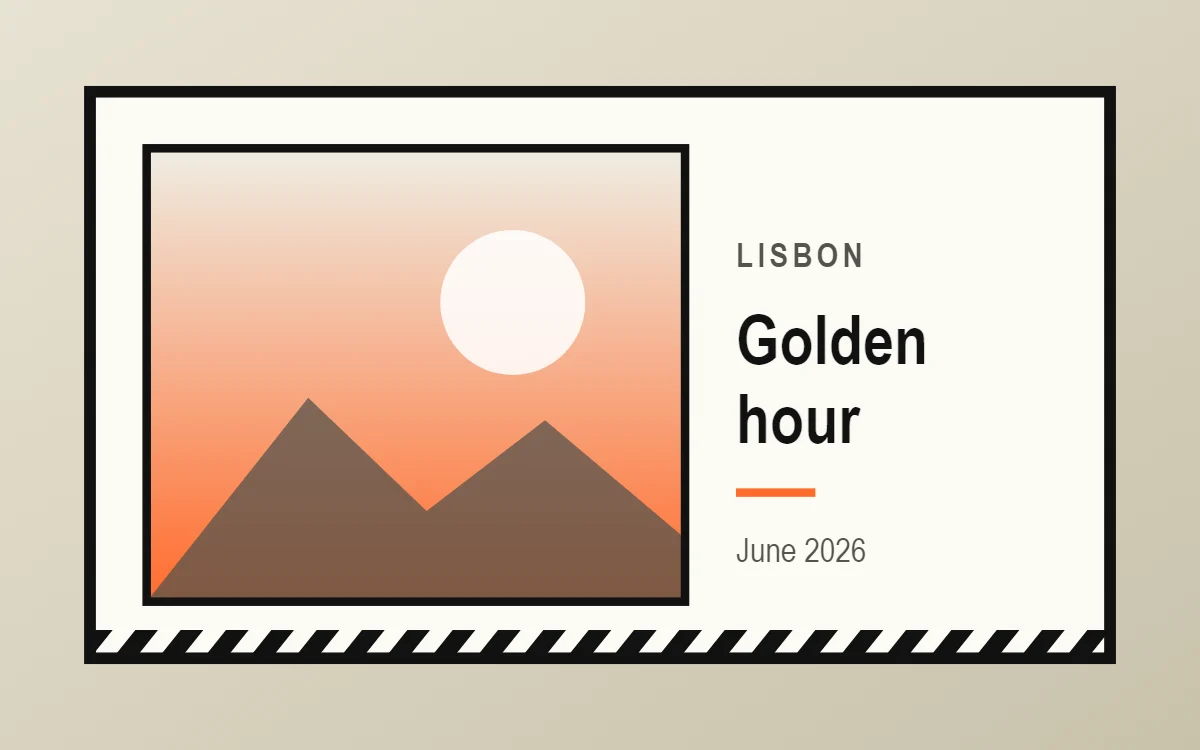 Brutalist photo widgetFree to build
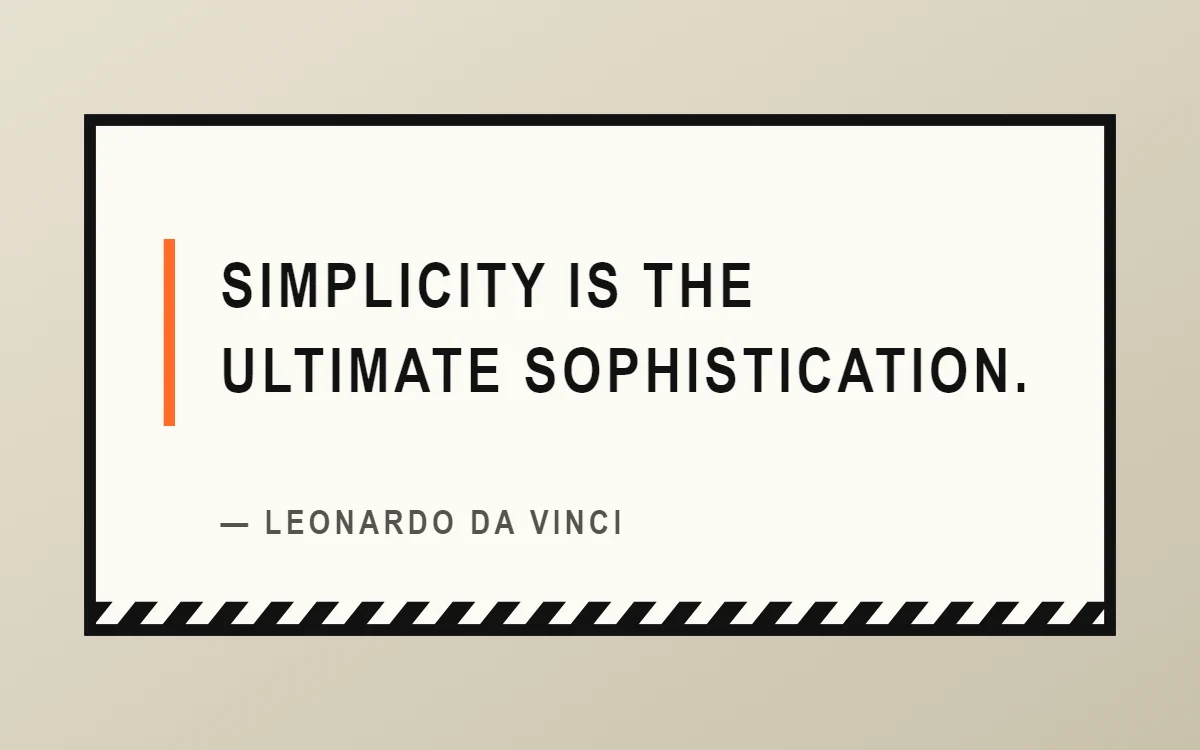 Brutalist quote widgetFree to build
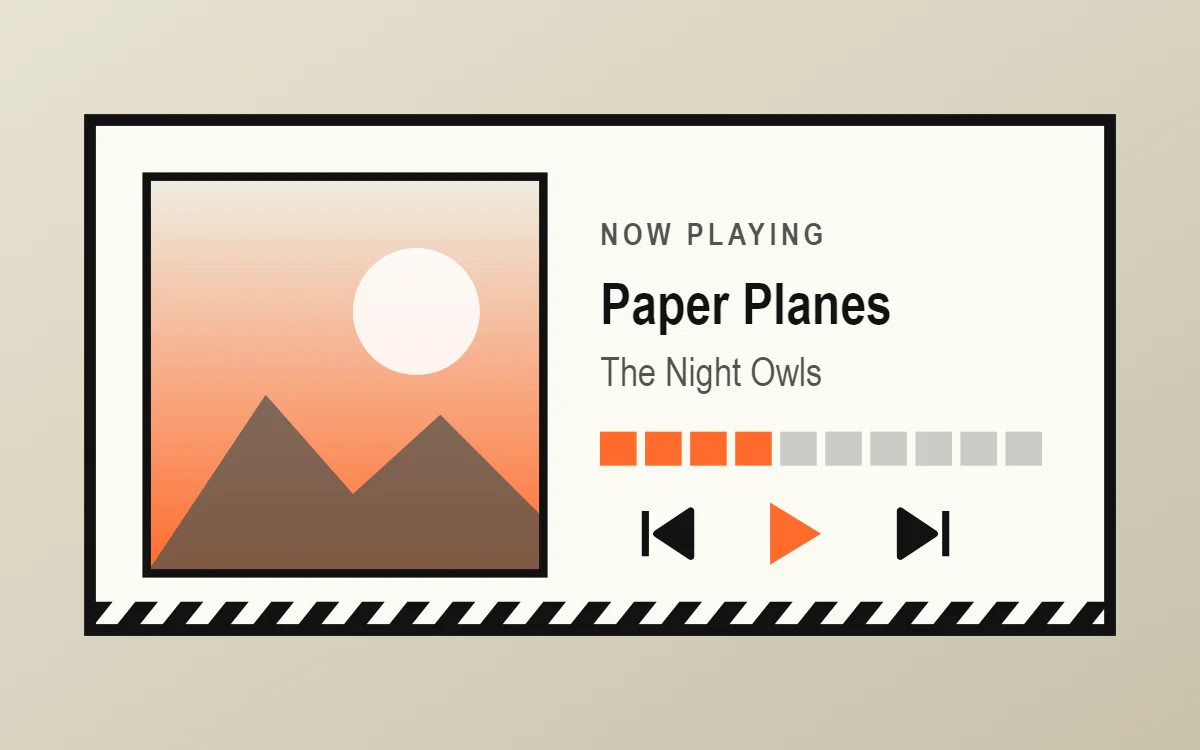 Brutalist music widgetData needs Pro
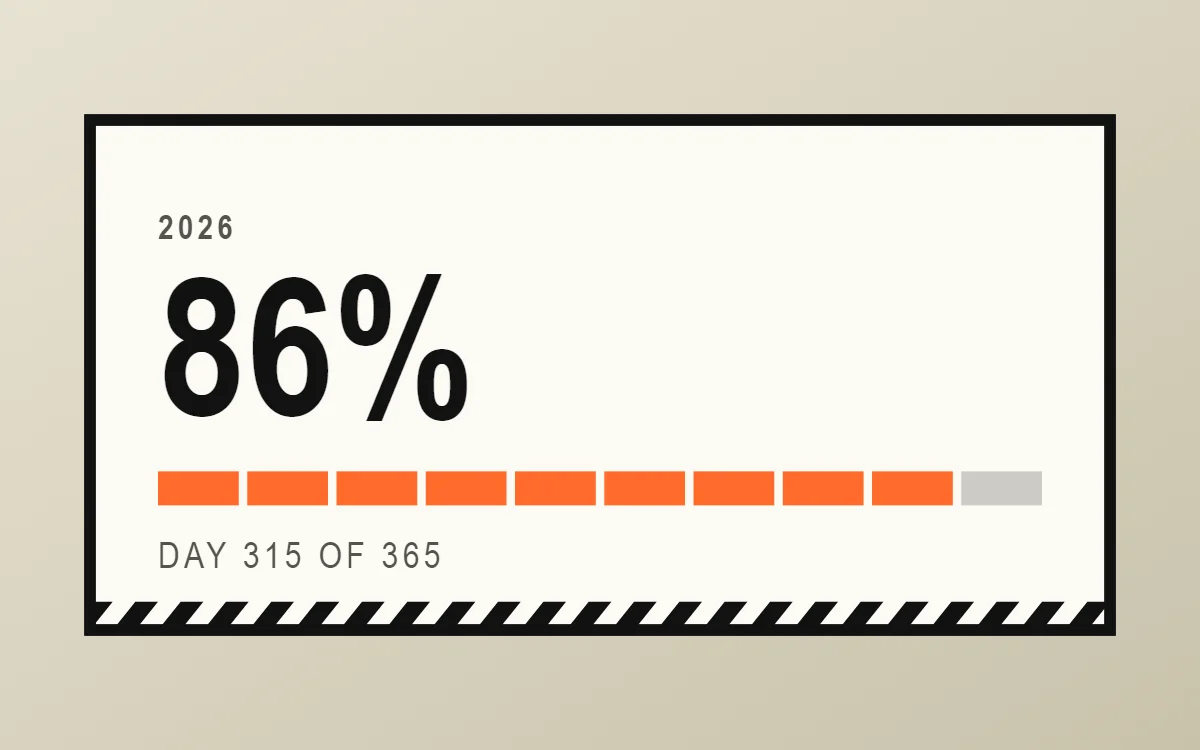 Brutalist year progress widgetFree to build
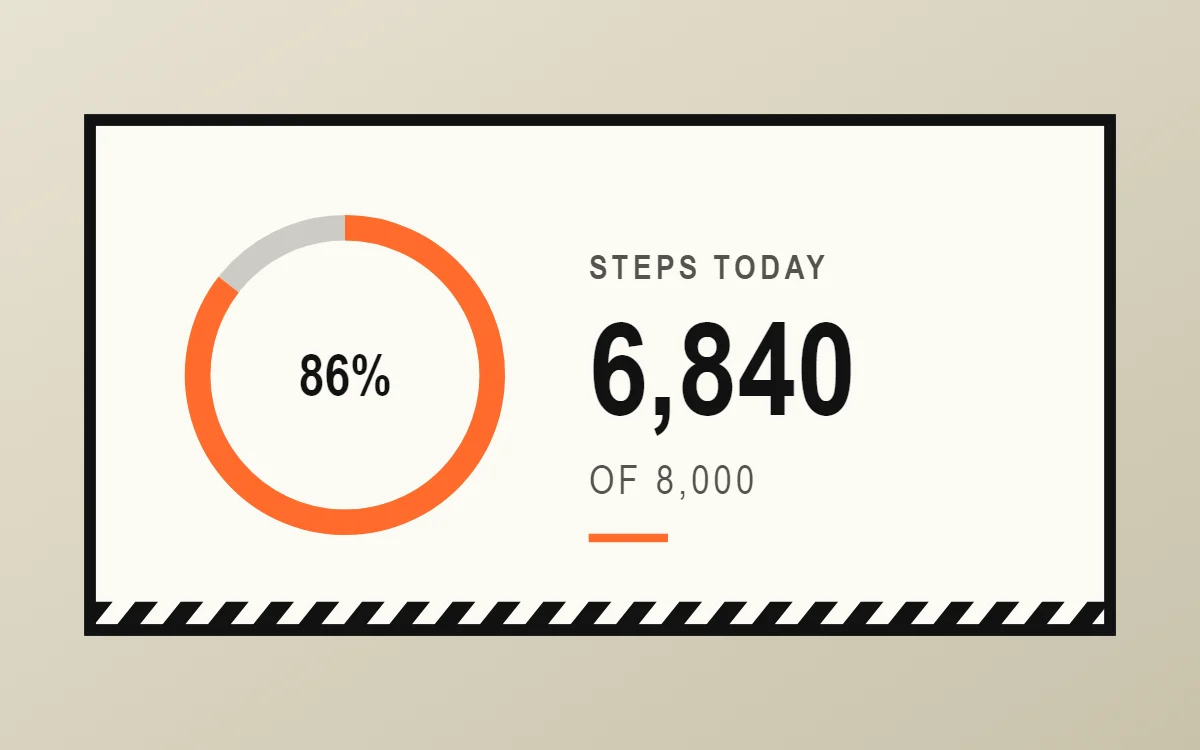 Brutalist step counter widgetData needs Pro
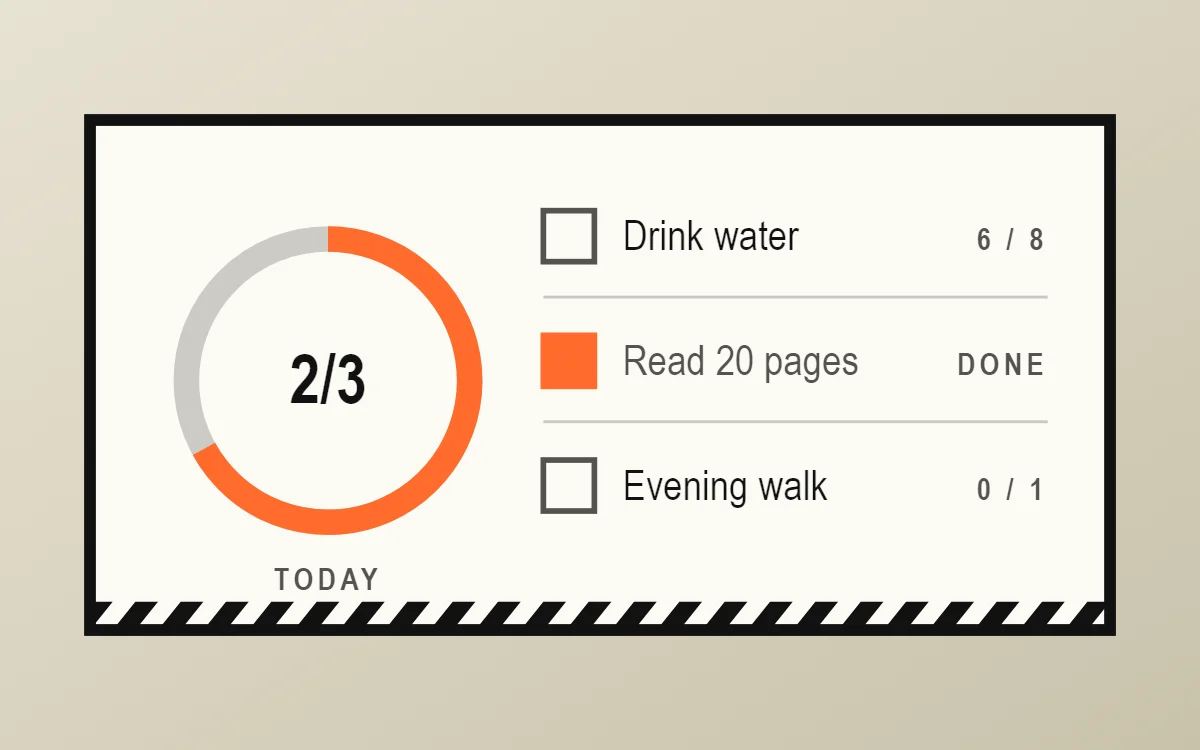 Brutalist habit tracker widgetFree to build
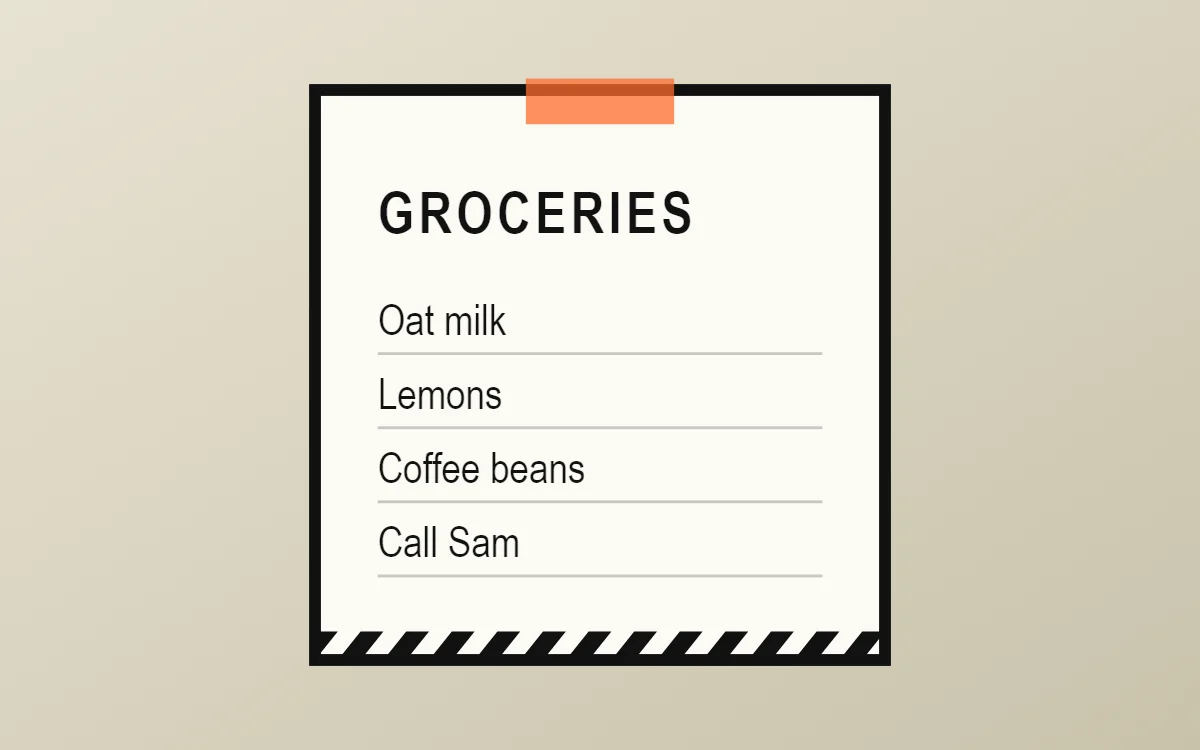 Brutalist sticky note widgetFree to build
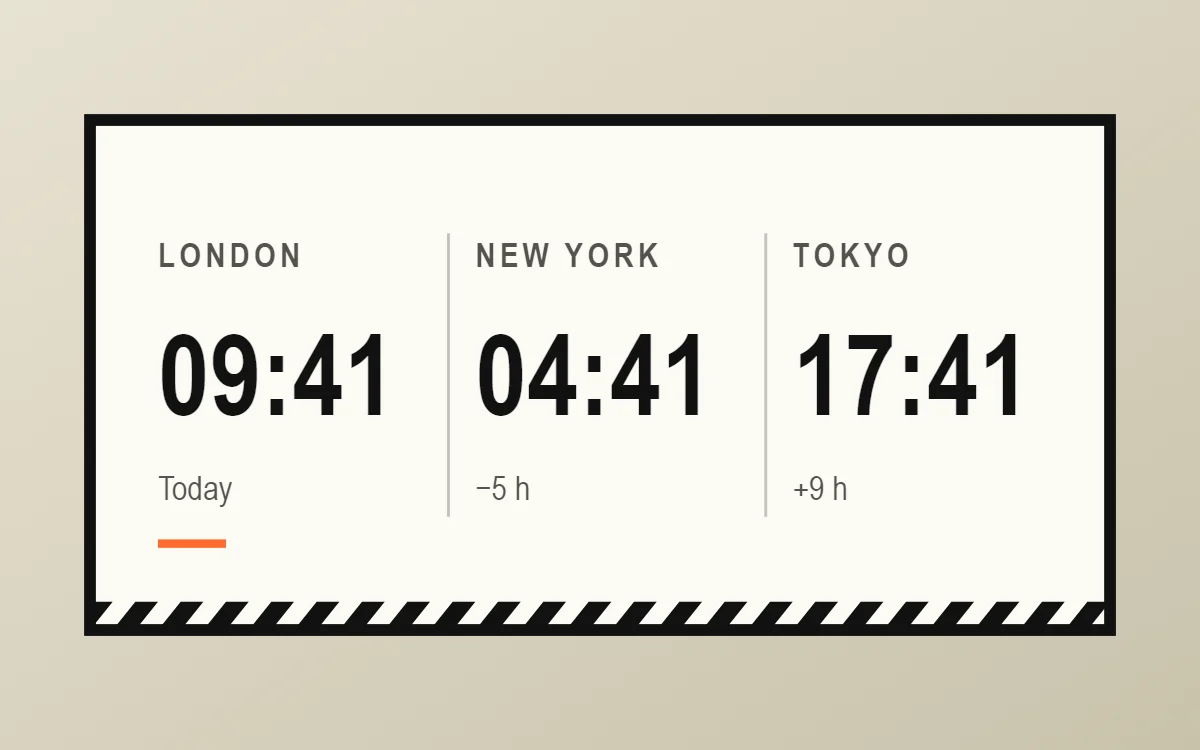 Brutalist world clock widgetFree to build
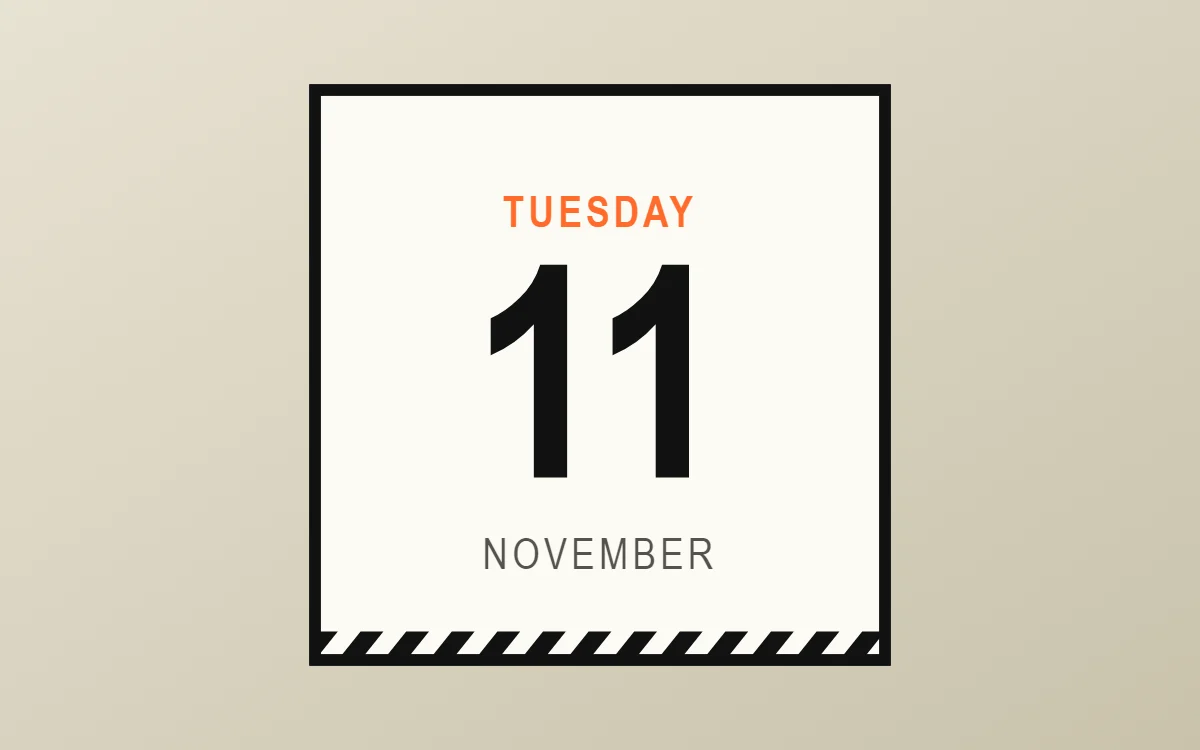 Brutalist date widgetFree to build
The brutalist palette
- Concrete white
#FBFAF4Background - Raw paper
#EFEDE3Surface and tracks - Black
#111111Text - Soot
#55534CLabels - Hazard orange
#FF6B2CAccent
Design rules
- Text: Set every label in capitals with wide spacing, like a stencil or a shipping label.
- Numbers: Make numerals huge, bold and tightly packed so they almost touch the frame.
- Bars and rings: Draw progress as solid blocks or a thick bar with square ends, never rounded.
- Photos: Use high-contrast black-and-white photos with a thick border and no rounded corners.
- Lists: Separate rows with full-width black rules and use square checkboxes.
Do
- Keep corner radius at 0 and outlines at 3 to 4 points.
- Use one loud accent against black and off-white.
Avoid
- Do not add shadows, gradients or transparency.
- Do not use light font weights.
Wallpaper and icons
A flat off-white, concrete grey or solid orange wallpaper works best. Photos of raw concrete or architecture also fit.
Choose a black glyph or outline icon pack; hide labels if your launcher allows it.
Questions
What colors suit brutalist widgets?
Start with Concrete white (#FBFAF4) for the background, Black (#111111) for text and Hazard orange (#FF6B2C) as the accent.
Which font works for brutalist widgets?
Use Bebas Neue (import the font file), or the built-in Condensed, at weight 700 with labels in capitals.
Does WidgetCraft have brutalist widgets ready to use?
Yes. The Brutalist template pack has 4 templates you can import and edit.