 WidgetCraftGet the app
Widget maker for Android: design your own widgets
WidgetCraft is a visual widget maker. Start from a template or a blank canvas, style every layer and put the result on your home screen.
Get it on Google Play Browse styles
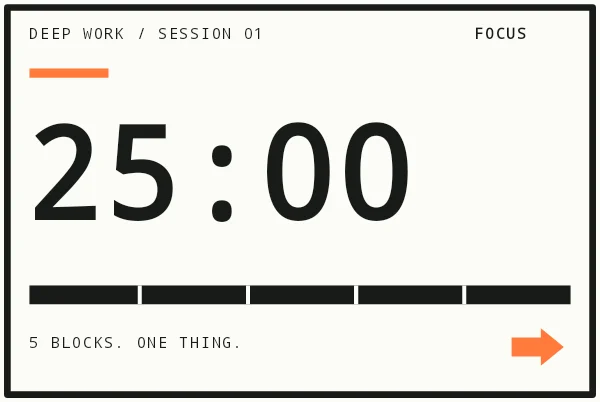
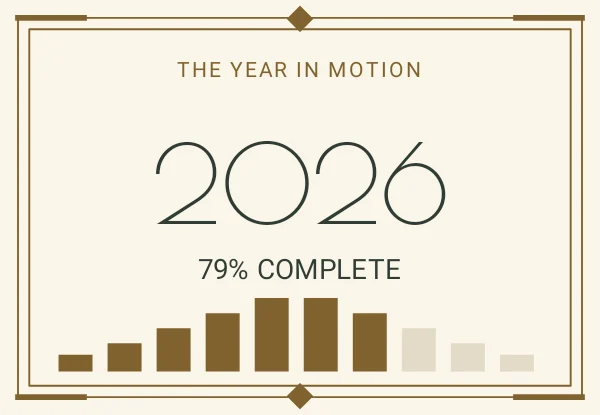
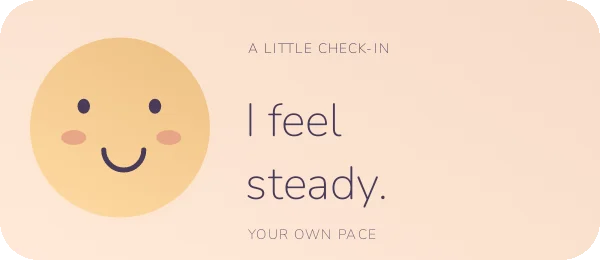
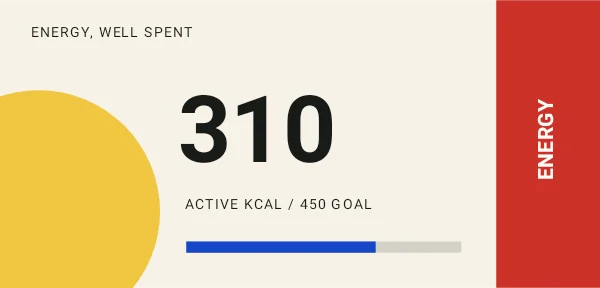
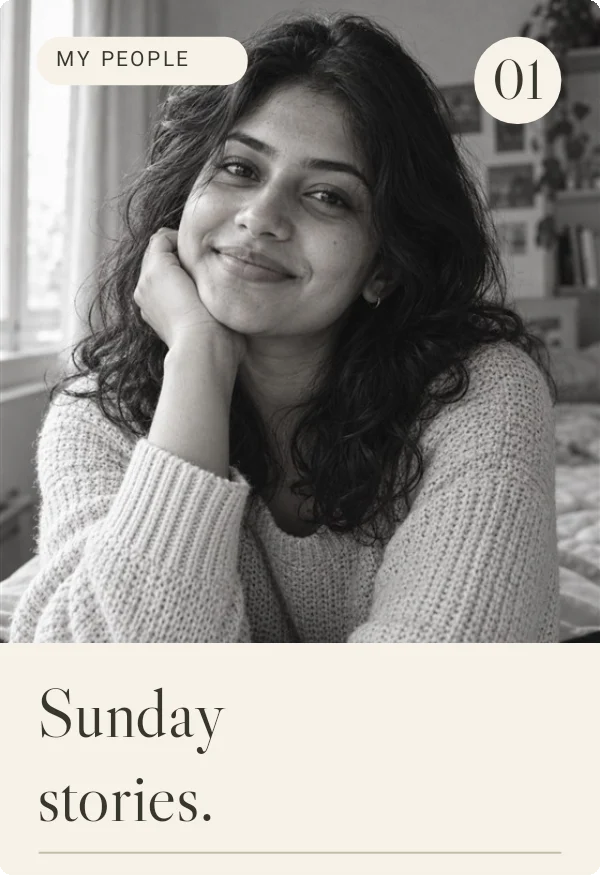

Real WidgetCraft templates shown with example data.
Find your style
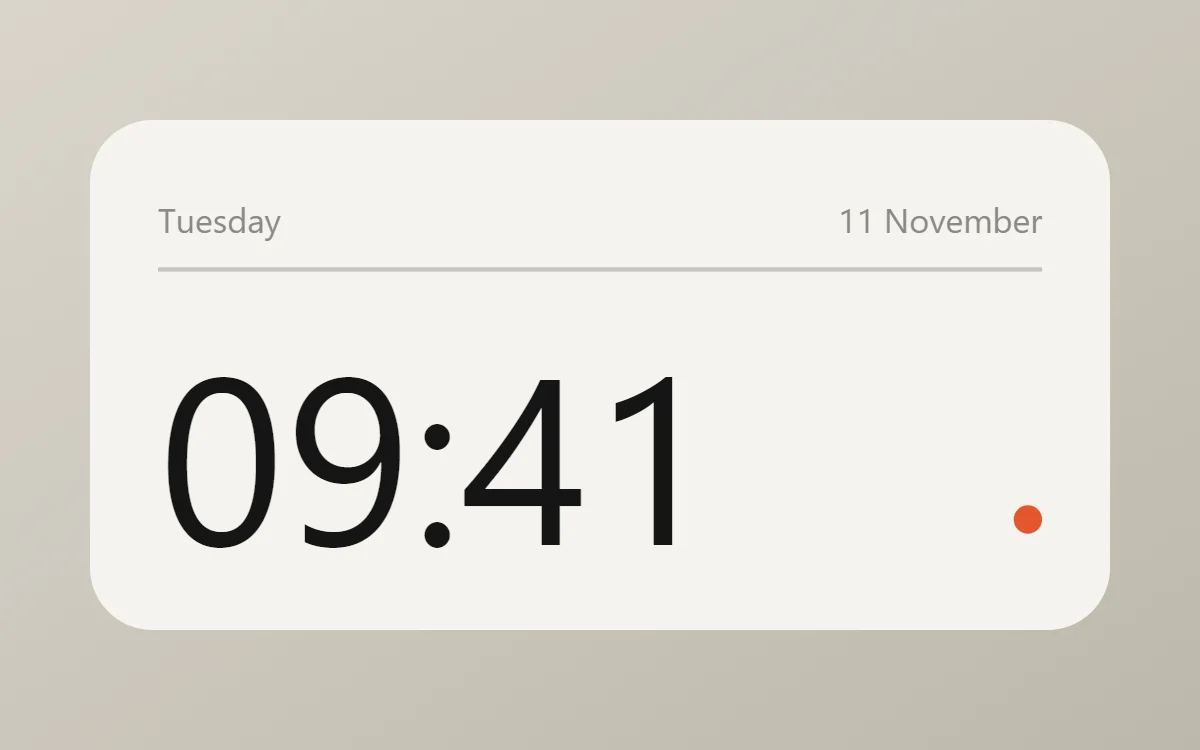 Minimal widgetsQuiet layouts, one accent color and plenty of empty space.
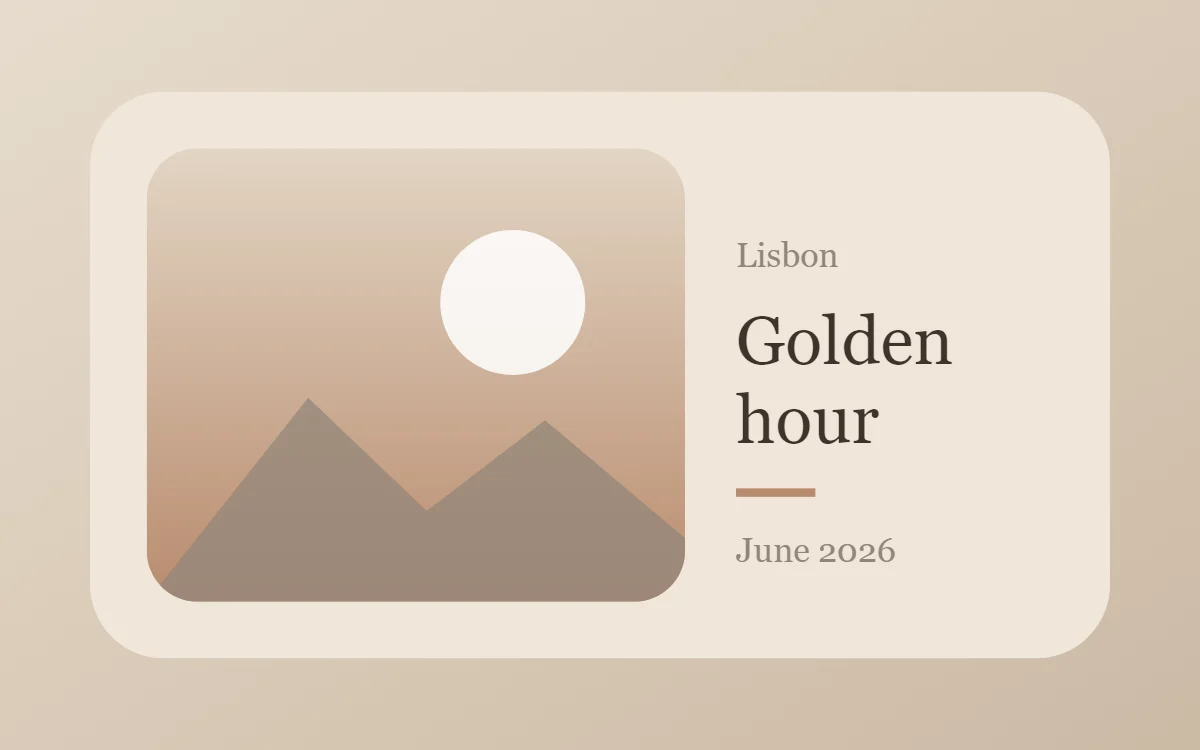 Aesthetic widgetsMuted, photo-led layouts with soft neutrals and a curated feel.
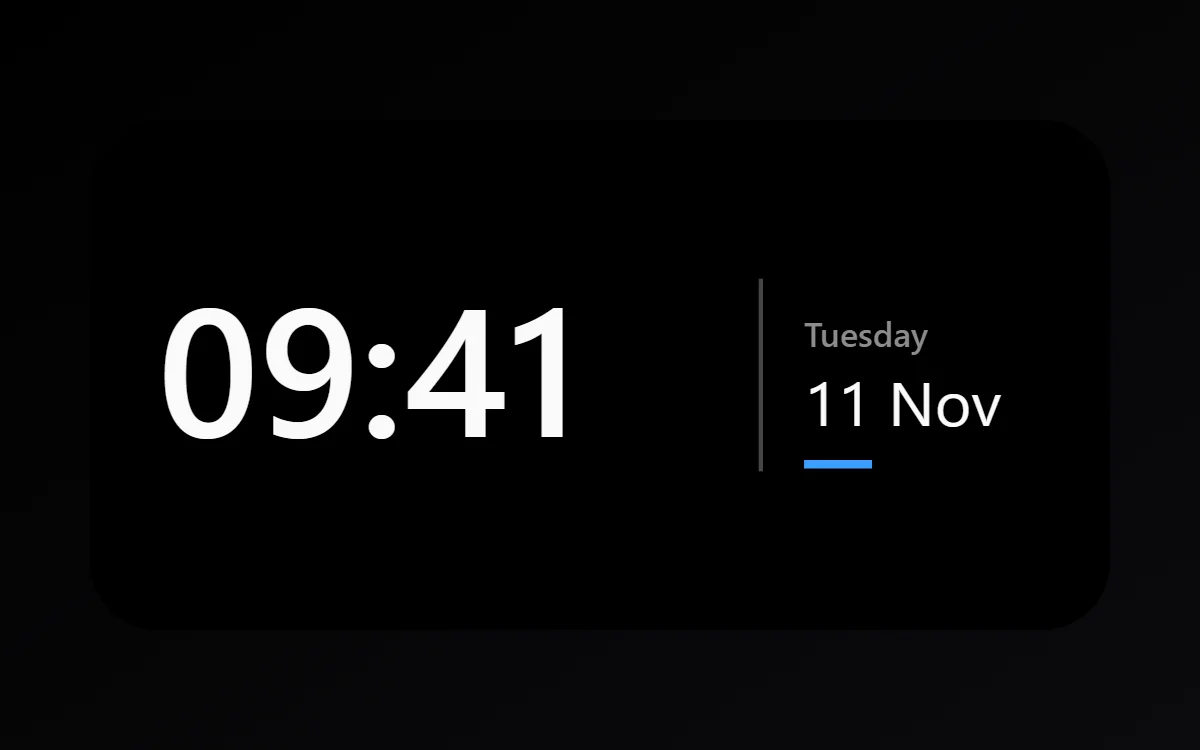 Dark widgetsTrue black backgrounds with white type for OLED screens.
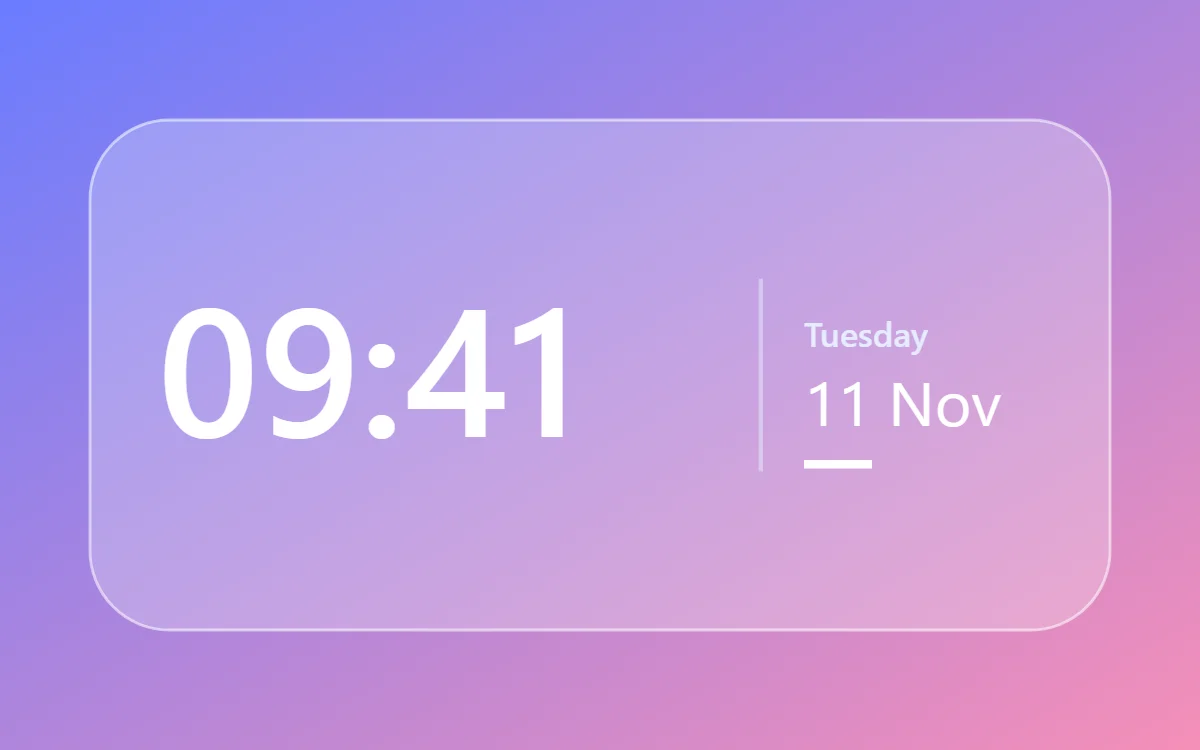 Glass widgetsTranslucent panels with a thin light border over a colorful wallpaper.
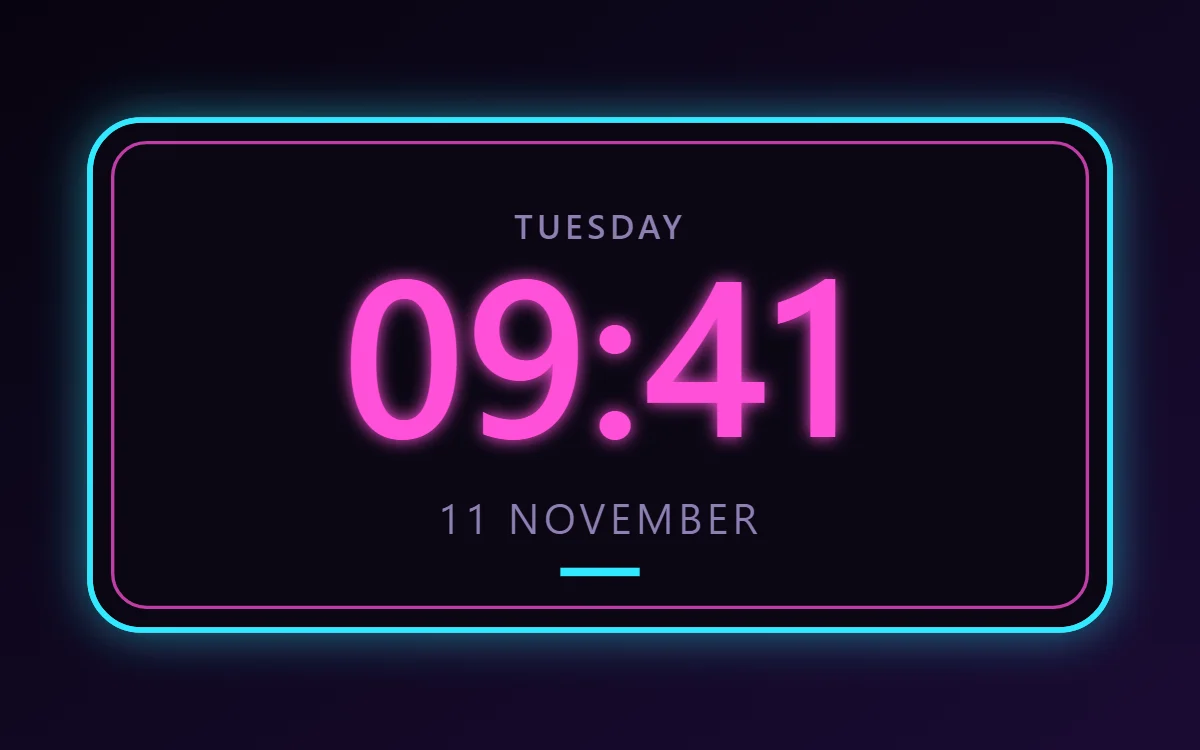 Neon widgetsGlowing pink and cyan outlines on near-black.
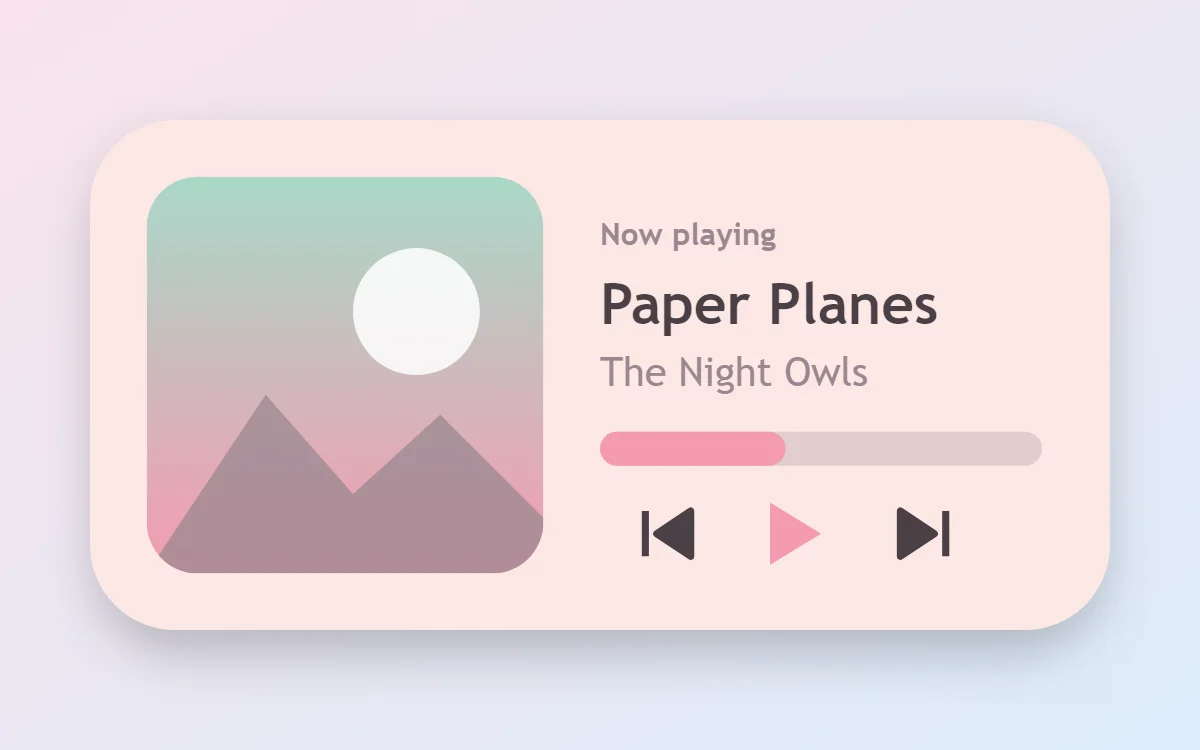 Pastel widgetsGentle tints, rounded shapes and a calm, friendly tone.
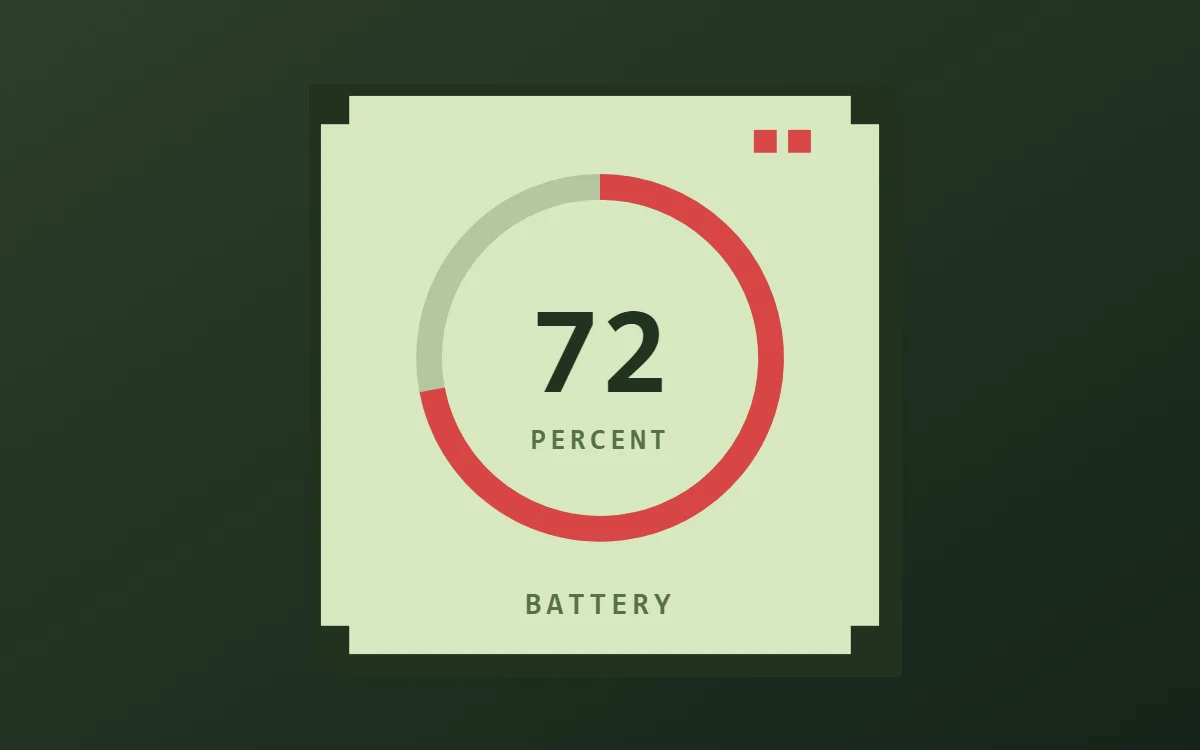 Pixel art widgets8-bit game screens: pixel fonts, chunky meters and limited palettes.
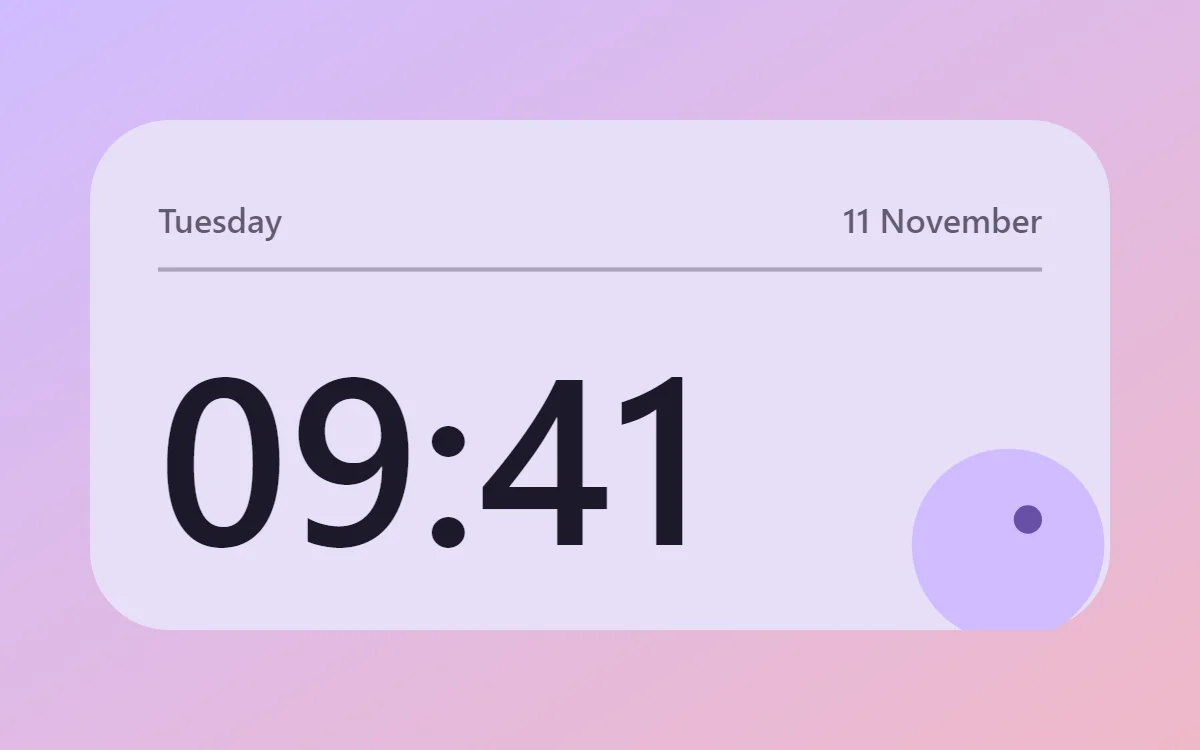 Material You widgetsAndroid 12-style tonal colors, large rounded shapes and friendly type.
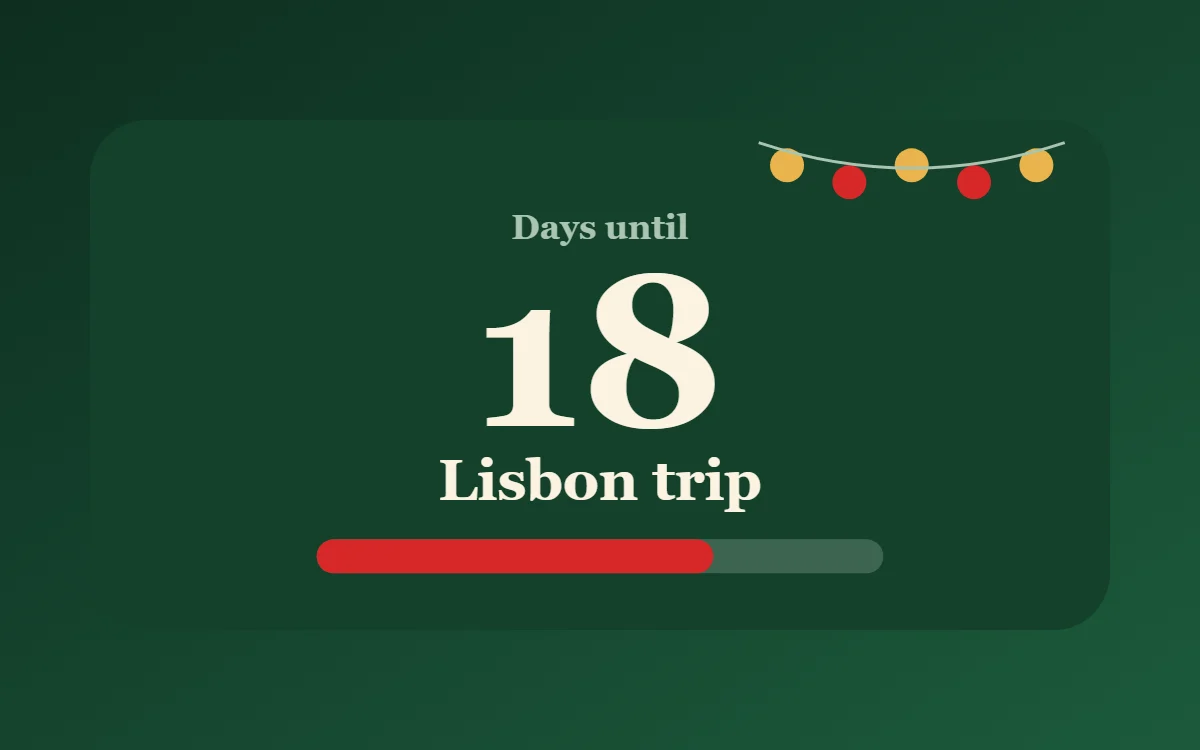 Christmas widgetsDeep green, red and gold for December.
Pick a widget
How it works
- Start. Import a template or create a blank widget.
- Design. Add text, clocks, shapes, rings, photos and lists. Change colors, fonts and sizes with a live preview.
- Place. Save and add the widget to your home screen.
Free, with a one-time upgrade
The editor, time, date, battery and local tasks are free, with up to ten saved widgets. Pro is a single purchase that removes ads and limits and adds calendar, music, fitness and web connections. Compare free and Pro.
Guides
- How to add a widget to your Android home screen
- How to resize a widget on Android
- Android widget sizes explained: 2×2, 4×1, 4×2 and 4×4
- Widgets and app shortcuts: what is the difference?
- How to make your own Android widget without coding
- How to make a transparent widget on Android
- How to choose colors for home screen widgets
- How to choose fonts for widgets
- All posts