 WidgetCraftGet the app
Styles with a ready-made WidgetCraft pack
Pixel art widgets for Android
8-bit game screens: pixel fonts, chunky meters and limited palettes. Pixel art widgets look like a handheld game console from the late 1980s. Text uses a pixel font, progress is shown as blocks or hearts, and the palette is a few flat greens or bright arcade colors.
Also known as: 8-bit widgets, retro pixel widgets, pixel widgets, game style widgets.
Ready-made Retro Pixel templates in WidgetCraft
These are real templates from the app's Retro Pixel pack. Import one, then change any layer.
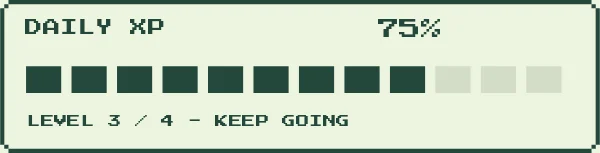
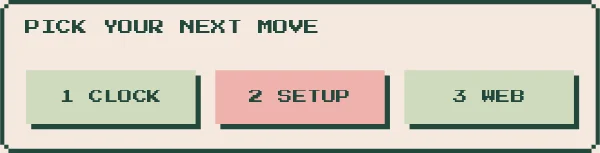

Pixel art widget recipes
Each recipe has a preview, exact colors and layer-by-layer steps.
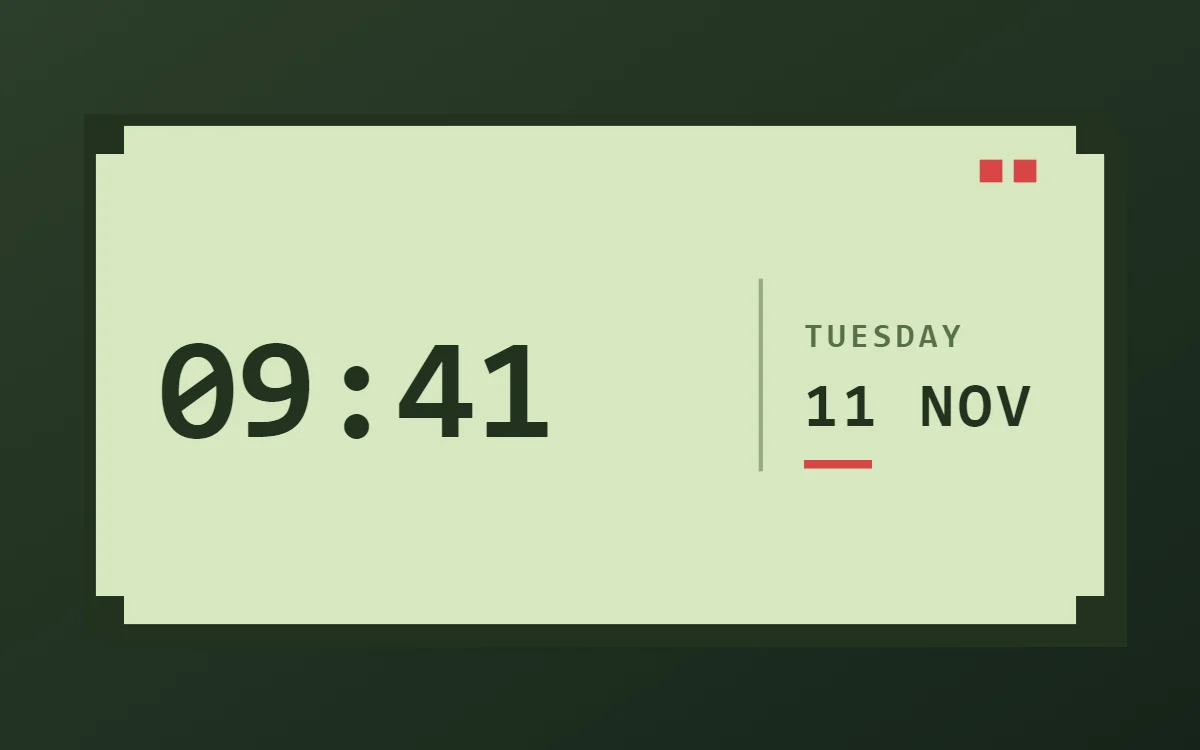 Pixel art clock widgetFree to build
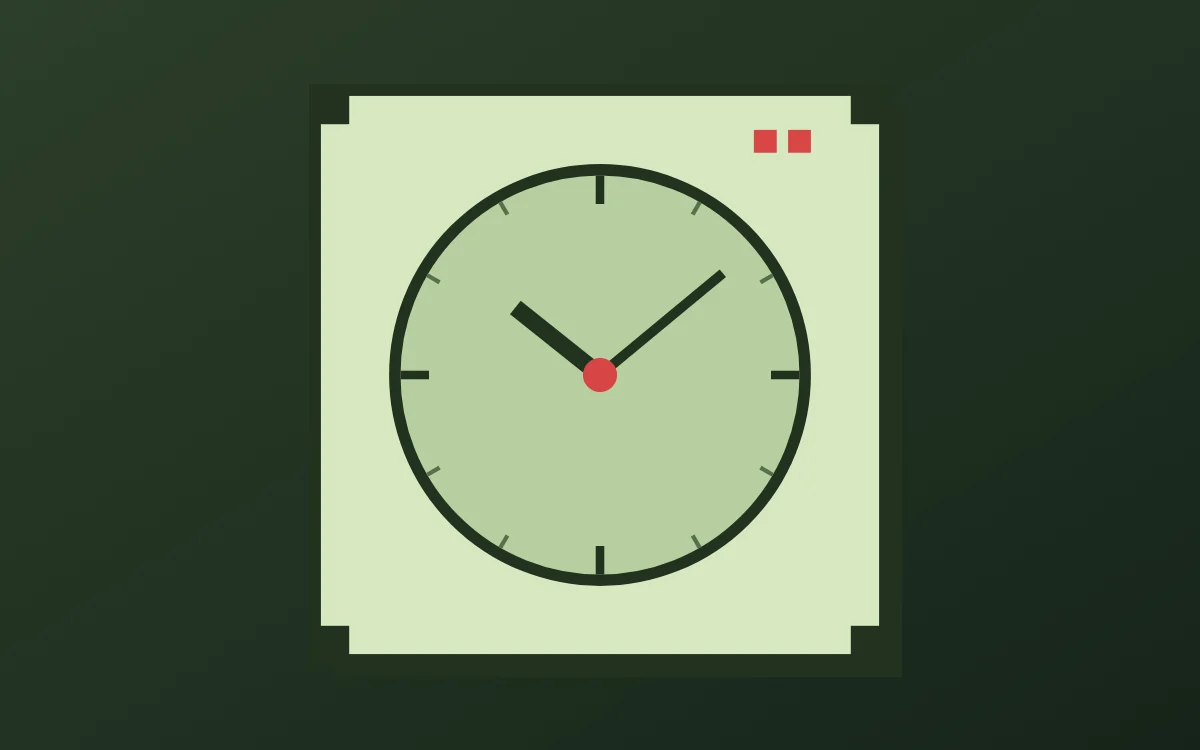 Pixel art analog clock widgetFree to build
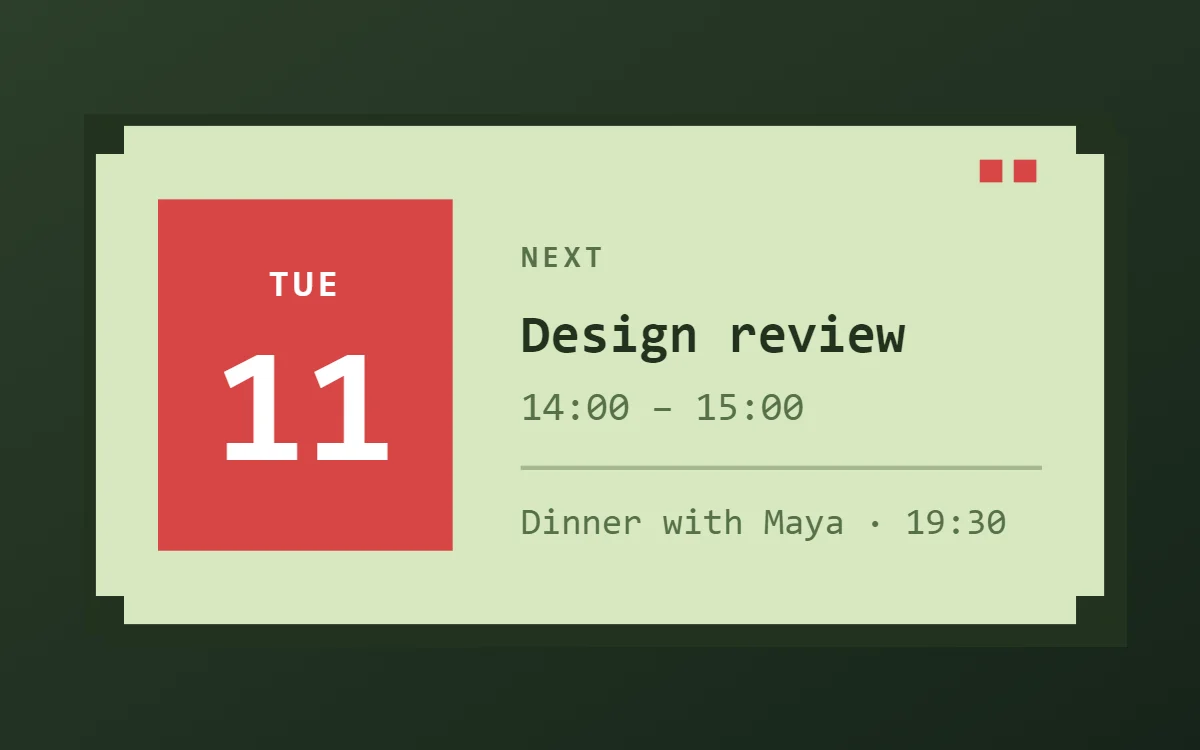 Pixel art calendar widgetData needs Pro
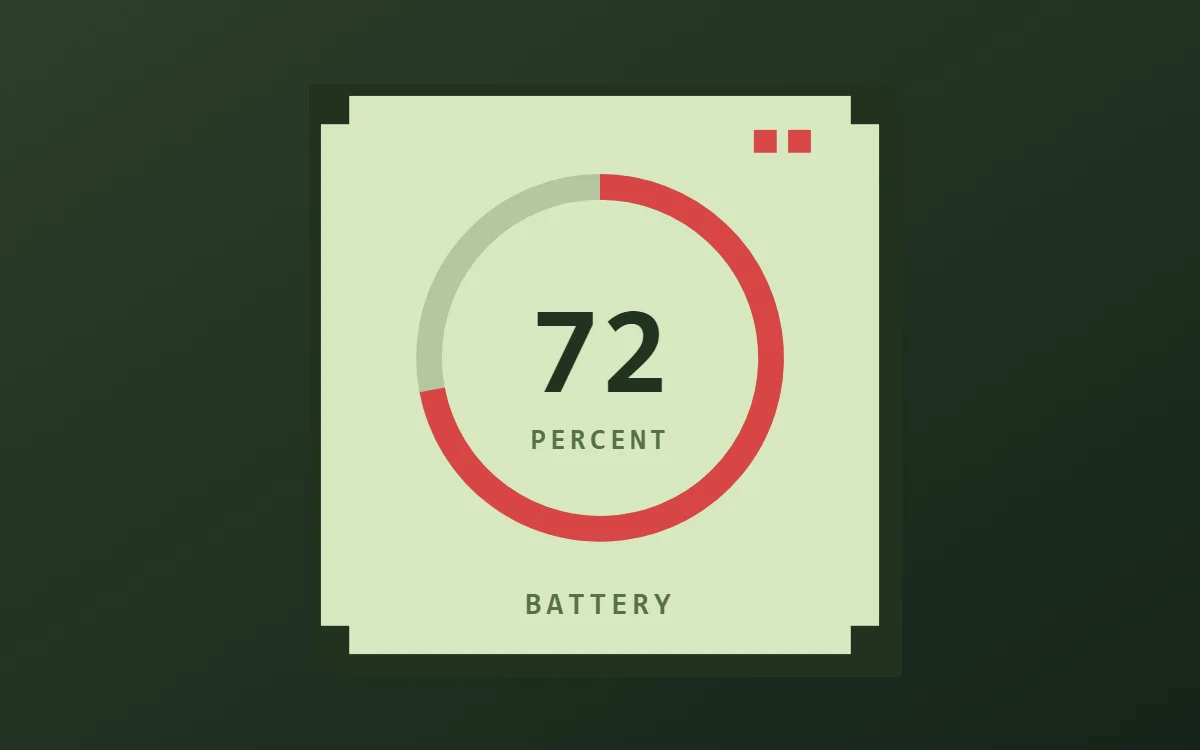 Pixel art battery widgetFree to build
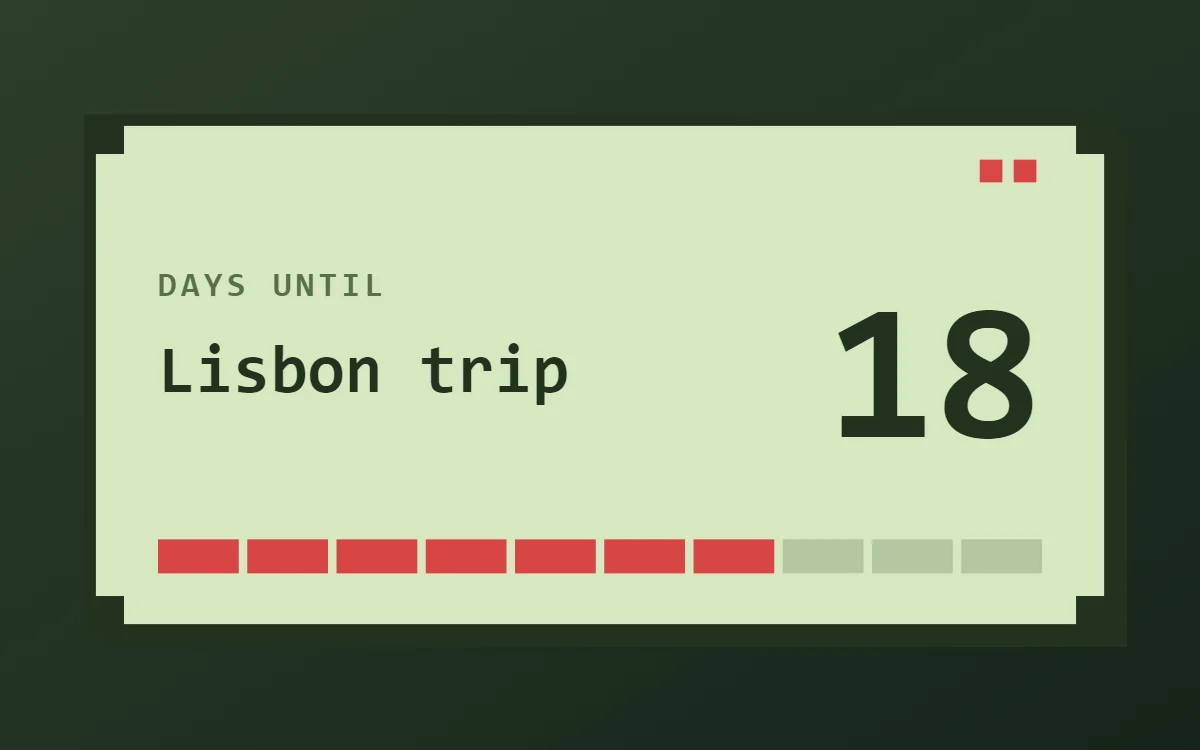 Pixel art countdown widgetFree to build
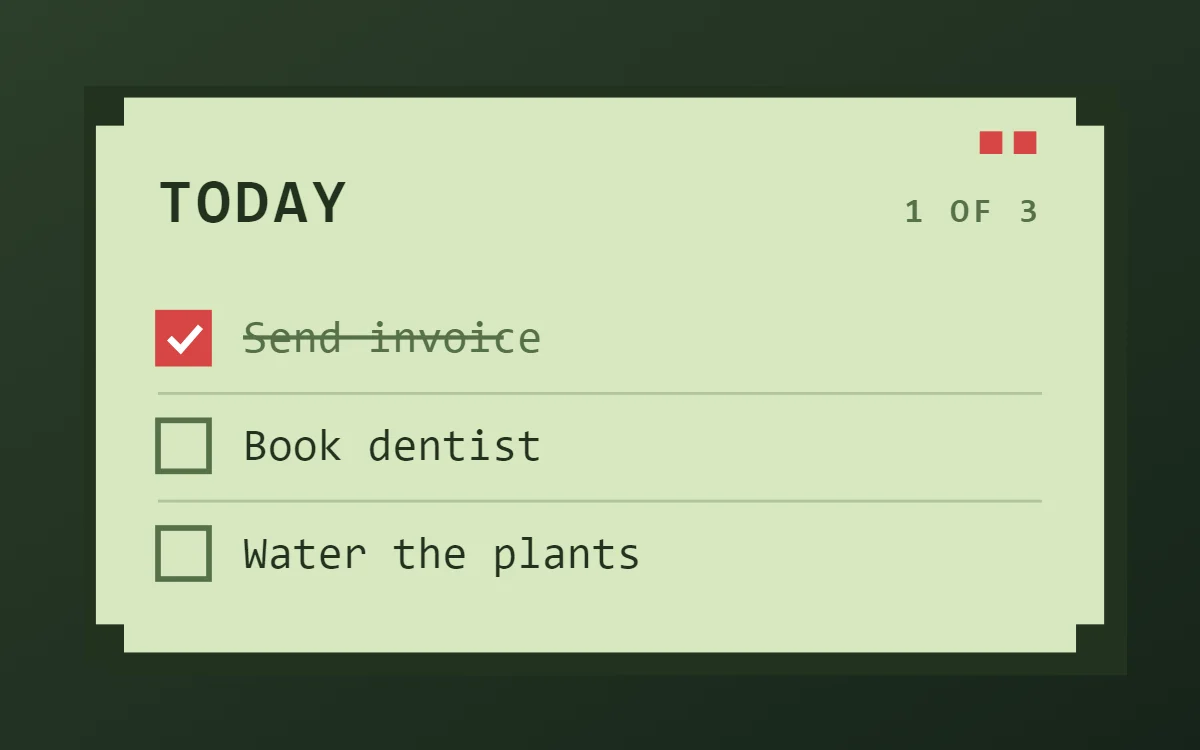 Pixel art to-do list widgetFree to build
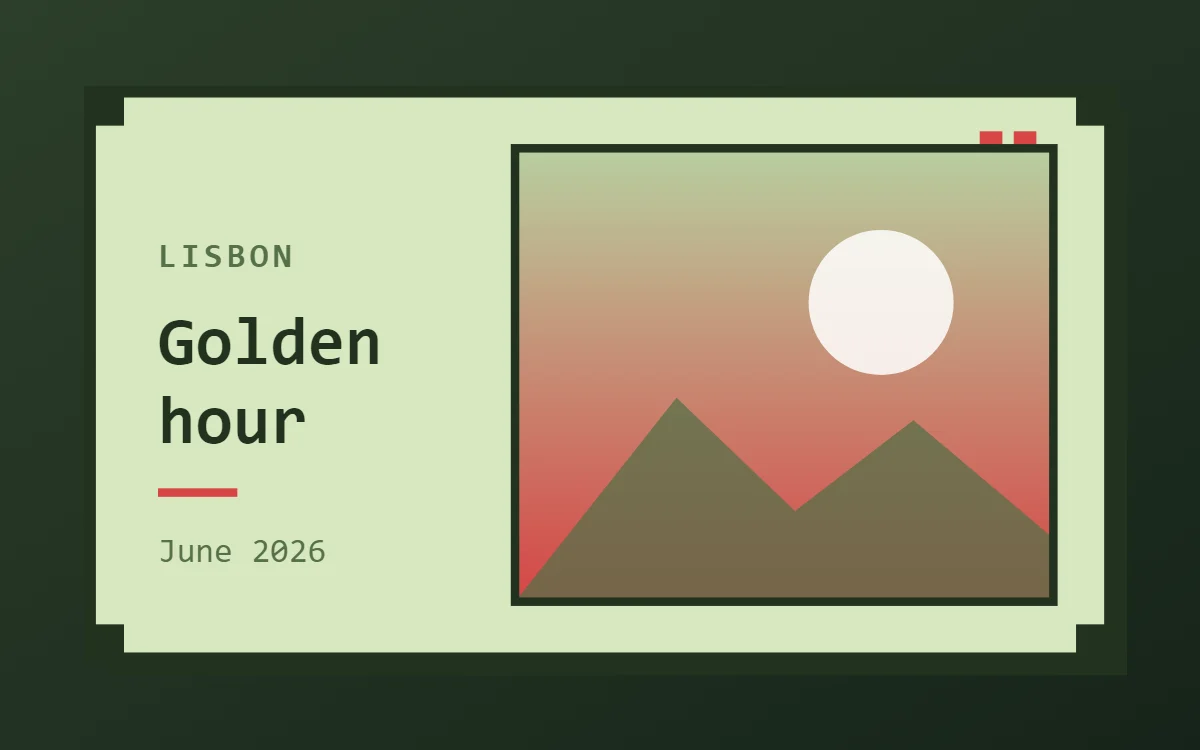 Pixel art photo widgetFree to build
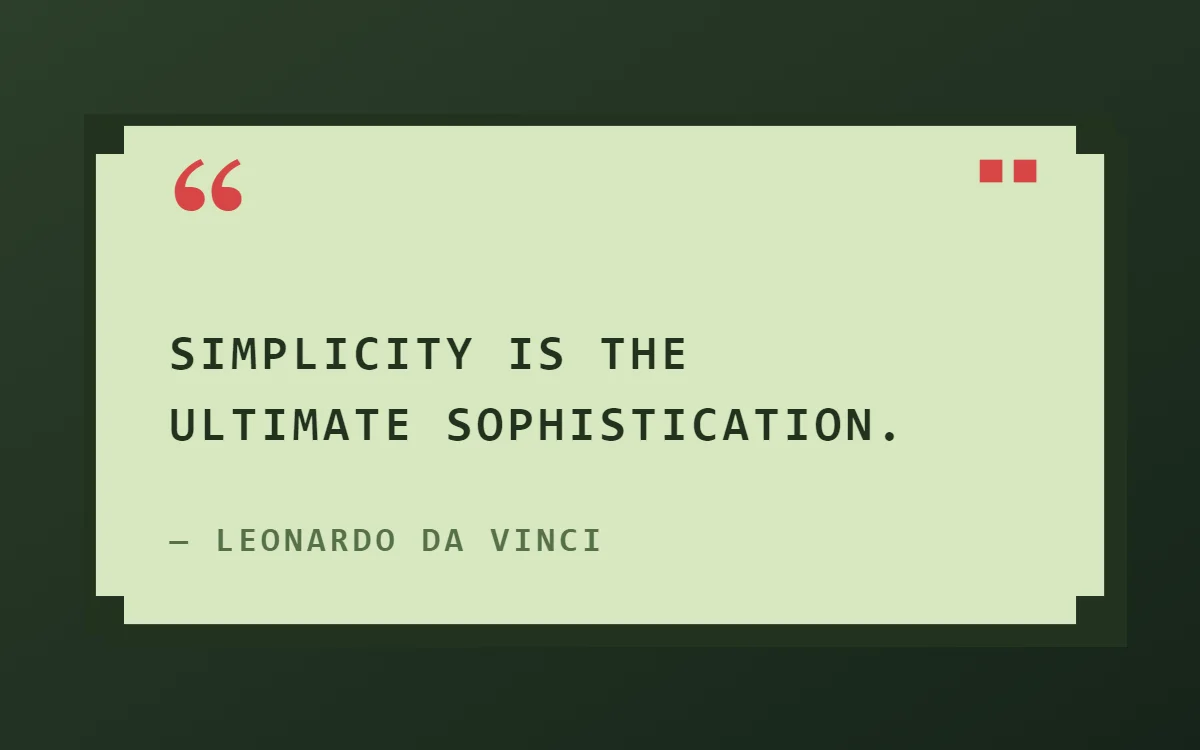 Pixel art quote widgetFree to build
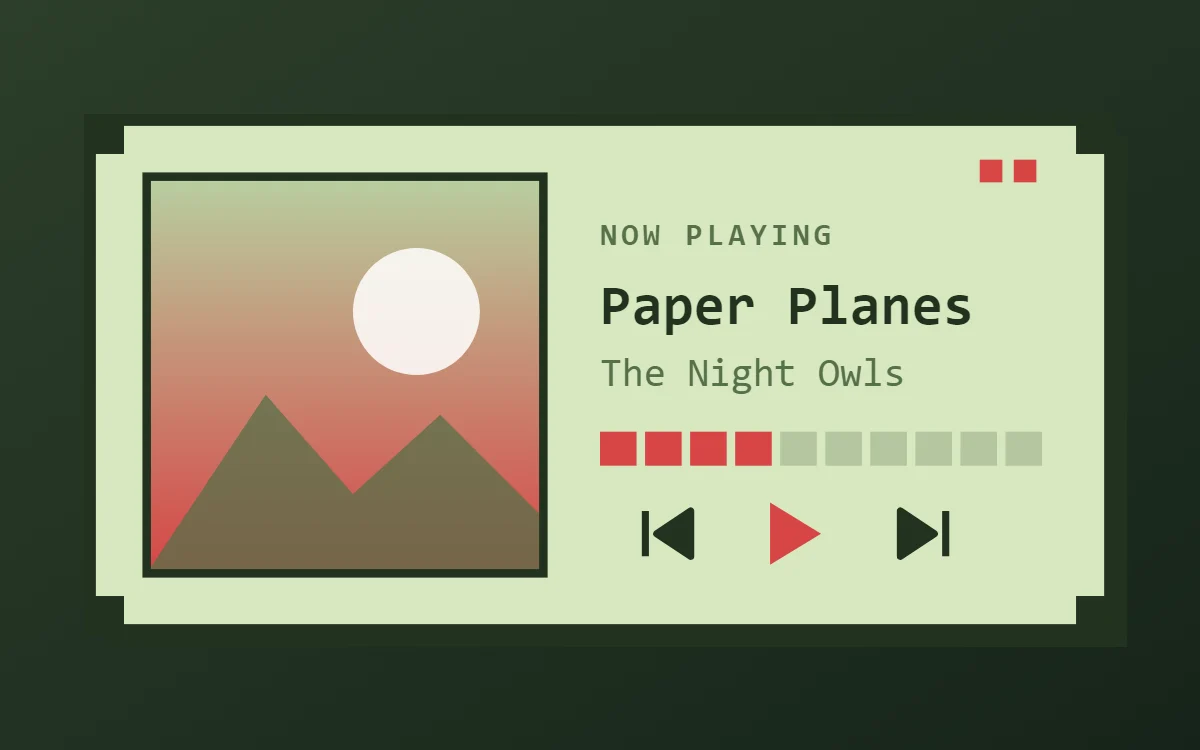 Pixel art music widgetData needs Pro
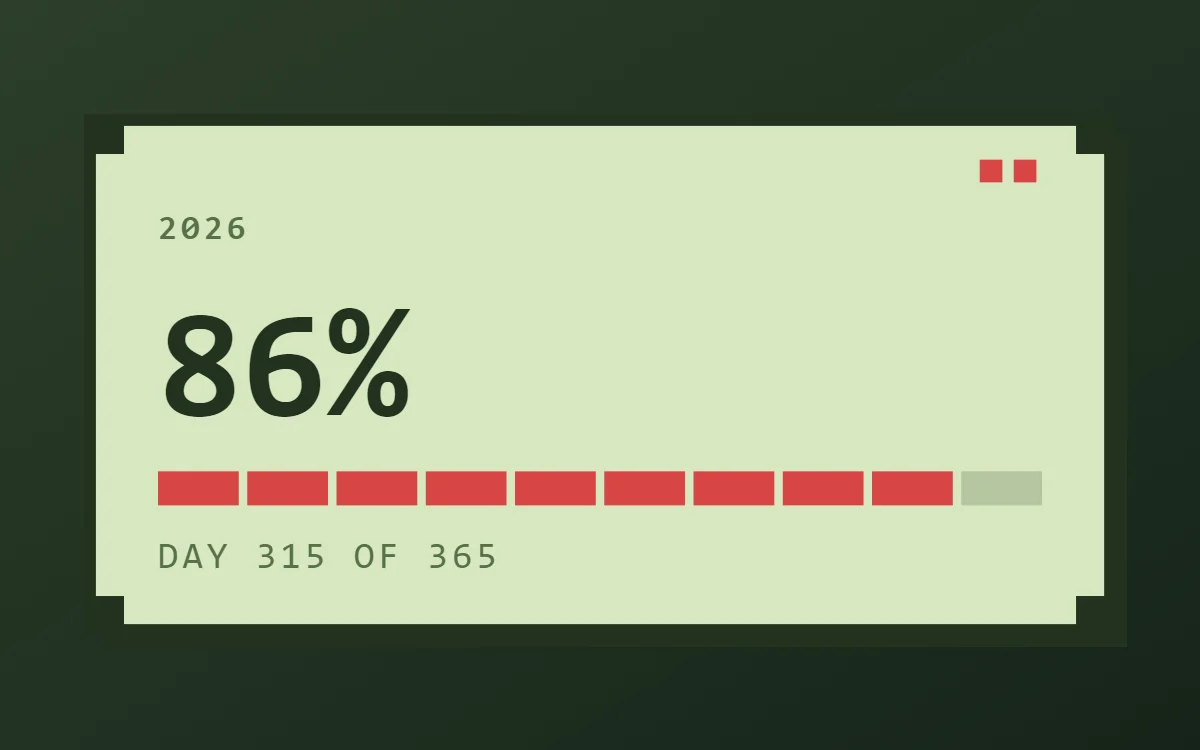 Pixel art year progress widgetFree to build
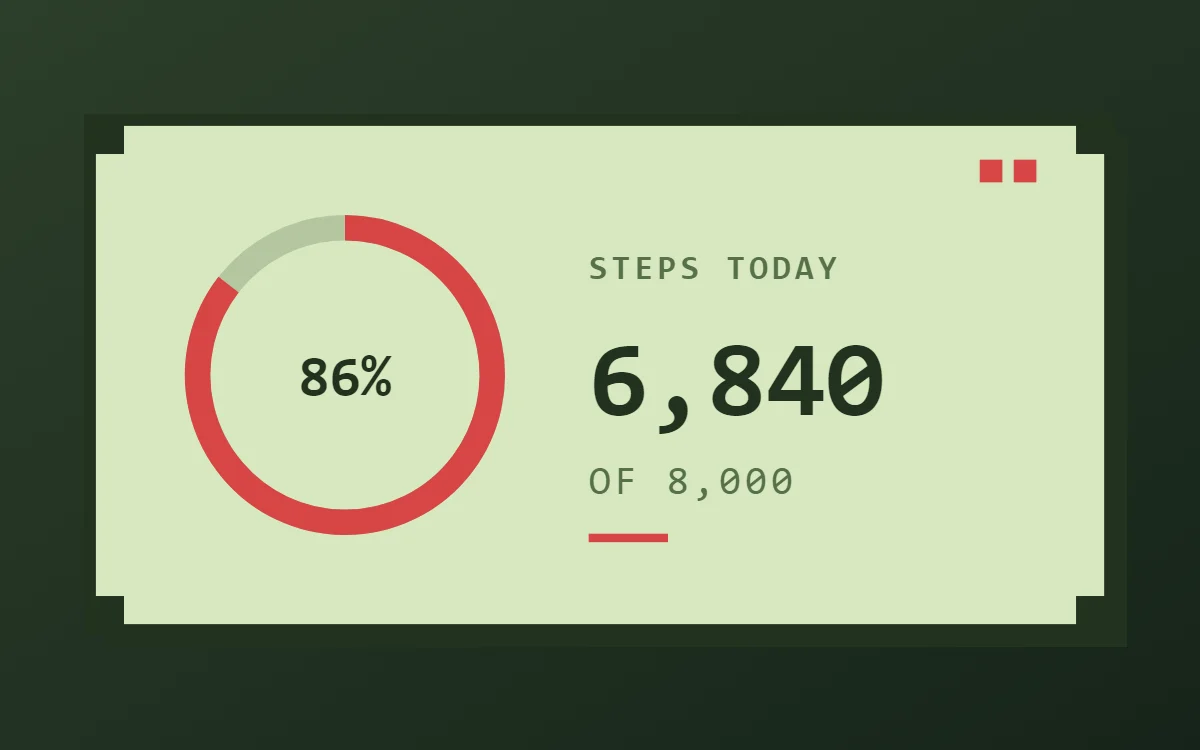 Pixel art step counter widgetData needs Pro
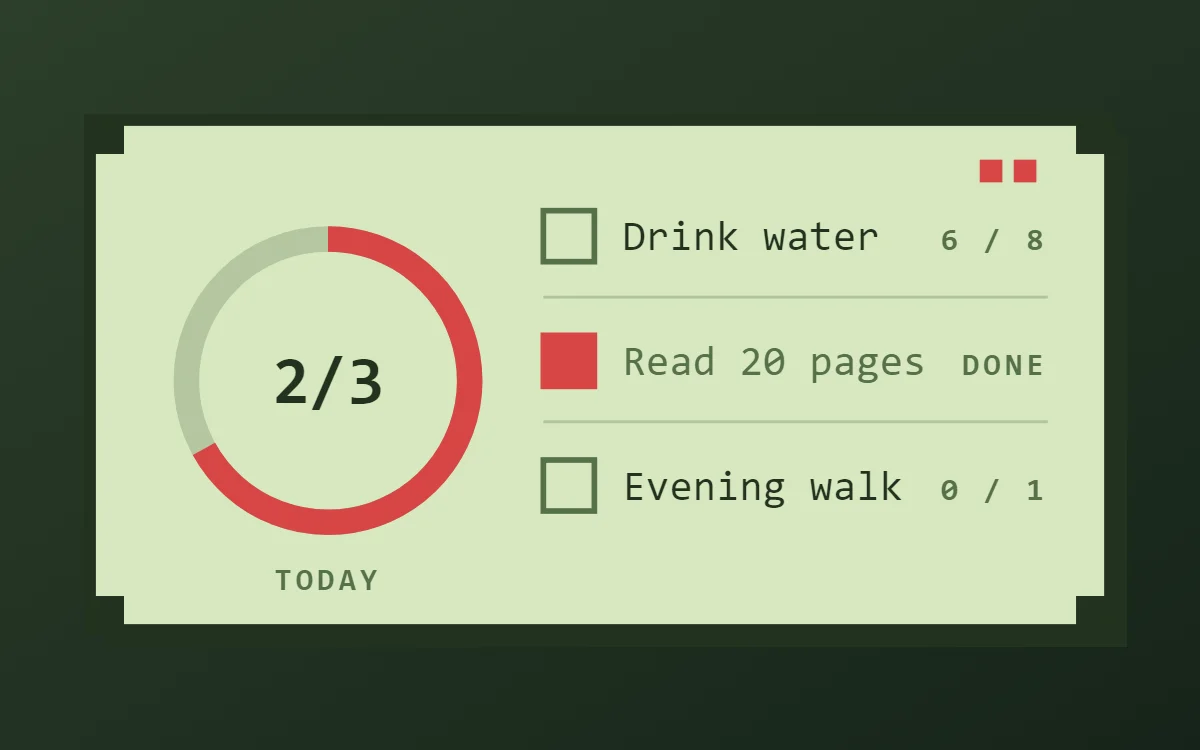 Pixel art habit tracker widgetFree to build
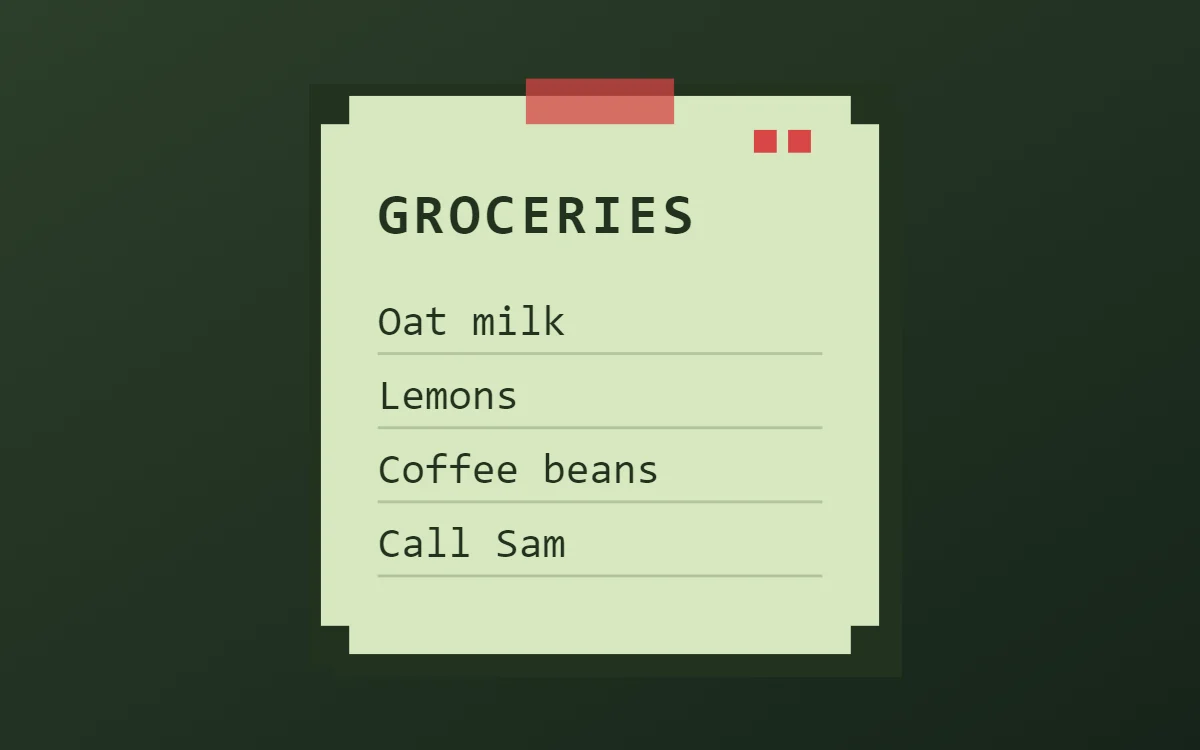 Pixel art sticky note widgetFree to build
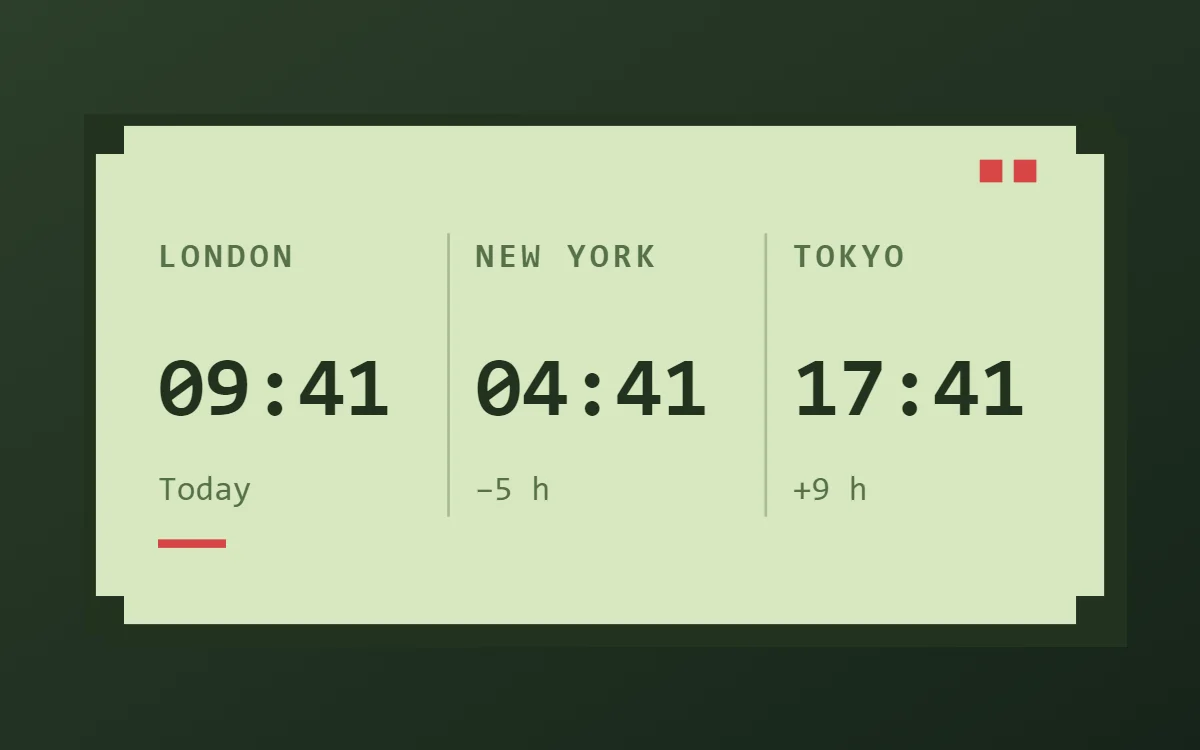 Pixel art world clock widgetFree to build
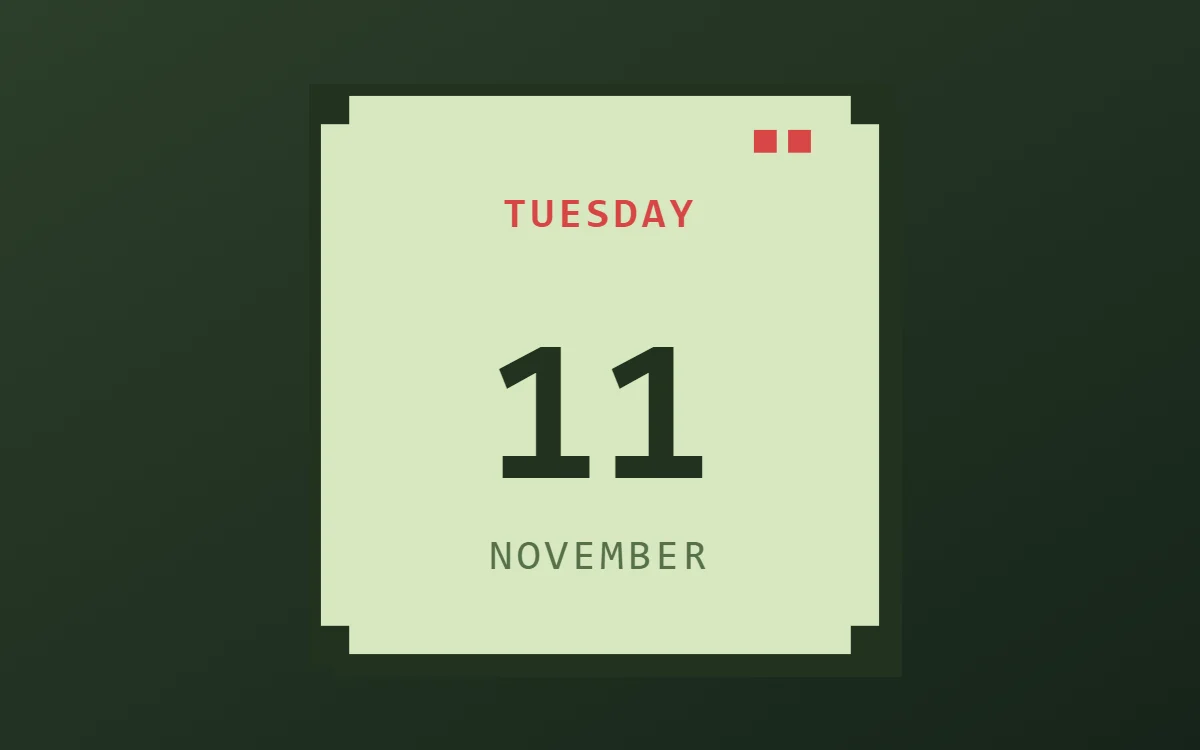 Pixel art date widgetFree to build
The pixel art palette
- Screen green
#D8E8C0Background - Mid green
#B8CFA0Surface and tracks - Dark pixel
#22331FText - Moss
#55704ALabels - Heart red
#D64545Accent
Design rules
- Text: Use a pixel font in capitals and keep words short; pixel fonts are wide.
- Numbers: Show numbers like a game score, with a short label such as LV or HP in front.
- Bars and rings: Draw meters as ten square blocks and fill them one by one.
- Photos: Avoid photos; use flat pixel sprites or a solid color block instead.
- Lists: Treat rows as a quest log with a square marker and a short capitalised title.
Do
- Import Press Start 2P or Silkscreen for authentic pixel type.
- Keep every edge square and every color flat.
Avoid
- Do not use smooth gradients or rounded corners.
- Do not use more than four colors in one widget.
Wallpaper and icons
A dark green, black or pixel-landscape wallpaper lets the bright screen color stand out.
Pixel icon packs fit best; otherwise use plain square glyphs.
Questions
What colors suit pixel art widgets?
Start with Screen green (#D8E8C0) for the background, Dark pixel (#22331F) for text and Heart red (#D64545) as the accent.
Which font works for pixel art widgets?
Use Press Start 2P (import the font file), or the built-in Mono, at weight 700 with labels in capitals.
Does WidgetCraft have pixel art widgets ready to use?
Yes. The Retro Pixel template pack has 3 templates you can import and edit.