 WidgetCraftGet the app
Aesthetic styles
Gaming HUD widgets for Android
Heads-up display panels with health bars and bright status colors. Gaming HUD widgets look like the status display of an action game: dark panels, angled corners, health-style bars and bright red, green and purple.
Also known as: gamer widgets, rgb widgets, hud widgets, esports widgets.
Gaming HUD widget recipes
Each recipe has a preview, exact colors and layer-by-layer steps.
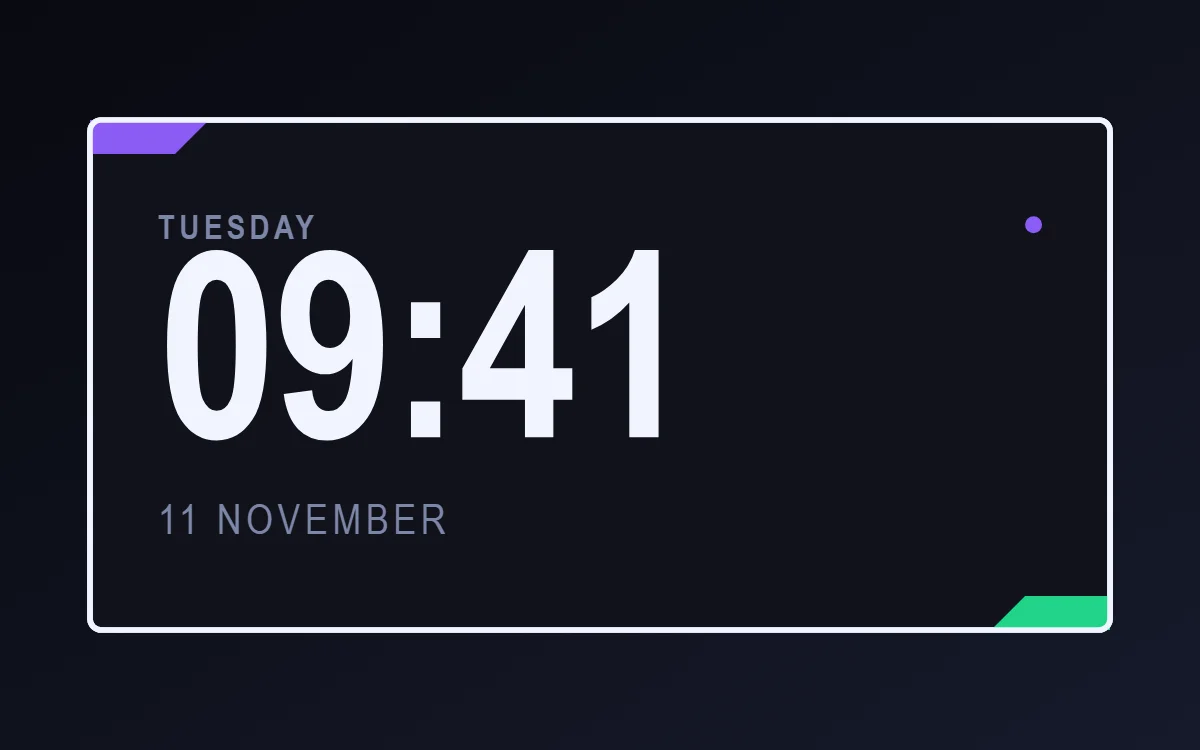 Gaming HUD clock widgetFree to build
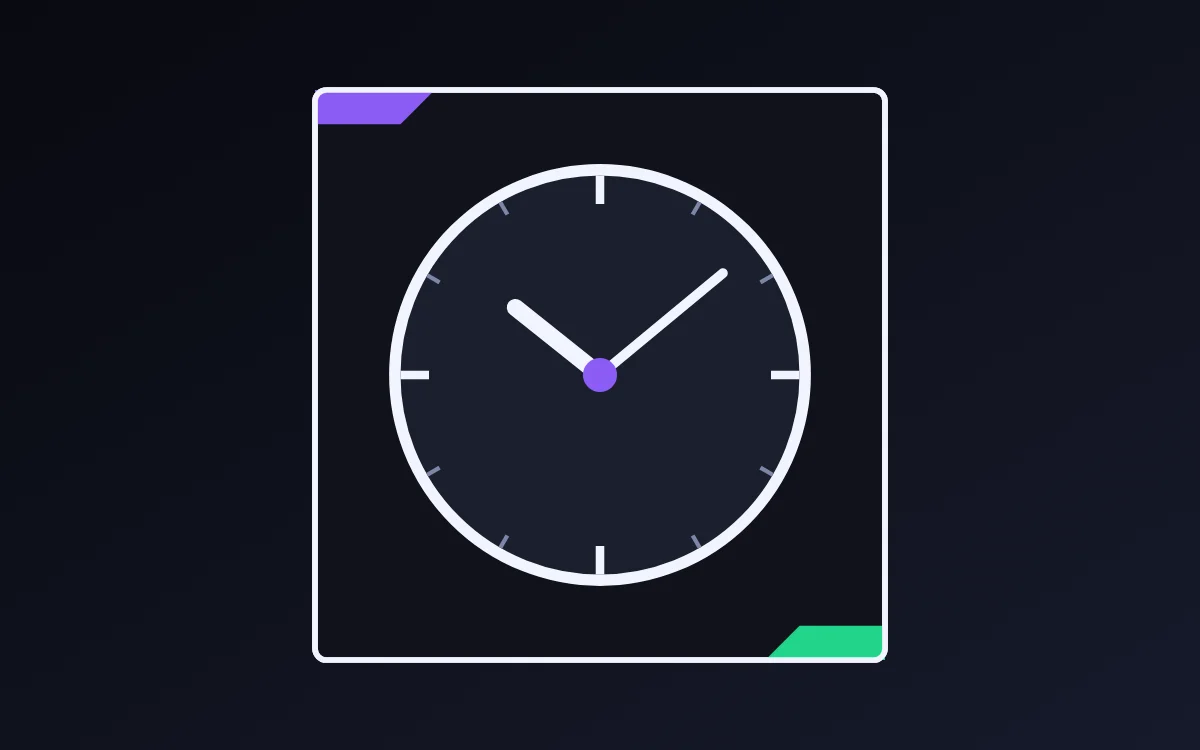 Gaming HUD analog clock widgetFree to build
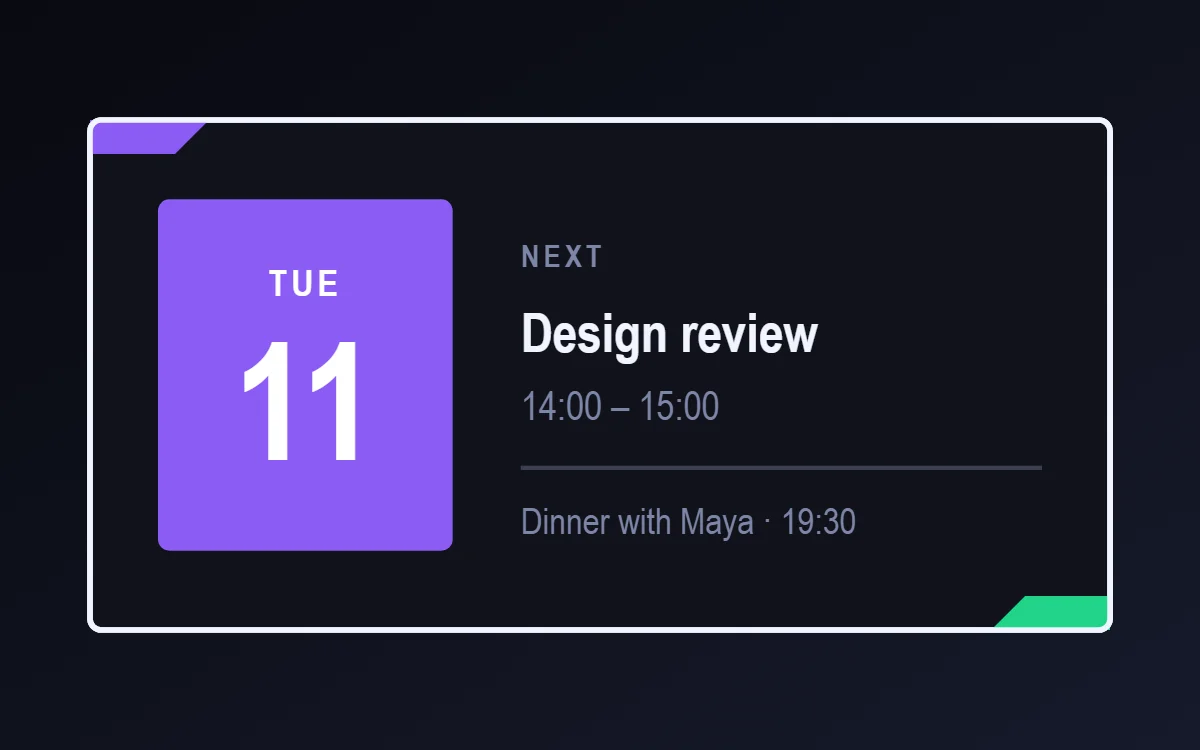 Gaming HUD calendar widgetData needs Pro
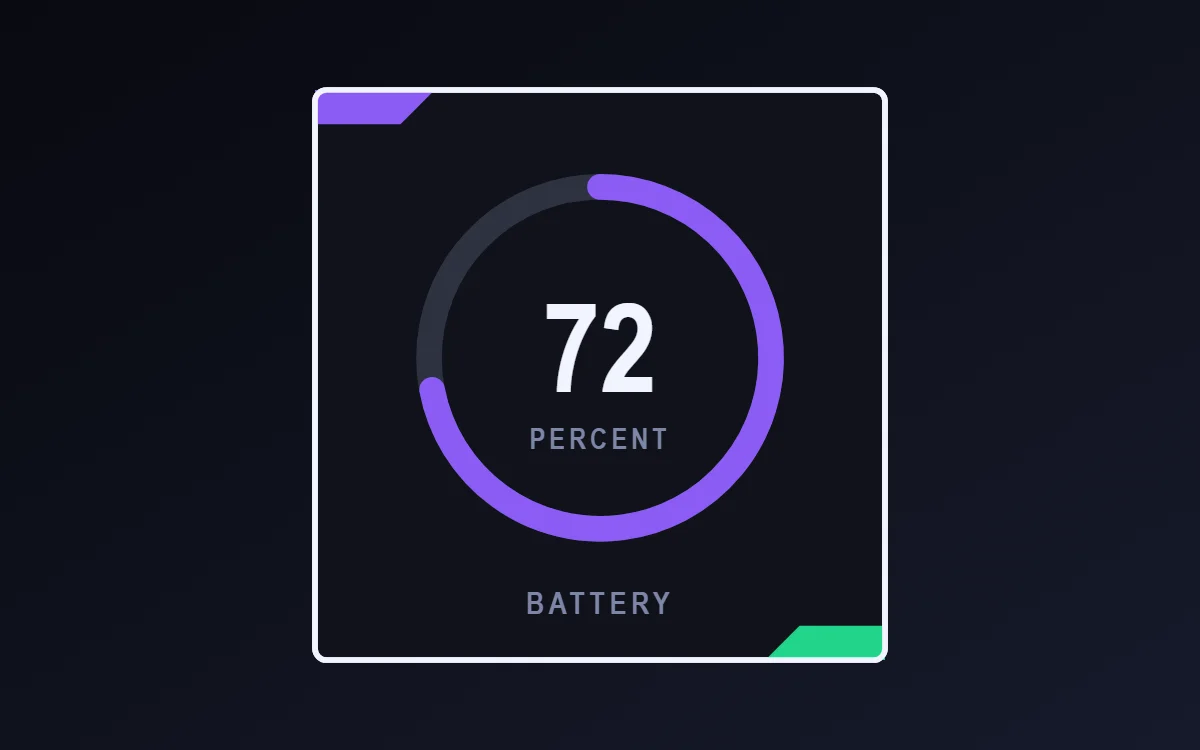 Gaming HUD battery widgetFree to build
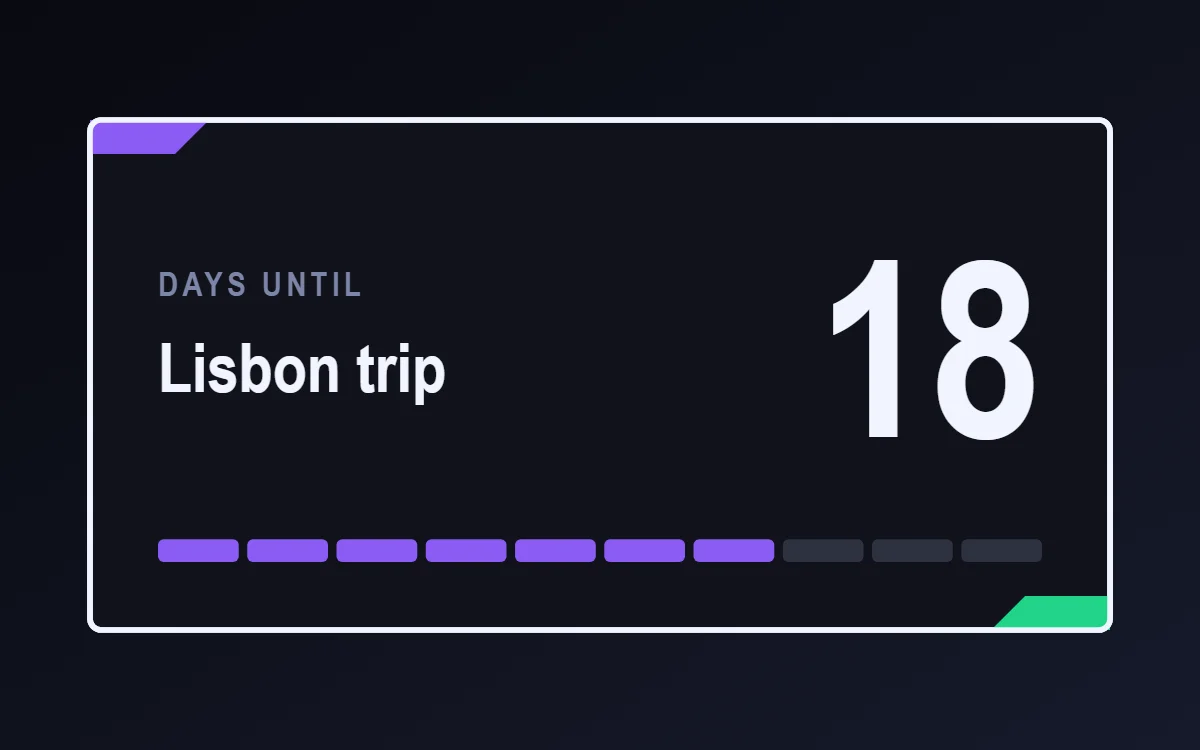 Gaming HUD countdown widgetFree to build
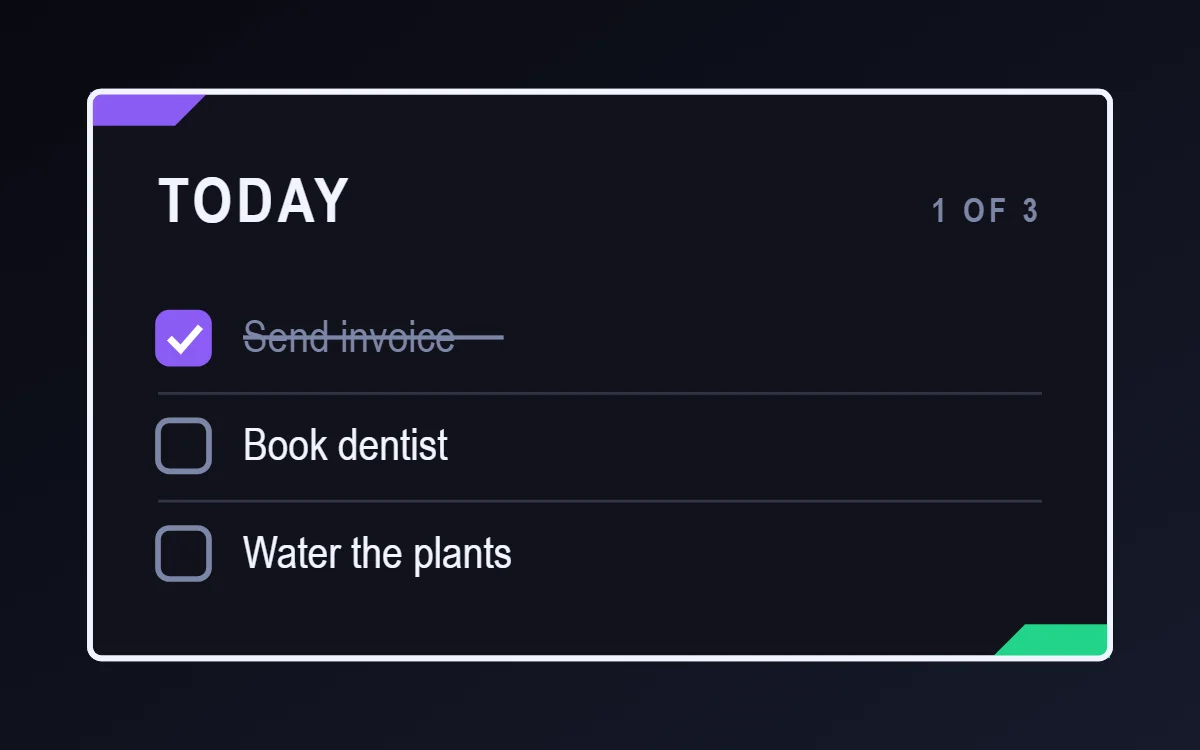 Gaming HUD to-do list widgetFree to build
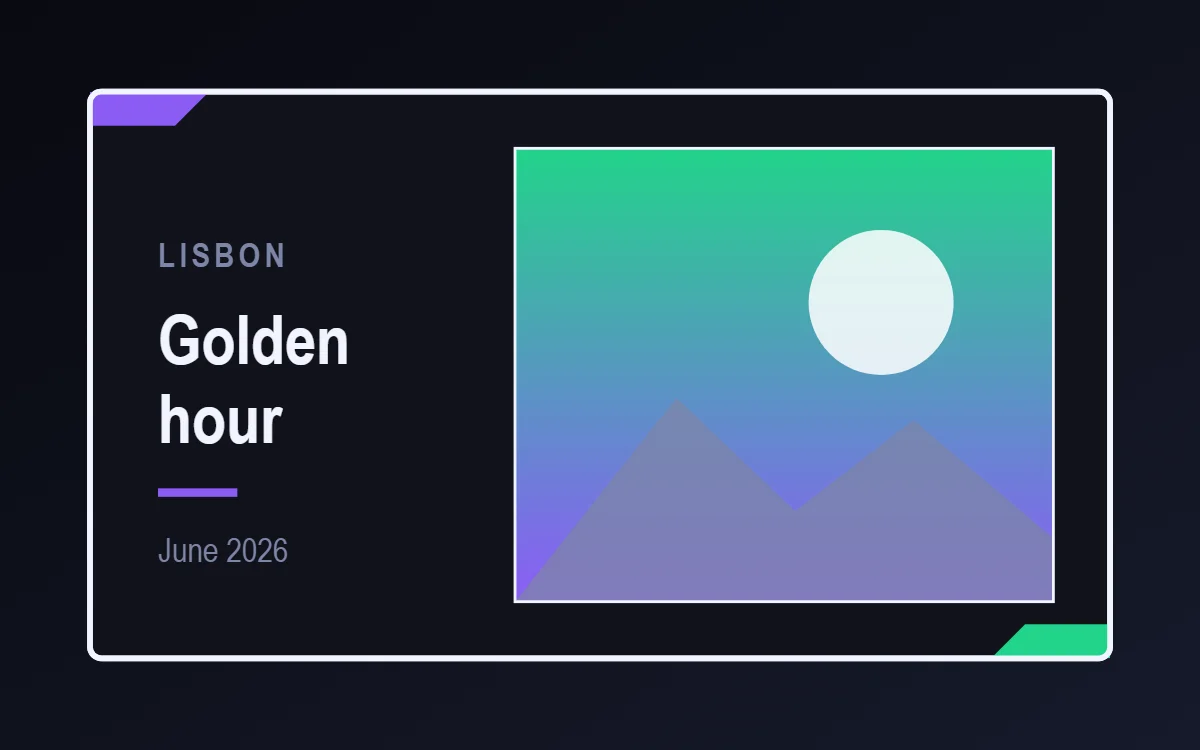 Gaming HUD photo widgetFree to build
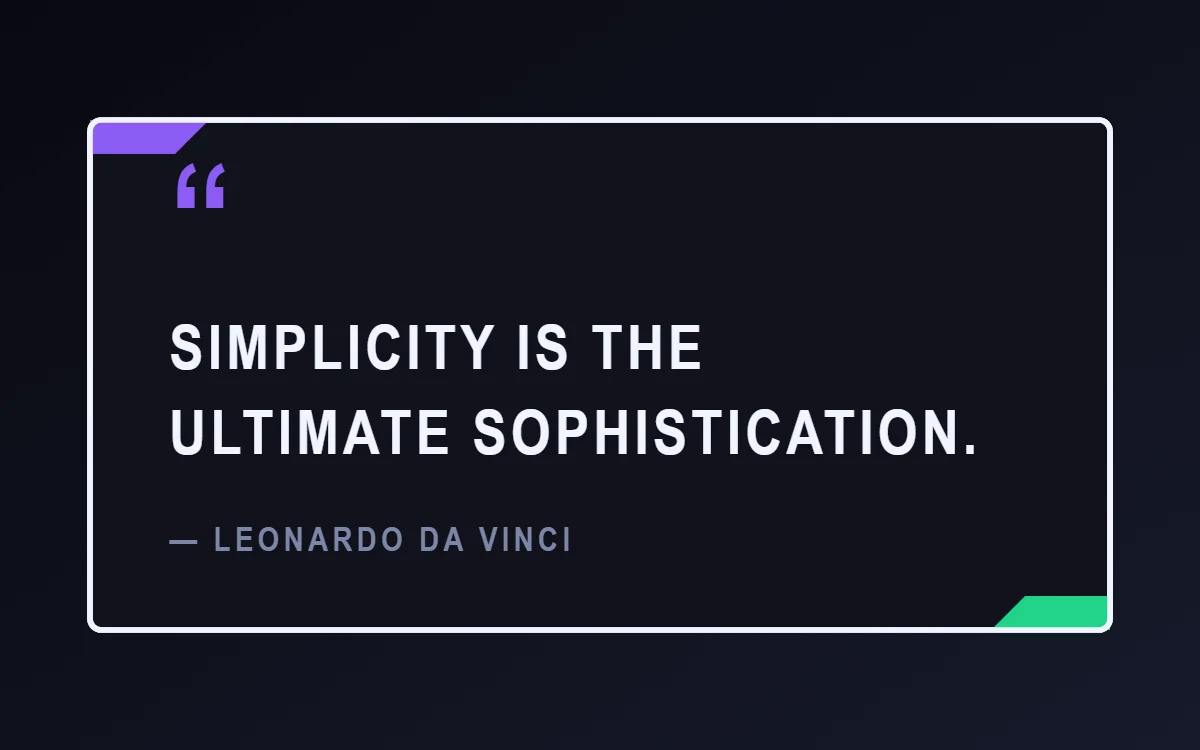 Gaming HUD quote widgetFree to build
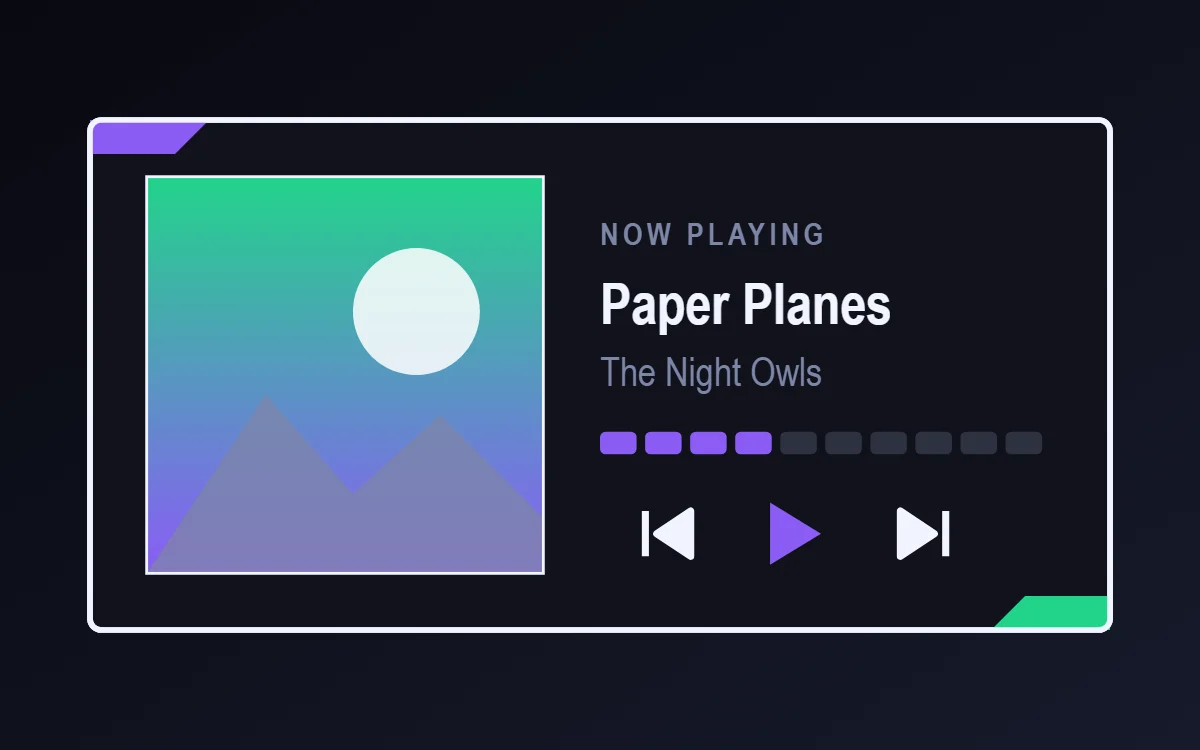 Gaming HUD music widgetData needs Pro
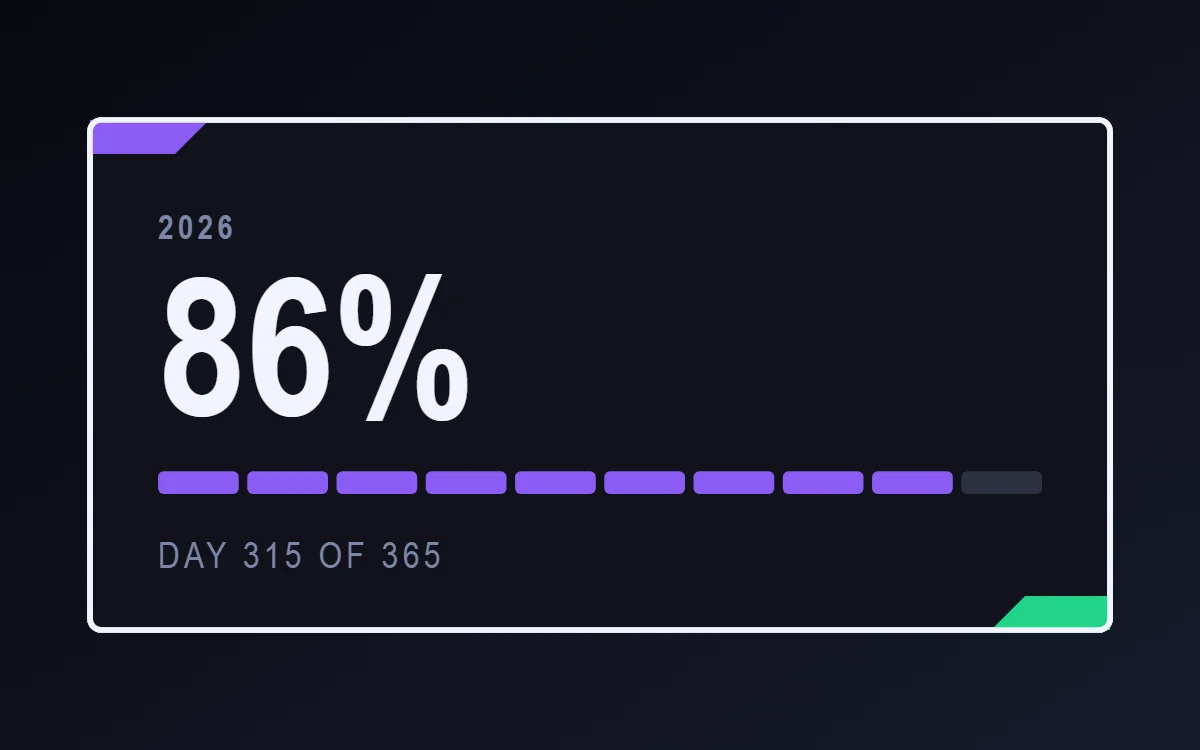 Gaming HUD year progress widgetFree to build
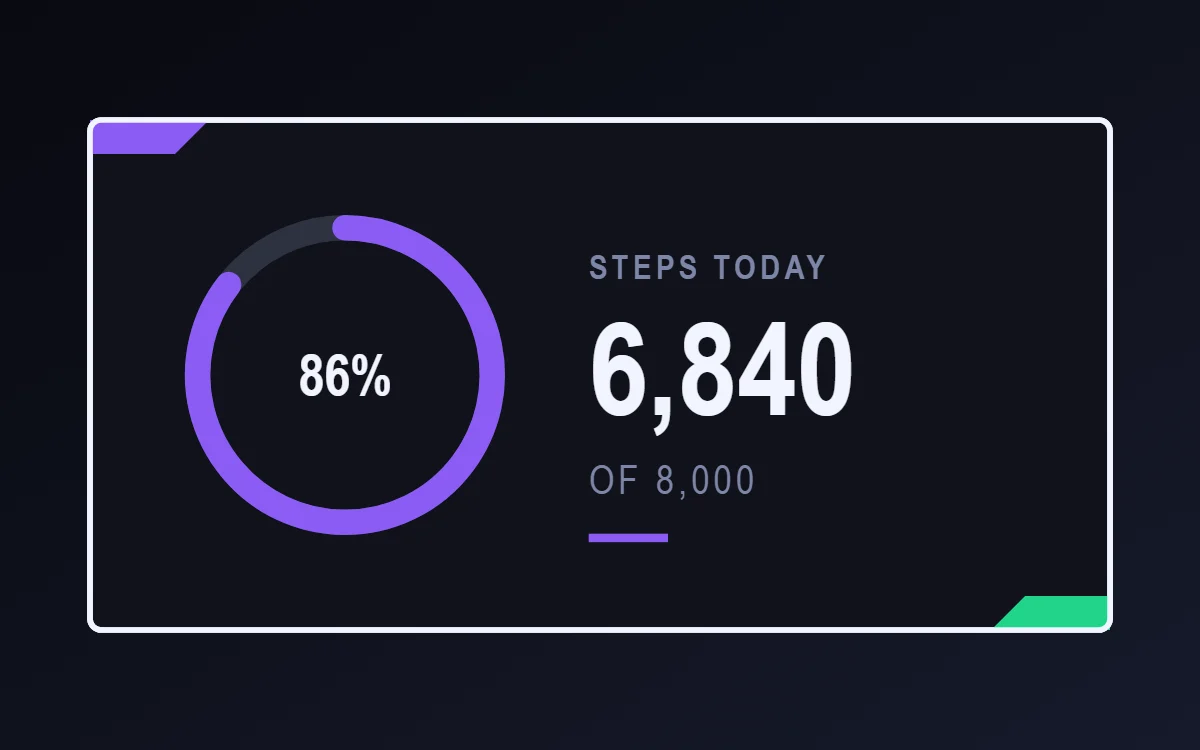 Gaming HUD step counter widgetData needs Pro
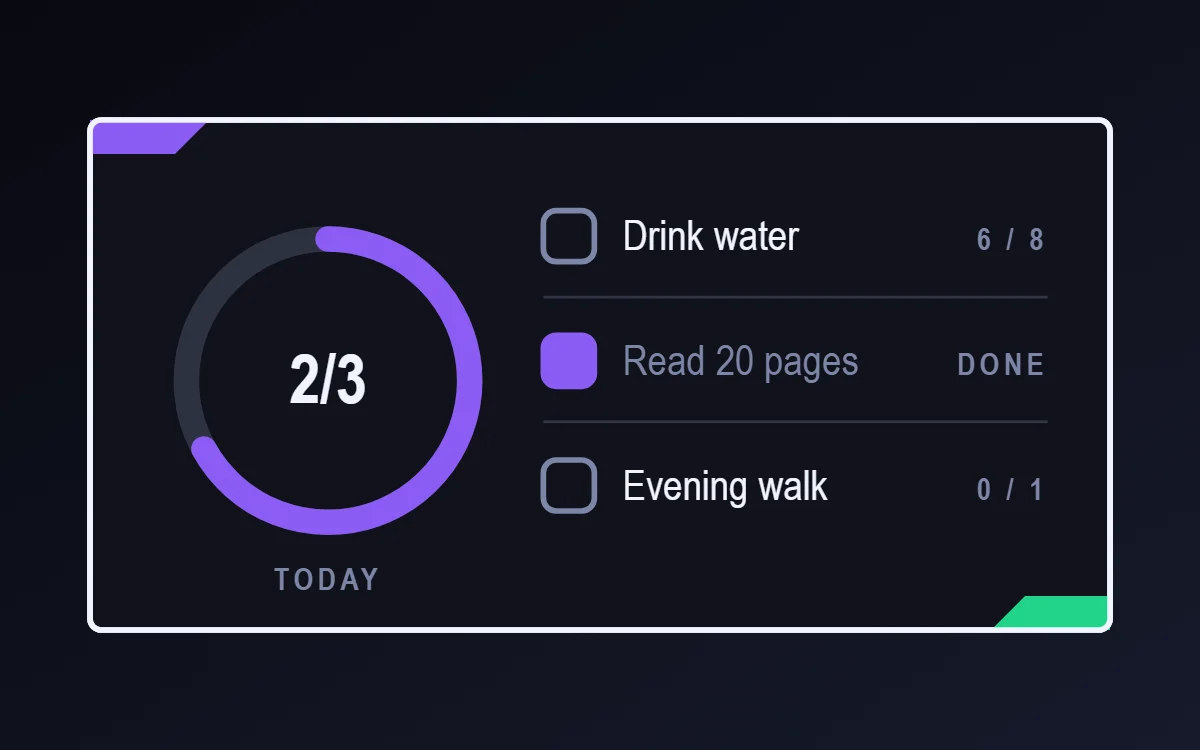 Gaming HUD habit tracker widgetFree to build
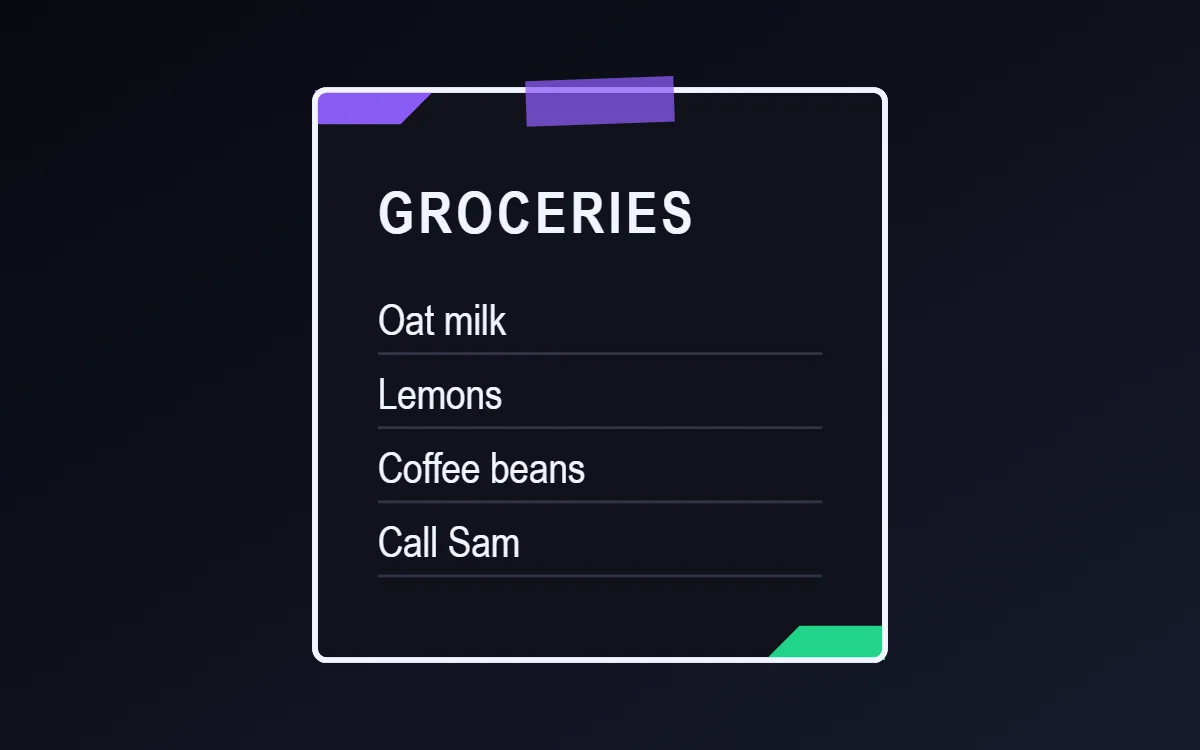 Gaming HUD sticky note widgetFree to build
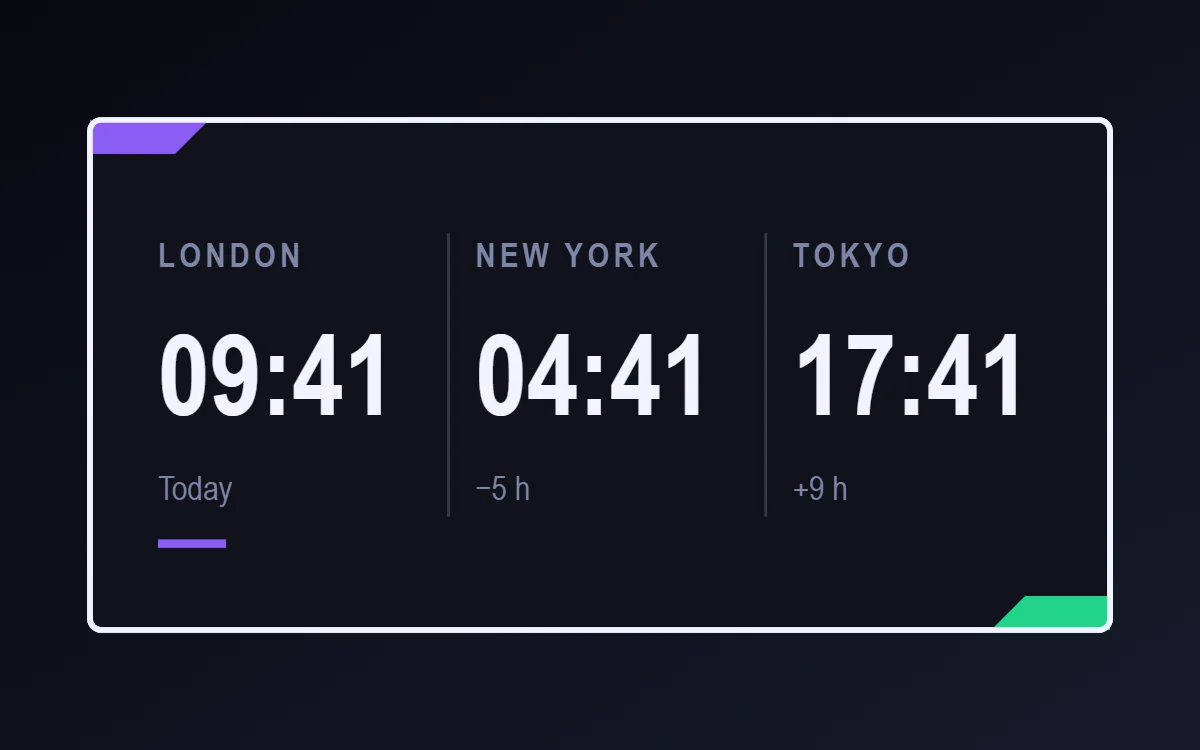 Gaming HUD world clock widgetFree to build
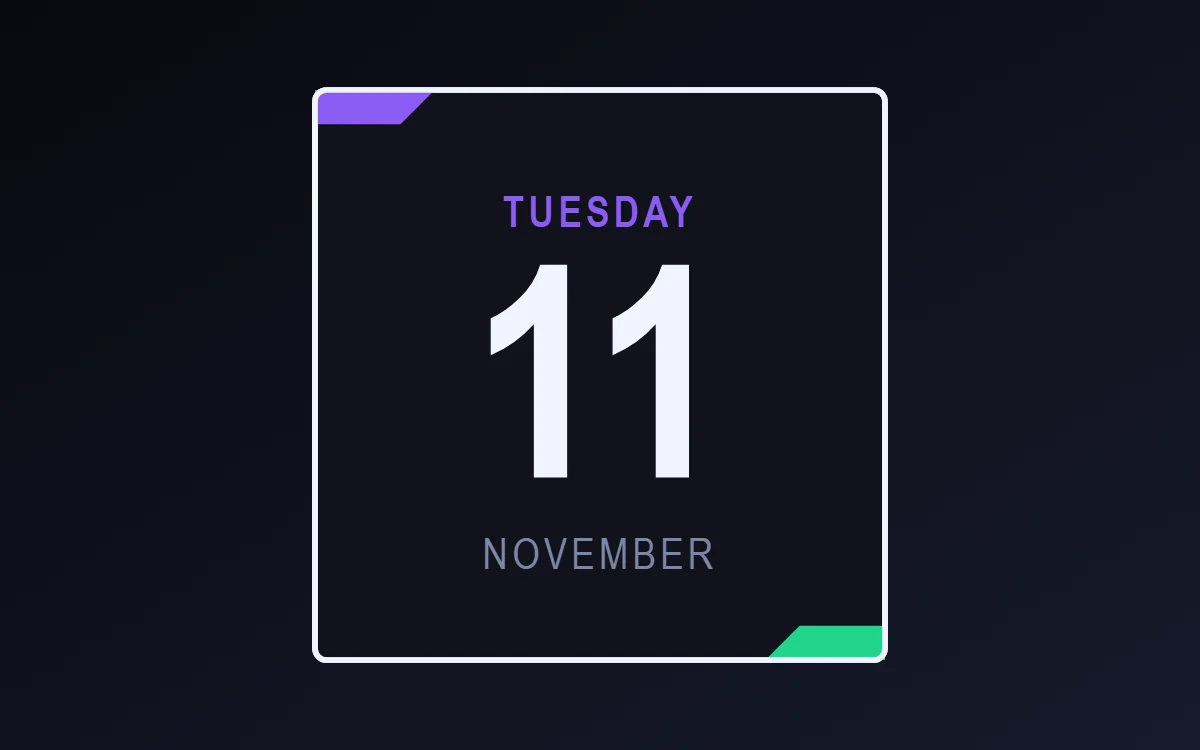 Gaming HUD date widgetFree to build
The gaming HUD palette
- Shadow
#10121ABackground - Panel
#1B1F2ESurface and tracks - White
#F2F4FFText - Steel
#7D86A8Labels - Arcane purple
#8B5CF6Accent
Design rules
- Text: Use condensed capitals for stats such as HP, XP or LVL.
- Numbers: Show values as fractions like 72/100 in bold.
- Bars and rings: Use segmented bars: green for health, purple for experience.
- Photos: Use a square avatar with a colored outline.
- Lists: Treat rows as quests with a small diamond marker.
Do
- Name things like game stats to sell the theme.
- Use two bar colors with clear meaning.
Avoid
- Do not use soft pastel colors.
- Do not round the panels.
Wallpaper and icons
A dark game landscape or abstract dark gradient.
Angular or neon icon packs.
Questions
What colors suit gaming HUD widgets?
Start with Shadow (#10121A) for the background, White (#F2F4FF) for text and Arcane purple (#8B5CF6) as the accent.
Which font works for gaming HUD widgets?
Use Rajdhani (import the font file), or the built-in Condensed, at weight 700 with labels in capitals.
Does WidgetCraft have gaming HUD widgets ready to use?
There is no ready-made gaming HUD pack at the moment. Each recipe on this page lists the exact settings to build one in a few minutes, and most use only free features.