 WidgetCraftGet the app
Color themes
Black and dark widgets for Android
True black backgrounds with white type for OLED screens. Dark widgets sit on pure black so they merge with an AMOLED wallpaper. White text, one bright accent and very little else: sharp to read and easy on the battery of an OLED display.
Also known as: black widgets, AMOLED widgets, dark mode widgets, OLED widgets.
Dark widget recipes
Each recipe has a preview, exact colors and layer-by-layer steps.
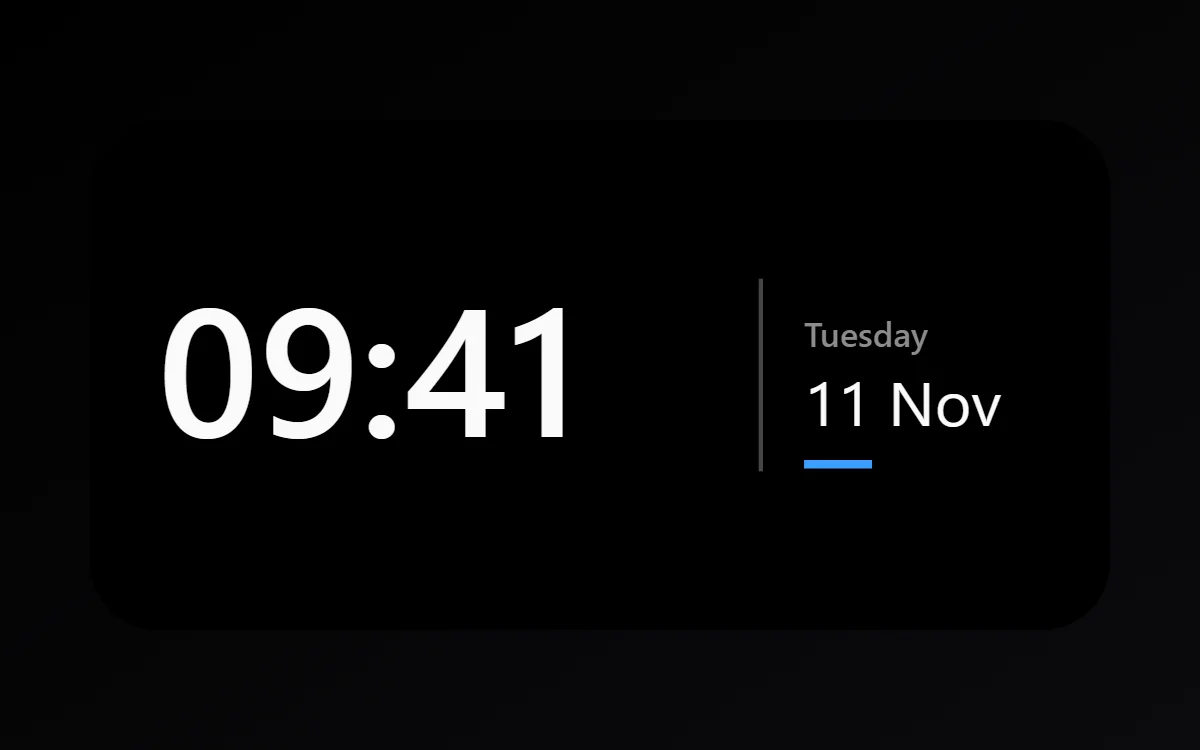 Dark clock widgetFree to build
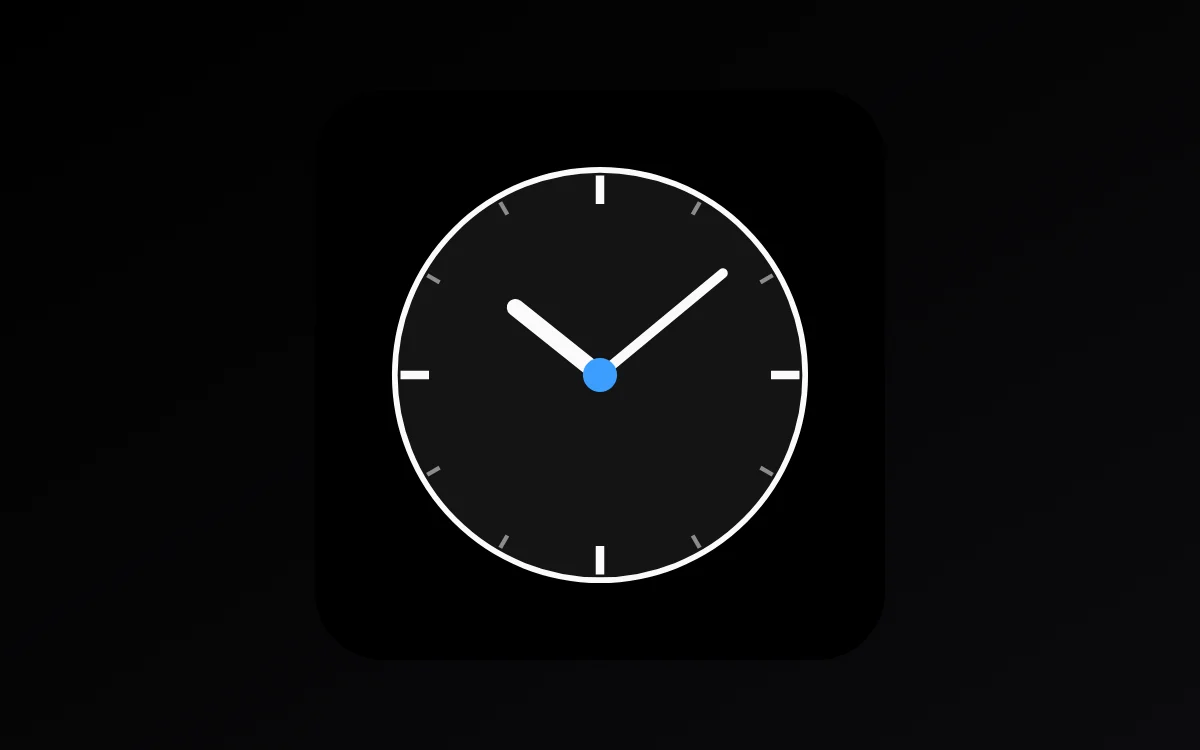 Dark analog clock widgetFree to build
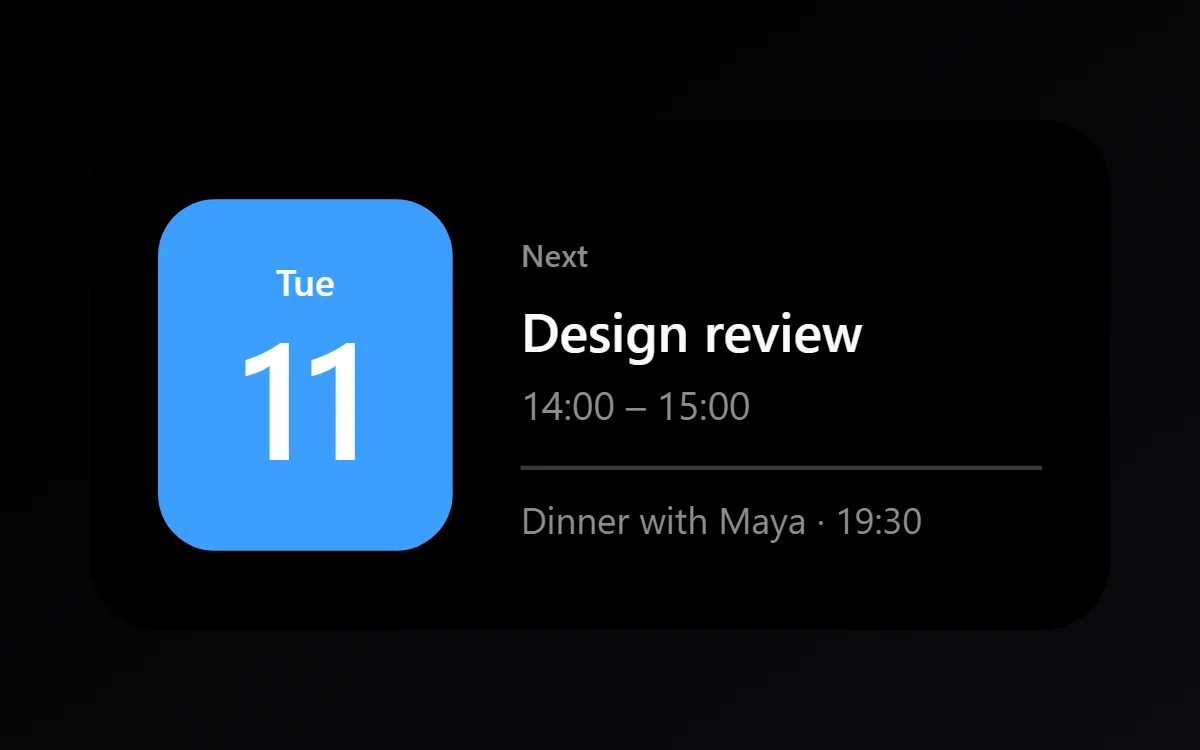 Dark calendar widgetData needs Pro
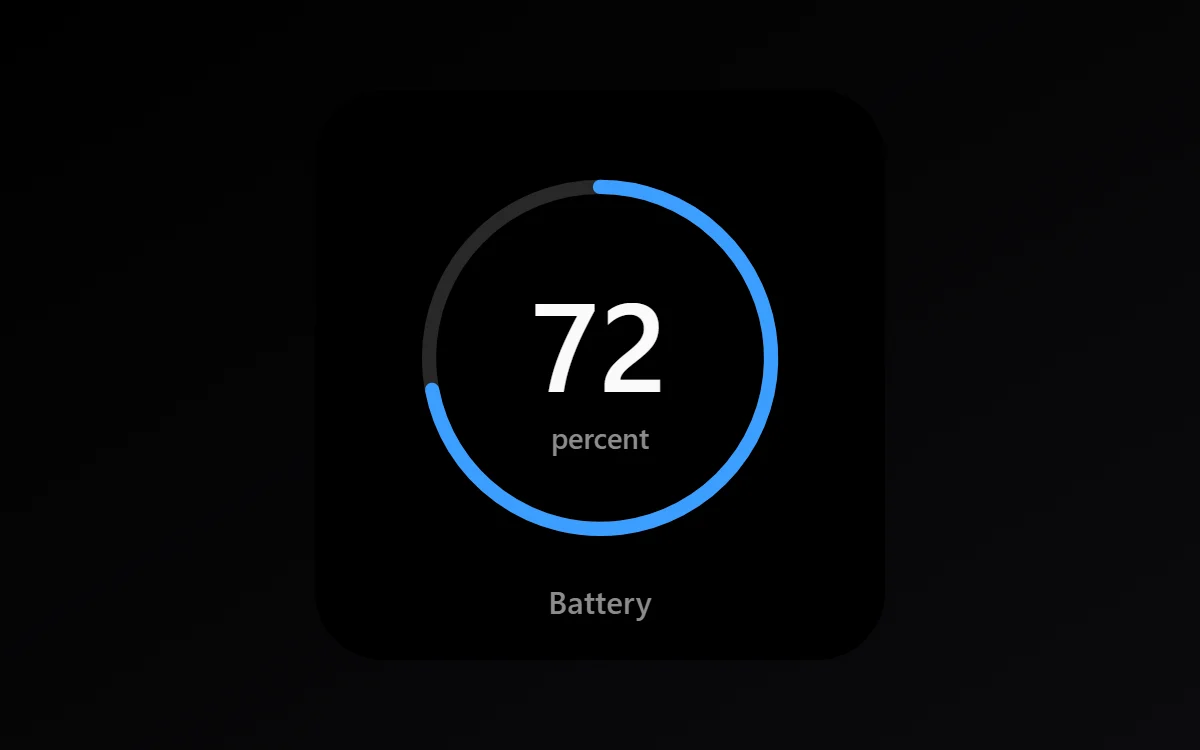 Dark battery widgetFree to build
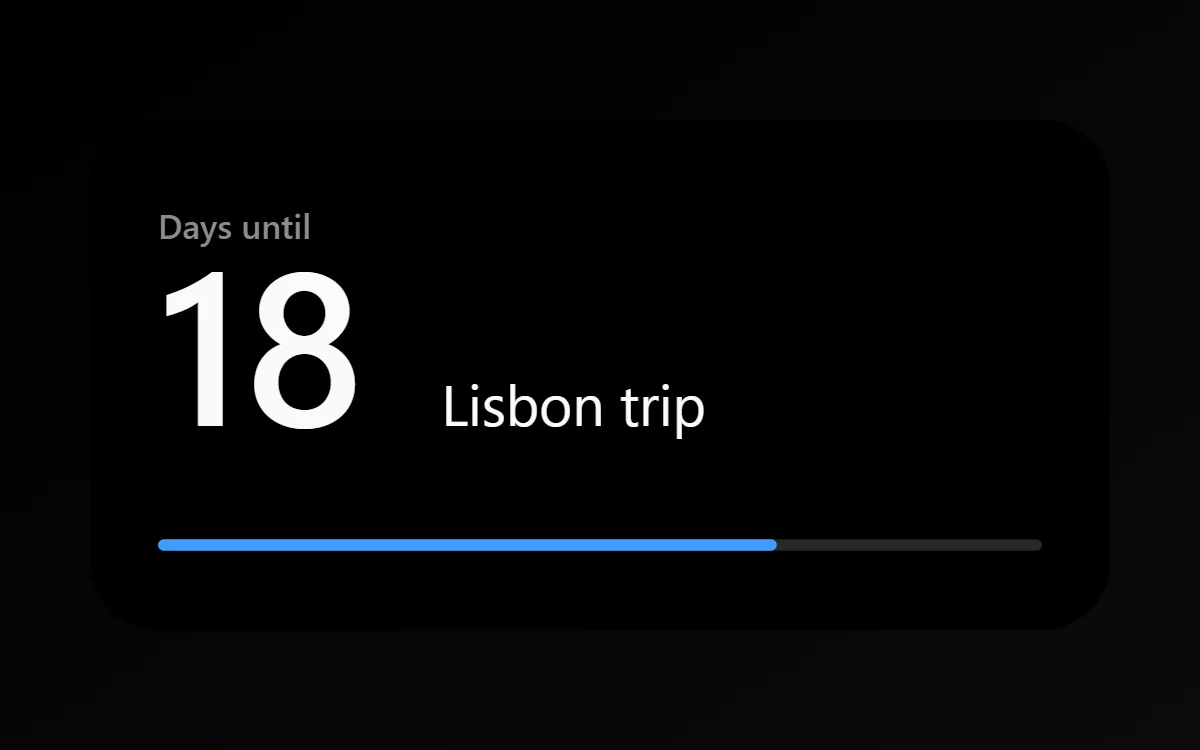 Dark countdown widgetFree to build
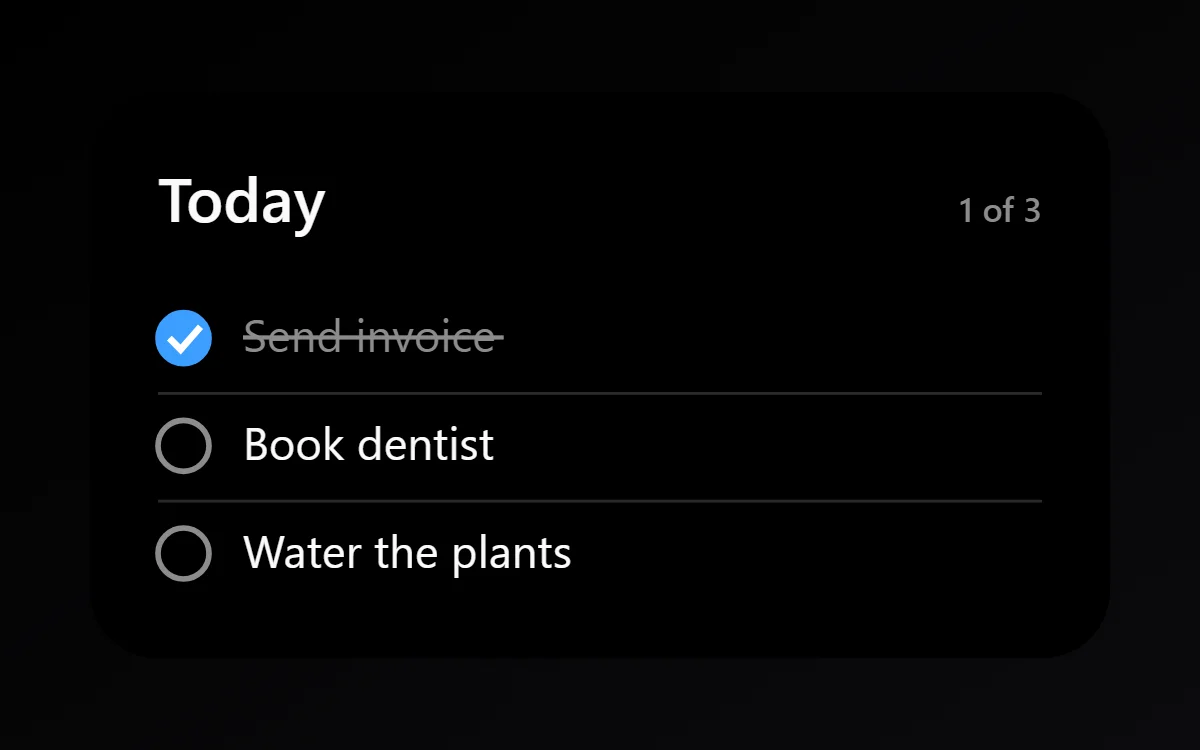 Dark to-do list widgetFree to build
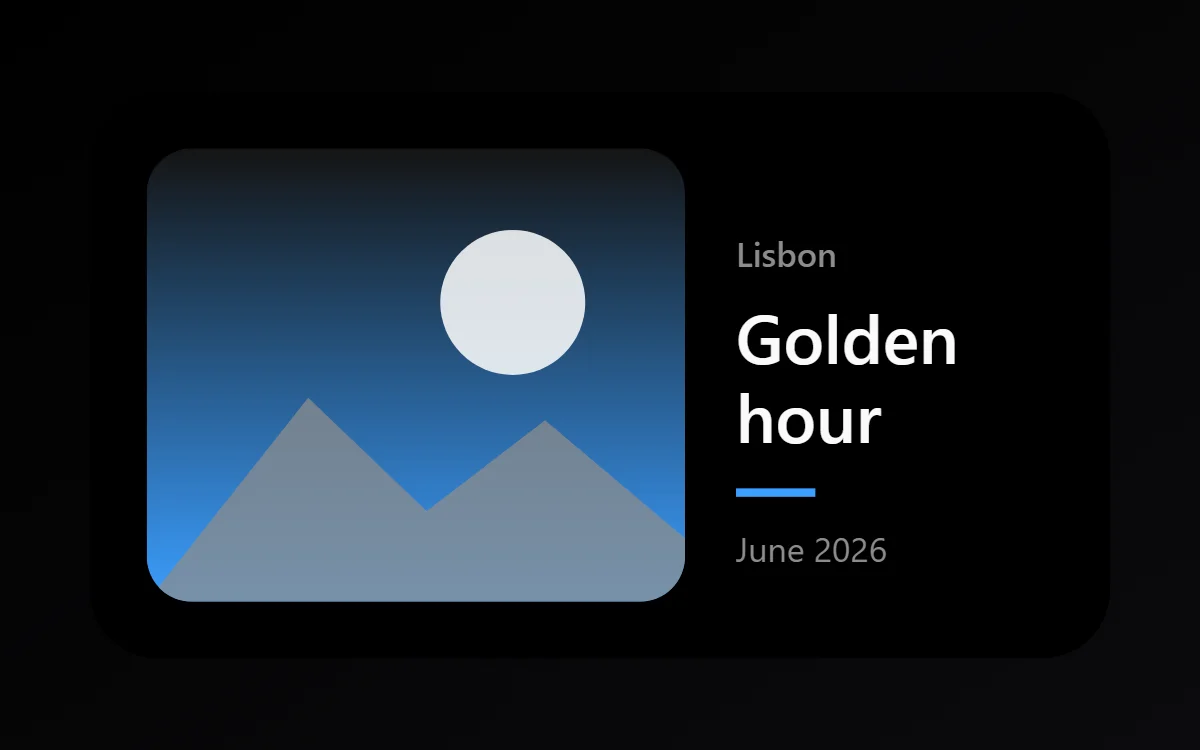 Dark photo widgetFree to build
 Dark quote widgetFree to build
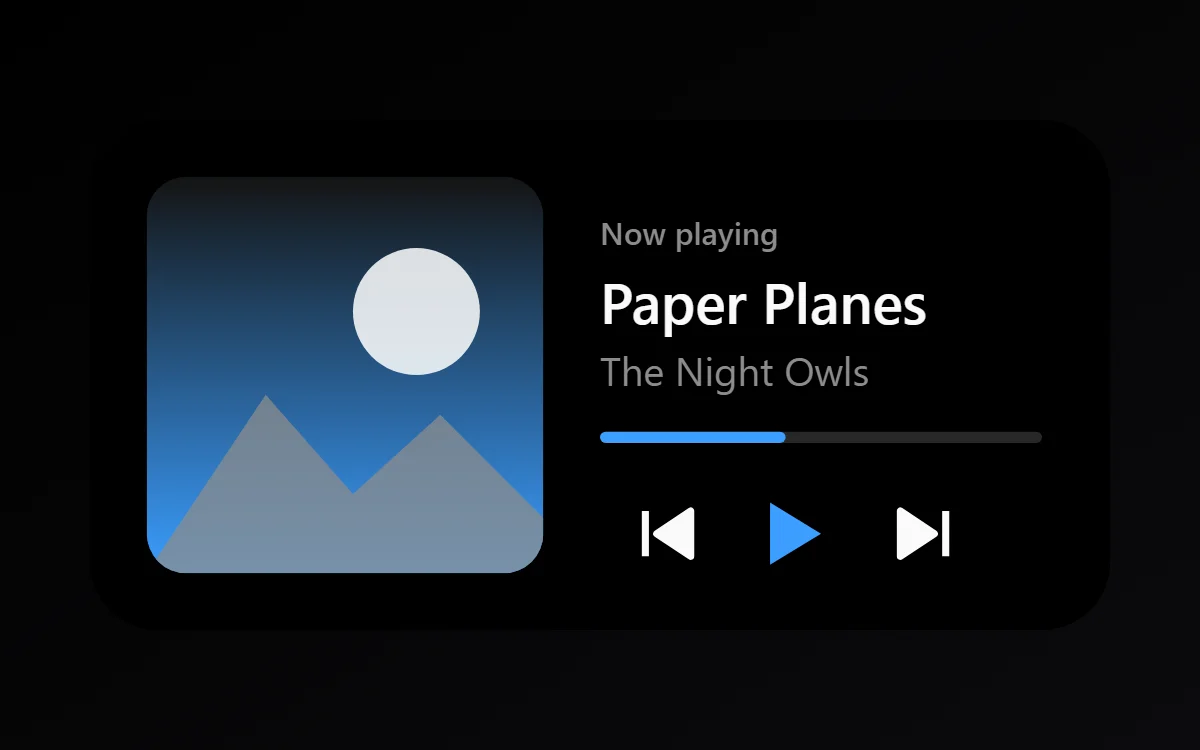 Dark music widgetData needs Pro
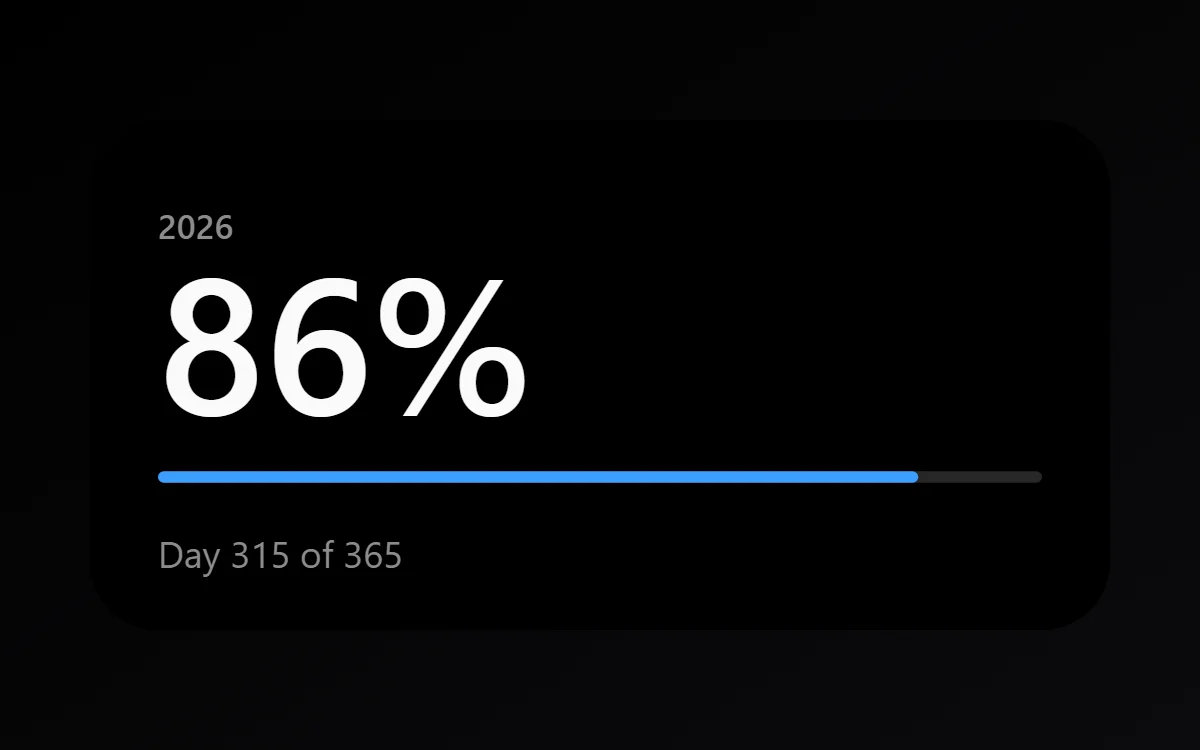 Dark year progress widgetFree to build
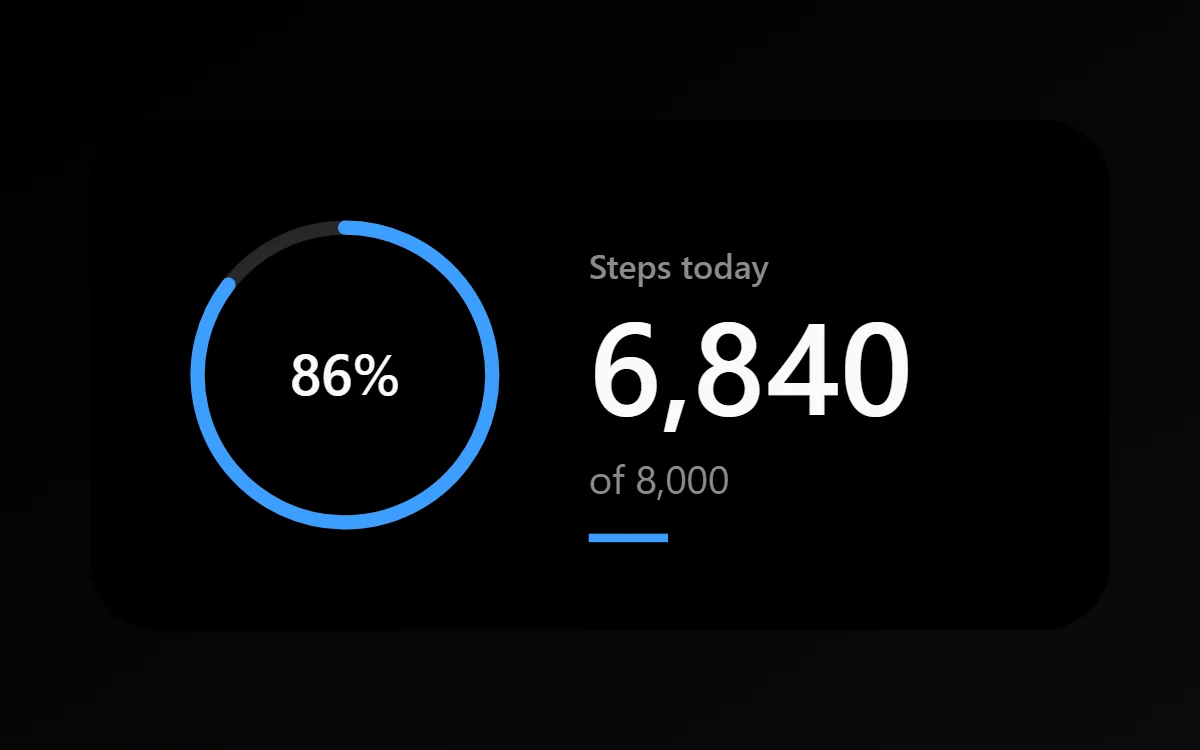 Dark step counter widgetData needs Pro
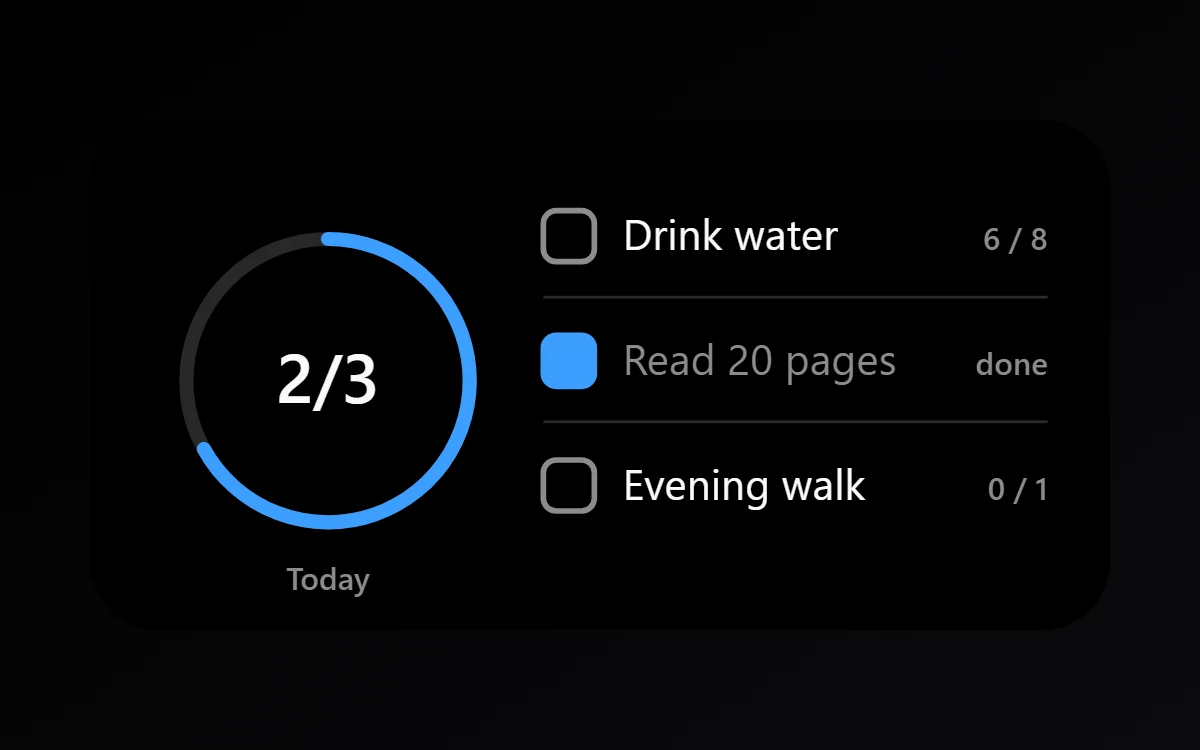 Dark habit tracker widgetFree to build
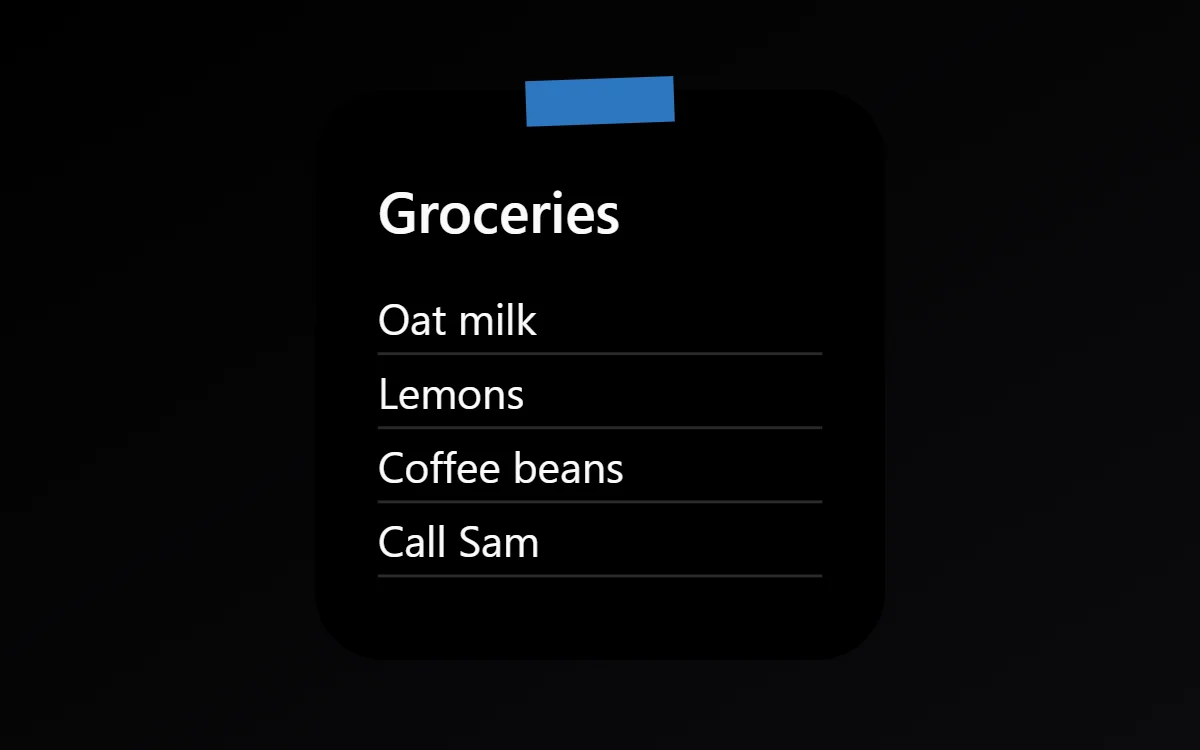 Dark sticky note widgetFree to build
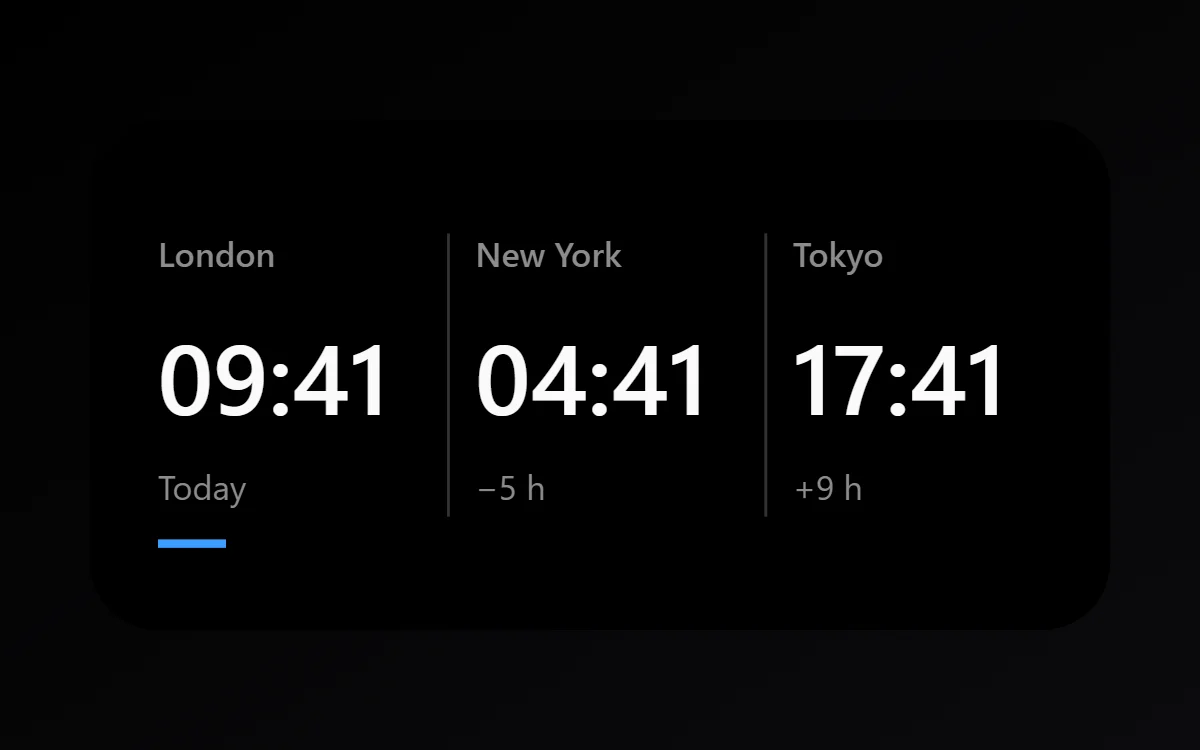 Dark world clock widgetFree to build
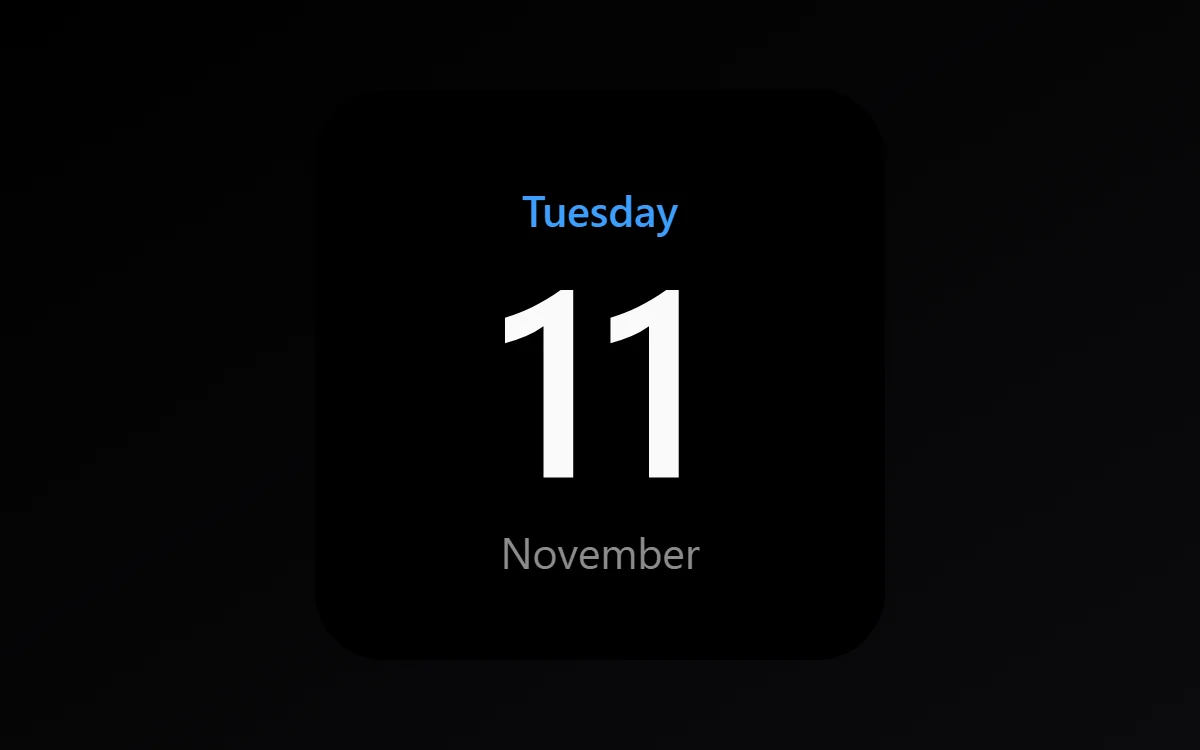 Dark date widgetFree to build
The dark palette
- True black
#000000Background - Graphite
#141414Surface and tracks - White
#FAFAFAText - Ash
#8C8C8CLabels - Electric blue
#3B9EFFAccent
Design rules
- Text: Use off-white for main text and mid grey for labels so the contrast has two clear levels.
- Numbers: Let the number glow in white against black and keep it medium weight.
- Bars and rings: Draw the track in dark grey and only the filled part in the accent color.
- Photos: Darken photos slightly so their brightest area does not overpower the text.
- Lists: Use grey dividers at low contrast and white text for unfinished rows only.
Do
- Use #000000 so the widget disappears into a black wallpaper.
- Keep one accent color for the whole screen.
Avoid
- Do not use pure white for long text; off-white is easier to read.
- Do not add borders around black widgets on a black wallpaper.
Wallpaper and icons
Pure black or a very dark photo. On OLED phones black pixels are off, which saves a little power.
White glyph or outline icons; dark themed icons on Android 13 and later also work.
Questions
What colors suit dark widgets?
Start with True black (#000000) for the background, White (#FAFAFA) for text and Electric blue (#3B9EFF) as the accent.
Which font works for dark widgets?
Use built-in Sans, at weight 500.
Does WidgetCraft have dark widgets ready to use?
There is no ready-made dark pack at the moment. Each recipe on this page lists the exact settings to build one in a few minutes, and most use only free features.