 WidgetCraftGet the app
Styles with a ready-made WidgetCraft pack
Minimal widgets for Android
Quiet layouts, one accent color and plenty of empty space. Minimal widgets remove everything that is not information. One typeface, two or three colors, generous margins and no decoration, so the time or the task is the only thing you see.
Also known as: minimalist widgets, clean widgets, simple widgets.
Ready-made Minimalist templates in WidgetCraft
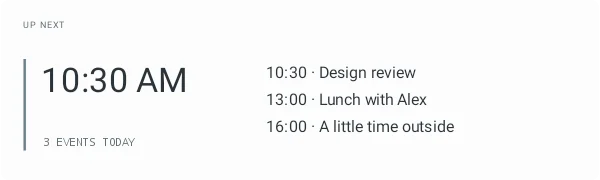
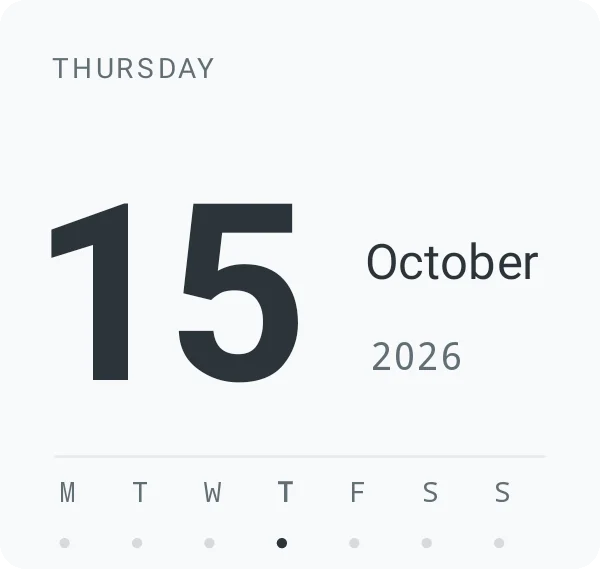
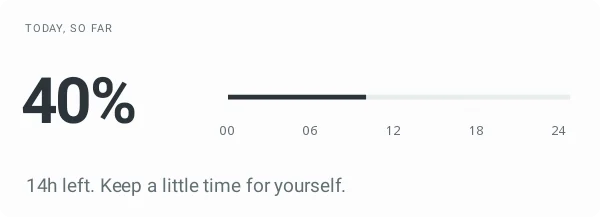
These are real templates from the app's Minimalist pack. Import one, then change any layer.
Minimal widget recipes
Each recipe has a preview, exact colors and layer-by-layer steps.
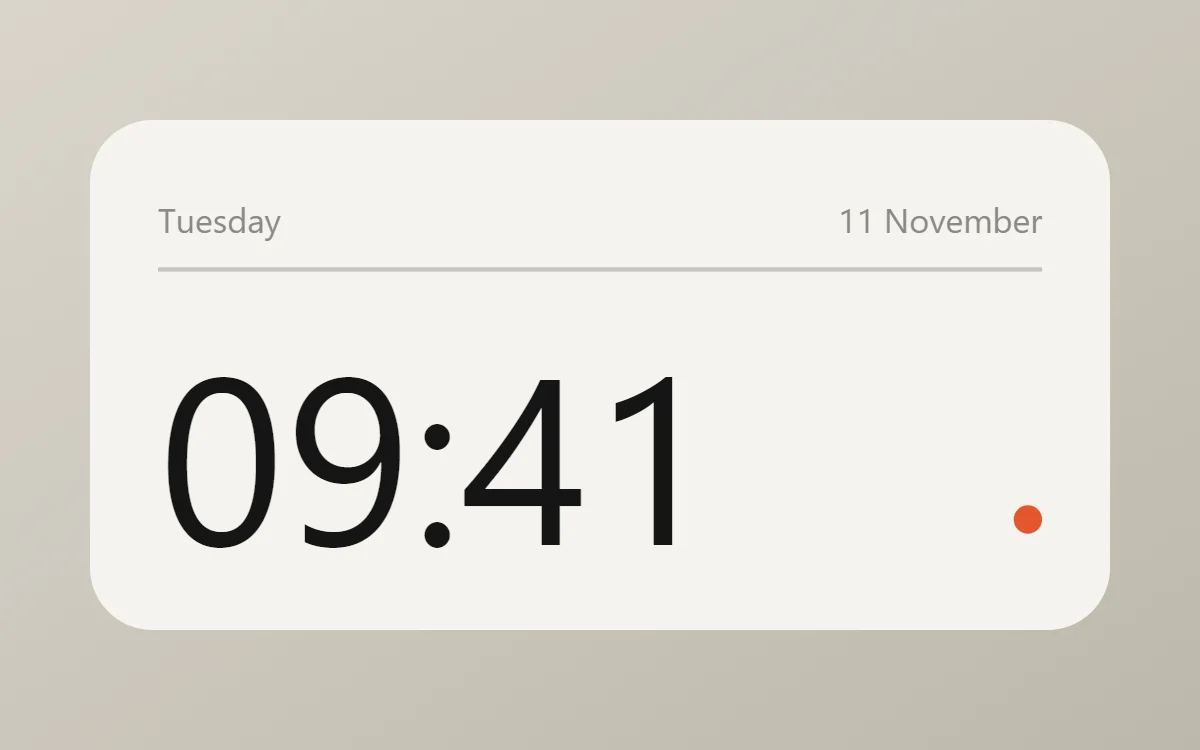 Minimal clock widgetFree to build
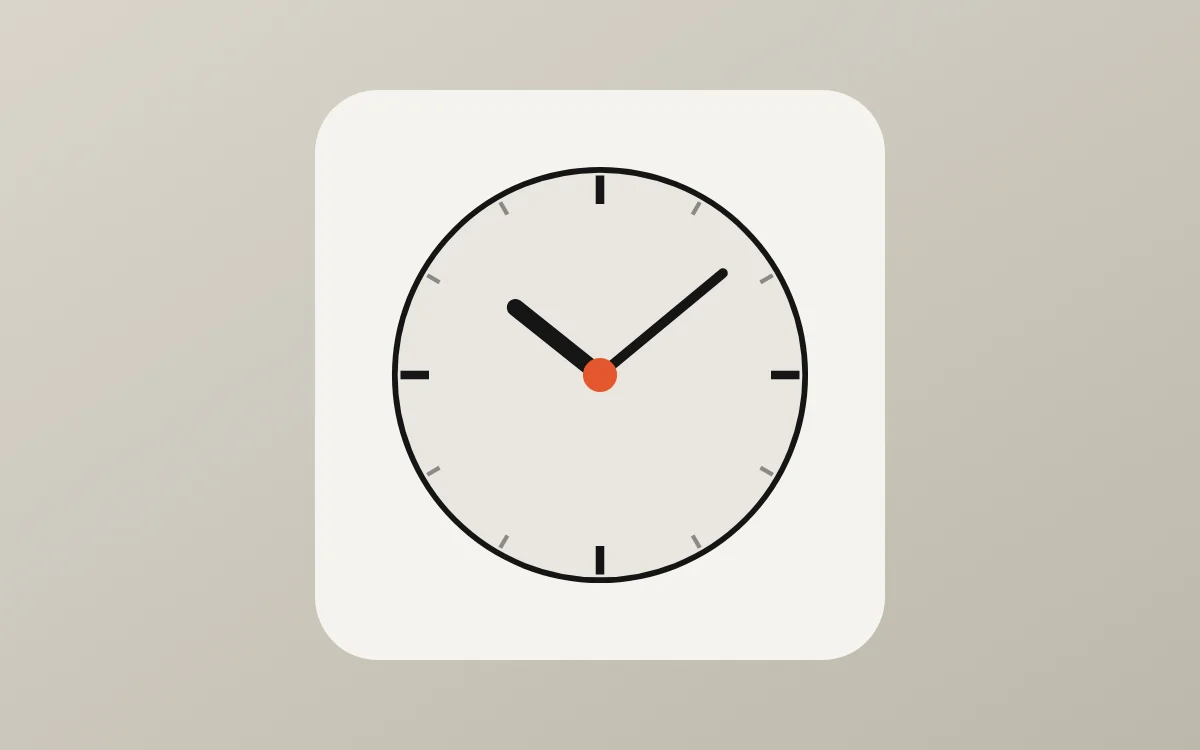 Minimal analog clock widgetFree to build
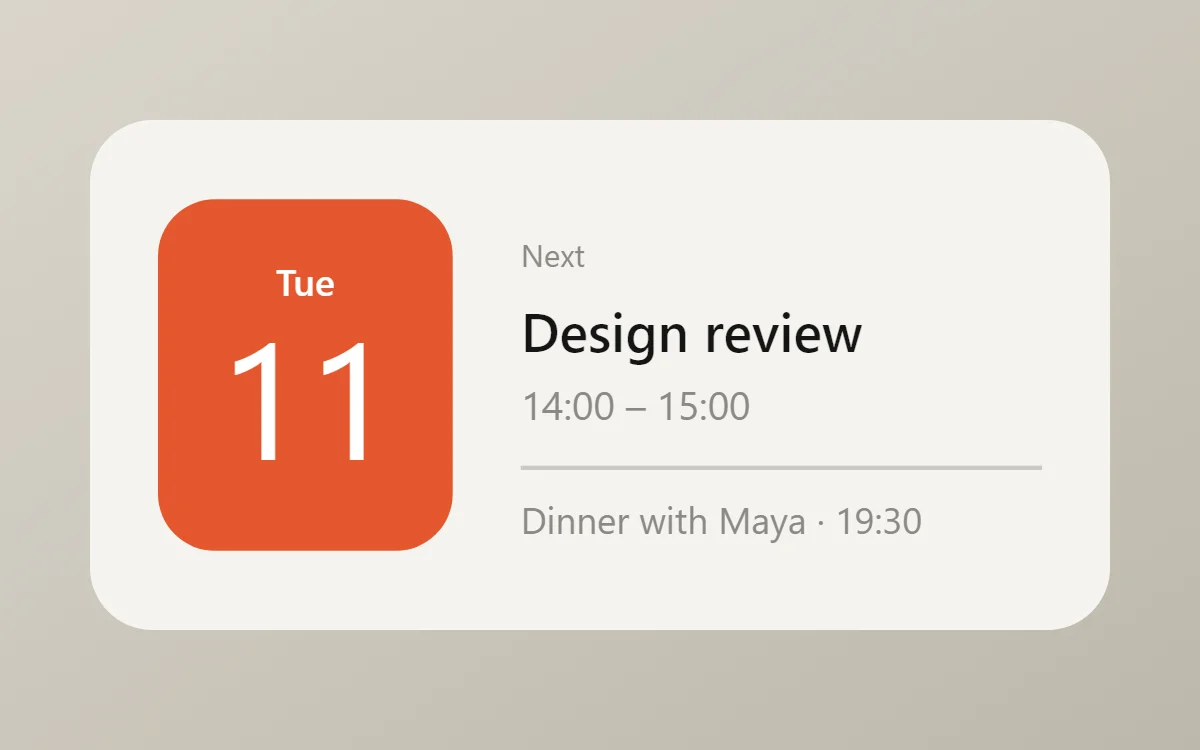 Minimal calendar widgetData needs Pro
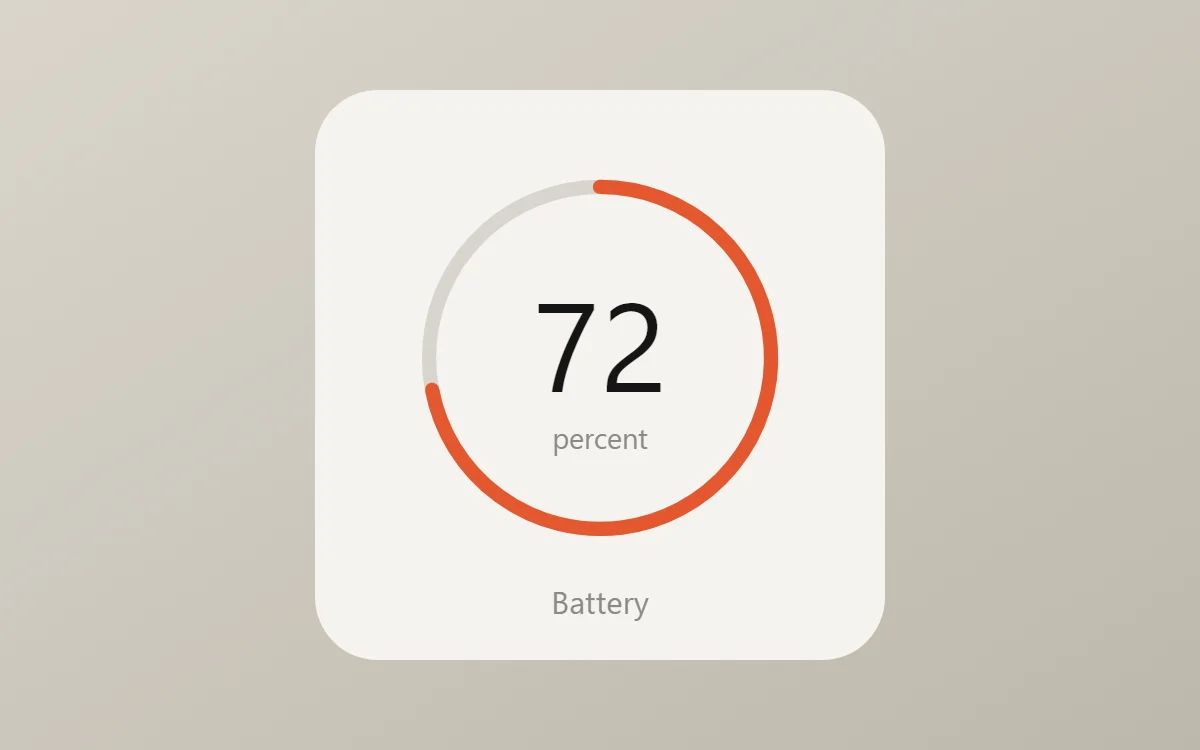 Minimal battery widgetFree to build
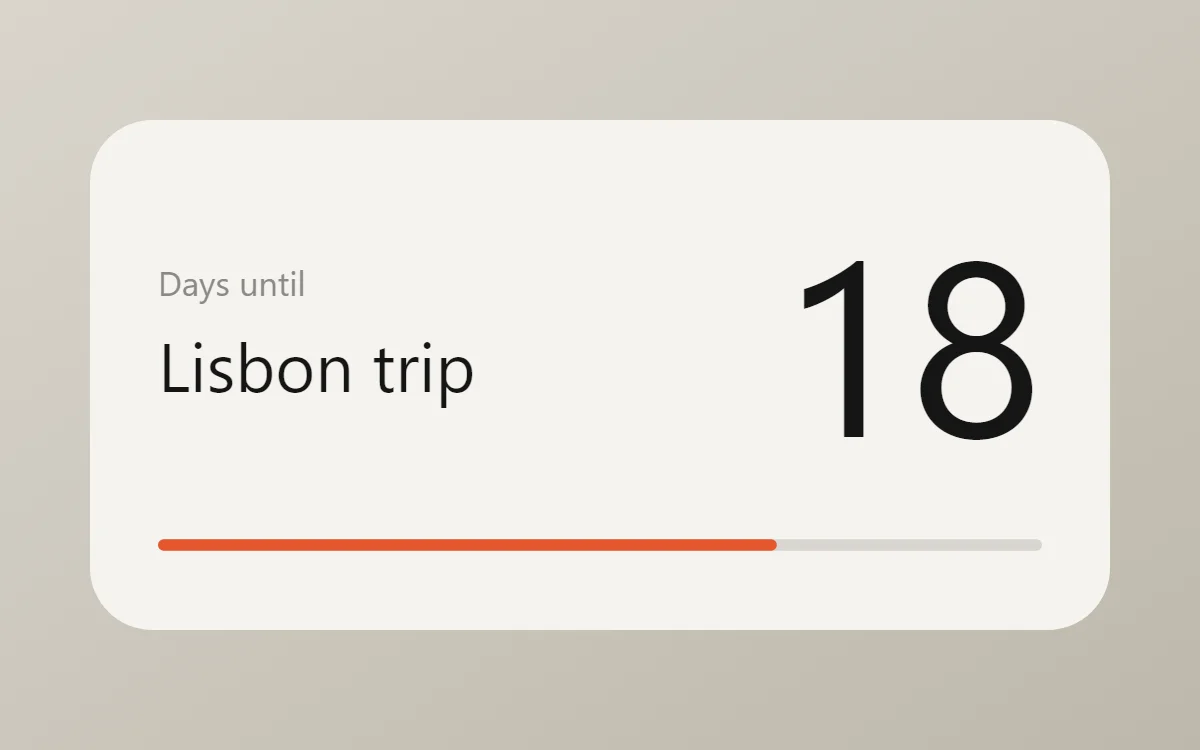 Minimal countdown widgetFree to build
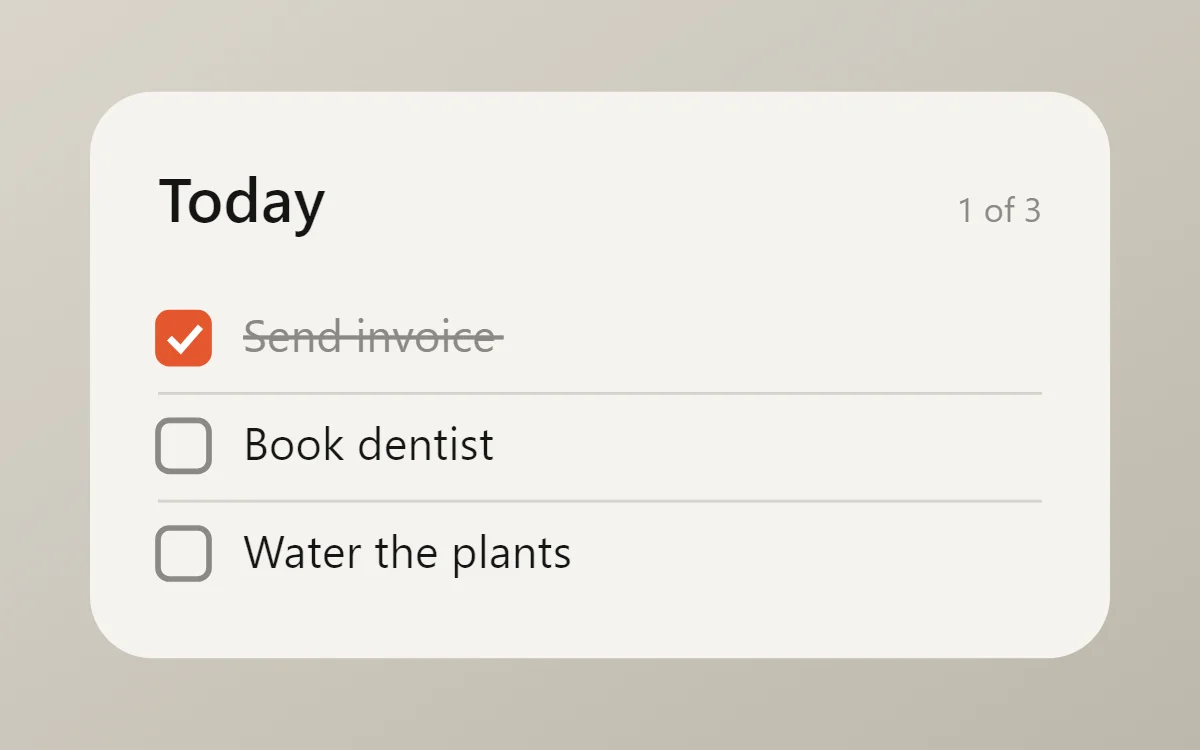 Minimal to-do list widgetFree to build
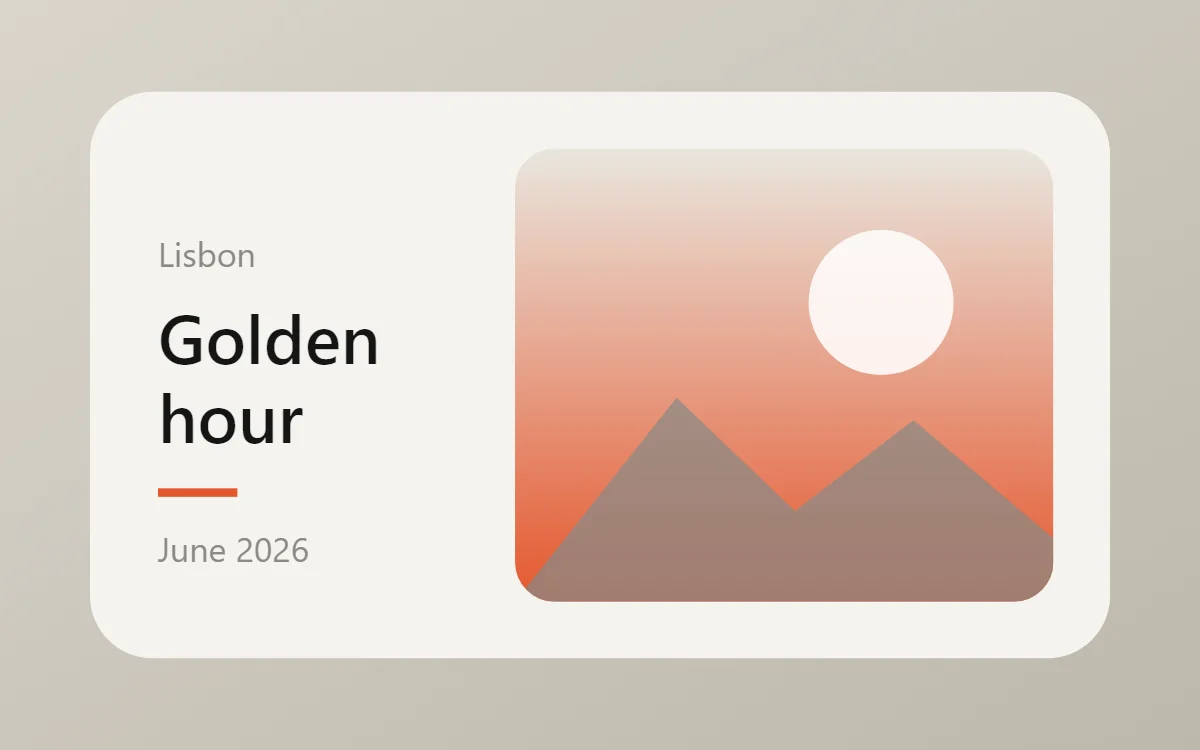 Minimal photo widgetFree to build
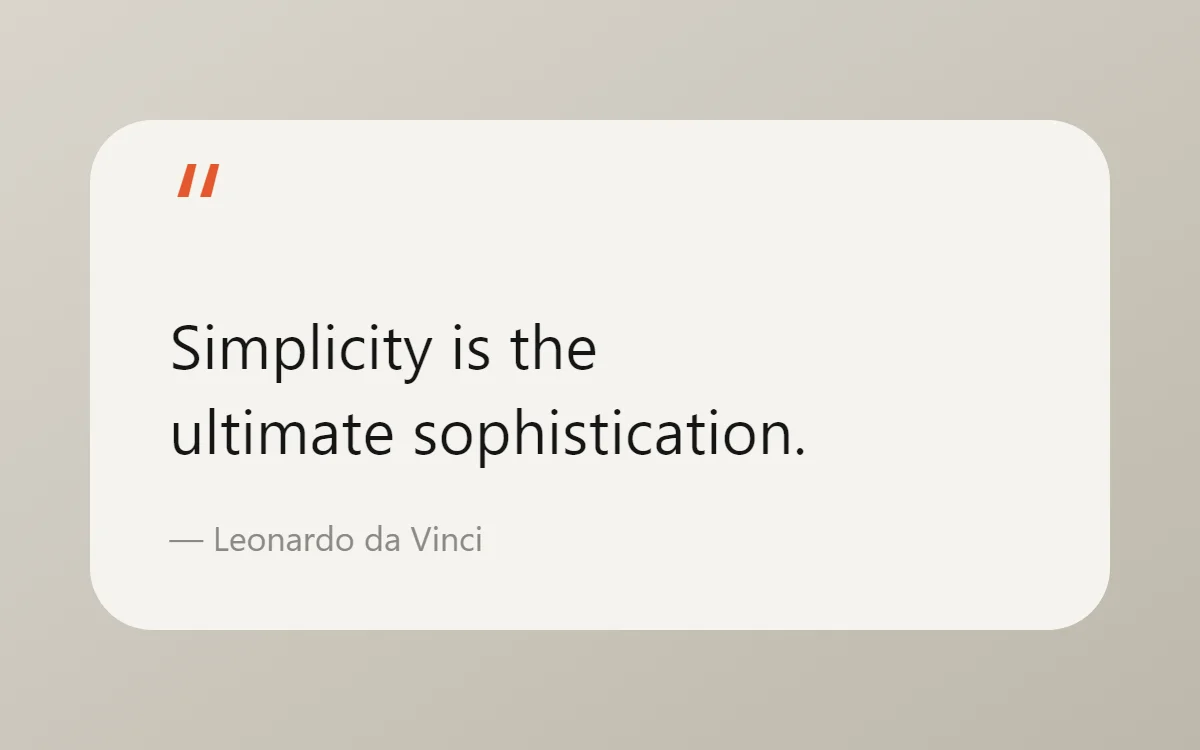 Minimal quote widgetFree to build
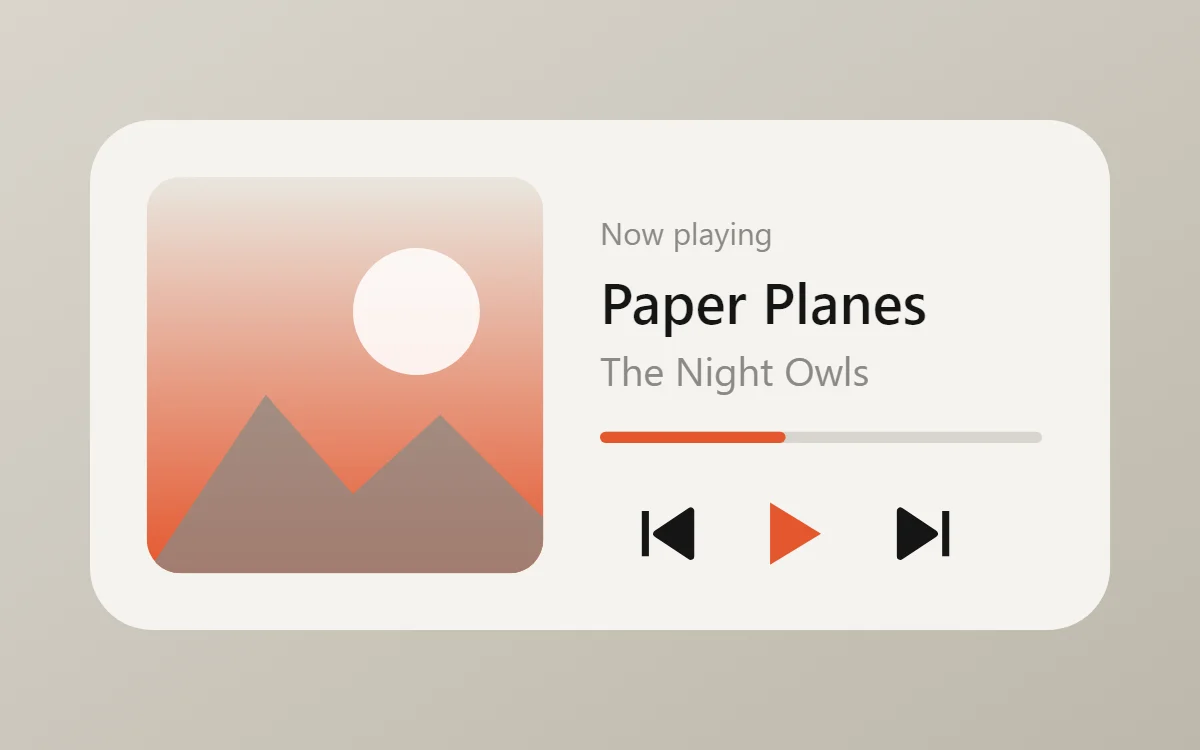 Minimal music widgetData needs Pro
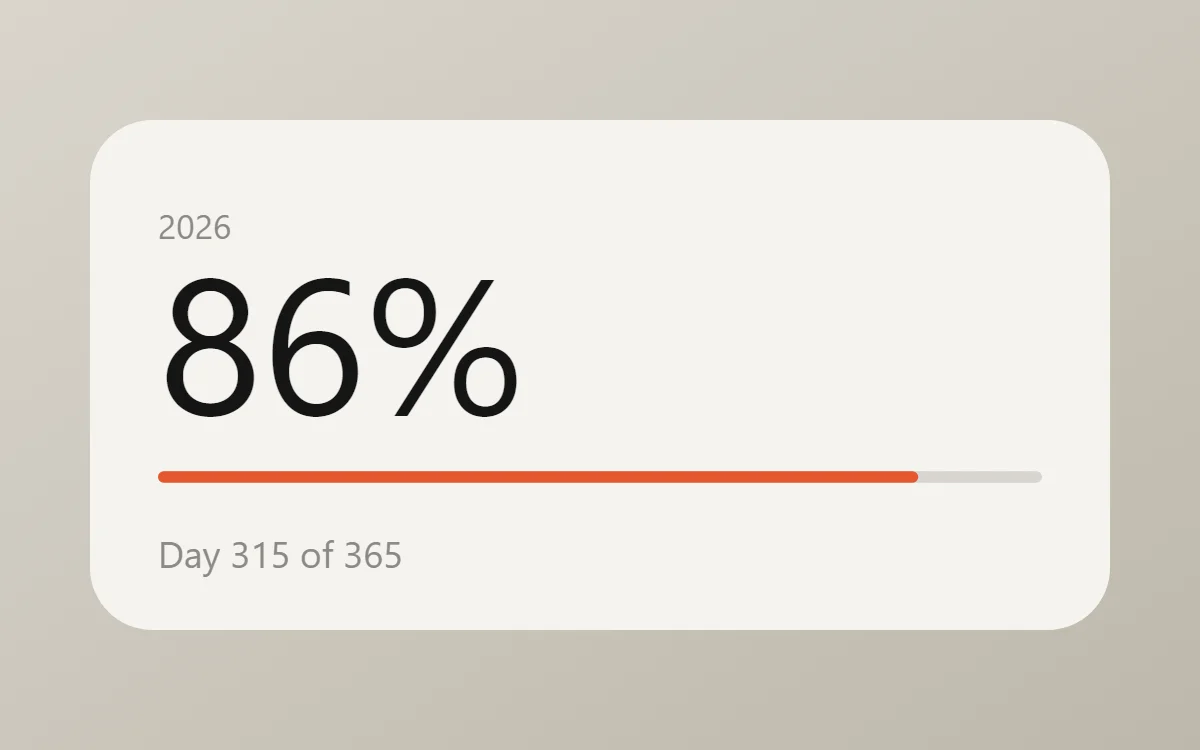 Minimal year progress widgetFree to build
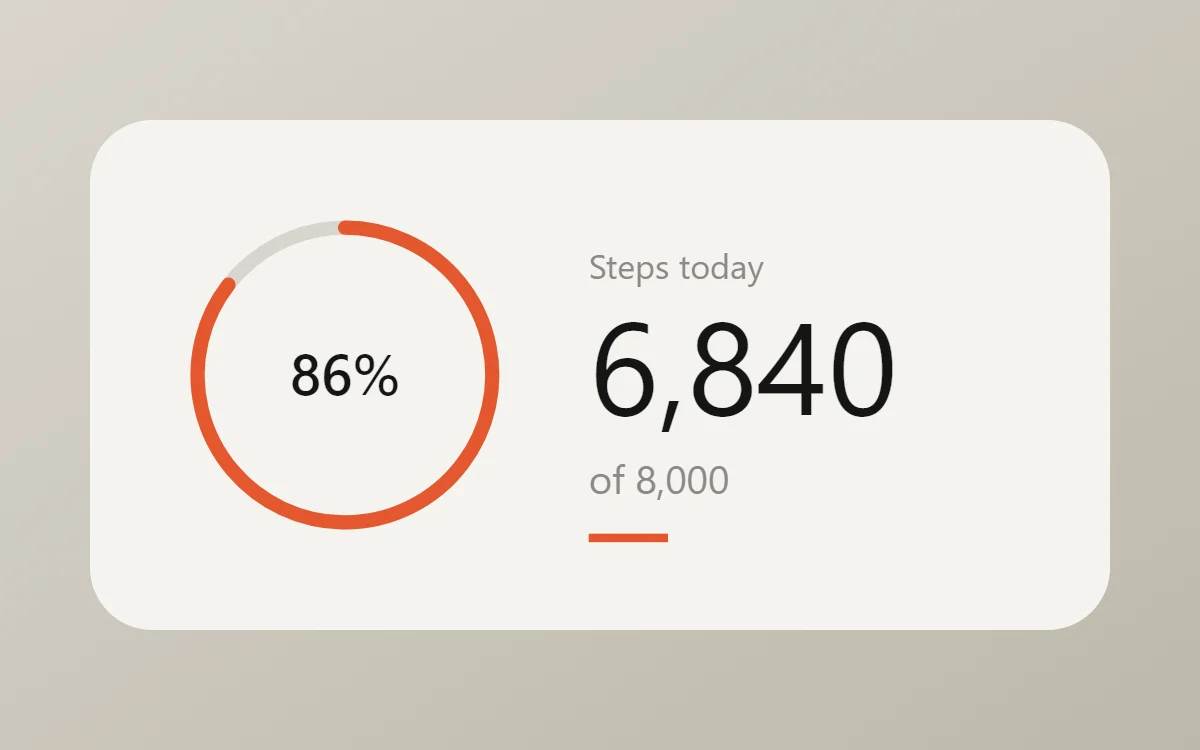 Minimal step counter widgetData needs Pro
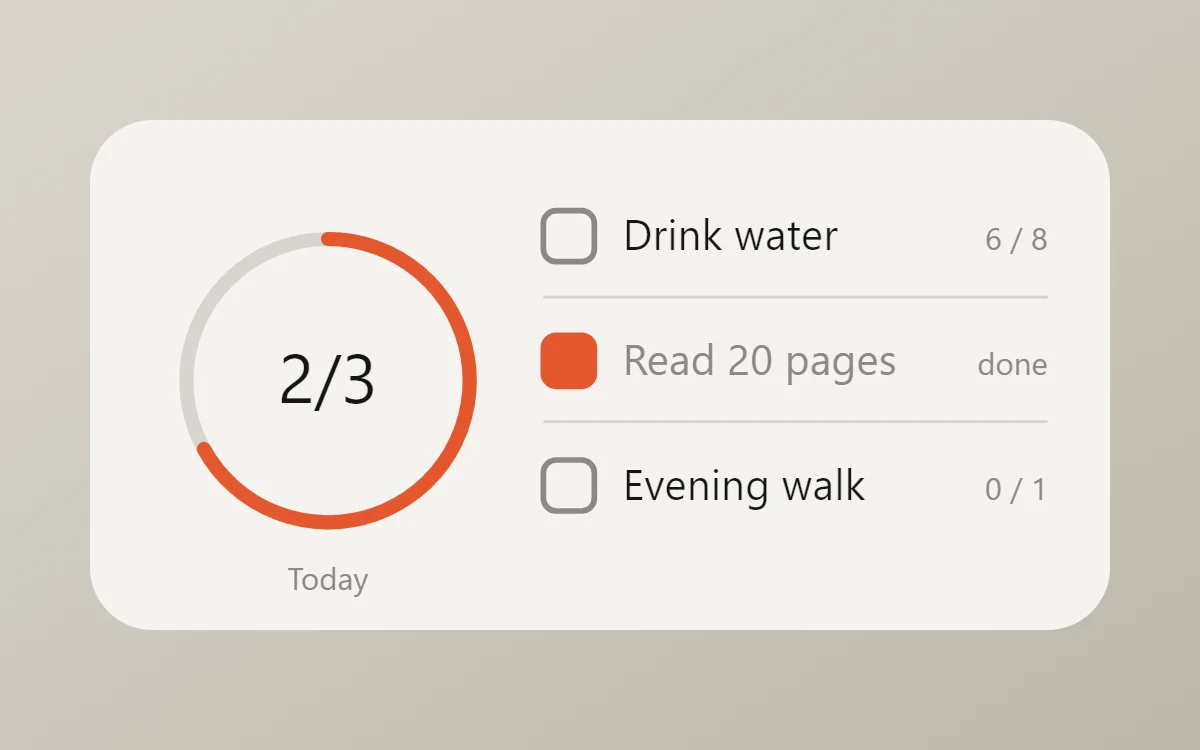 Minimal habit tracker widgetFree to build
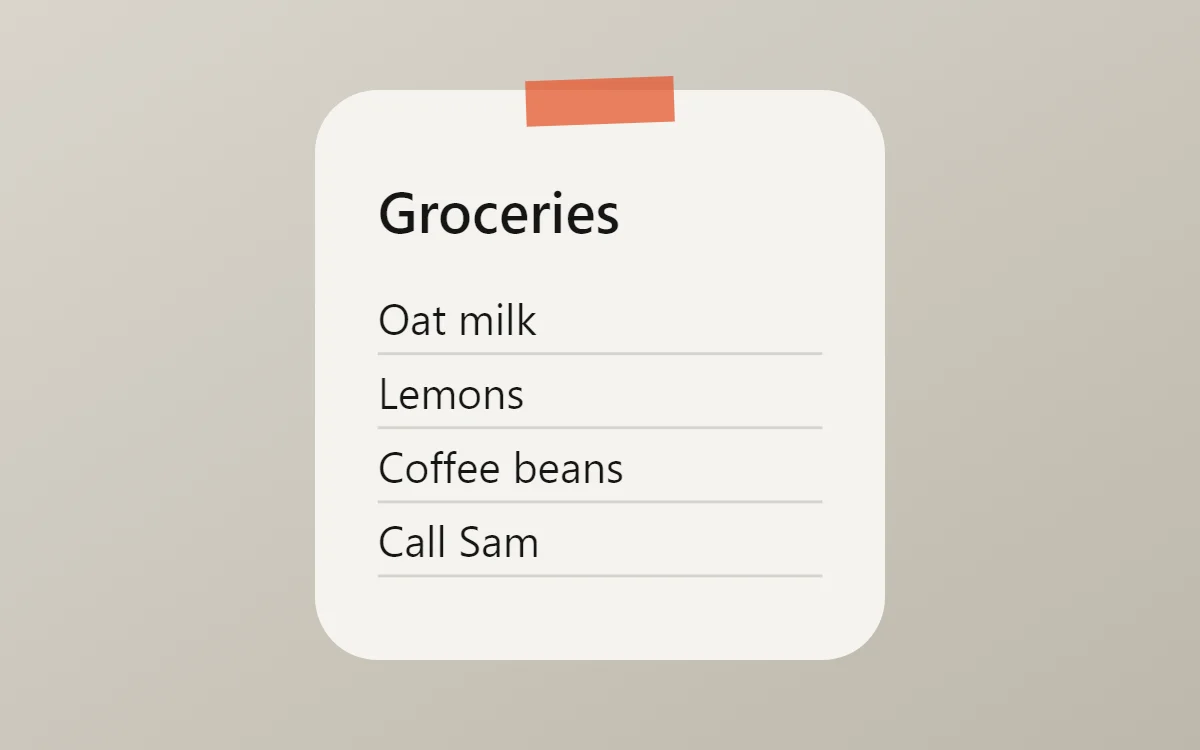 Minimal sticky note widgetFree to build
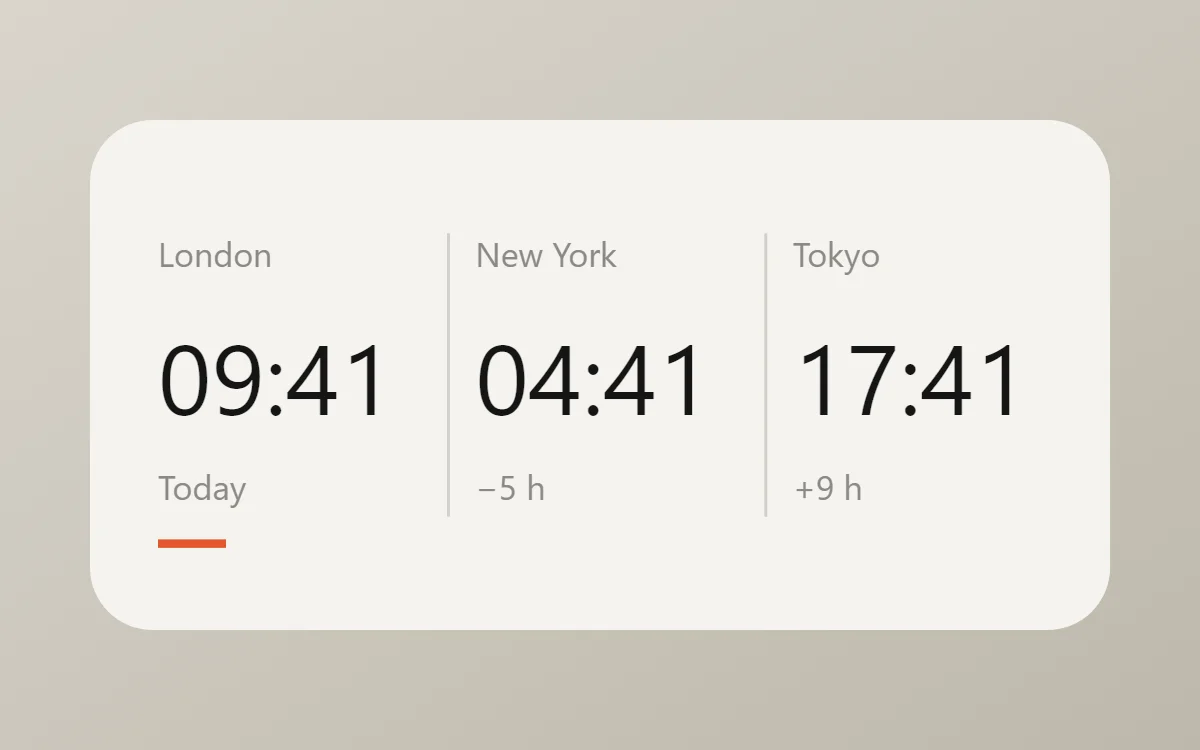 Minimal world clock widgetFree to build
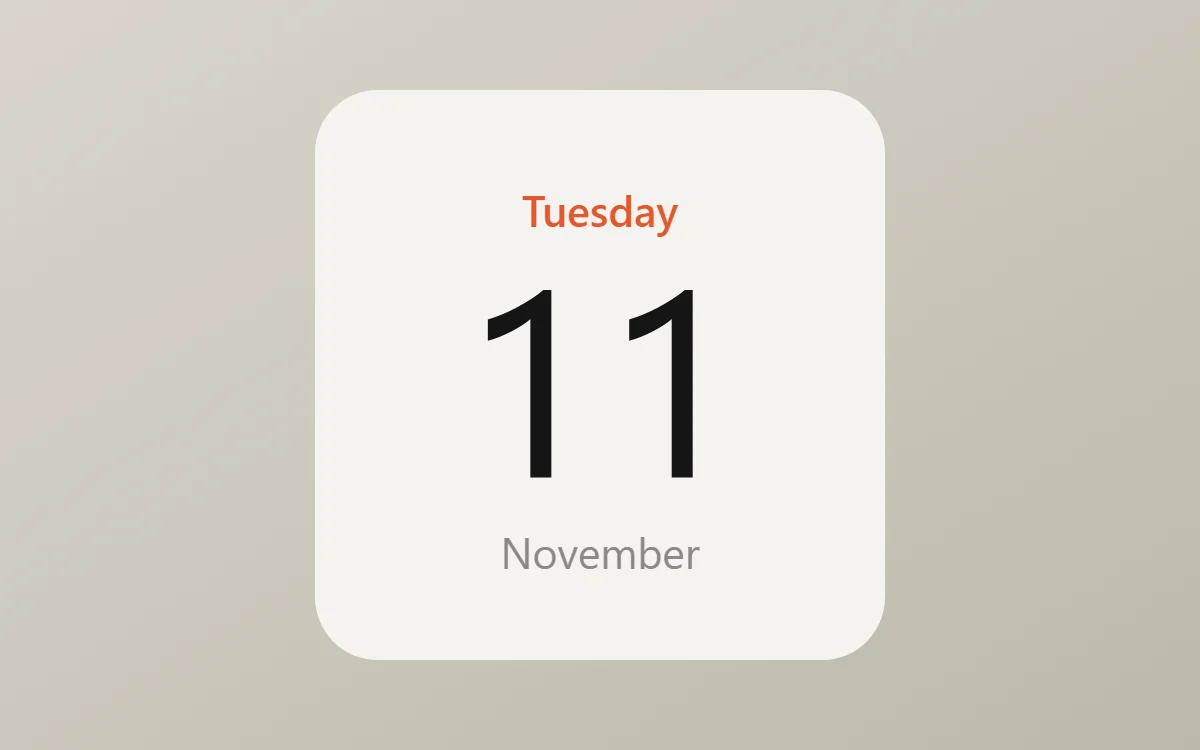 Minimal date widgetFree to build
The minimal palette
- Paper
#F5F3EEBackground - Linen
#E9E6DFSurface and tracks - Ink
#151515Text - Stone
#8B8A85Labels - Signal
#E4572EAccent
Design rules
- Text: Set labels small and regular weight; let size, not boldness, carry the hierarchy.
- Numbers: Give the main number at least half the widget height and keep everything else under 14 points.
- Bars and rings: Use hairline bars and thin rings, and use the accent color only on the part that shows progress.
- Photos: Crop photos tightly, keep them square and leave a clear margin so they read as one calm block.
- Lists: Keep rows to one line each with a faint divider, and show no more than three.
Do
- Leave at least 20 points of margin on every side.
- Pick one accent color and use it once per widget.
Avoid
- Do not add icons next to every label.
- Do not mix more than two text sizes below the headline.
Wallpaper and icons
A plain or softly textured wallpaper in a warm grey, sand or off-white keeps the widgets calm. Avoid busy photos.
Use a monochrome or outline icon pack and keep the dock to four apps.
Questions
What colors suit minimal widgets?
Start with Paper (#F5F3EE) for the background, Ink (#151515) for text and Signal (#E4572E) as the accent.
Which font works for minimal widgets?
Use built-in Sans, at weight 400.
Does WidgetCraft have minimal widgets ready to use?
Yes. The Minimalist template pack has 3 templates you can import and edit.