 WidgetCraftGet the app
Guide
Widgets and app shortcuts: what is the difference?
A shortcut is an icon that opens an app or an action. A widget is a small live view of the app that can show information and react to taps.
Shortcuts
A shortcut is a doorway. Tapping it opens an app, or jumps to one place inside an app, such as a new message or a saved route. It shows no information of its own beyond its icon and, sometimes, a notification dot.
Widgets
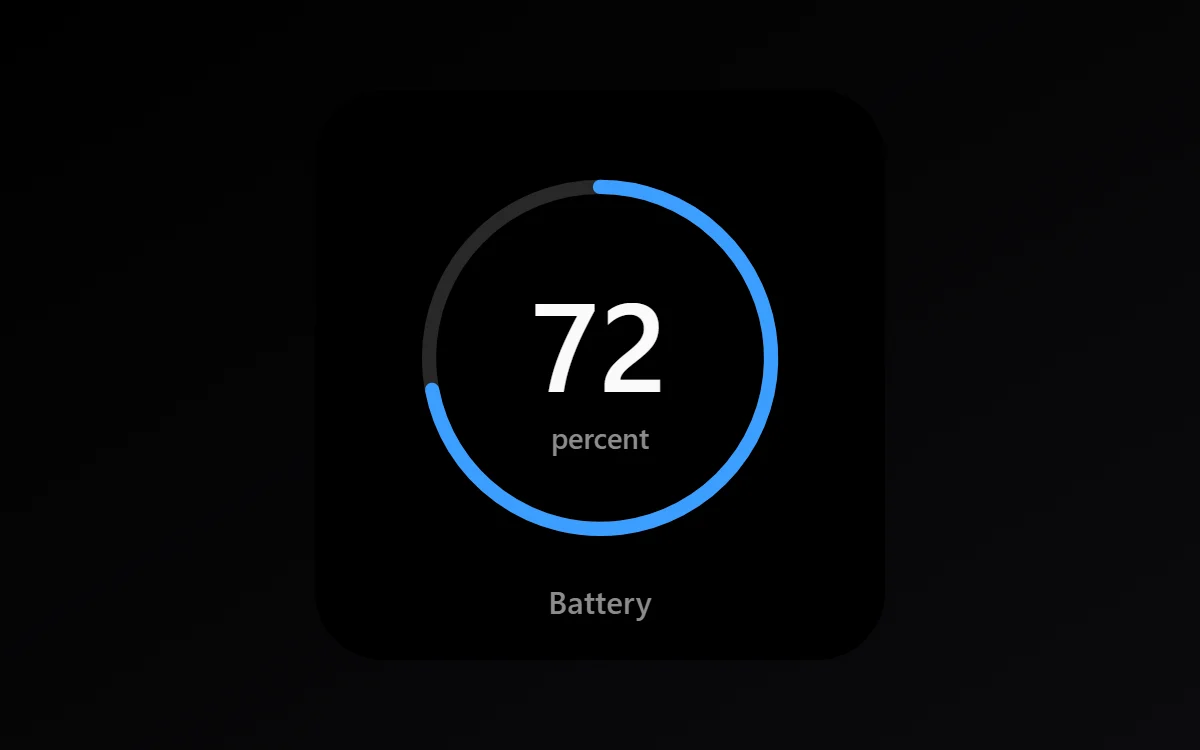
A widget is a window. It shows something useful without opening the app: the time, your next meeting, the song that is playing or how many steps you have taken. Many widgets also have buttons, such as play and pause or a checkbox.
When to use each
- Use a shortcut for things you do: open the camera, call a person, start a timer.
- Use a widget for things you check: time, date, battery, tasks, events.
- If you open an app only to read one number, a widget can replace that habit.
What widgets cannot do
Widgets are deliberately limited so they stay light. They cannot play smooth animation, show video or blur the wallpaper behind them, and Android controls how often they refresh. A widget is a snapshot that updates regularly, not a running app.
Questions
Do widgets use more battery than shortcuts?
Slightly, because they refresh. Widgets that only show time, date or battery use very little.
Can a widget open an app?
Yes. Most widgets open their app when tapped, and in WidgetCraft you can set what each layer does when tapped.