 WidgetCraftGet the app
Guide
What is a widget on Android?
A widget is a small, live piece of an app that sits on your home screen and shows information without opening the app.
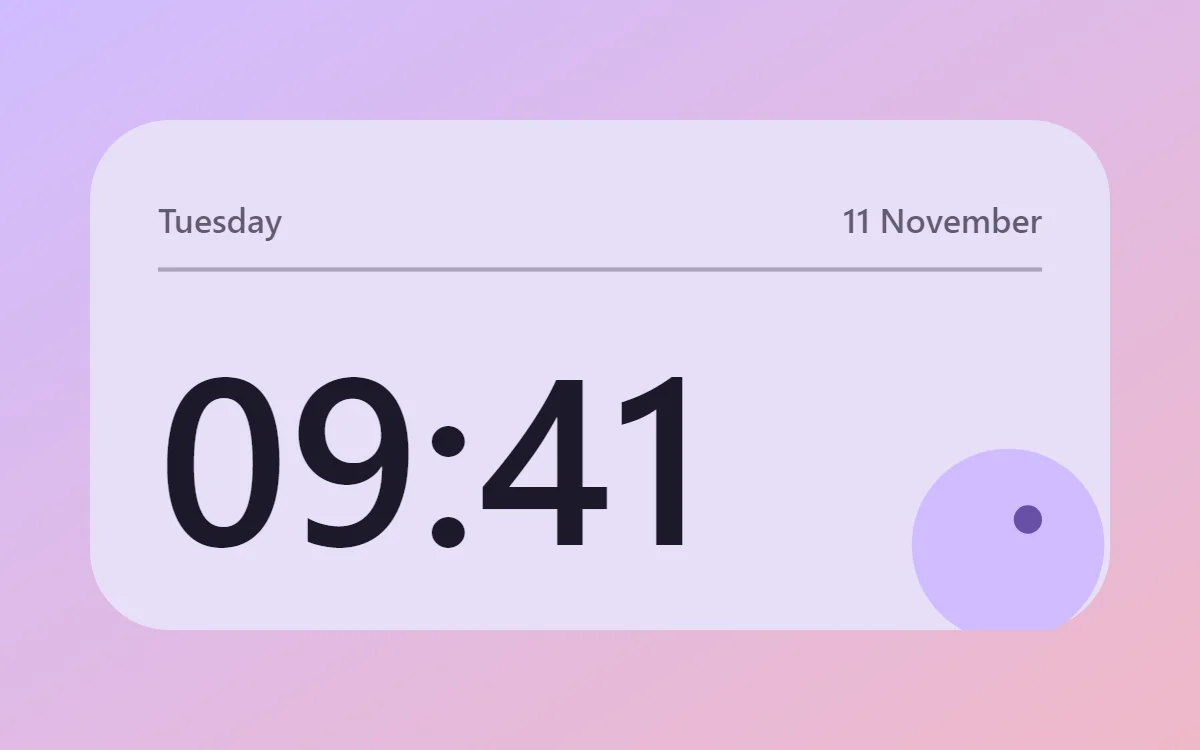
Widgets in one paragraph
Apps live behind icons. A widget brings a small part of an app out onto the home screen so you can see it at a glance. The clock at the top of many phones is a widget. So are a calendar agenda, a music controller and a step count.
What widgets are for
- Information: time, date, battery, events, tasks.
- Control: play and pause, tick a task, start a timer.
- Decoration: a photo, a quote or an analog clock that makes the screen yours.
Where they can go
Widgets live on the home screen pages of your launcher. You add them by touching and holding an empty space and choosing Widgets. Some phones also allow widgets on the lock screen or in a side panel, depending on the manufacturer and Android version.
Where widgets come from
Many apps include a few widgets of their own. Widget makers such as WidgetCraft go further: they let you design the widget yourself, choosing what it shows and how it looks.
Limits
Widgets are designed to be light. They refresh at intervals, not continuously, and cannot run animation or video. Tapping a widget usually opens its app for anything more involved.
Questions
Are widgets safe?
A widget has the same permissions as its app. Install apps from Google Play and grant only the permissions a widget actually needs.
Do all apps have widgets?
No. It is up to each developer.