 WidgetCraftGet the app
Platform-inspired styles
Material You widgets for Android
Android 12-style tonal colors, large rounded shapes and friendly type. Material You is the design language Google introduced with Android 12. Widgets use soft tonal colors drawn from the wallpaper, very round corners and big readable numbers. This recipe recreates the look with fixed colors you choose.
Also known as: material 3 widgets, android 12 style widgets, pixel style widgets, google style widgets.
Material You widget recipes
Each recipe has a preview, exact colors and layer-by-layer steps.
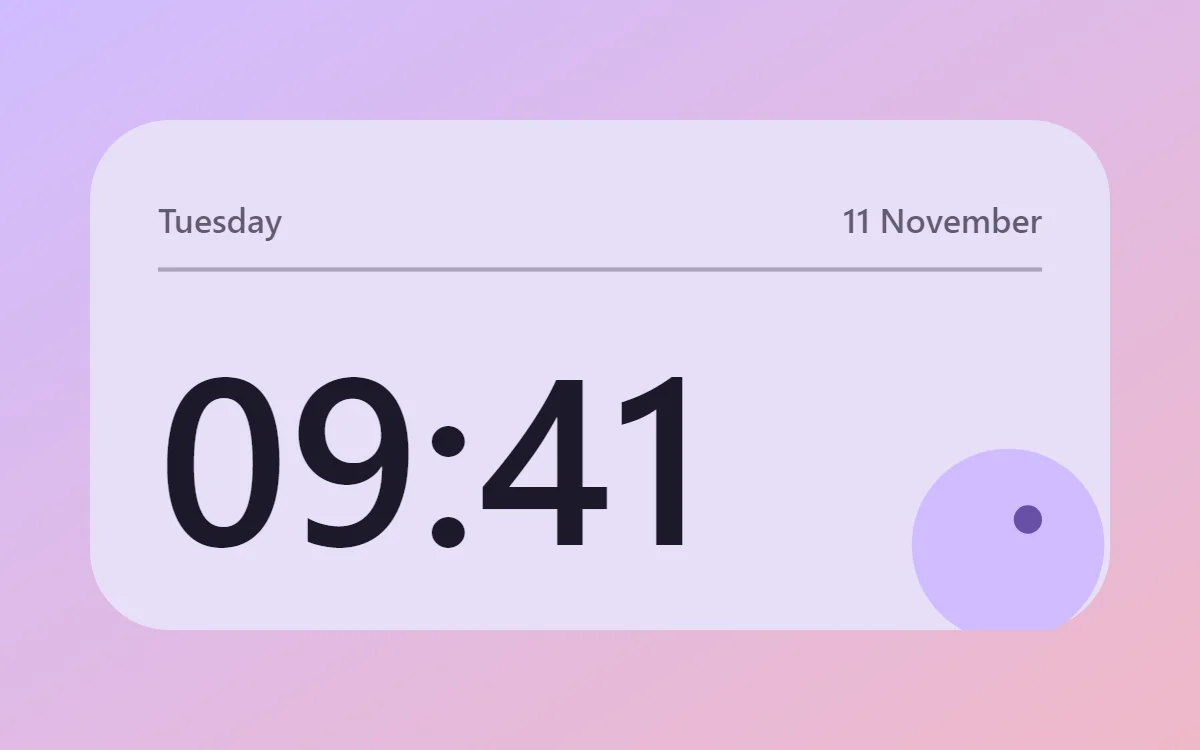 Material You clock widgetFree to build
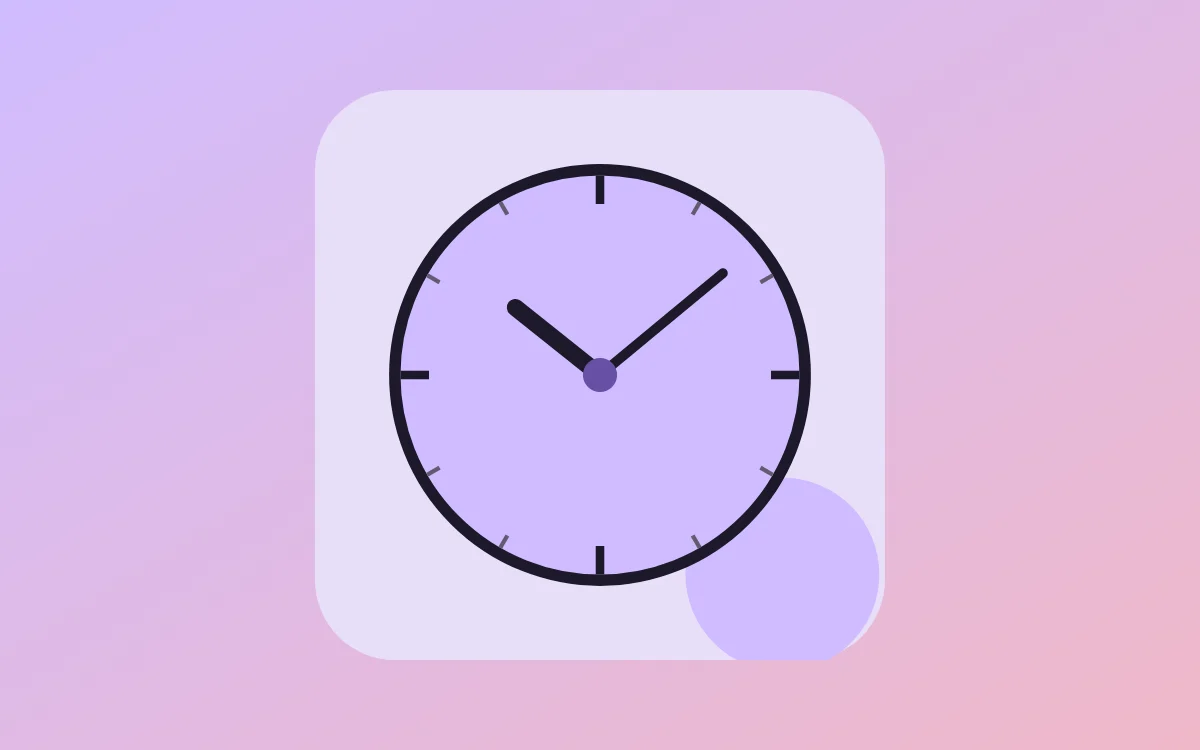 Material You analog clock widgetFree to build
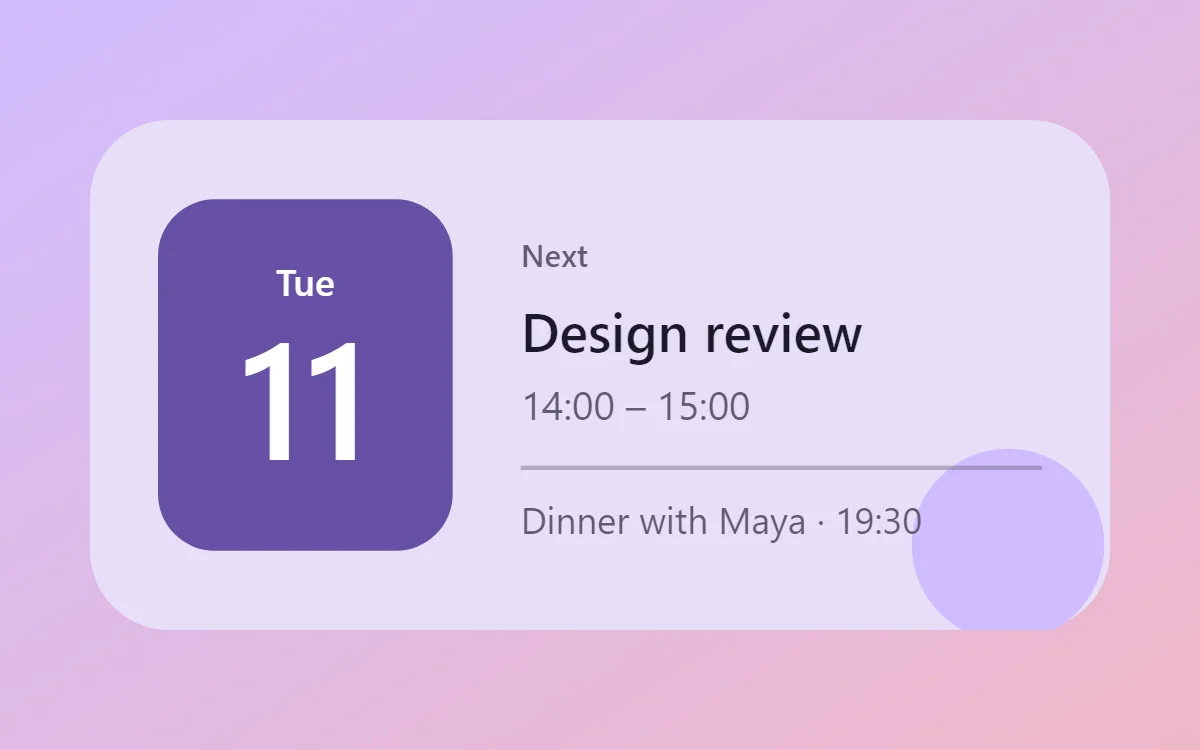 Material You calendar widgetData needs Pro
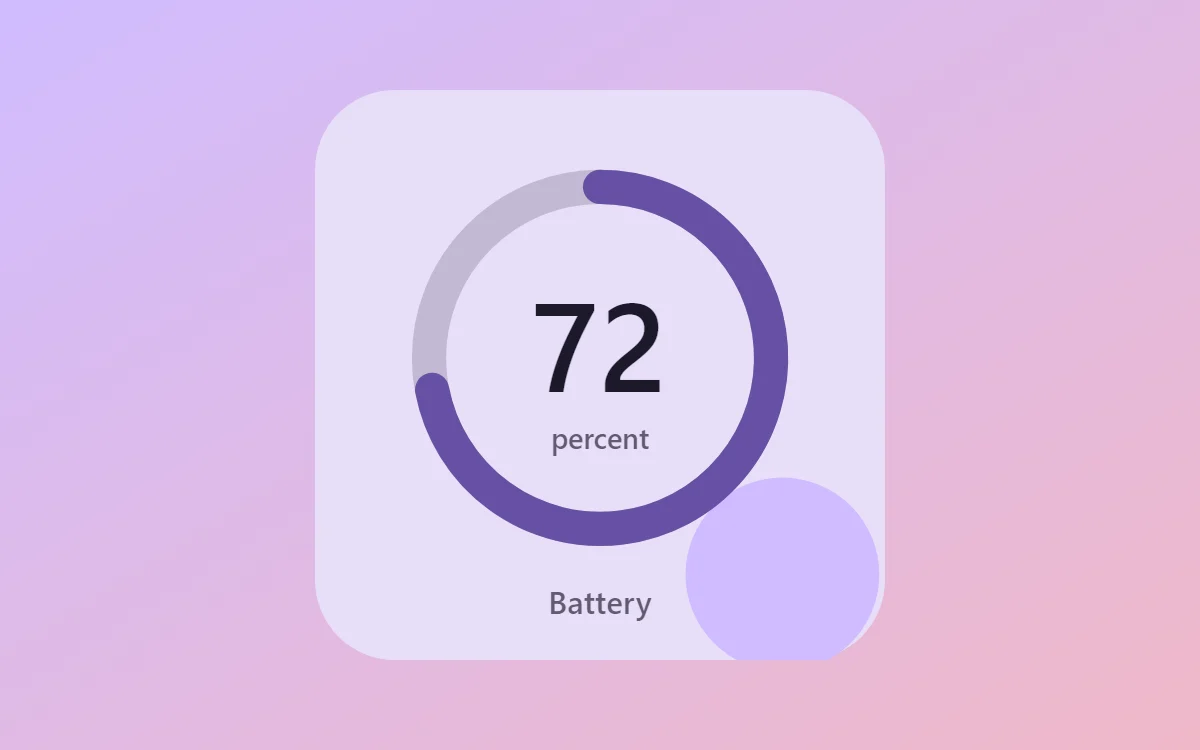 Material You battery widgetFree to build
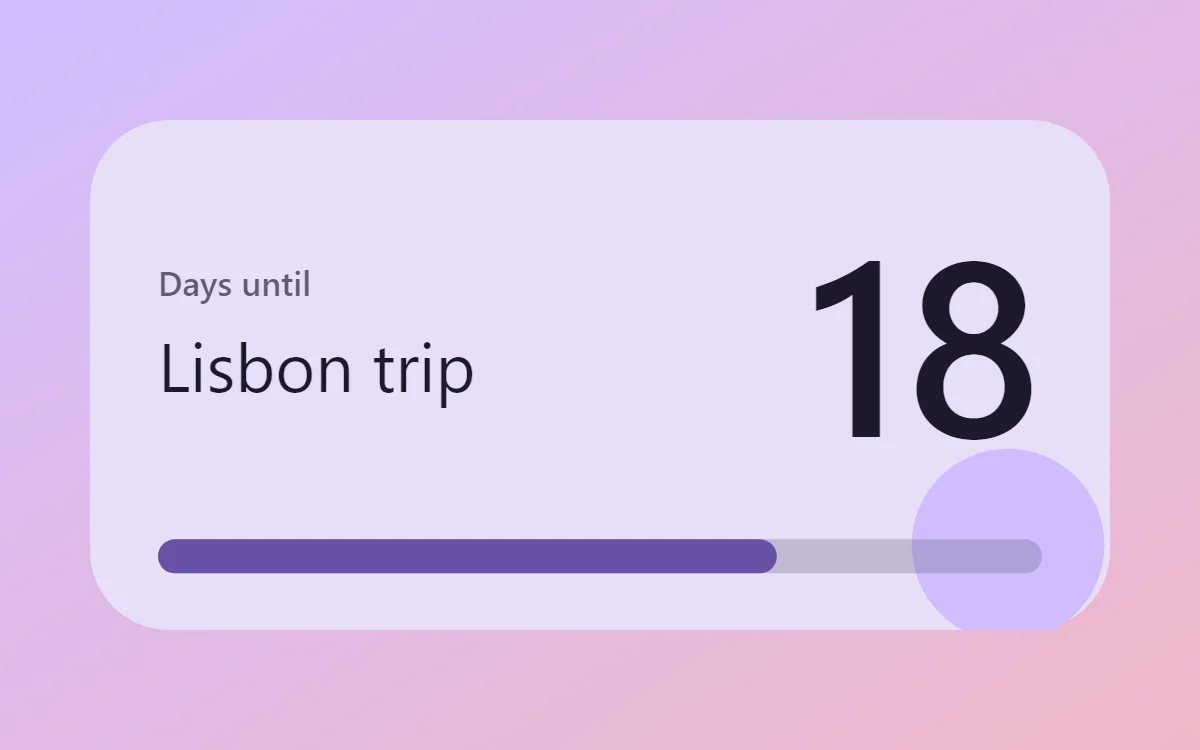 Material You countdown widgetFree to build
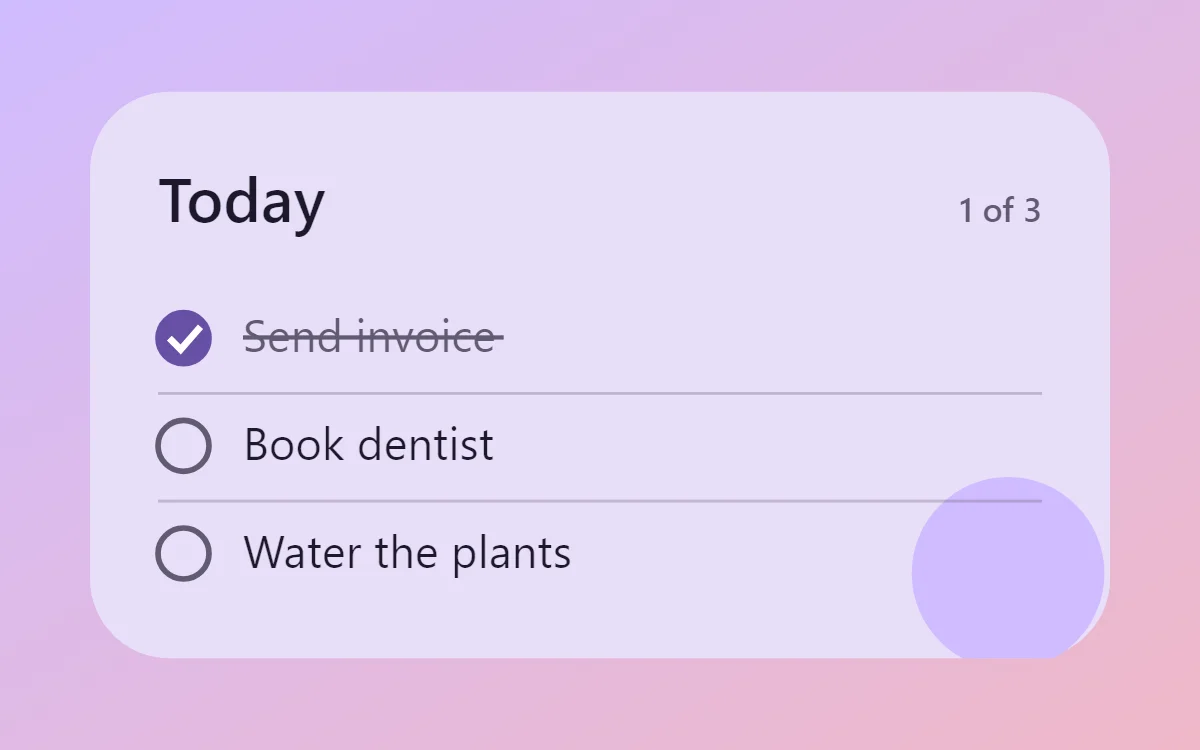 Material You to-do list widgetFree to build
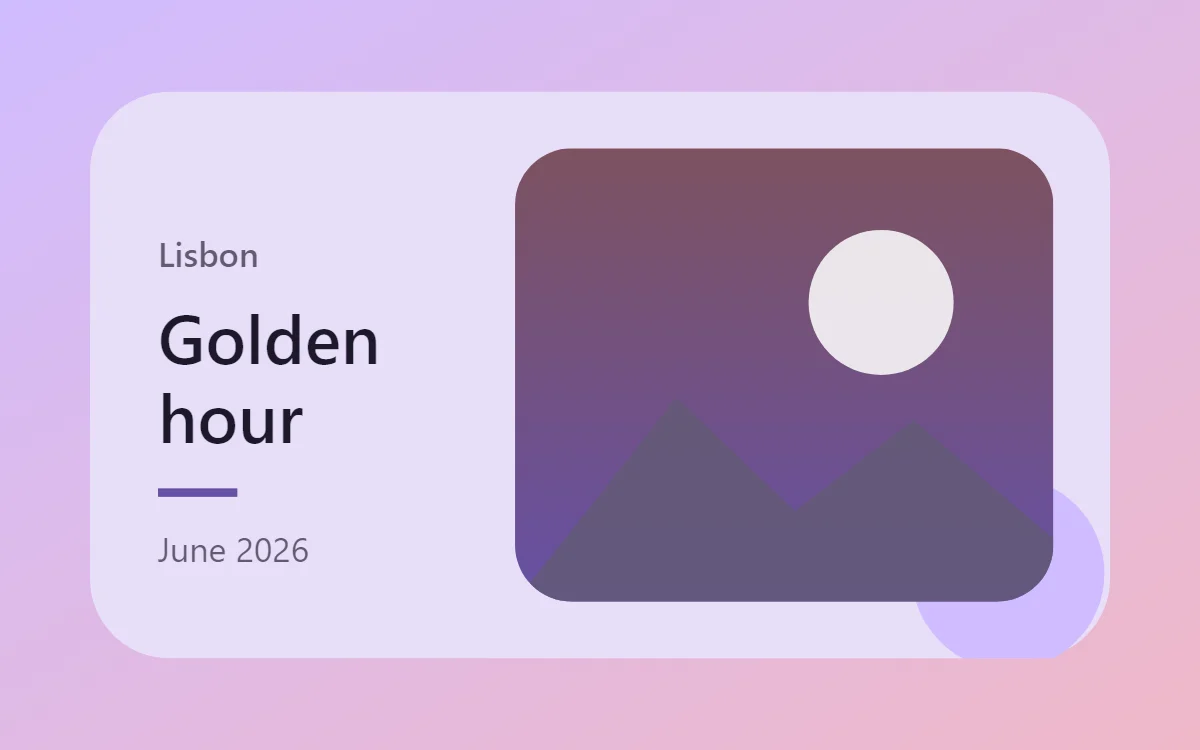 Material You photo widgetFree to build
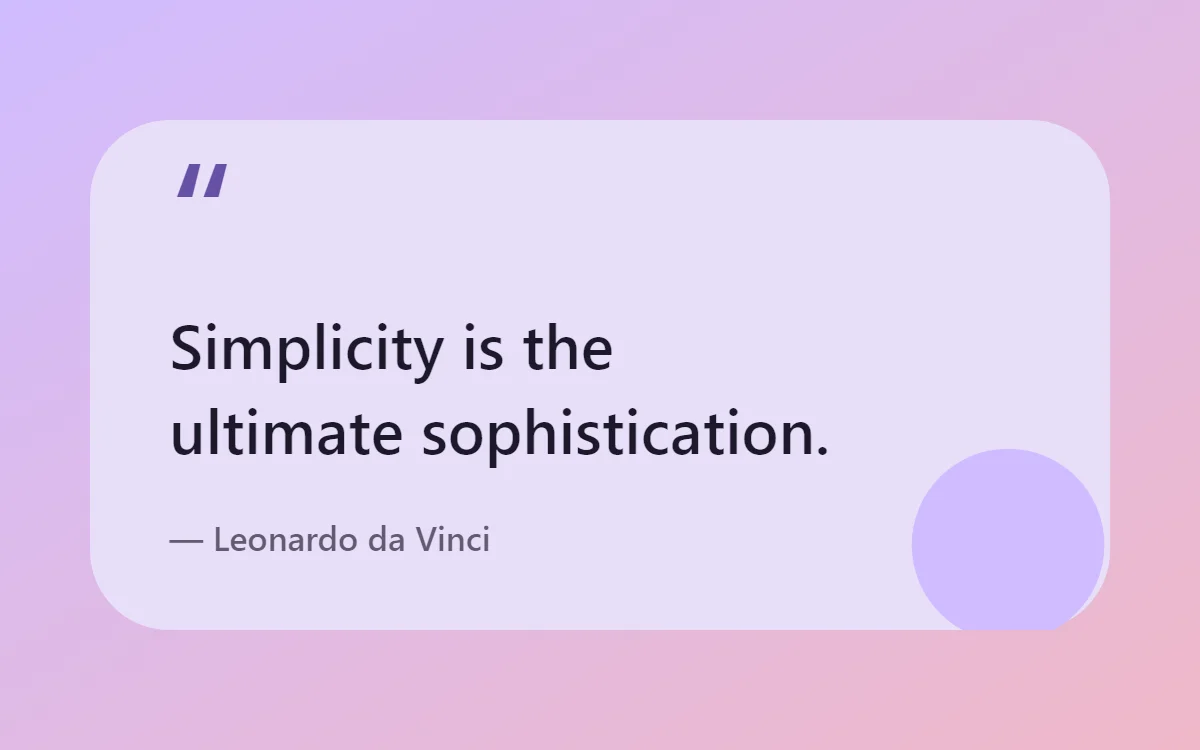 Material You quote widgetFree to build
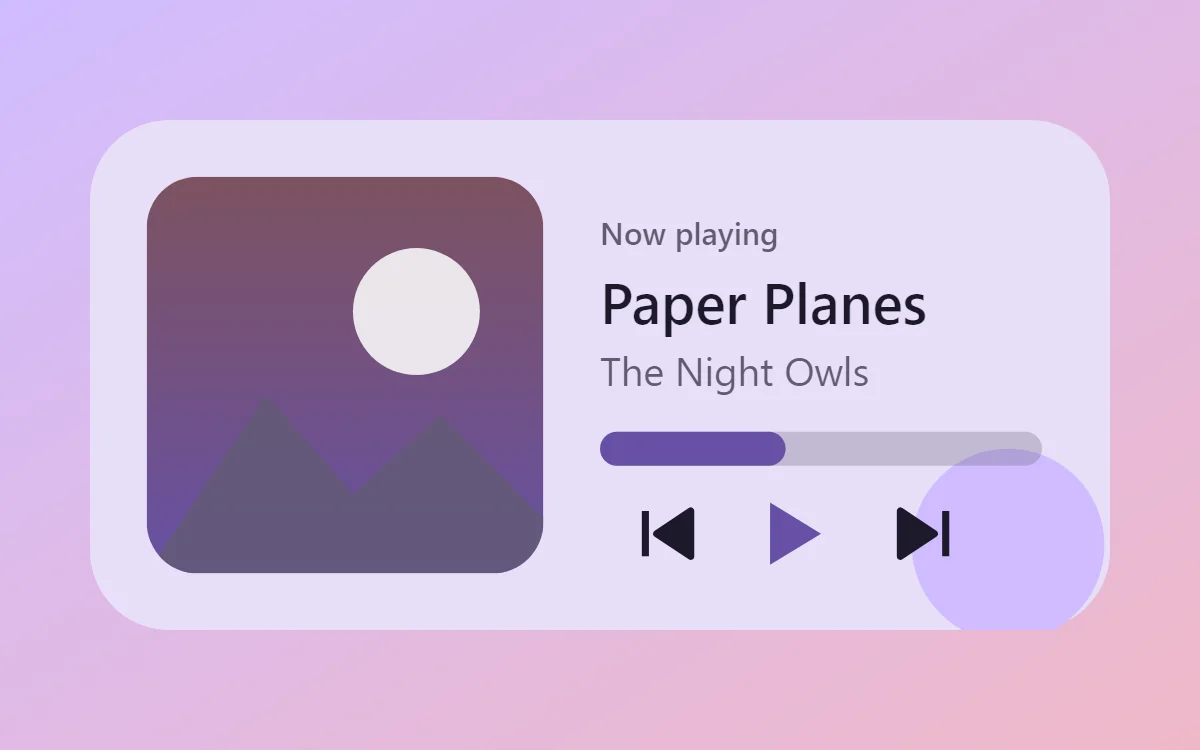 Material You music widgetData needs Pro
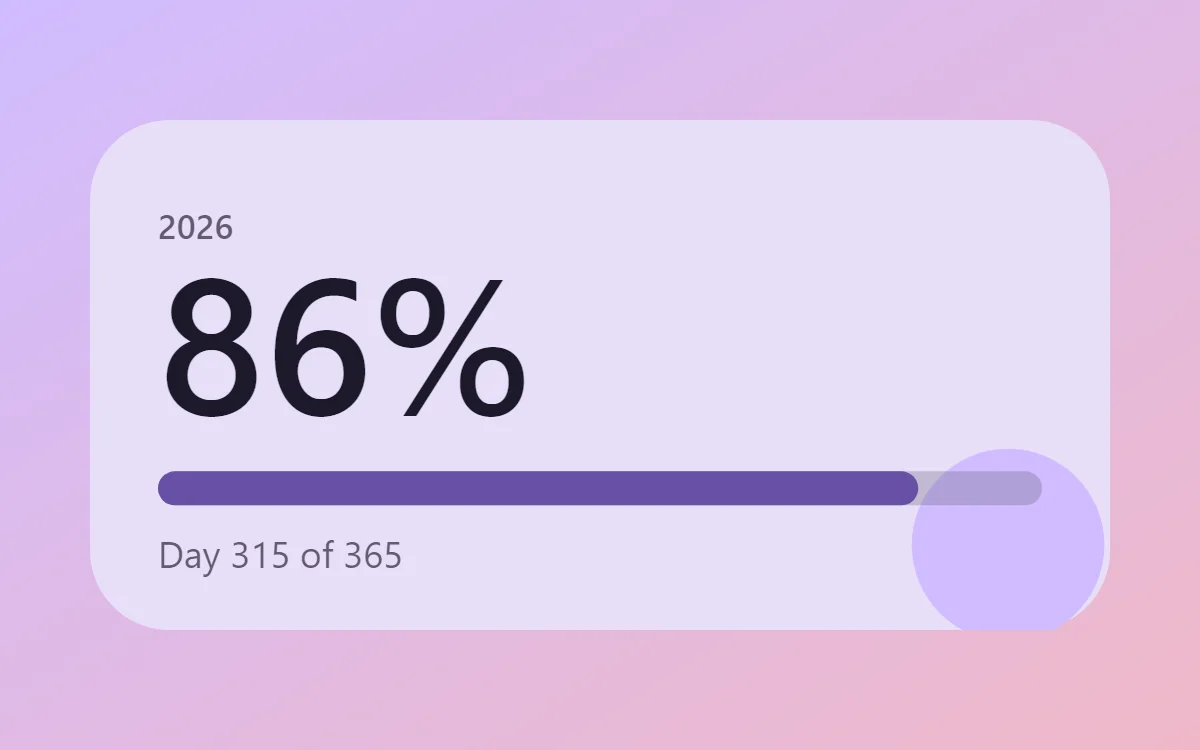 Material You year progress widgetFree to build
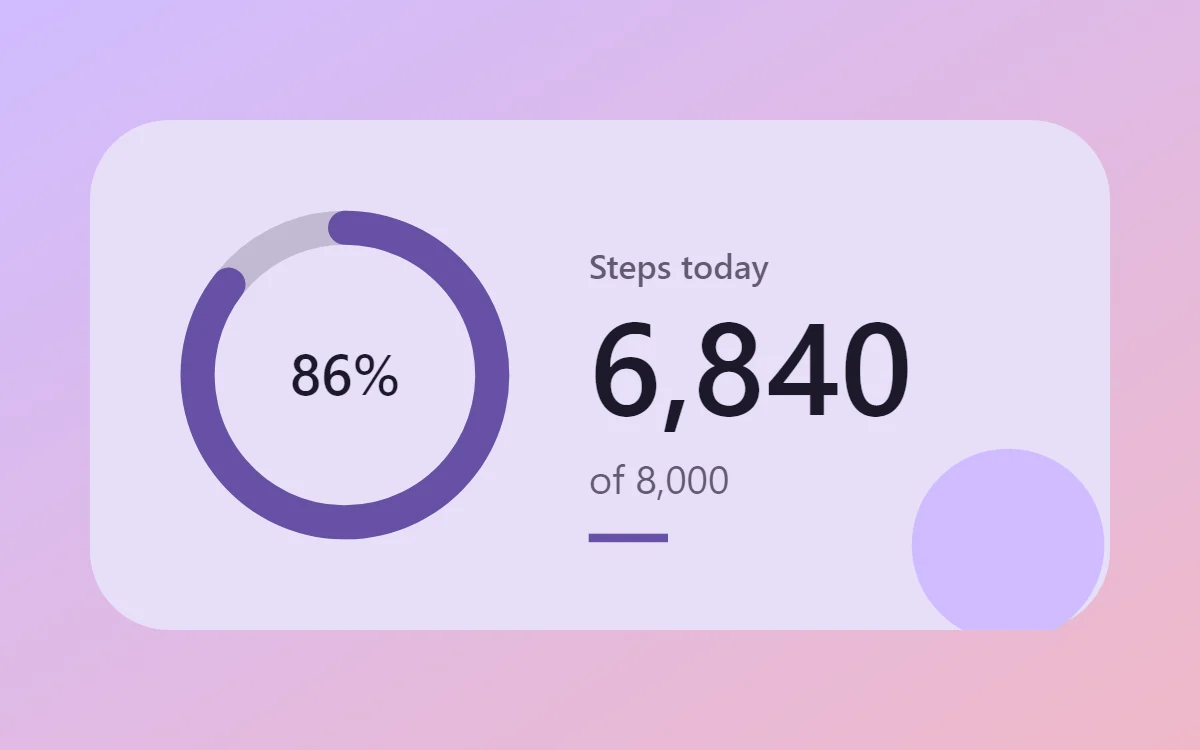 Material You step counter widgetData needs Pro
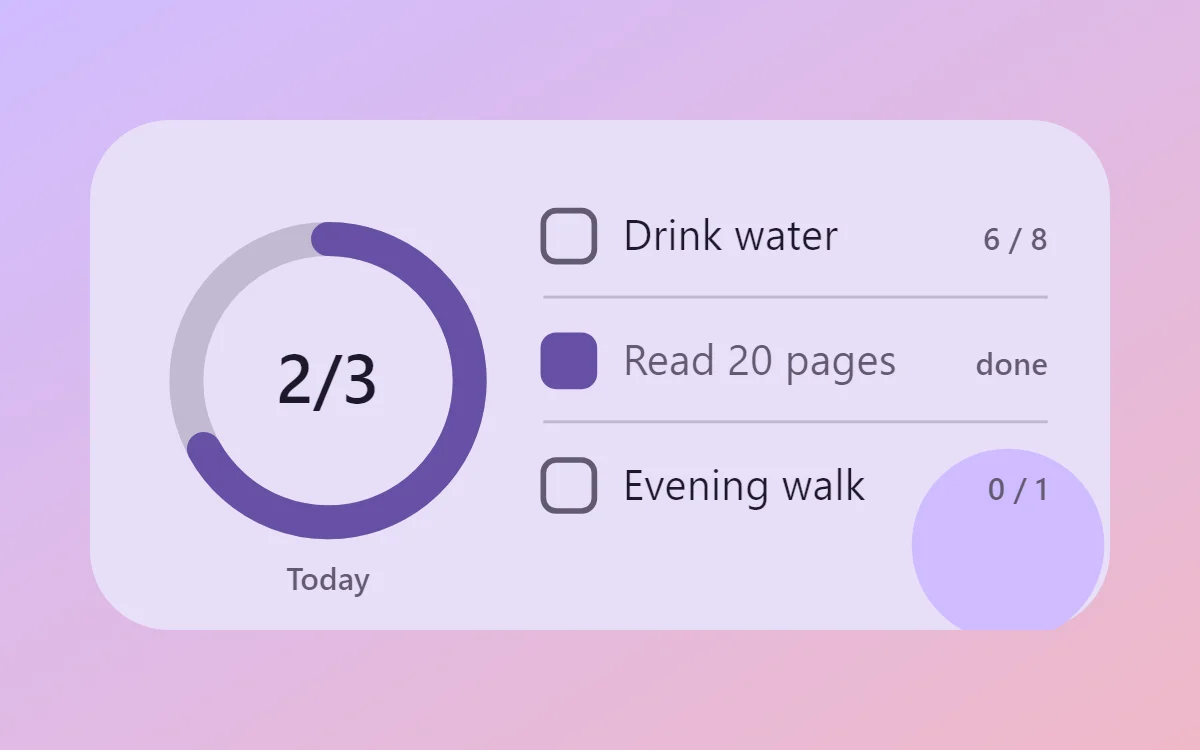 Material You habit tracker widgetFree to build
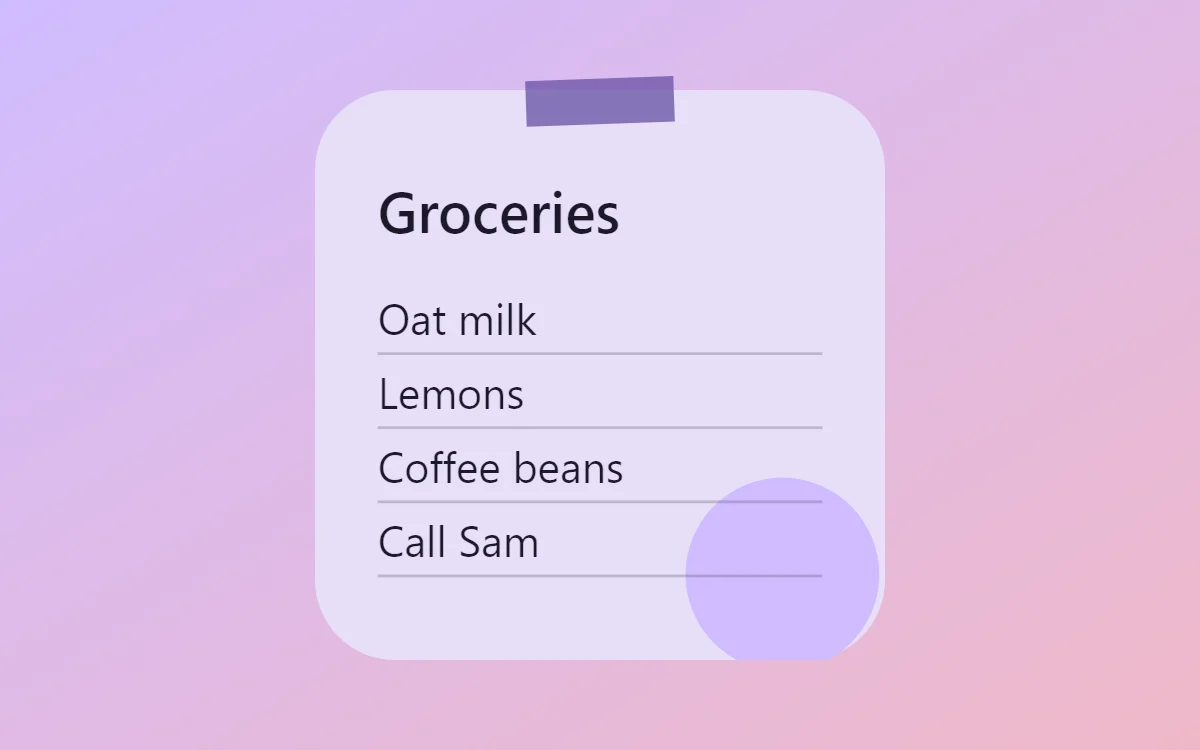 Material You sticky note widgetFree to build
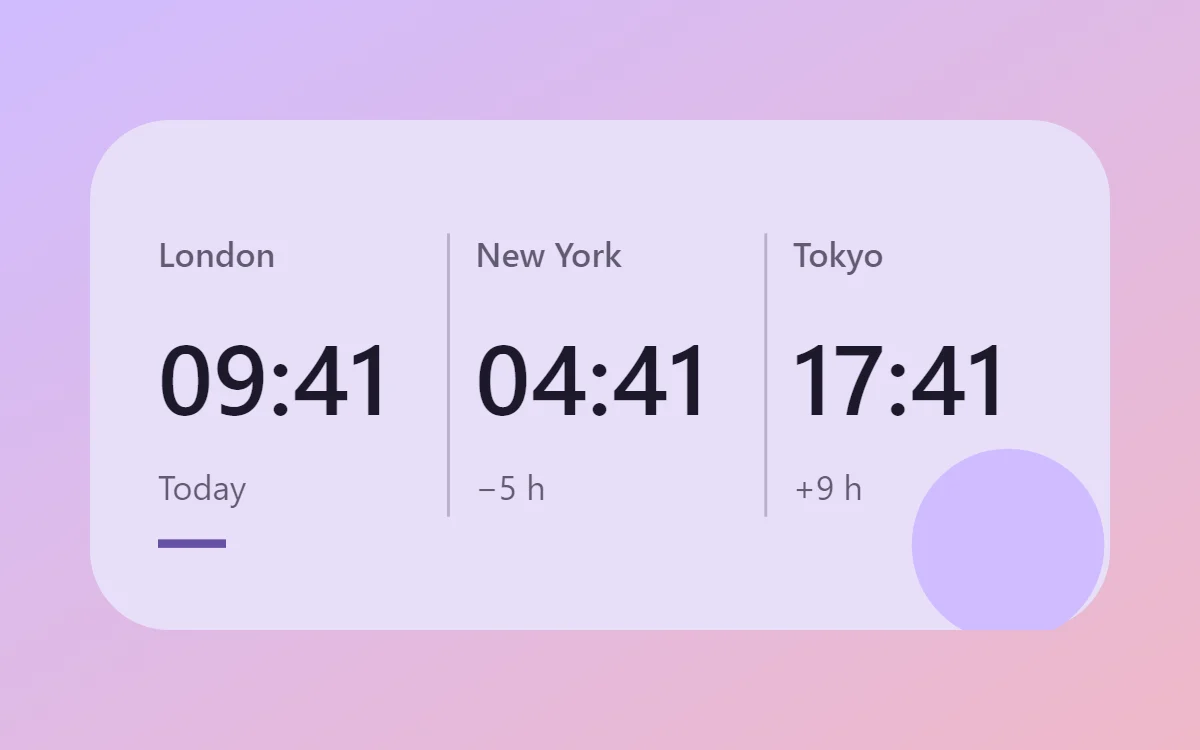 Material You world clock widgetFree to build
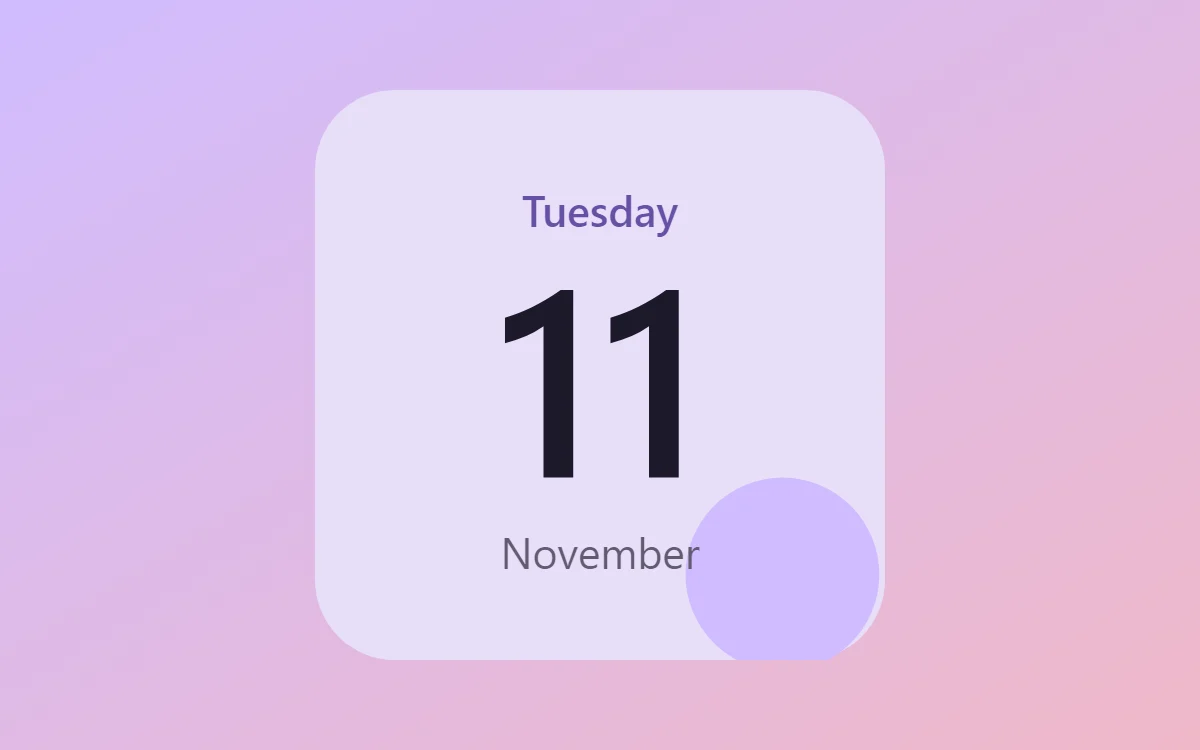 Material You date widgetFree to build
The Material You palette
- Tonal lavender
#E8DEF8Background - Primary container
#D0BCFFSurface and tracks - On-surface
#1D192BText - Outline grey
#625B71Labels - Primary purple
#6750A4Accent
Design rules
- Text: Use a friendly sans at medium weight in a dark tone of the same hue as the background.
- Numbers: Make numbers large and rounded in the on-surface color.
- Bars and rings: Use thick pill bars and full circles in the primary color on a lighter container.
- Photos: Clip photos to large rounded rectangles or a scalloped shape if you draw one.
- Lists: Place each row on its own tonal pill with 16 points of padding.
Do
- Take background, container and text from one hue at different lightness.
- Use 28 points of corner radius.
Avoid
- Do not mix unrelated hues.
- Do not use hairline borders.
Wallpaper and icons
Any wallpaper; pick your widget hue from its dominant color, as Android does.
Turn on themed icons in your launcher so icons share the tone.
Questions
What colors suit Material You widgets?
Start with Tonal lavender (#E8DEF8) for the background, On-surface (#1D192B) for text and Primary purple (#6750A4) as the accent.
Which font works for Material You widgets?
Use Google Sans or Roboto (import the font file), or the built-in Sans, at weight 500.
Does WidgetCraft have Material You widgets ready to use?
There is no ready-made Material You pack at the moment. Each recipe on this page lists the exact settings to build one in a few minutes, and most use only free features.