 WidgetCraftGet the app
Color themes
Blue widgets for Android
Calm sky and navy tones. Blue widgets feel calm and clear. This recipe pairs a pale sky background with navy text and a mid-blue accent; flip the colors for a deep navy version.
Also known as: blue aesthetic widgets, navy widgets, ocean widgets.
Blue widget recipes
Each recipe has a preview, exact colors and layer-by-layer steps.
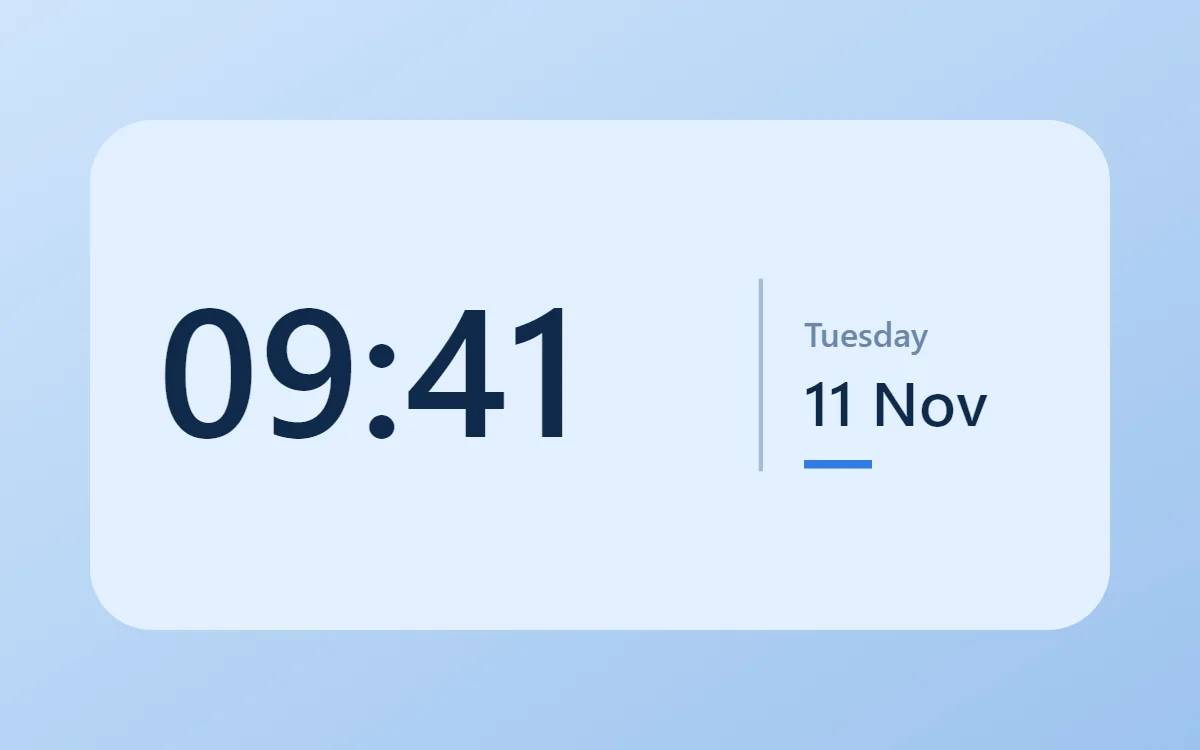 Blue clock widgetFree to build
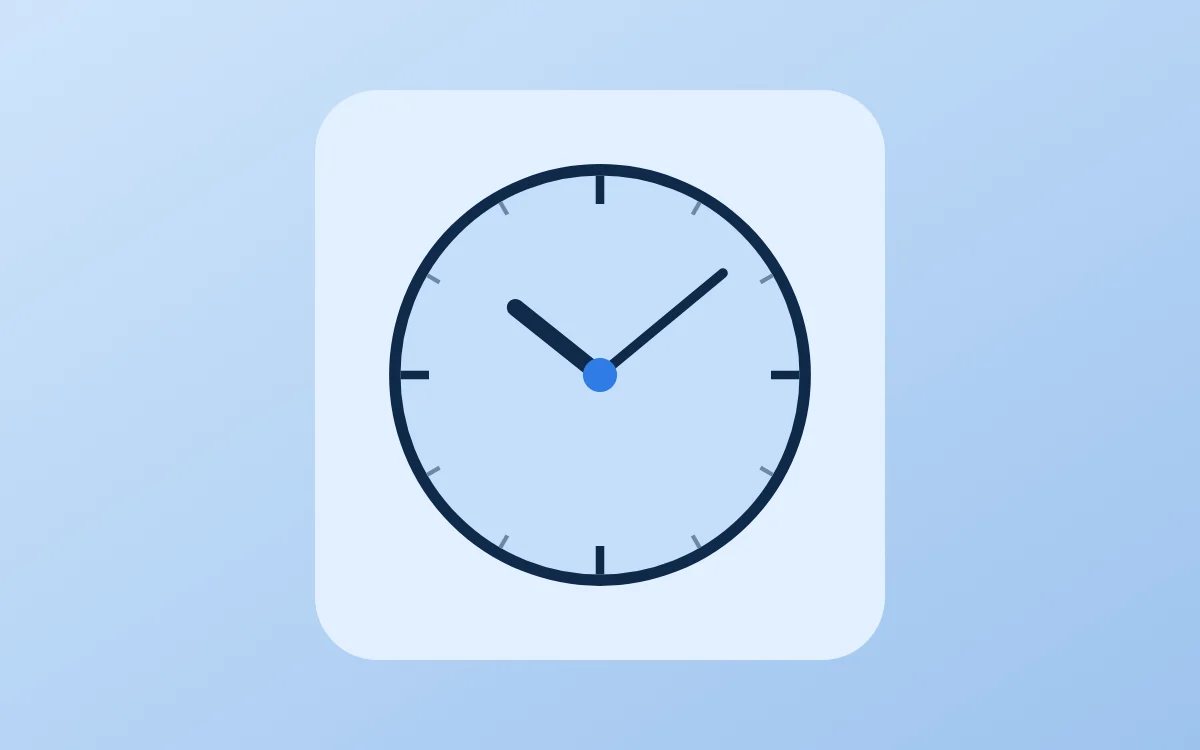 Blue analog clock widgetFree to build
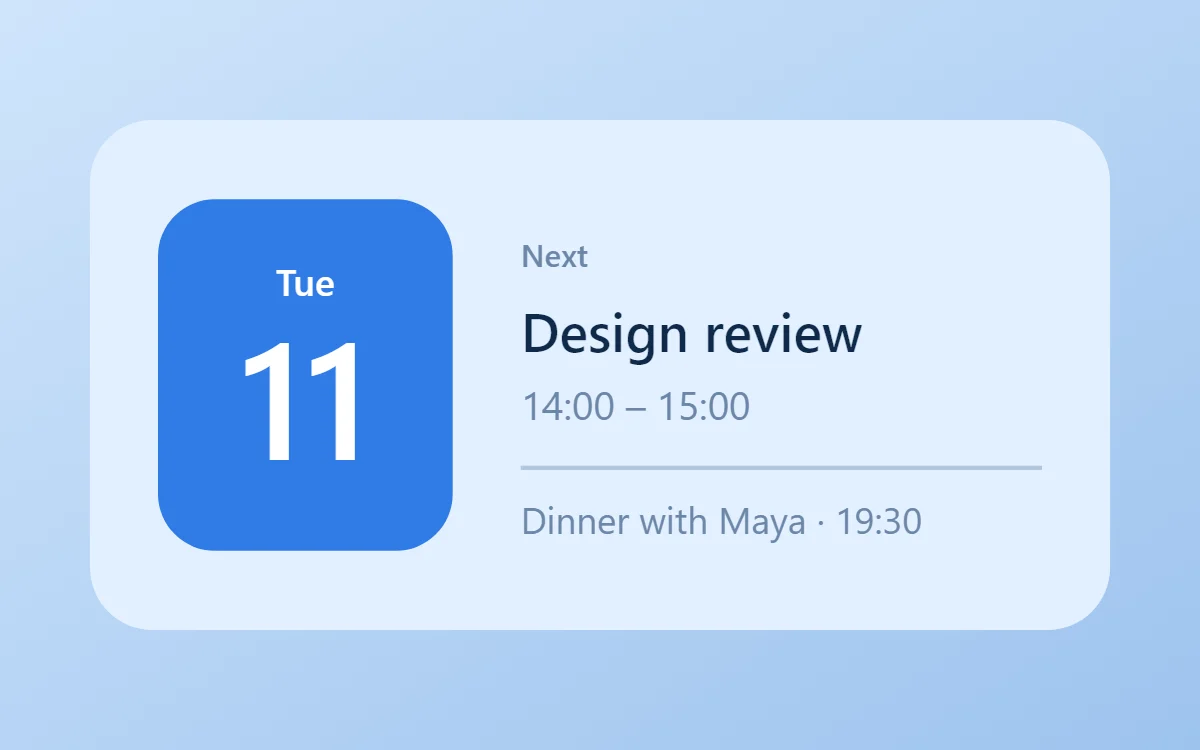 Blue calendar widgetData needs Pro
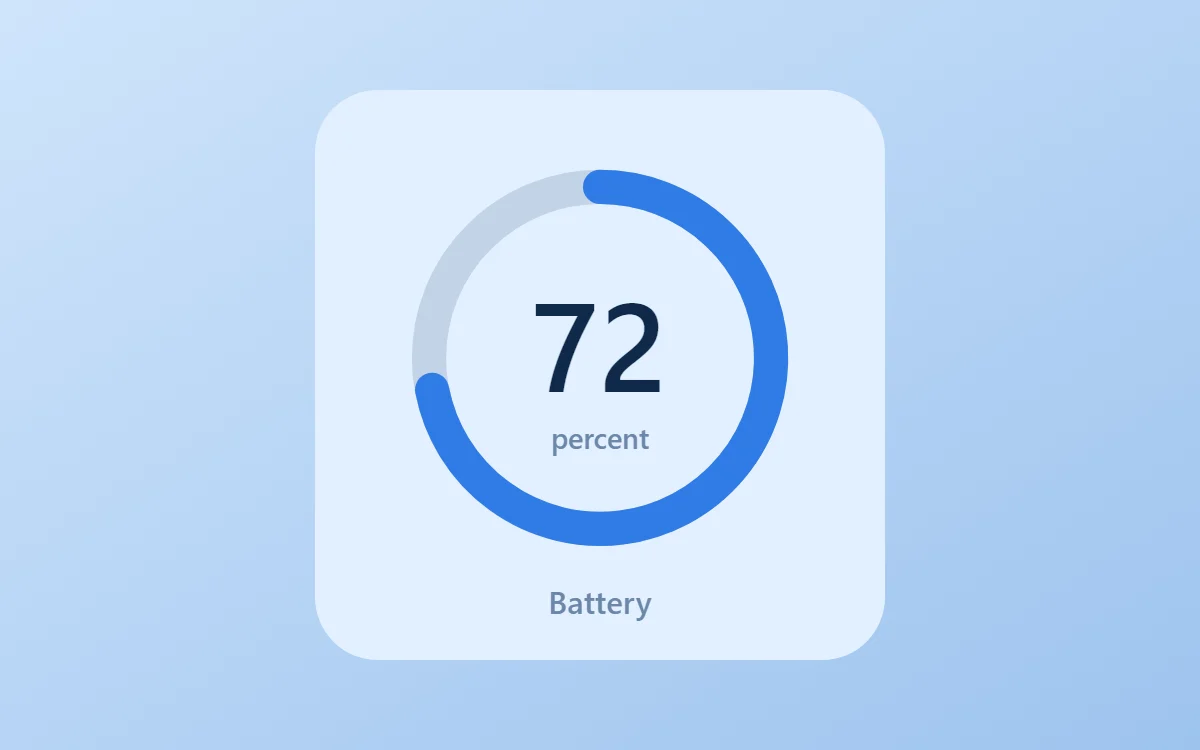 Blue battery widgetFree to build
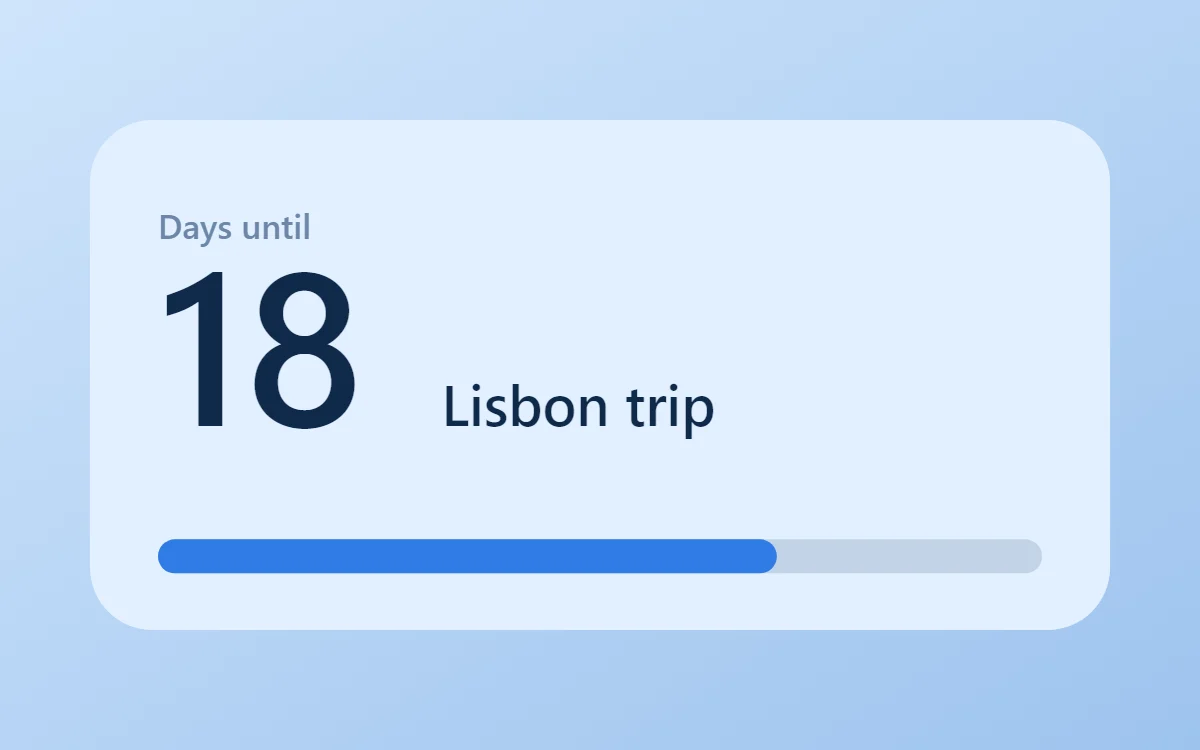 Blue countdown widgetFree to build
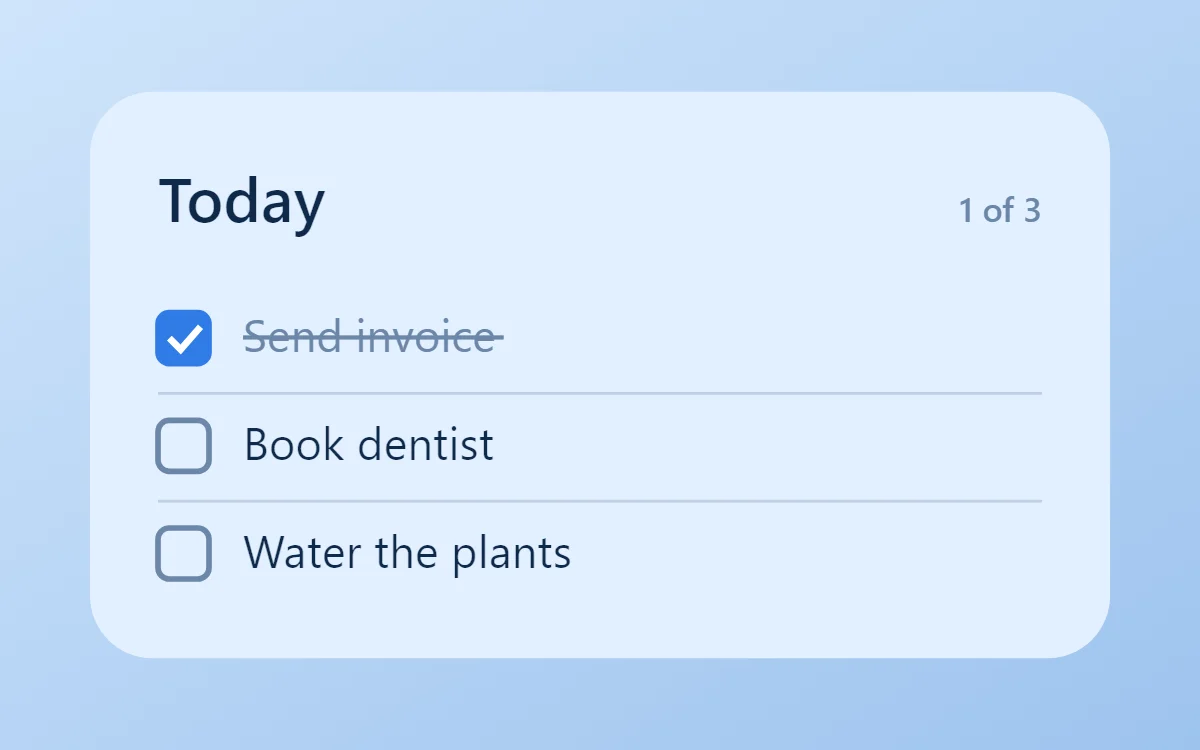 Blue to-do list widgetFree to build
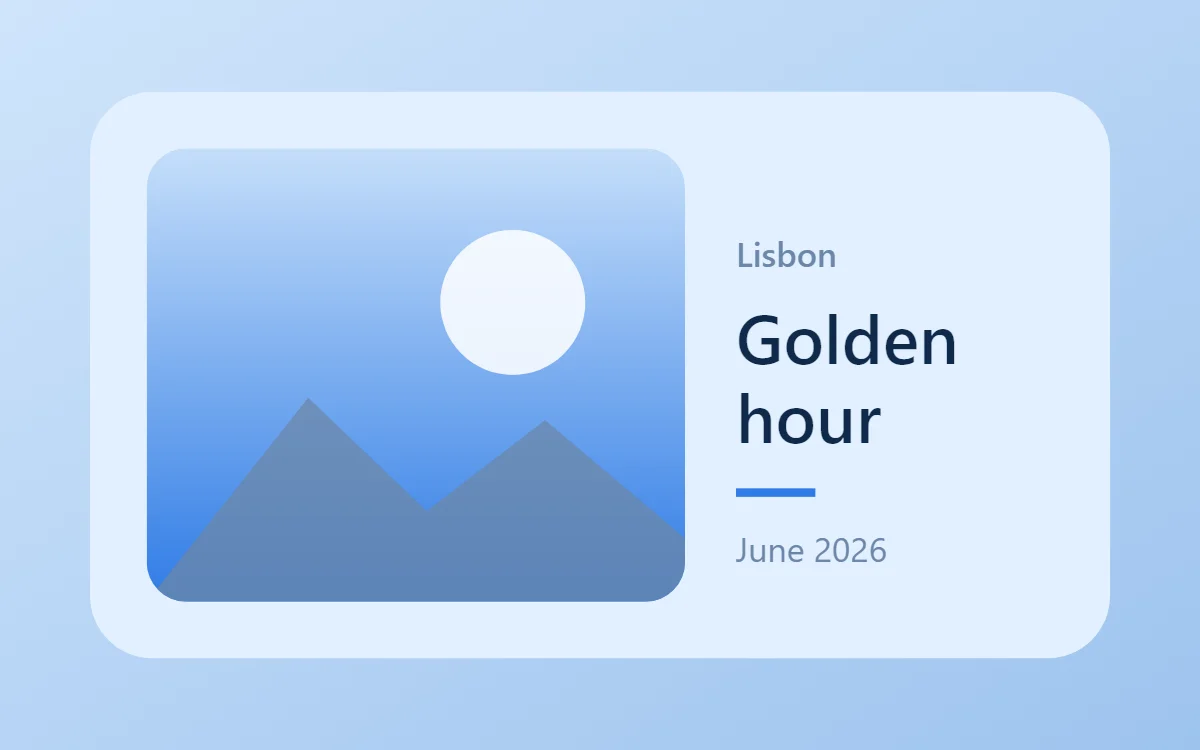 Blue photo widgetFree to build
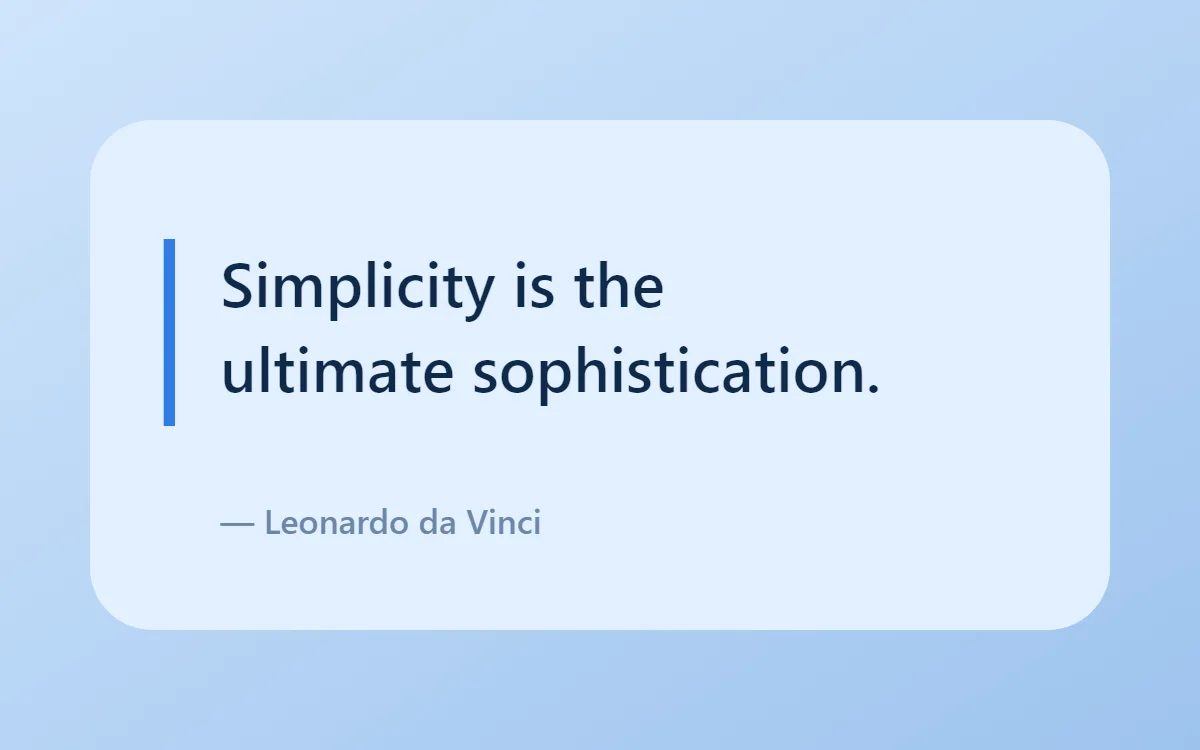 Blue quote widgetFree to build
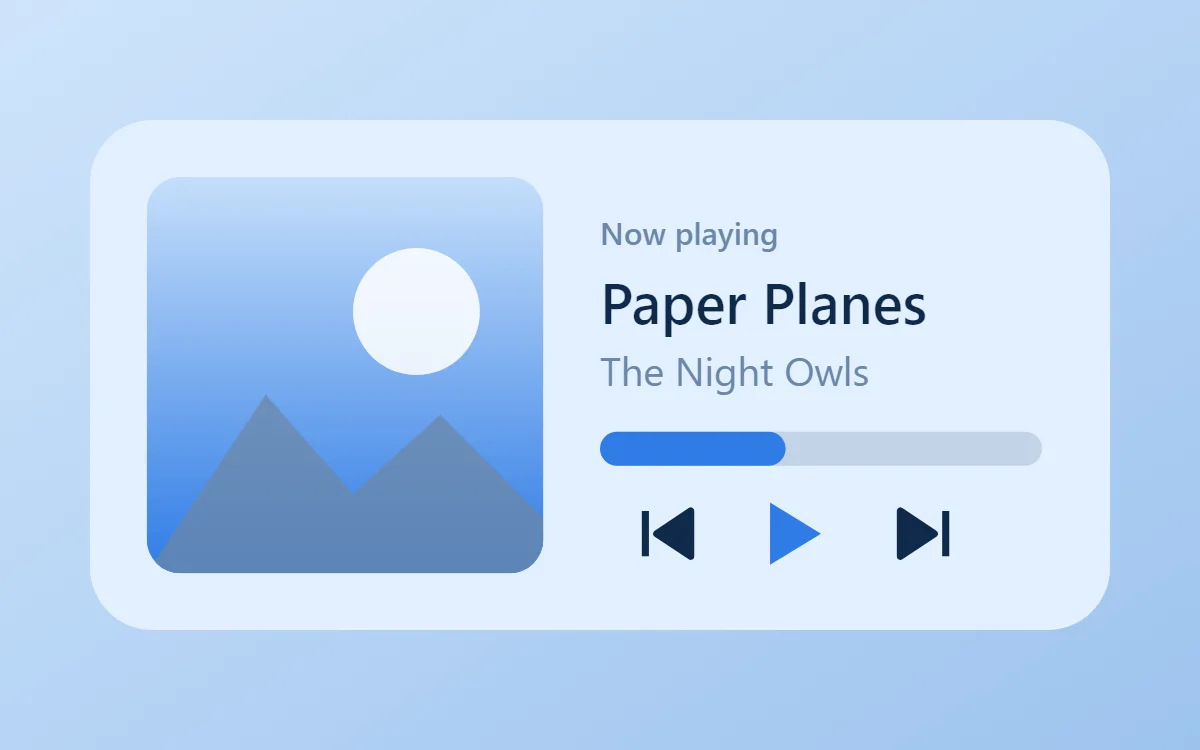 Blue music widgetData needs Pro
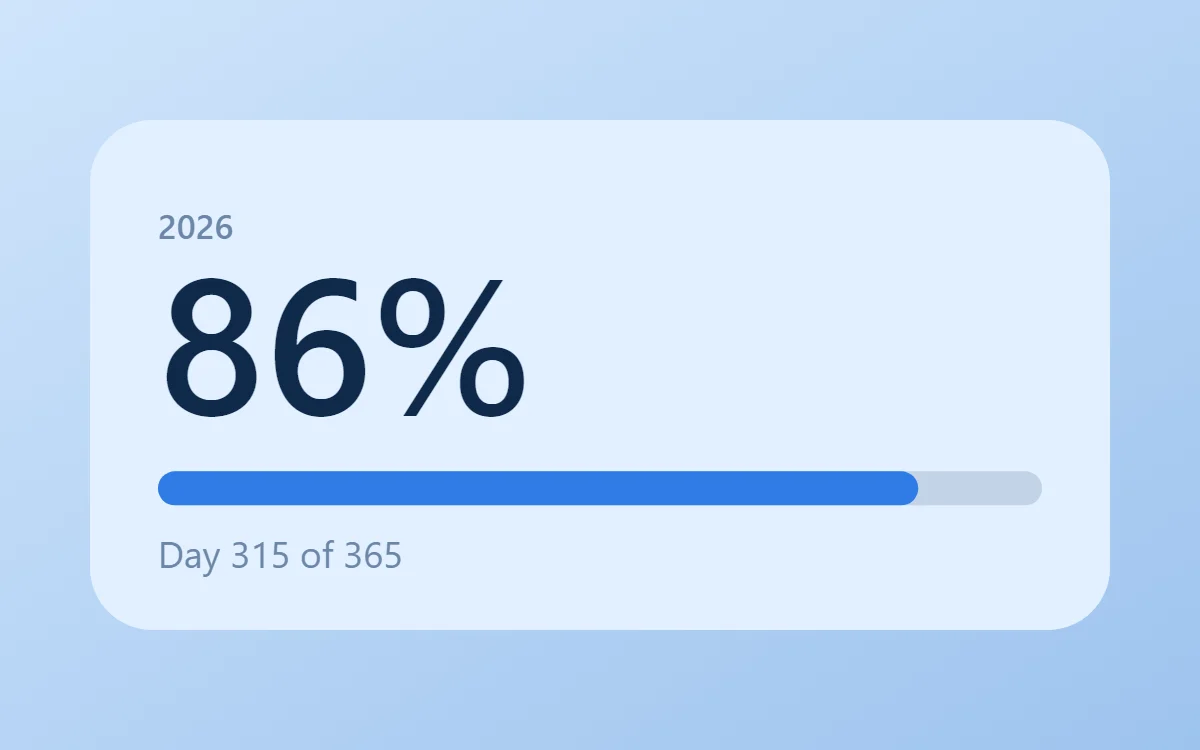 Blue year progress widgetFree to build
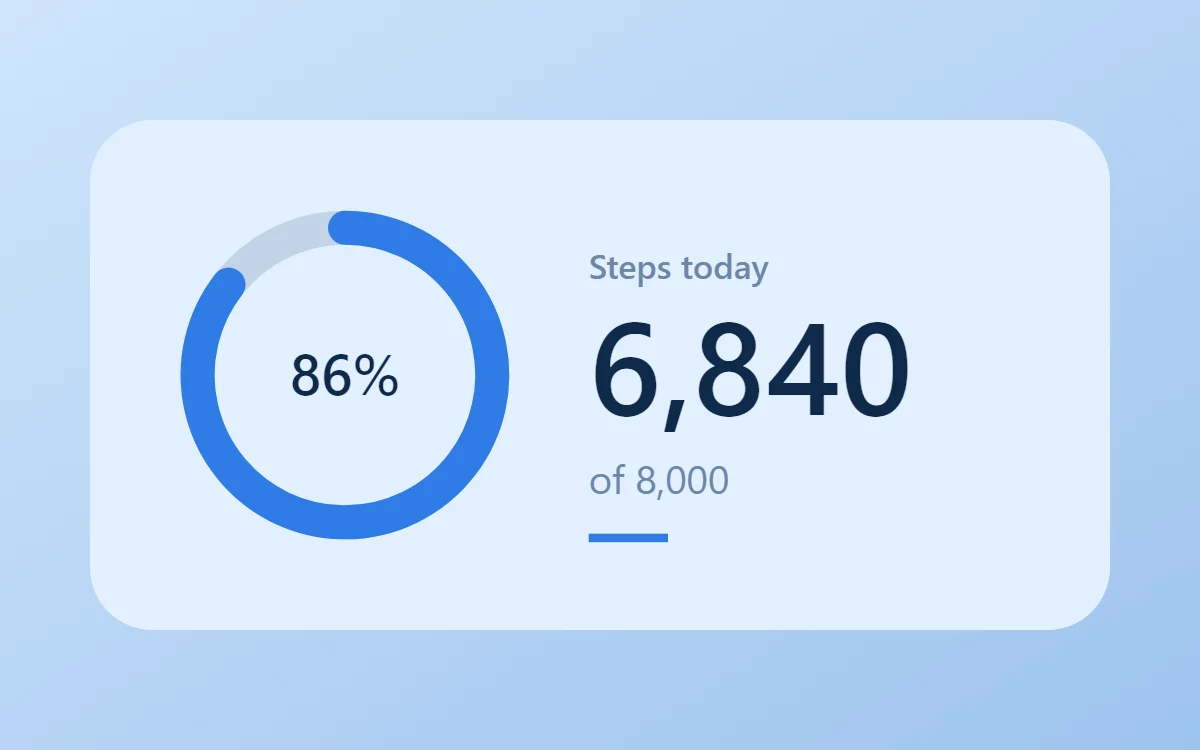 Blue step counter widgetData needs Pro
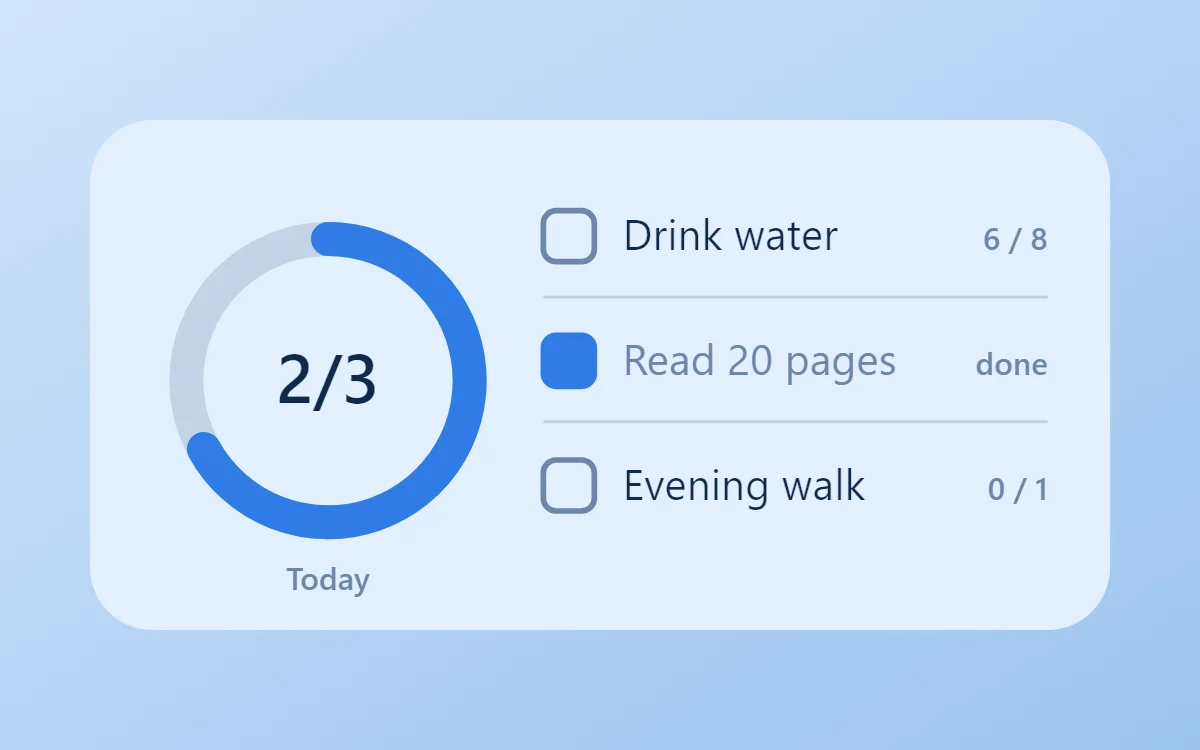 Blue habit tracker widgetFree to build
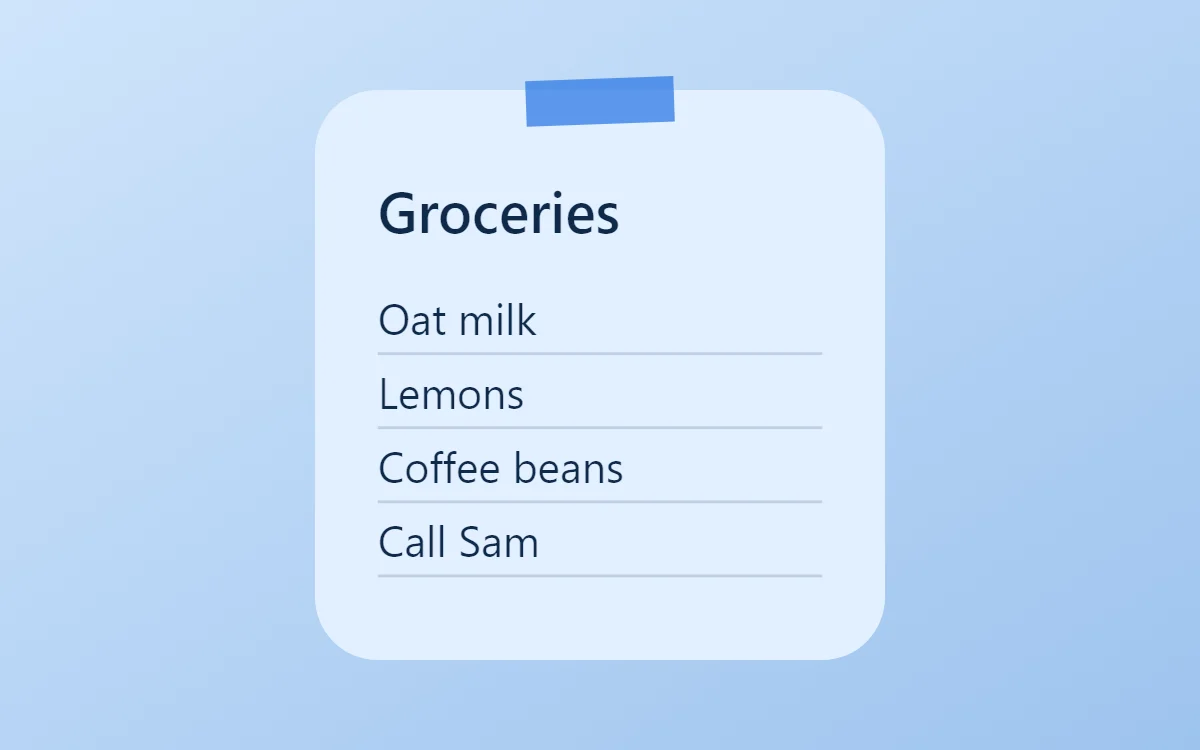 Blue sticky note widgetFree to build
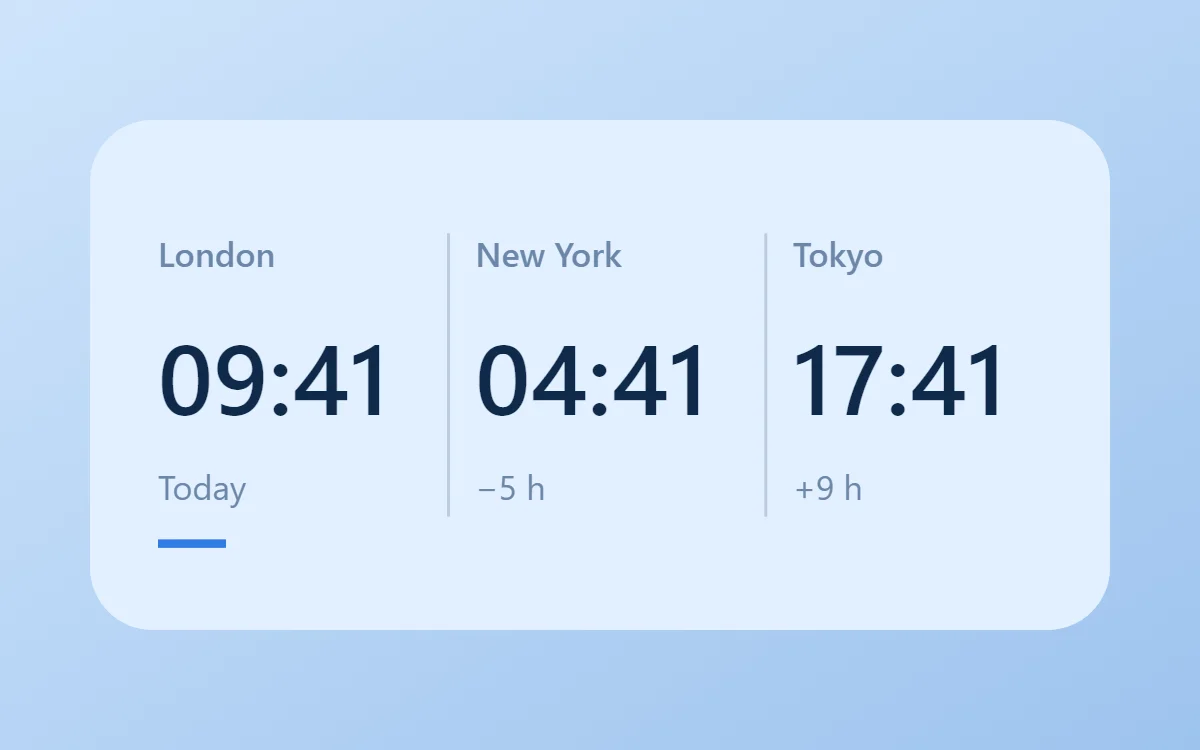 Blue world clock widgetFree to build
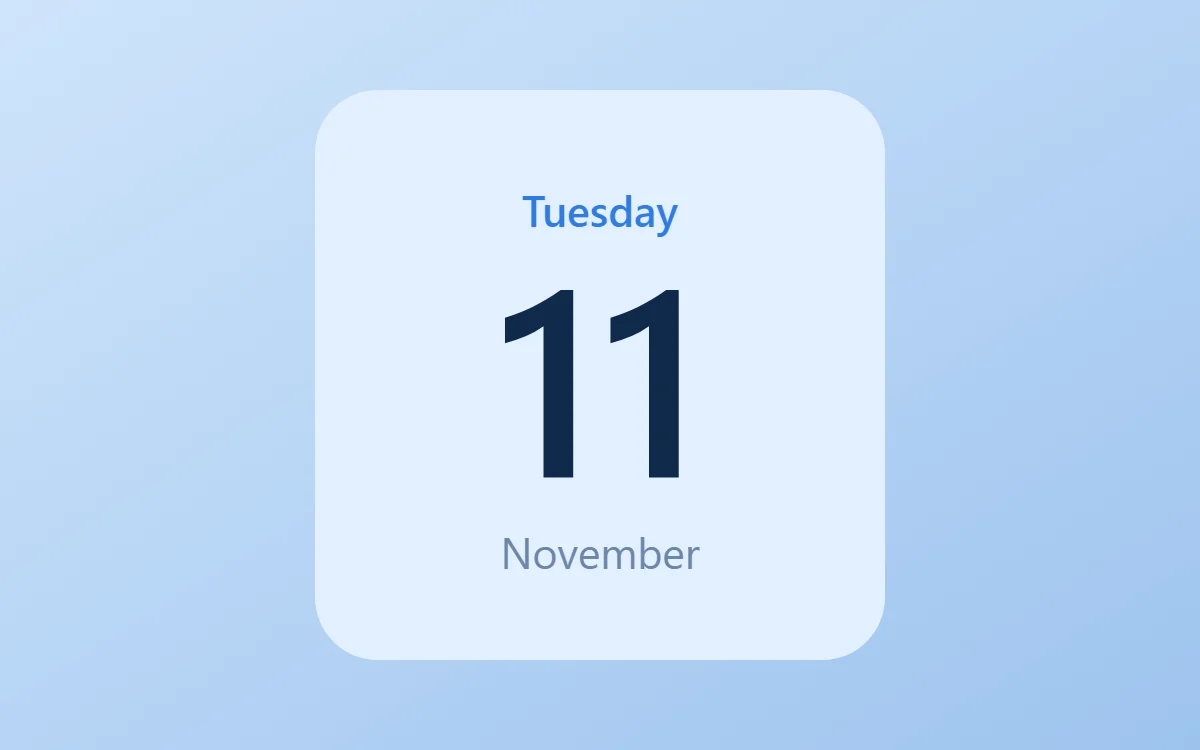 Blue date widgetFree to build
The blue palette
- Sky
#E3F0FFBackground - Powder blue
#C5DEFASurface and tracks - Navy
#0F2A4AText - Slate blue
#6C87A8Labels - Azure
#2F7BE6Accent
Design rules
- Text: Use navy text and slate-blue labels.
- Numbers: Keep numbers navy and semi-bold.
- Bars and rings: Use azure bars on a powder-blue track.
- Photos: Sea and sky photos match naturally.
- Lists: Round azure checkboxes with navy text.
Do
- Stay within one hue from pale to navy.
- Use the brightest blue only for progress.
Avoid
- Do not add warm accents unless you want strong contrast.
- Do not use mid-blue text on a mid-blue background.
Wallpaper and icons
Sky, sea or a pale blue gradient.
Blue or white glyph icons.
Questions
What colors suit blue widgets?
Start with Sky (#E3F0FF) for the background, Navy (#0F2A4A) for text and Azure (#2F7BE6) as the accent.
Which font works for blue widgets?
Use built-in Sans, at weight 600.
Does WidgetCraft have blue widgets ready to use?
There is no ready-made blue pack at the moment. Each recipe on this page lists the exact settings to build one in a few minutes, and most use only free features.