 WidgetCraftGet the app
Styles with a ready-made WidgetCraft pack
Editorial widgets for Android
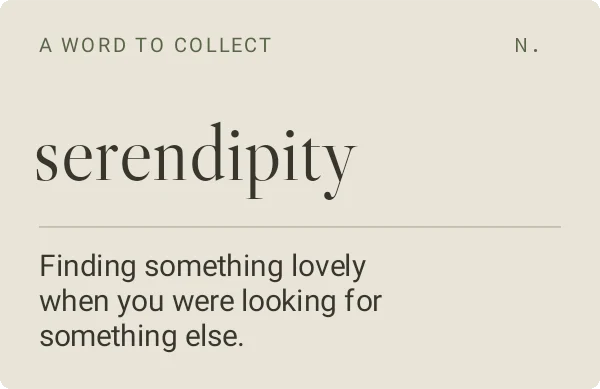
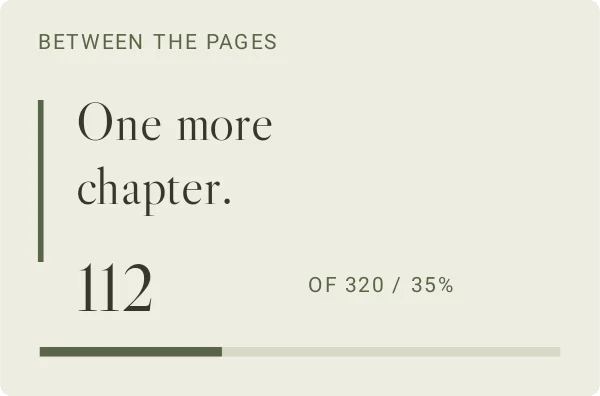
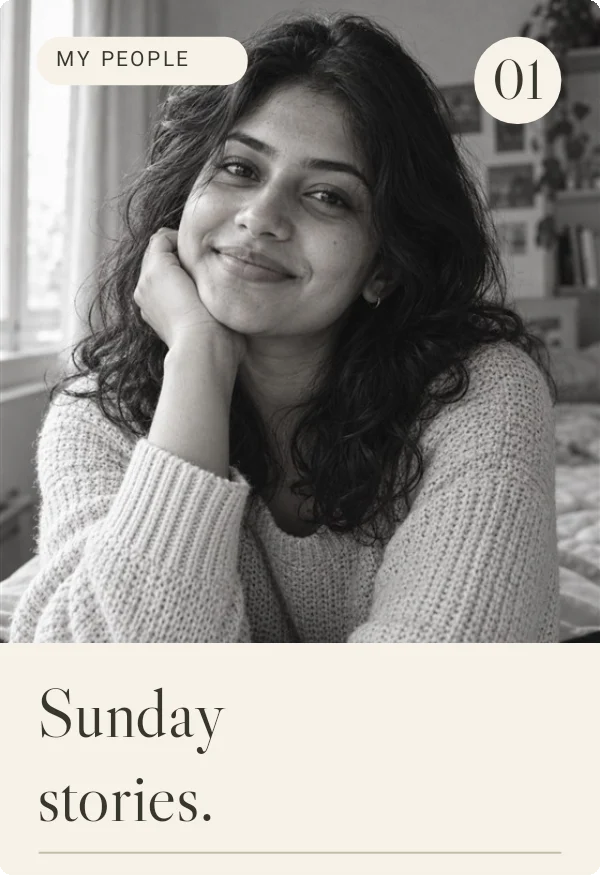
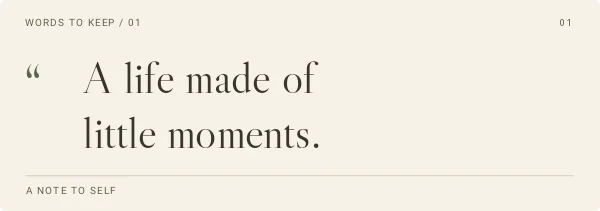
Magazine layouts with serif headlines, paper tones and portrait photos. Editorial widgets borrow from print magazines: a large serif headline, small spaced captions, thin rules and warm paper colors. They suit quotes, reading progress and portrait photos.
Also known as: magazine widgets, serif widgets, newspaper style widgets.
Ready-made Editorial templates in WidgetCraft
These are real templates from the app's Editorial pack. Import one, then change any layer.
Editorial widget recipes
Each recipe has a preview, exact colors and layer-by-layer steps.
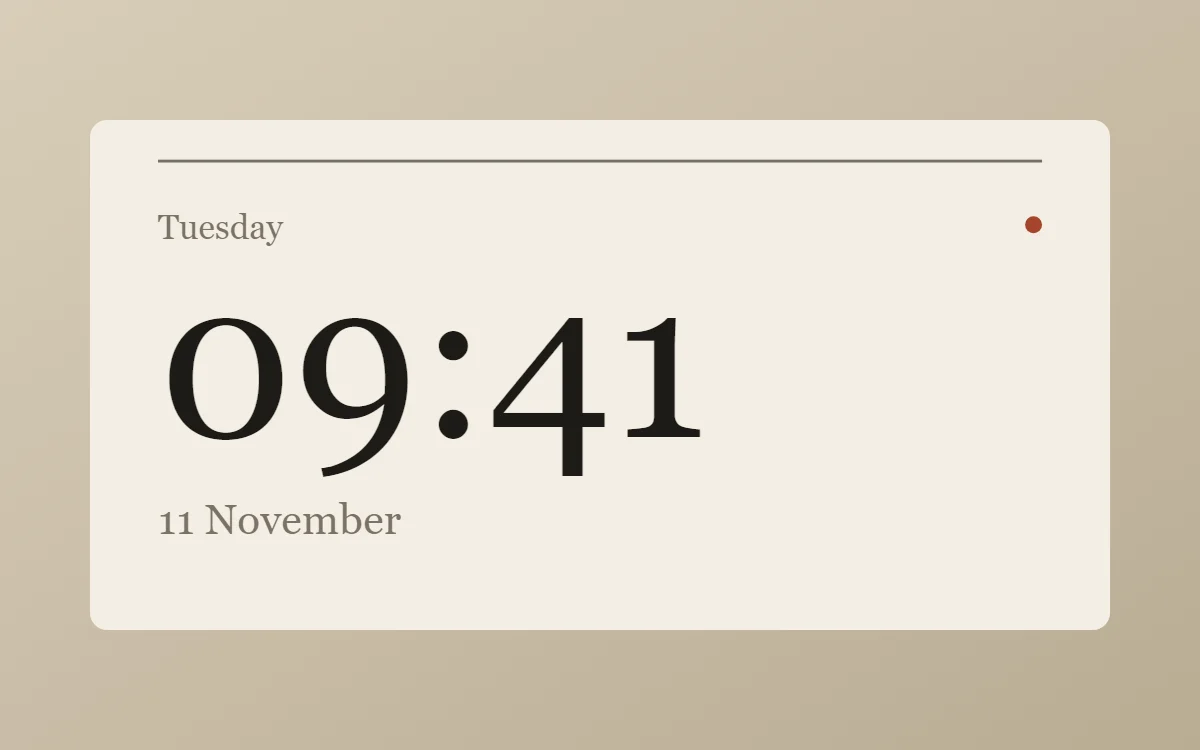 Editorial clock widgetFree to build
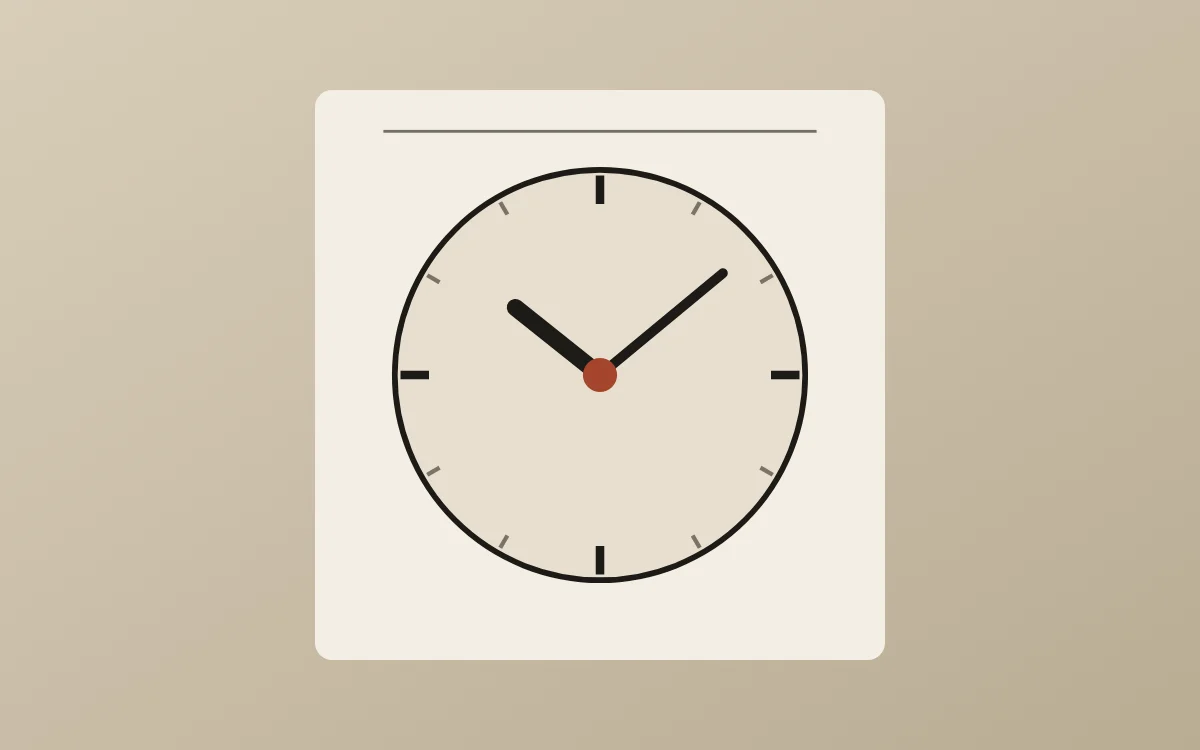 Editorial analog clock widgetFree to build
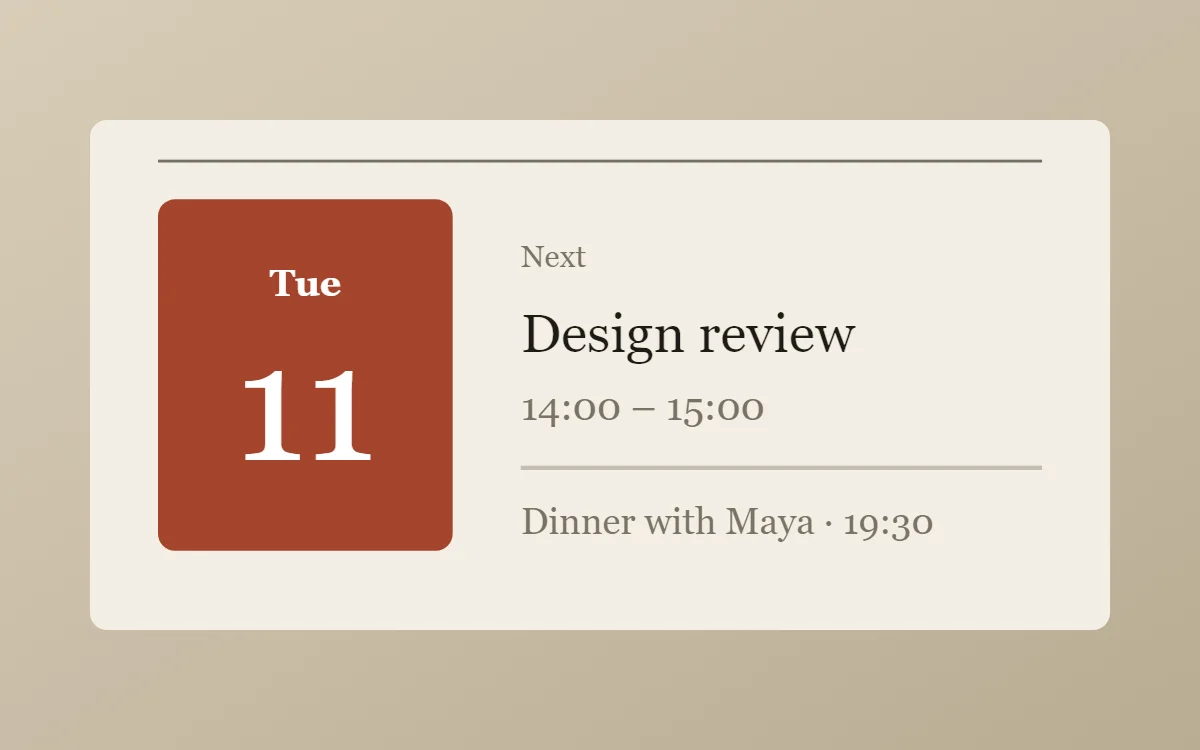 Editorial calendar widgetData needs Pro
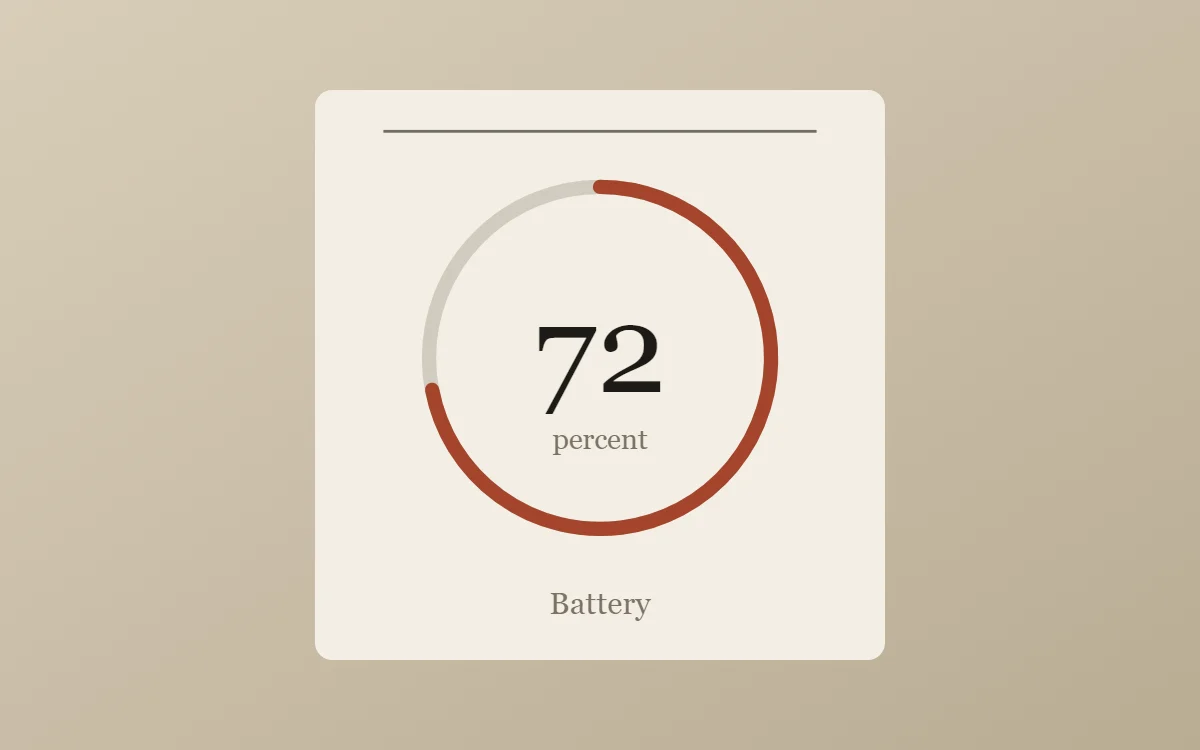 Editorial battery widgetFree to build
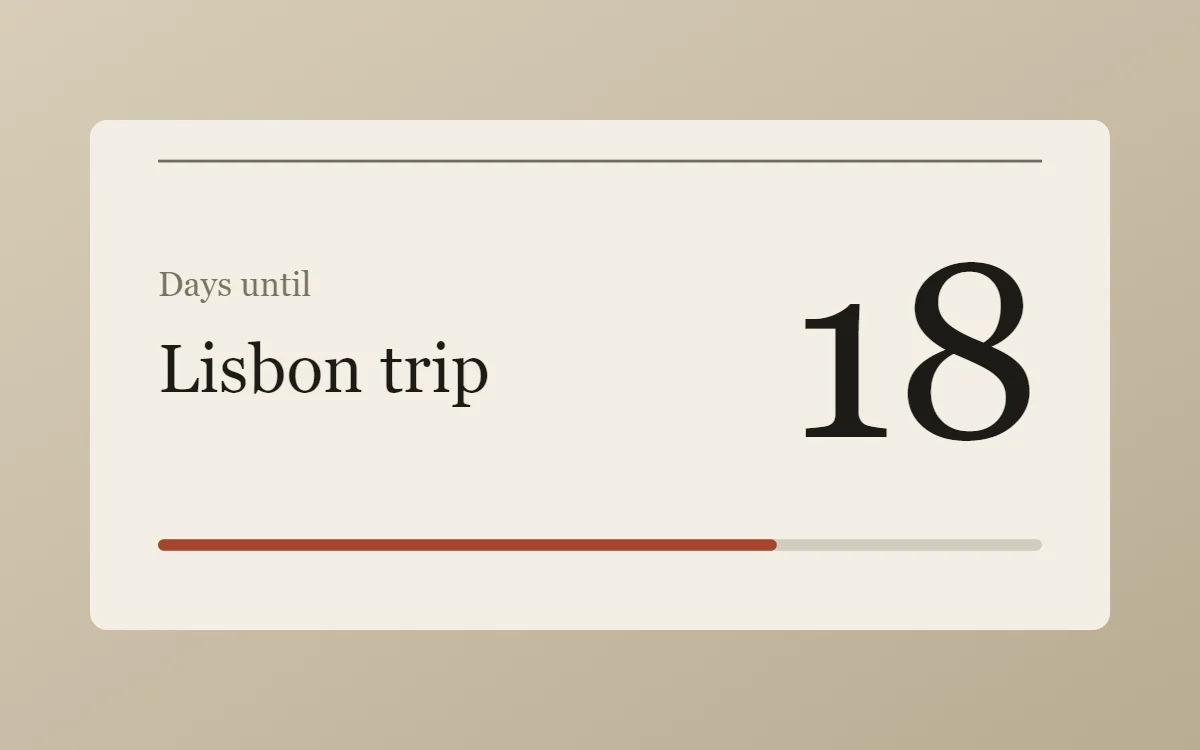 Editorial countdown widgetFree to build
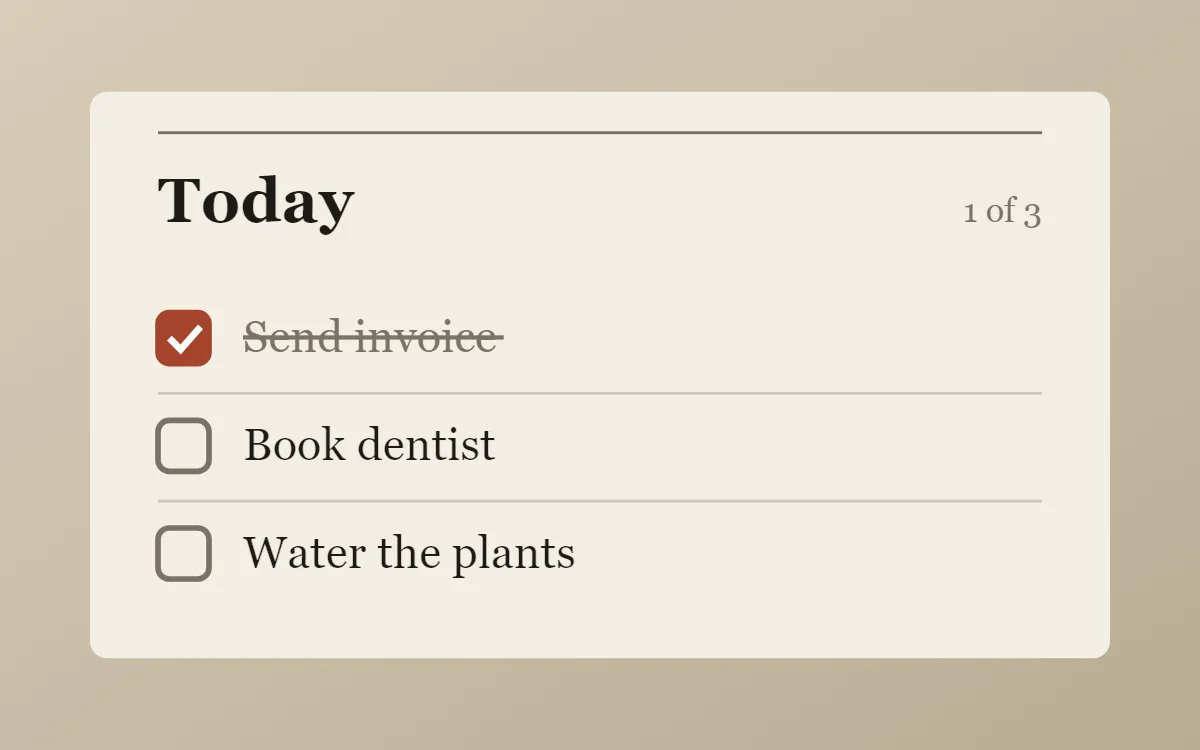 Editorial to-do list widgetFree to build
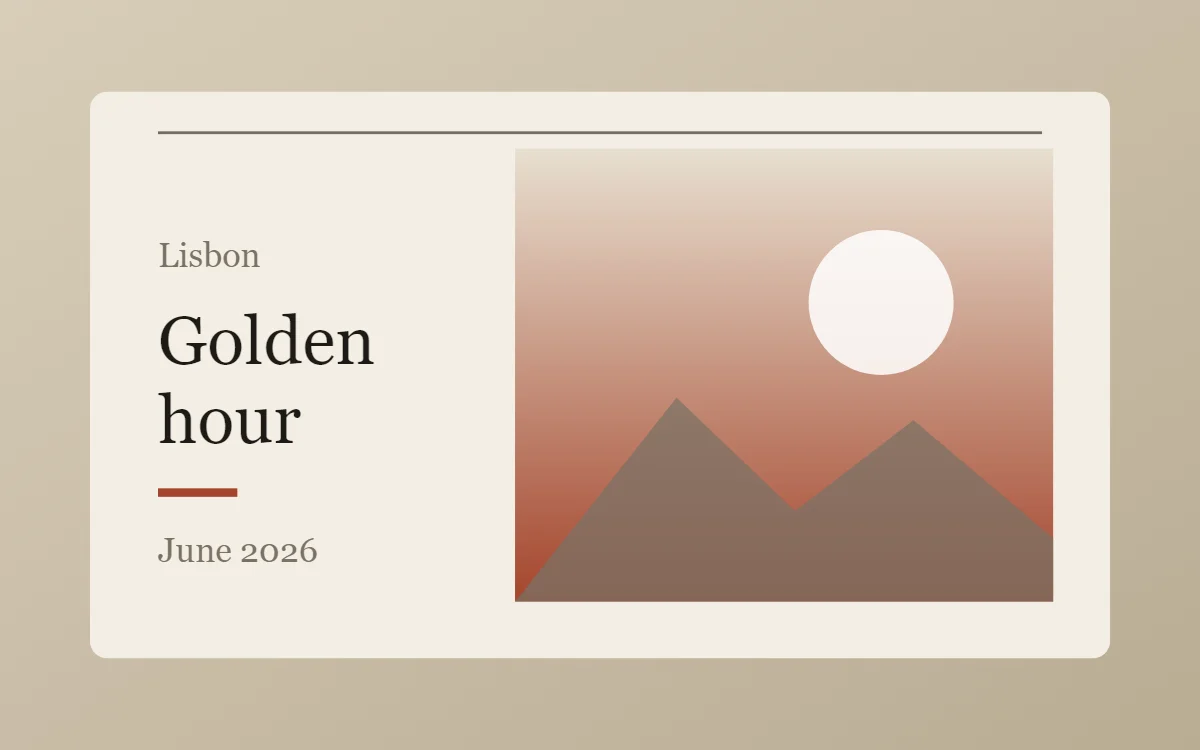 Editorial photo widgetFree to build
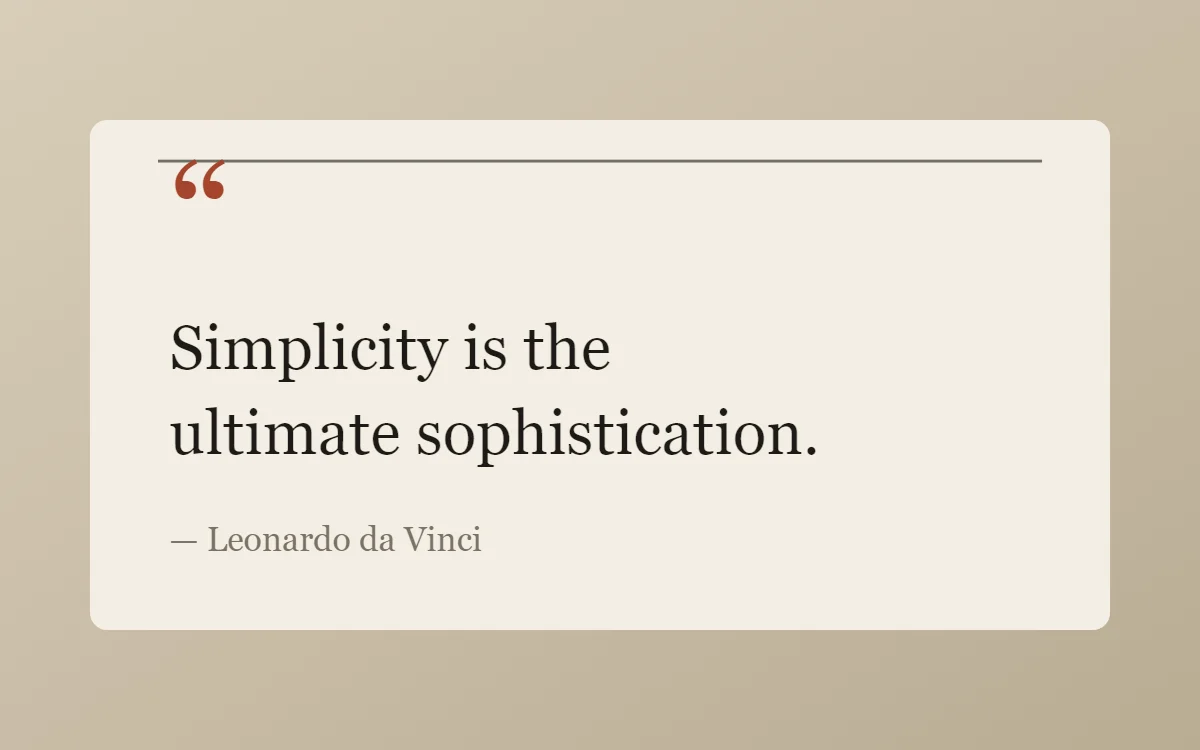 Editorial quote widgetFree to build
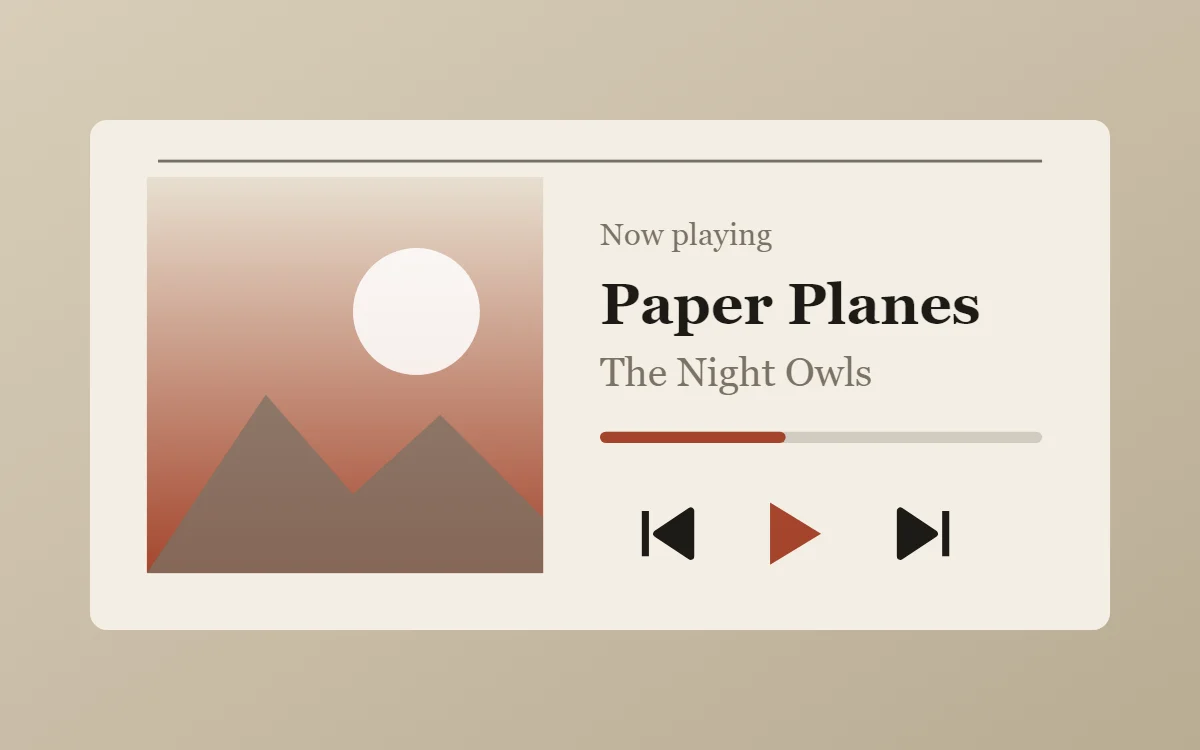 Editorial music widgetData needs Pro
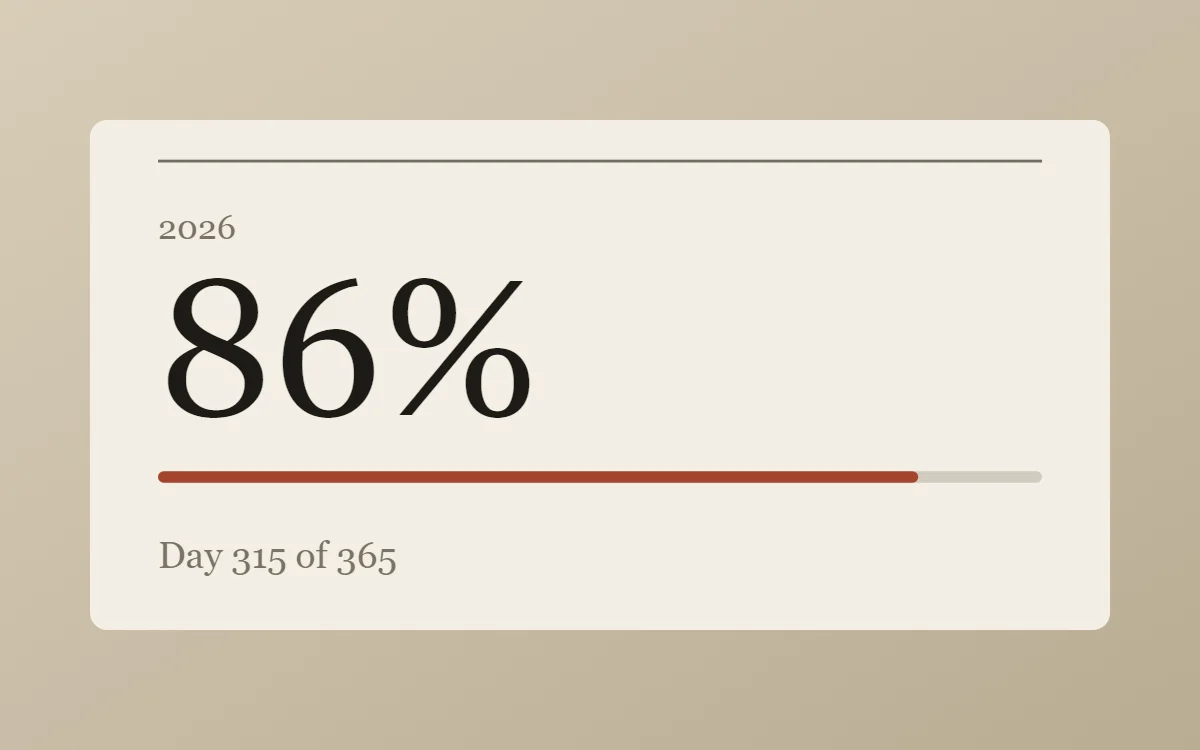 Editorial year progress widgetFree to build
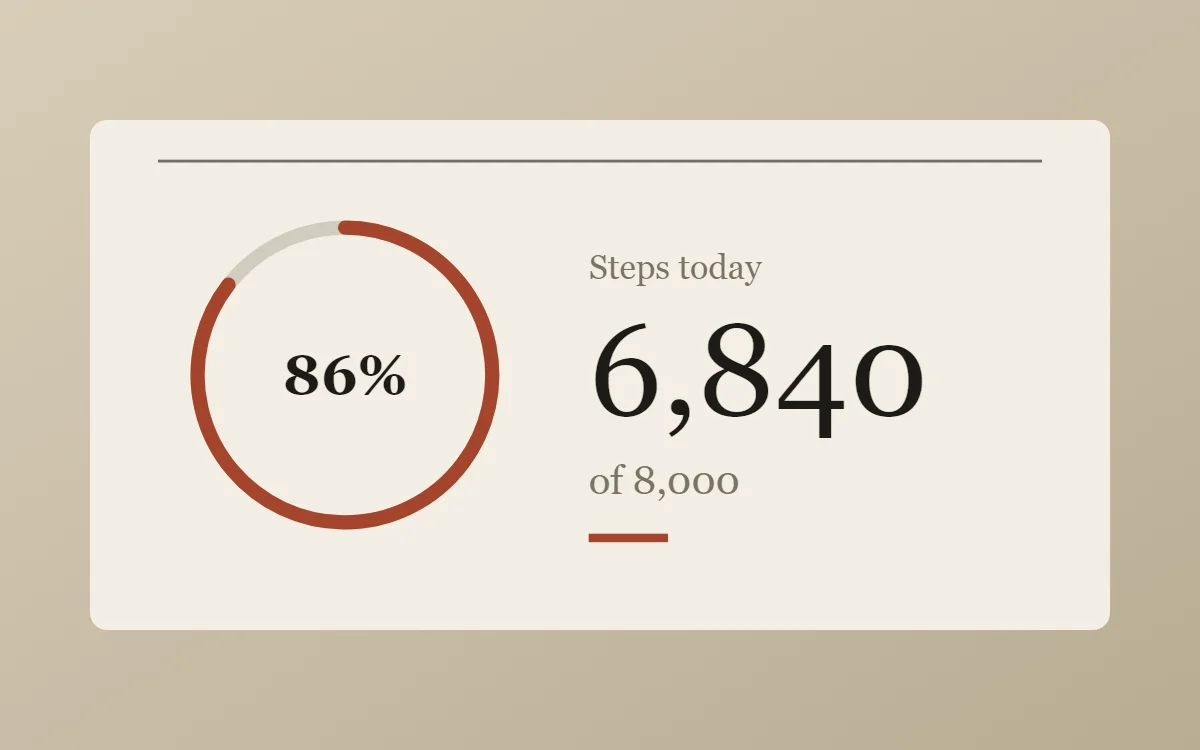 Editorial step counter widgetData needs Pro
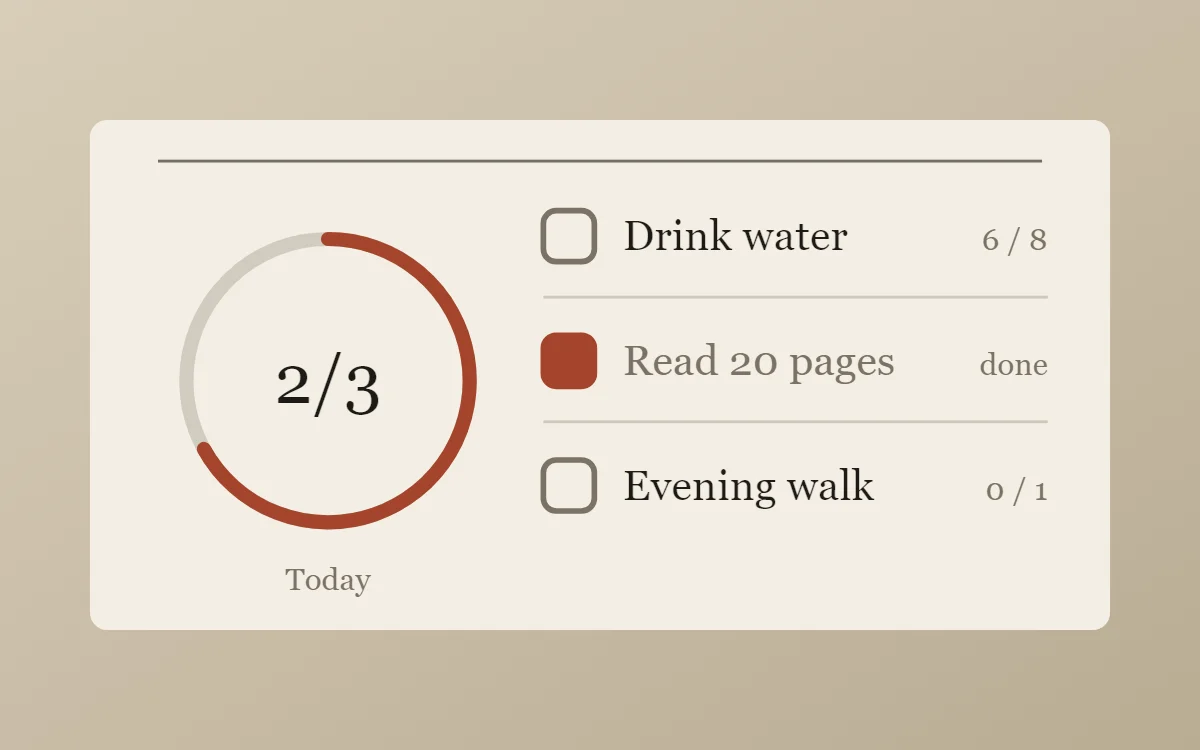 Editorial habit tracker widgetFree to build
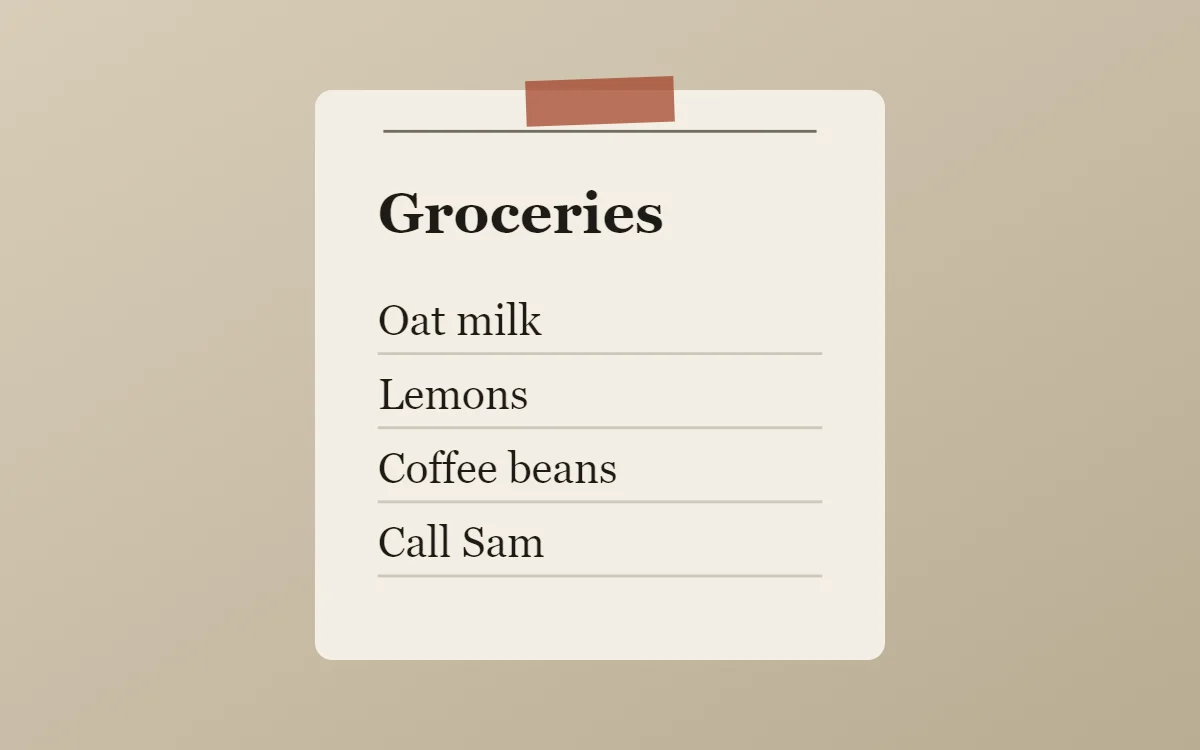 Editorial sticky note widgetFree to build
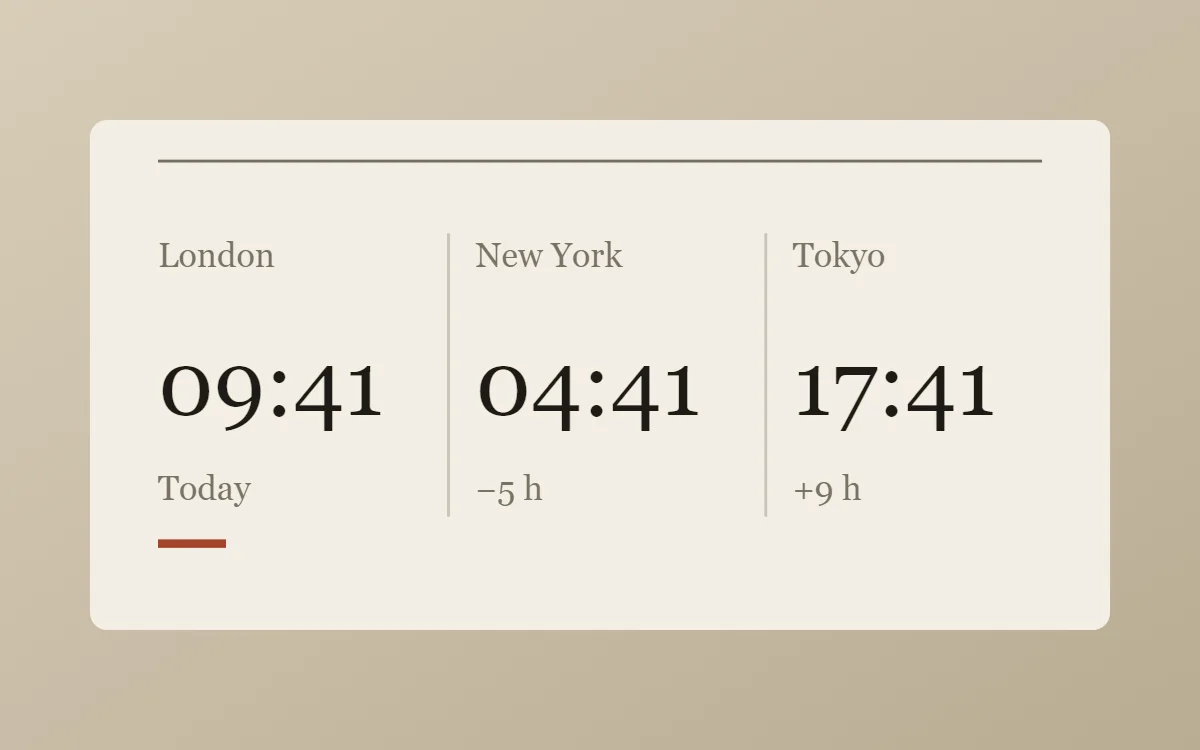 Editorial world clock widgetFree to build
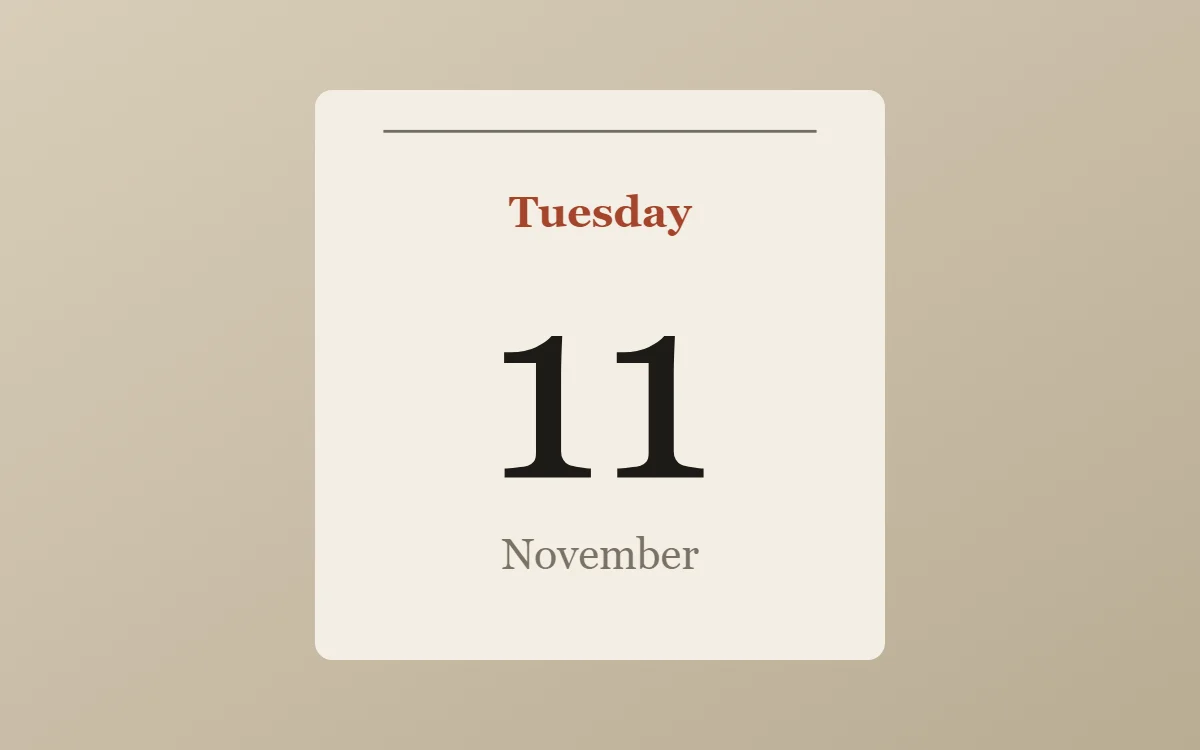 Editorial date widgetFree to build
The editorial palette
- Newsprint
#F3EEE4Background - Aged paper
#E7DFD0Surface and tracks - Press black
#1D1A16Text - Caption grey
#7B7265Labels - Masthead red
#A4452CAccent
Design rules
- Text: Pair a serif headline with tiny capitalised sans captions, the way a magazine credits a photo.
- Numbers: Set numbers in the serif at display size and add a short caption underneath.
- Bars and rings: Use thin rules and a slim progress line, like the column dividers in a magazine.
- Photos: Use portrait crops with a caption line beneath, as if the photo were printed on the page.
- Lists: Number the rows and separate them with hairline rules like a table of contents.
Do
- Use a real serif for the headline and keep captions under 11 points.
- Add one thin rule to anchor the layout.
Avoid
- Do not use bright saturated colors.
- Do not center everything; align to the left edge like a column.
Wallpaper and icons
Warm paper, linen or a muted photograph with empty space. Avoid neon or glossy wallpapers.
Use simple line icons in dark brown or black and keep labels on.
Questions
What colors suit editorial widgets?
Start with Newsprint (#F3EEE4) for the background, Press black (#1D1A16) for text and Masthead red (#A4452C) as the accent.
Which font works for editorial widgets?
Use Libre Caslon Display (import the font file), or the built-in Serif, at weight 400.
Does WidgetCraft have editorial widgets ready to use?
Yes. The Editorial template pack has 4 templates you can import and edit.