 WidgetCraftGet the app
Platform-inspired styles
iPhone-style widgets for Android
Clean white cards, large bold figures and colored highlights. This style follows the widgets people know from iPhones: white or dark rounded cards, a small colored title, a large bold number and tidy lists. It is a look, not an official Apple design.
Also known as: iphone style widgets, ios widgets for android, apple style widgets.
iOS-style widget recipes
Each recipe has a preview, exact colors and layer-by-layer steps.
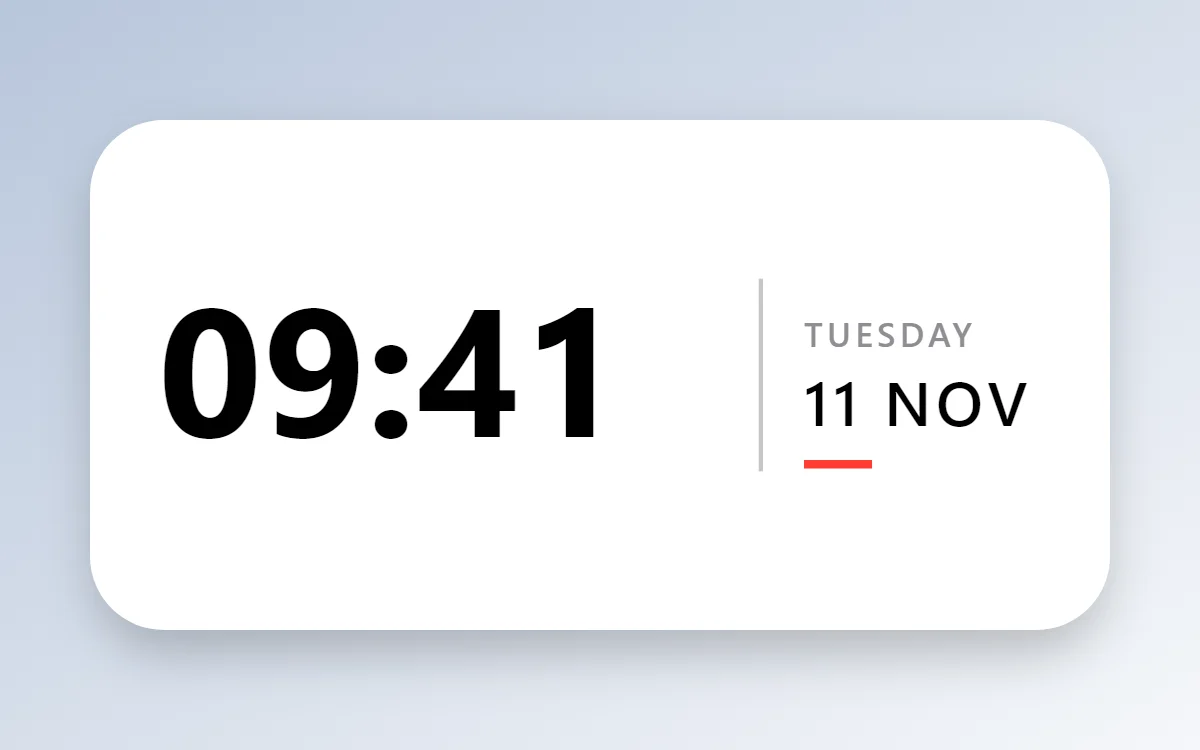 iOS-style clock widgetFree to build
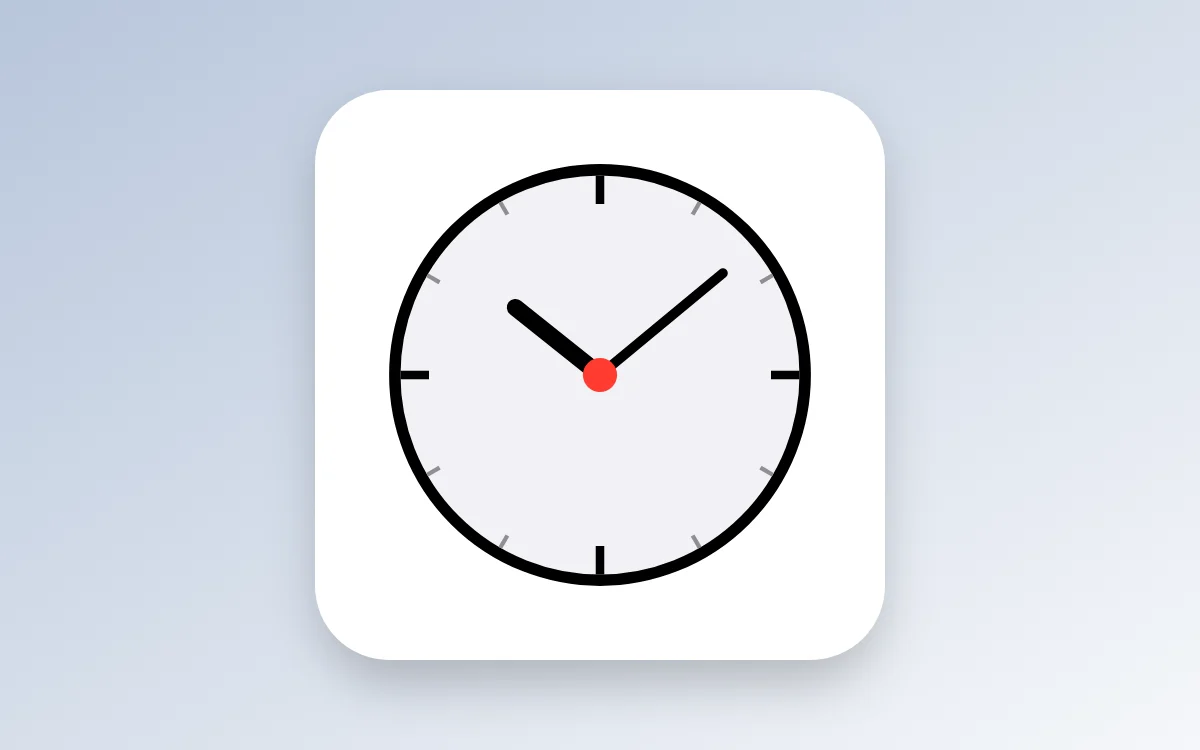 iOS-style analog clock widgetFree to build
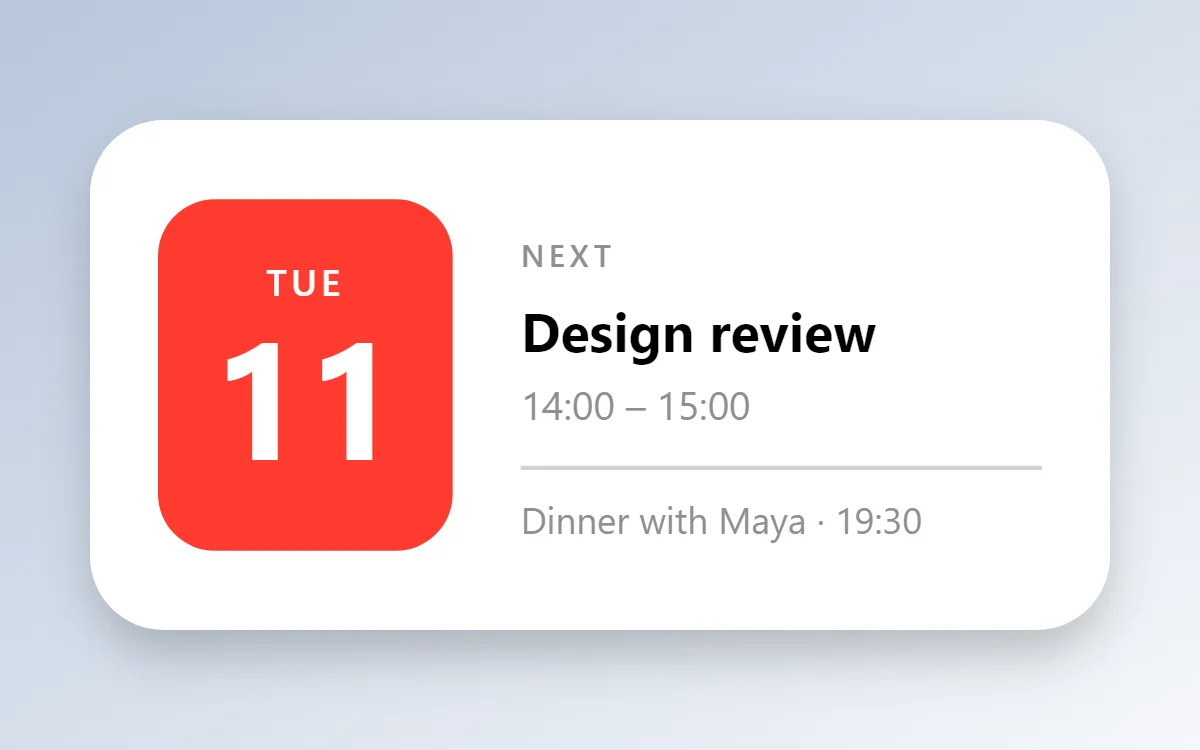 iOS-style calendar widgetData needs Pro
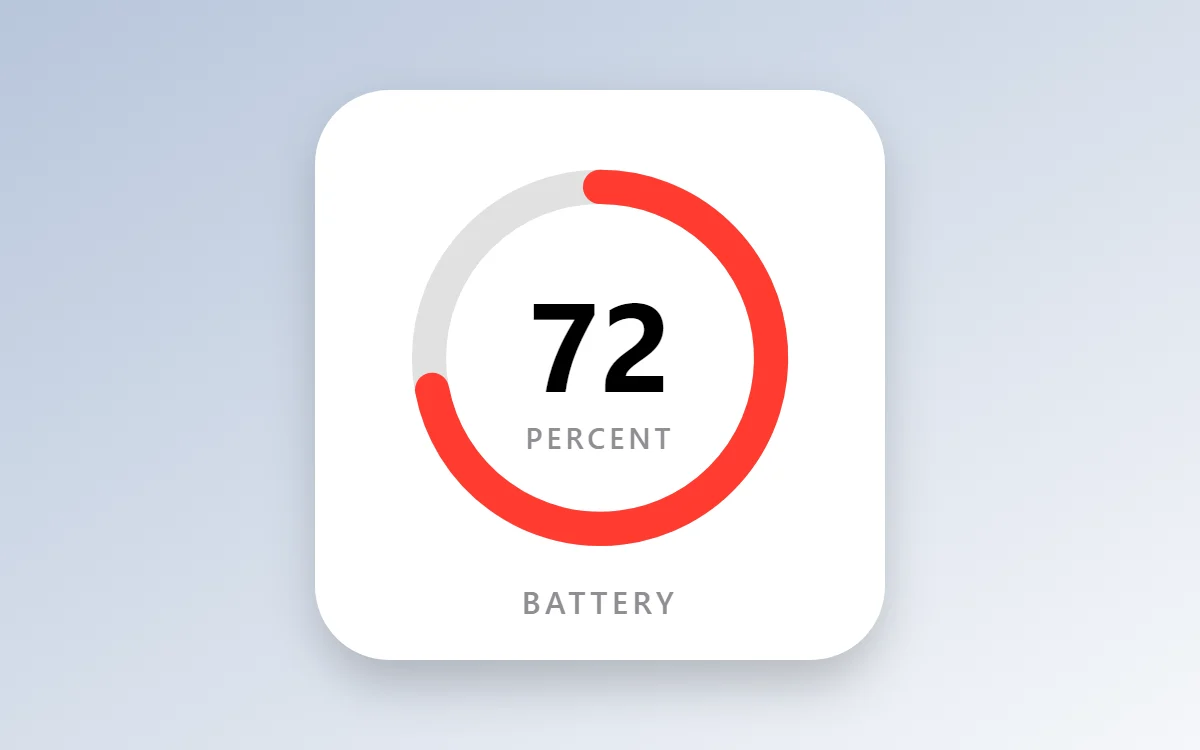 iOS-style battery widgetFree to build
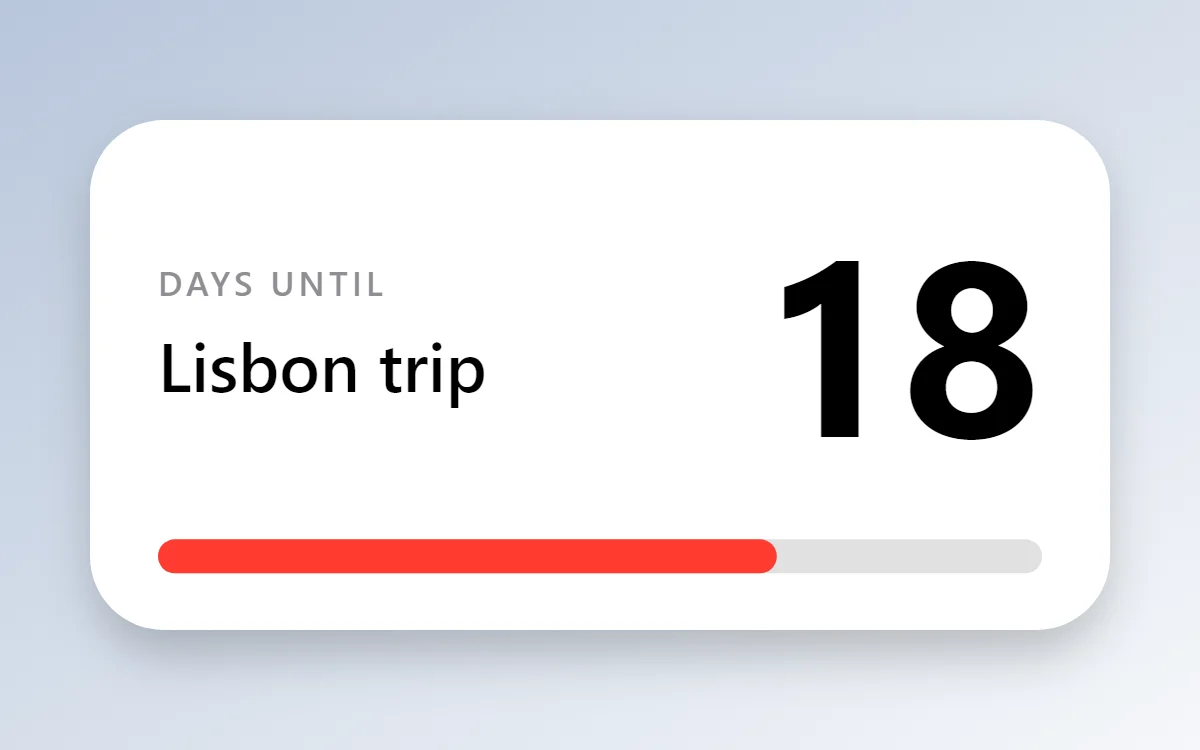 iOS-style countdown widgetFree to build
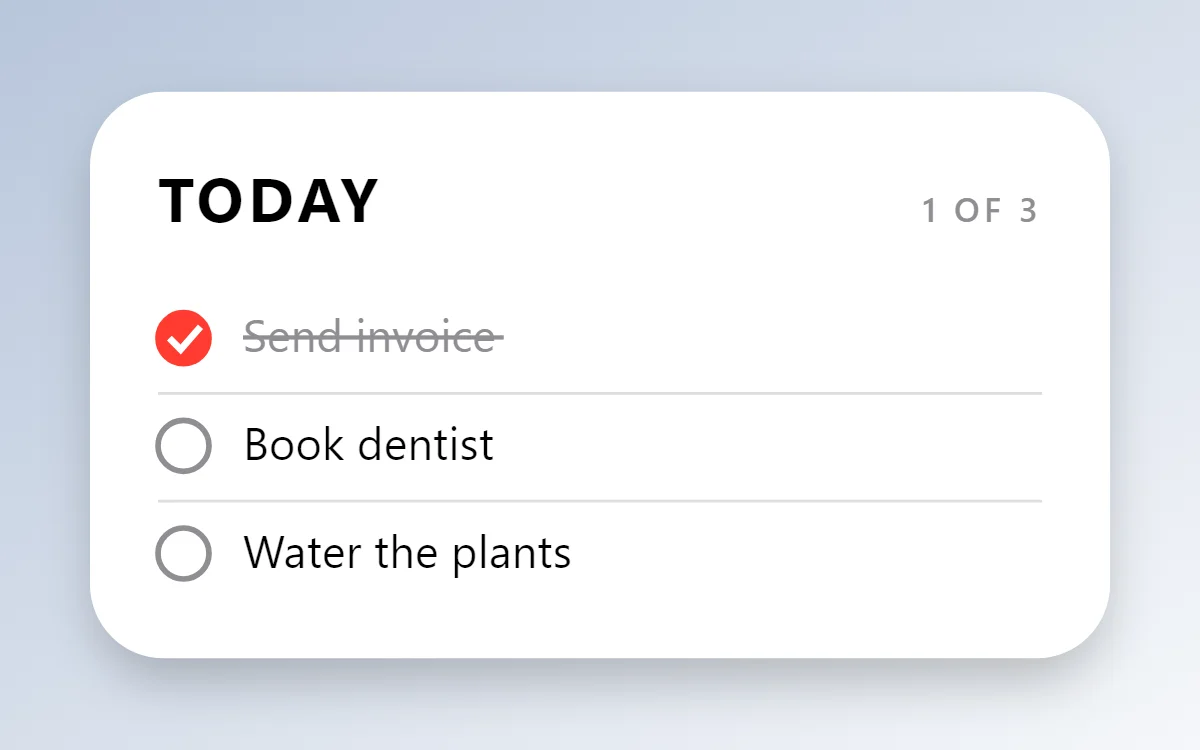 iOS-style to-do list widgetFree to build
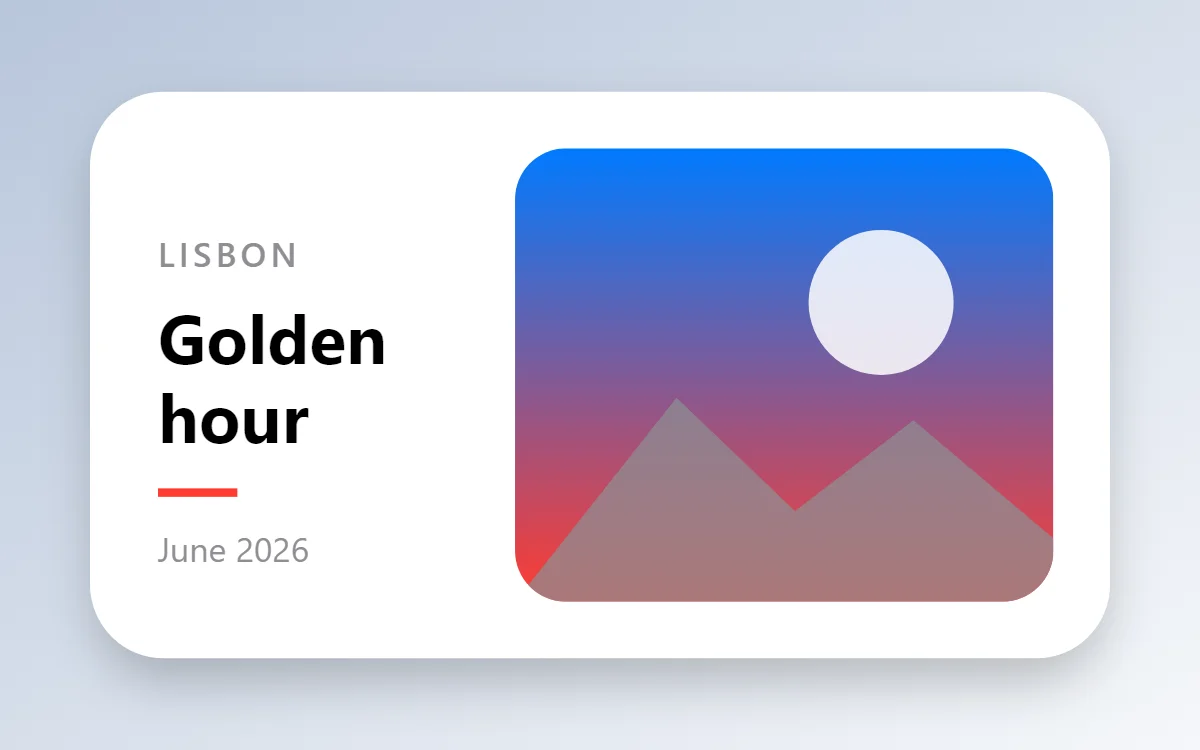 iOS-style photo widgetFree to build
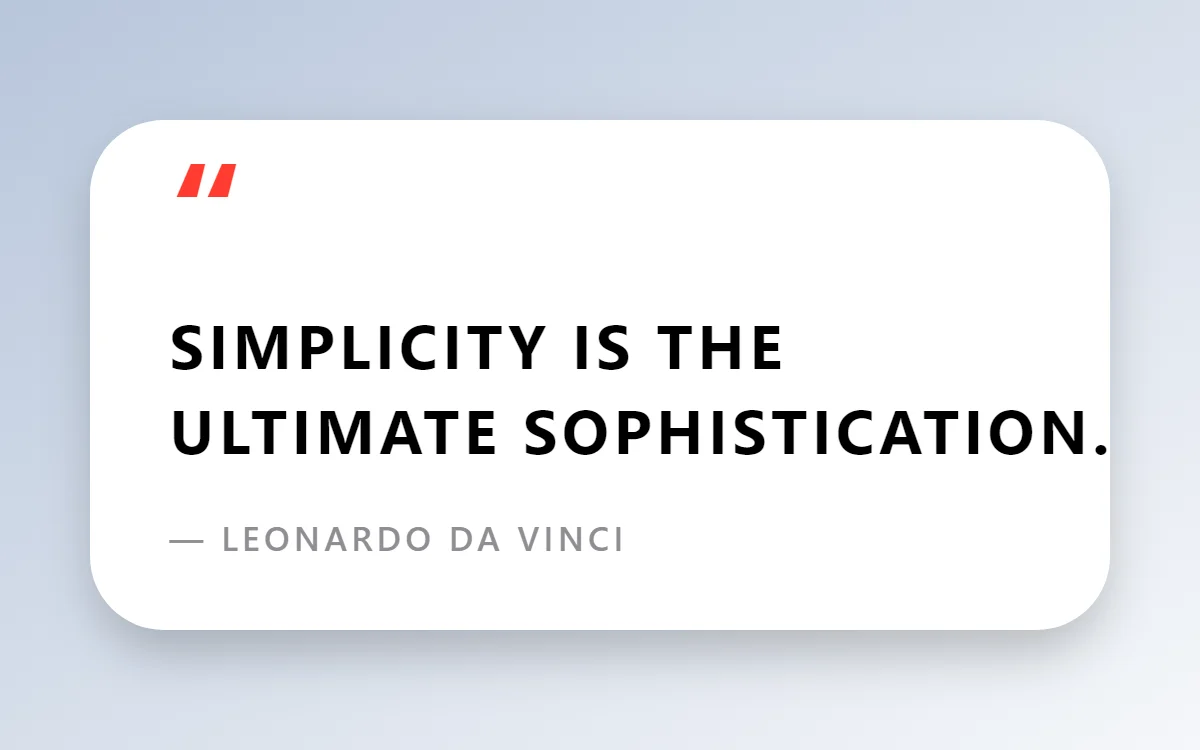 iOS-style quote widgetFree to build
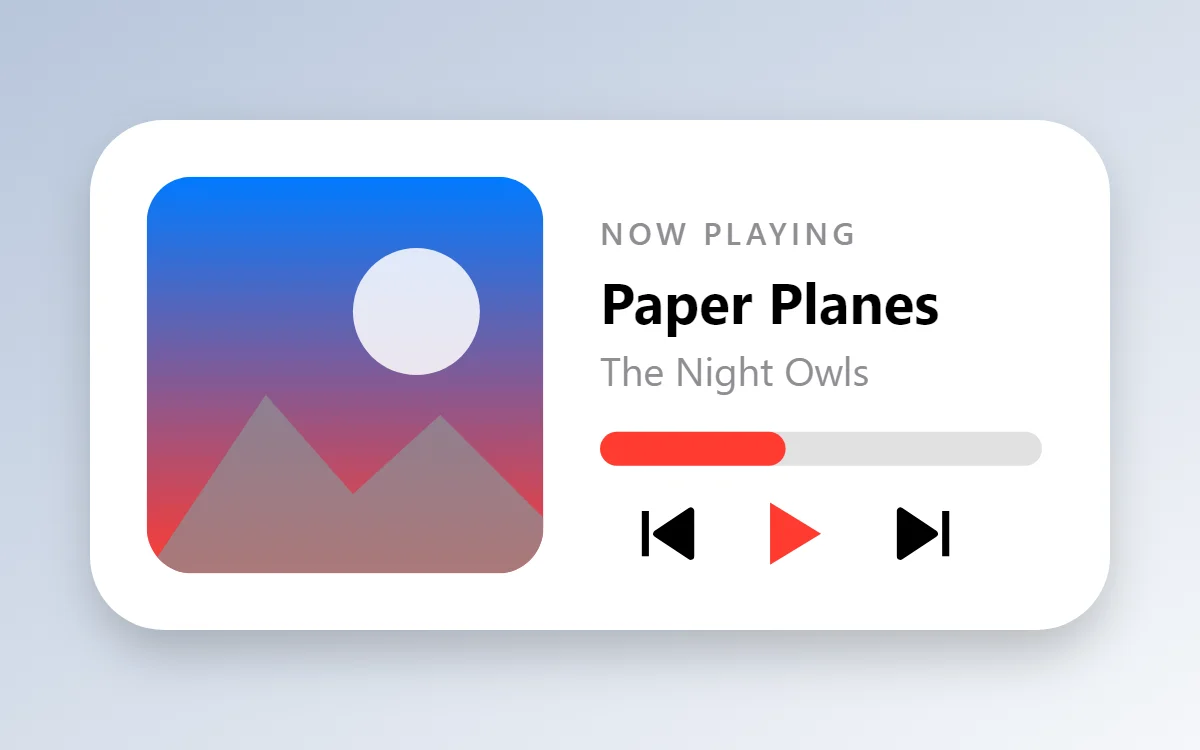 iOS-style music widgetData needs Pro
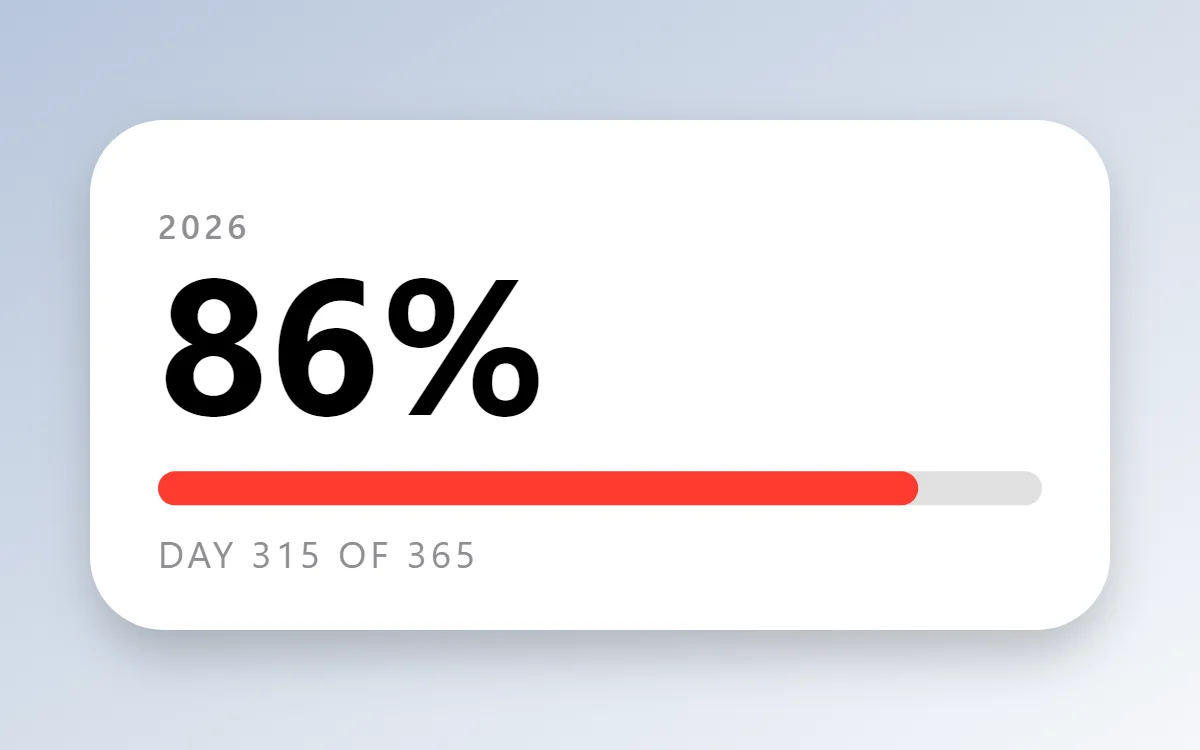 iOS-style year progress widgetFree to build
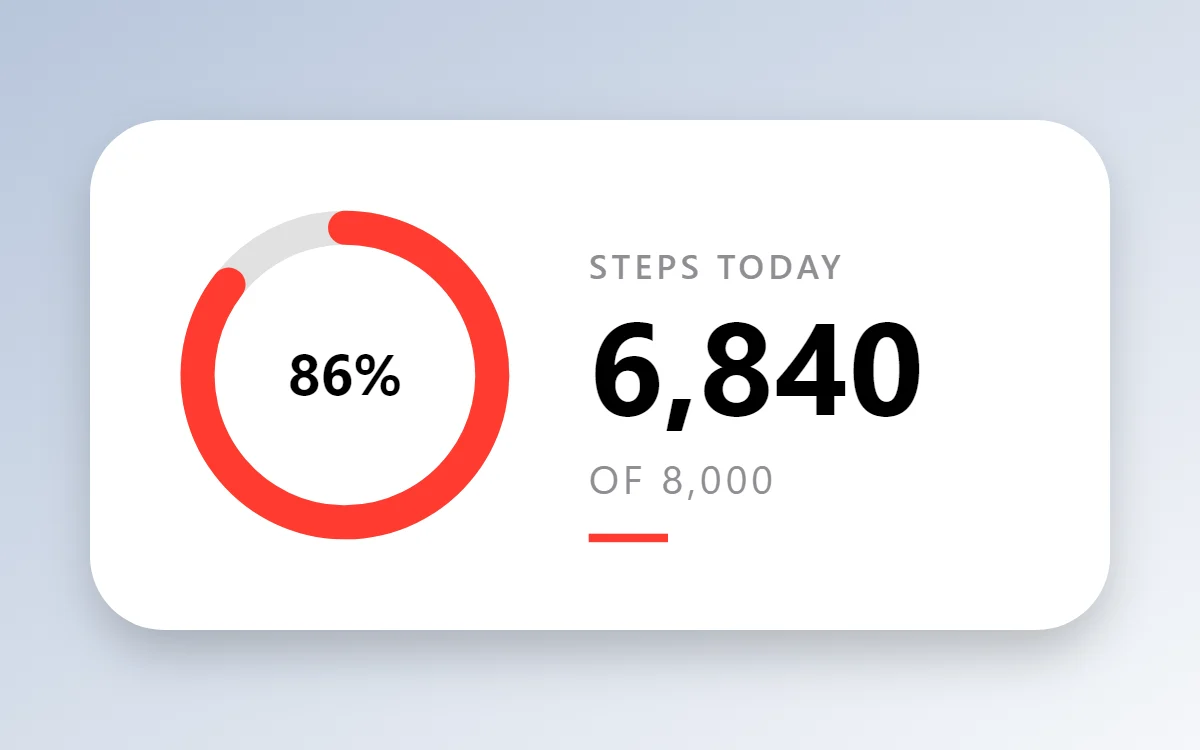 iOS-style step counter widgetData needs Pro
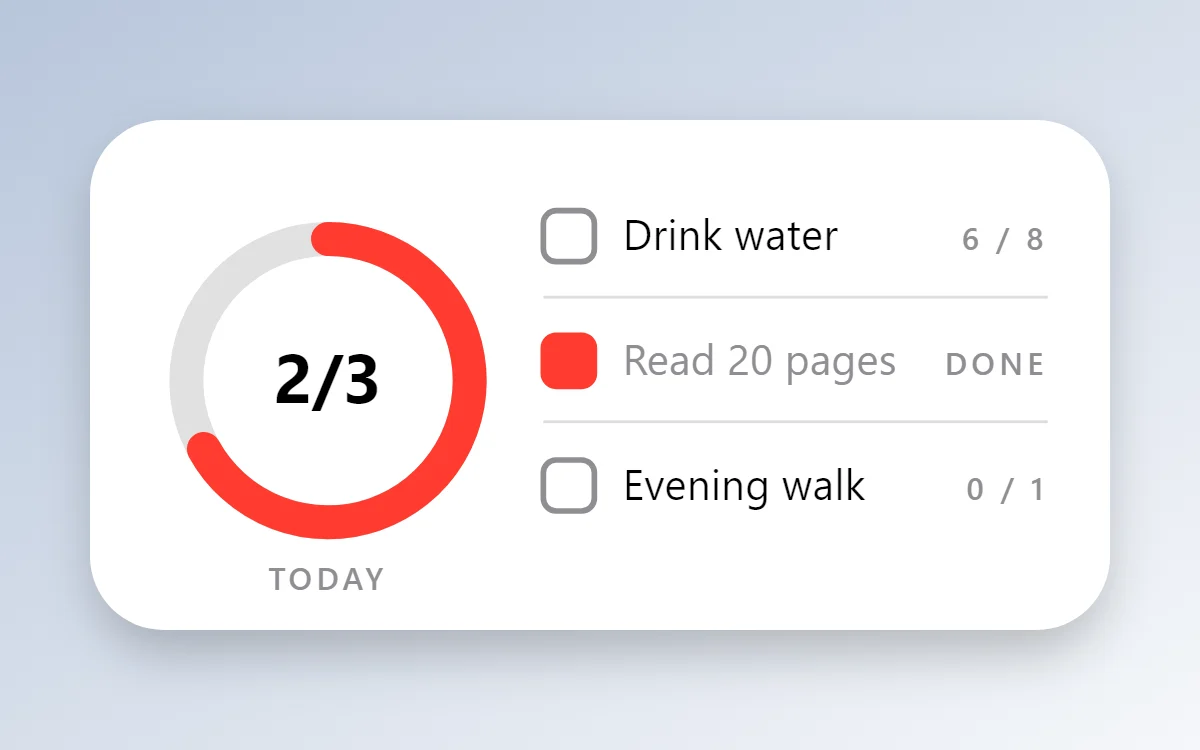 iOS-style habit tracker widgetFree to build
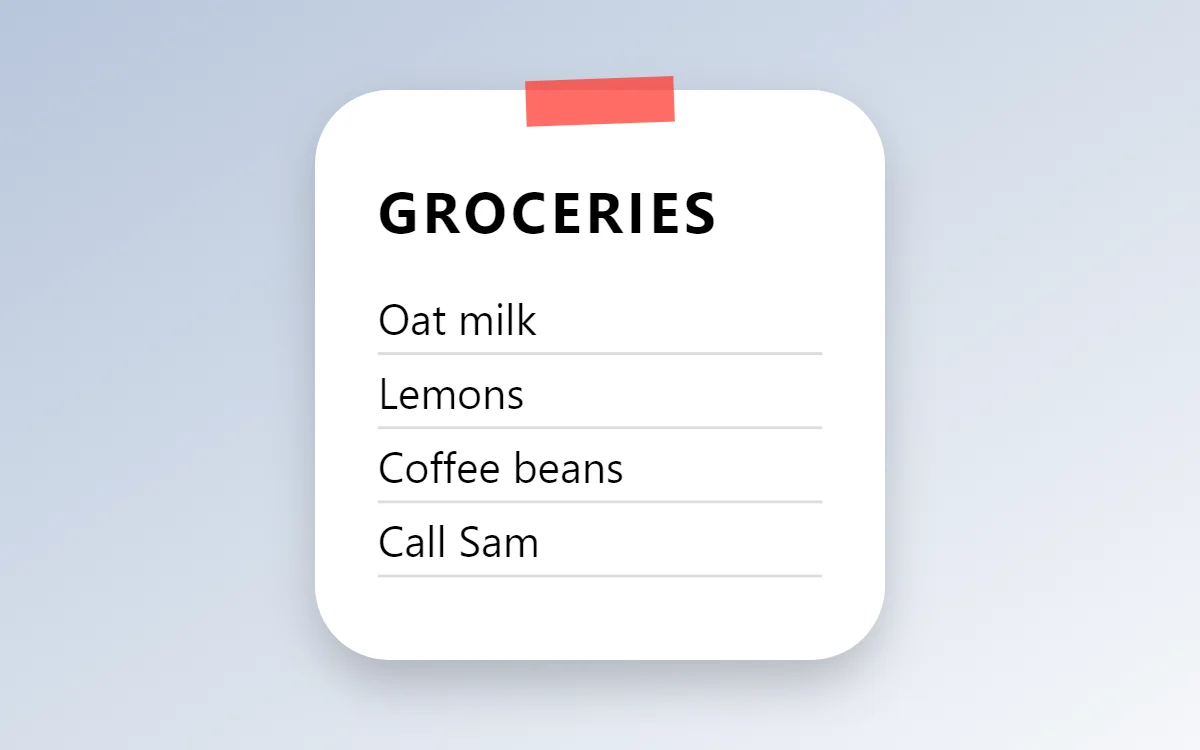 iOS-style sticky note widgetFree to build
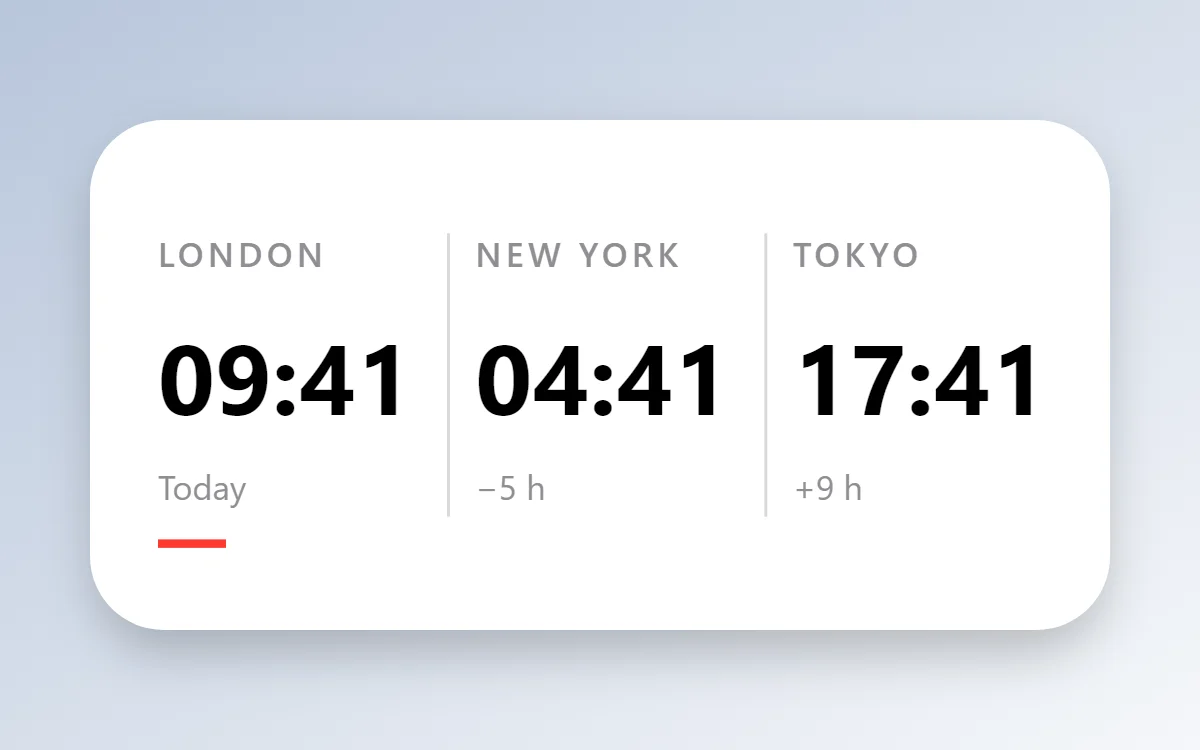 iOS-style world clock widgetFree to build
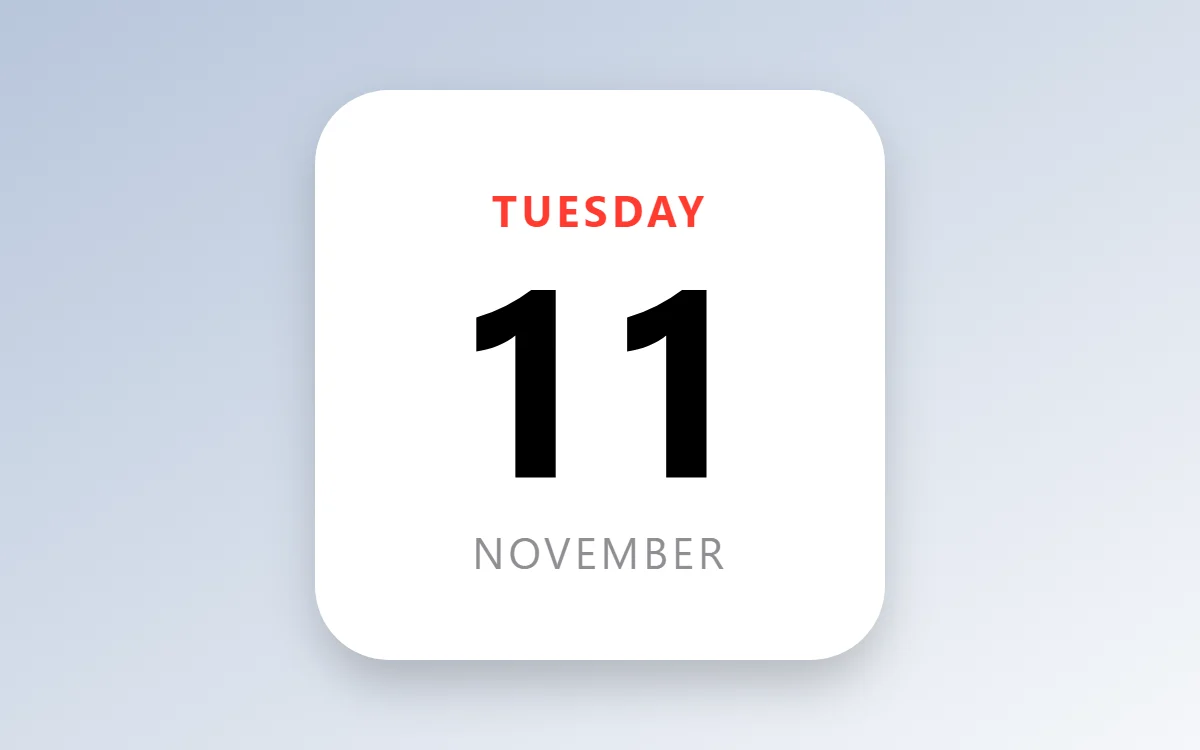 iOS-style date widgetFree to build
The iOS-style palette
- White
#FFFFFFBackground - System grey
#F2F2F7Surface and tracks - Black
#000000Text - Label grey
#8E8E93Labels - Red
#FF3B30Accent
Design rules
- Text: Put a small bold colored title in capitals at the top left, then the value in black.
- Numbers: Use a heavy sans for the main number and a grey caption beside it.
- Bars and rings: Use thick rings with rounded ends in one bright color.
- Photos: Fill the whole card with the photo and overlay a small white caption.
- Lists: Show two or three rows with a colored bar at the left of each.
Do
- Keep the card white and the radius around 26.
- Use one bright color per widget as the title color.
Avoid
- Do not copy Apple artwork or icons.
- Do not shrink margins below 16 points.
Wallpaper and icons
A soft gradient or a clean photo; the white cards need a calmer background.
Rounded-square icon packs keep the grid consistent.
Questions
What colors suit iOS-style widgets?
Start with White (#FFFFFF) for the background, Black (#000000) for text and Red (#FF3B30) as the accent.
Which font works for iOS-style widgets?
Use built-in Sans, at weight 700 with labels in capitals.
Does WidgetCraft have iOS-style widgets ready to use?
There is no ready-made iOS-style pack at the moment. Each recipe on this page lists the exact settings to build one in a few minutes, and most use only free features.