 WidgetCraftGet the app
Guide
Is there Widgetsmith for Android? What to use instead
No. Widgetsmith is only on Apple's App Store. On Android, use a widget maker app such as WidgetCraft or KWGT to design your own clock, calendar, photo and battery widgets.
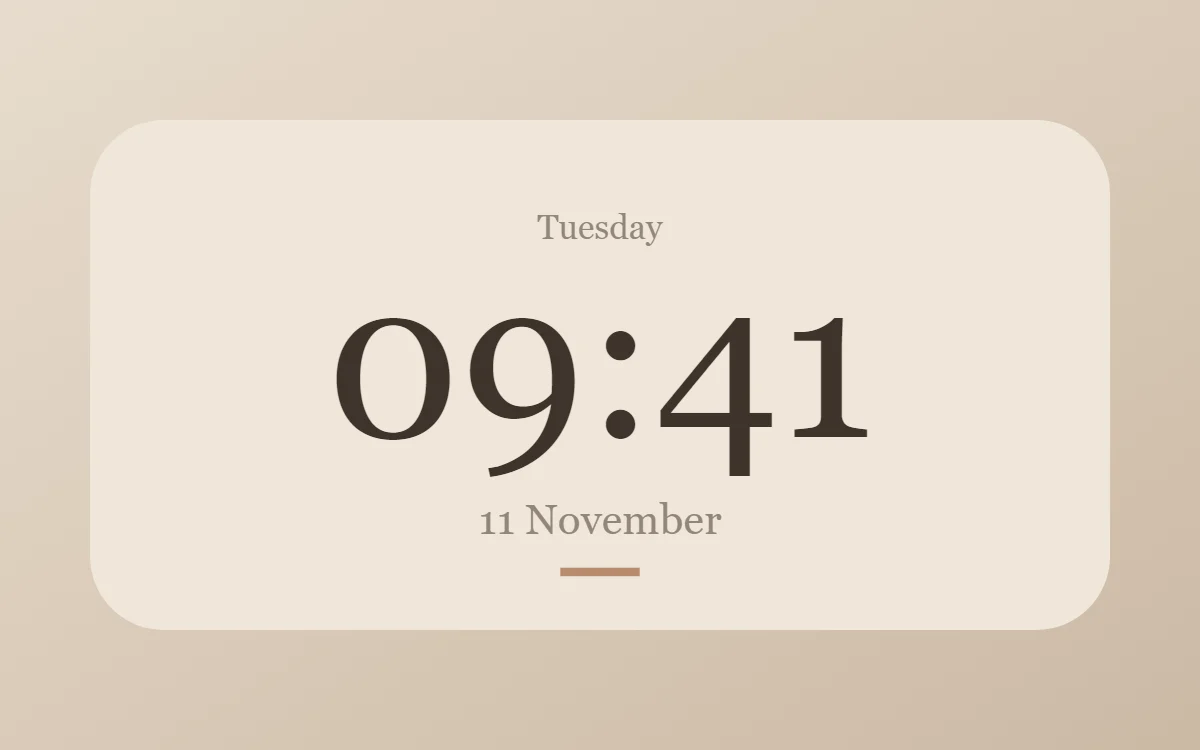
Why there is no Android version
Widgetsmith was built for the home screen widgets Apple added in iOS 14, and it is listed only for iPhone, iPad and Apple Watch. Android has had home screen widgets for far longer, and widget maker apps for it are built separately. Nothing you buy in Widgetsmith carries over to Android.
What people want from Widgetsmith
- Small, medium and large widgets with a chosen font, color and background.
- Photo widgets for a favorite picture.
- Clock, date, calendar and battery widgets that match a wallpaper.
- Ready-made aesthetic themes, so a whole screen looks planned.
All of these exist on Android. The difference is that Android widgets can be resized freely on most launchers, so a good widget maker lets you design for any size.
Doing it with WidgetCraft
- Install WidgetCraft from Google Play and open the template library to import a ready-made design, or tap Create widget for a blank canvas.
- Add layers: text, clock, date, battery, shapes, rings, progress bars, photos, lists and countdowns.
- Set every color by hex code, choose a font or import your own, and watch the live preview as you edit.
- Save and add it to your home screen.
The editor, clock, date, battery, photo and local task widgets are free, with up to ten saved widgets. A one-time Pro purchase removes ads and limits and adds calendar, music, fitness and web connections. WidgetCraft does not offer weather widgets.
Other options
KWGT is a long-standing Android widget editor with formulas and a large community of preset packs; its full feature set needs a separate paid Pro key. Built-in widgets from Google and your phone maker cover clocks and calendars, with limited styling. Pick a visual editor if you want a result quickly, and KWGT if you want to write formulas.
Getting the iPhone look
If you came to Widgetsmith for its clean, rounded iOS look, start with the iPhone-style widget recipes: soft white or dark cards, large rounded corners and a bold system-style font.
Questions
Can I import my Widgetsmith widgets to Android?
No. There is no export between the two platforms. You rebuild the design, which usually takes a few minutes.
Is there a free Widgetsmith alternative for Android?
Yes. WidgetCraft's editor and most widget types are free.
Is WidgetCraft connected to Widgetsmith?
No. They are separate apps from separate developers.