 WidgetCraftGet the app
Aesthetic styles
Line art widgets for Android
Everything drawn with thin outlines and no fills. Line art widgets are transparent with a thin outline, so the wallpaper shows through. Rings, bars and frames are single strokes, which looks light and elegant on photo wallpapers.
Also known as: outline widgets, line widgets, wireframe widgets.
Line art widget recipes
Each recipe has a preview, exact colors and layer-by-layer steps.
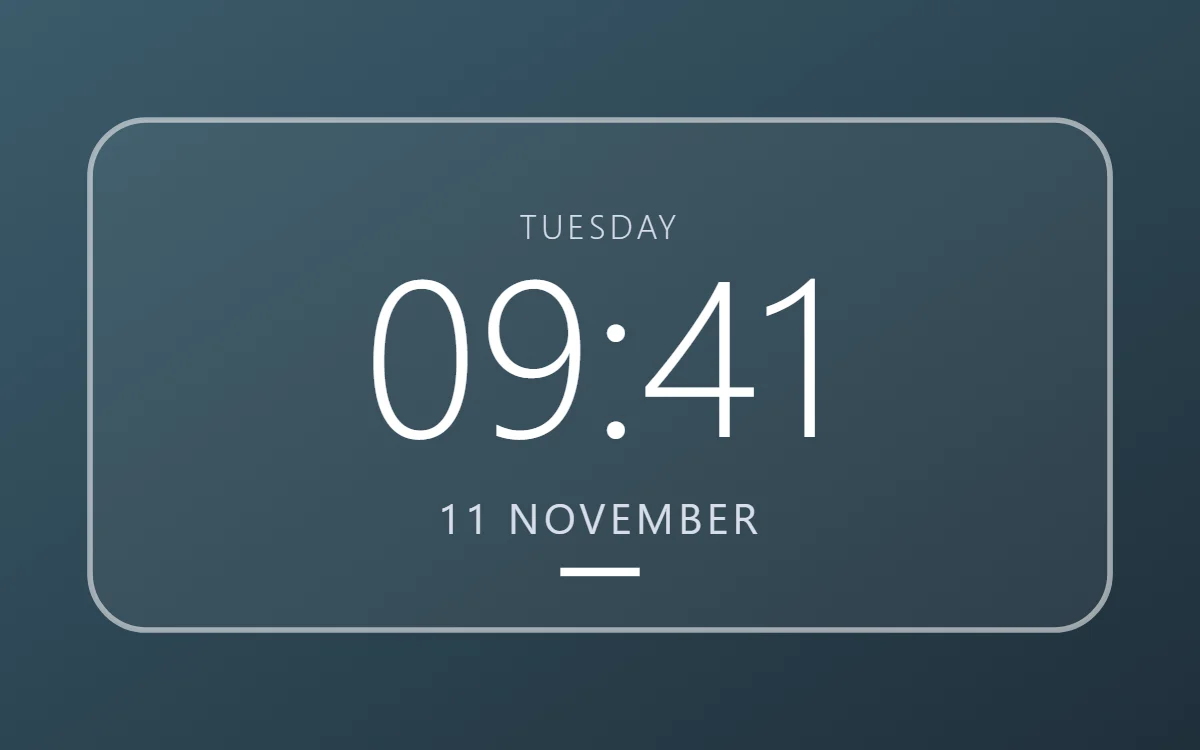 Line art clock widgetFree to build
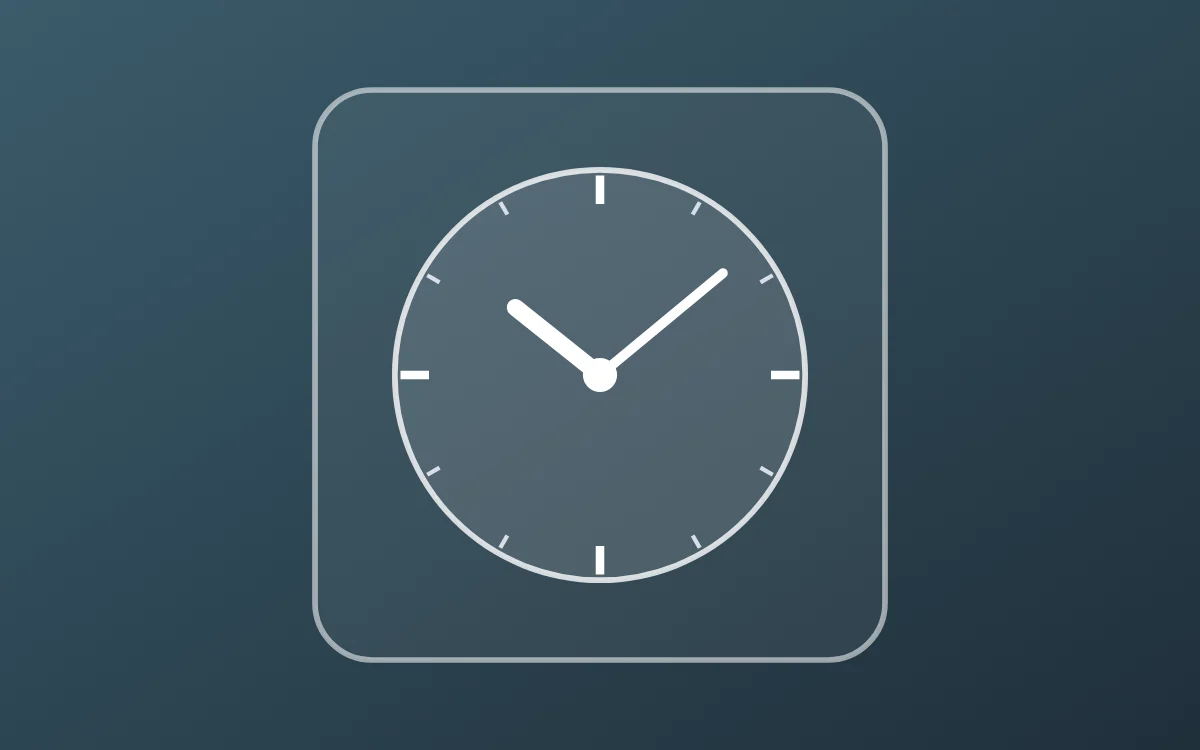 Line art analog clock widgetFree to build
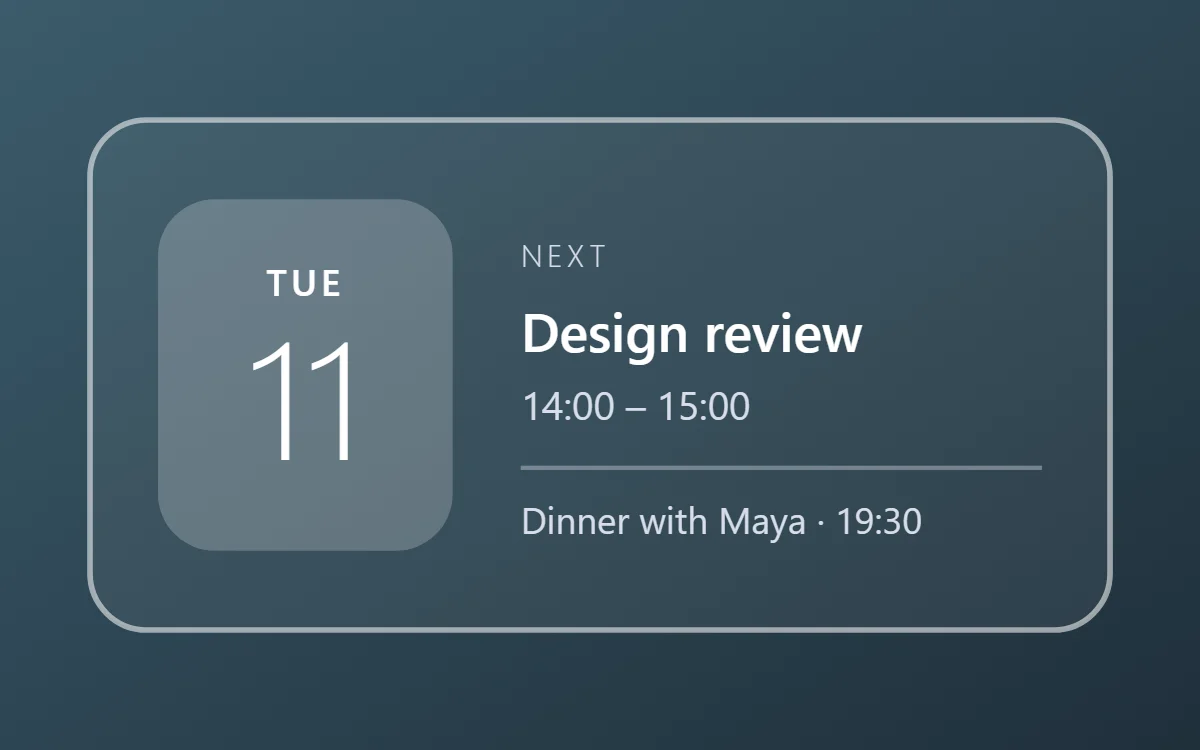 Line art calendar widgetData needs Pro
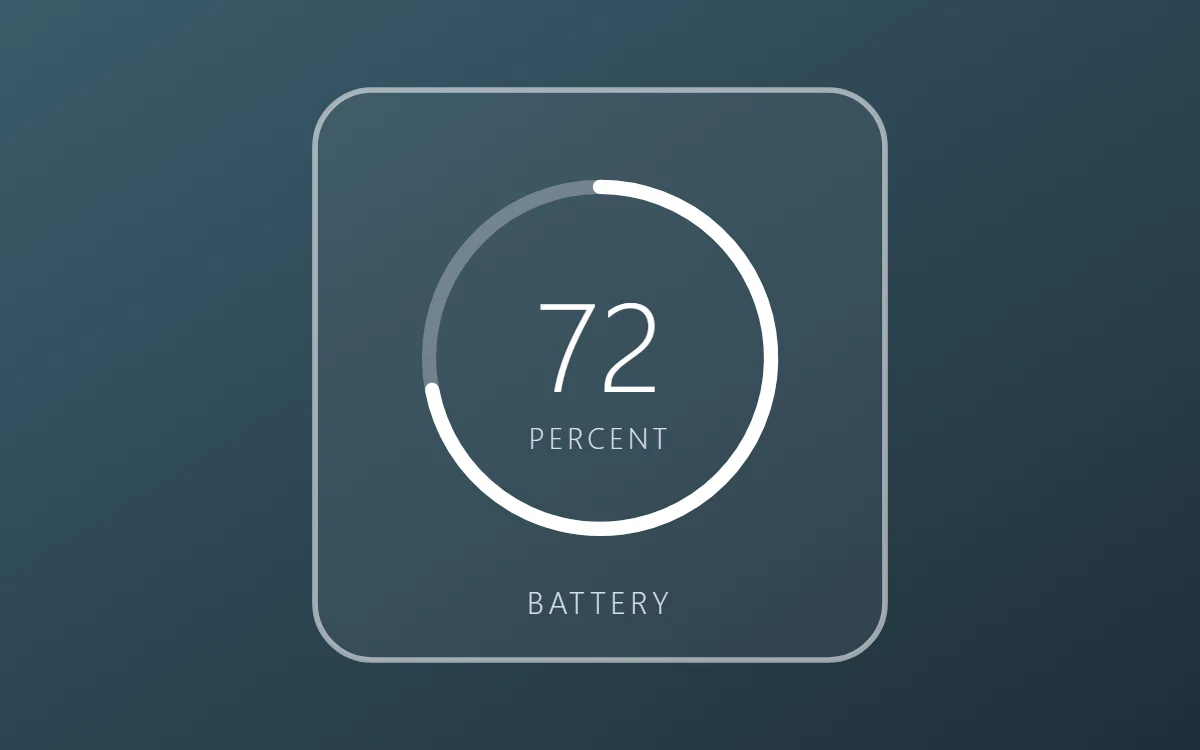 Line art battery widgetFree to build
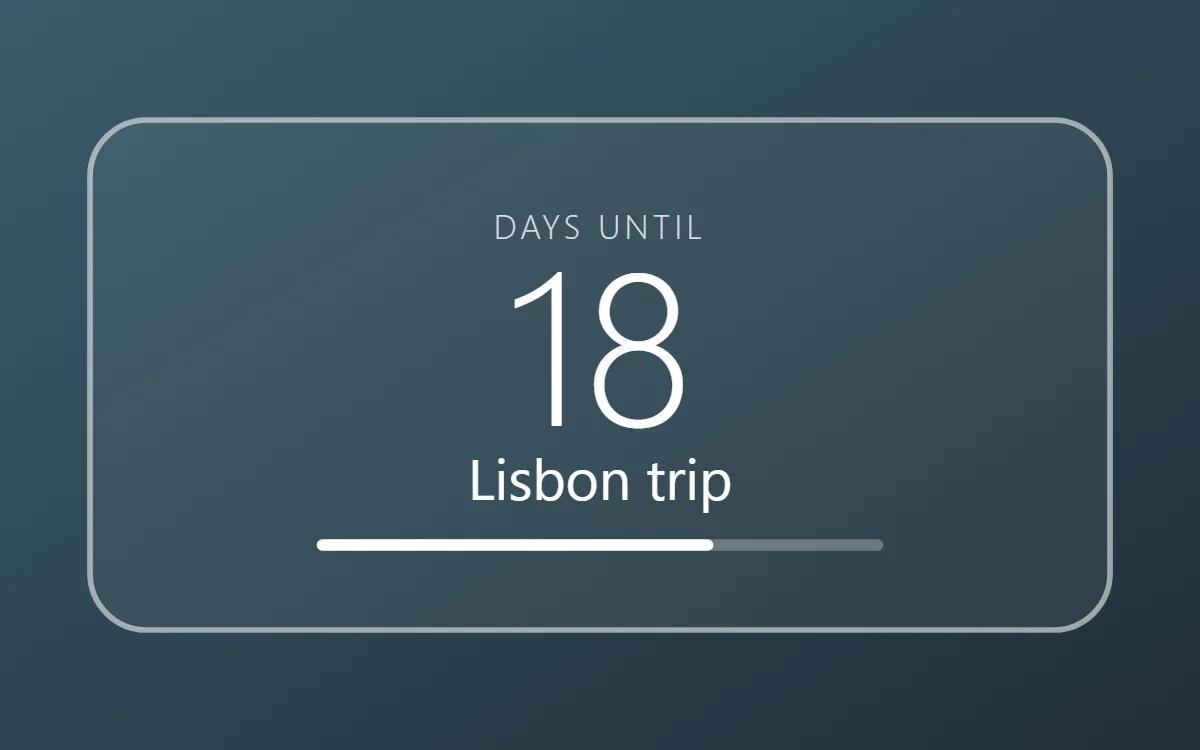 Line art countdown widgetFree to build
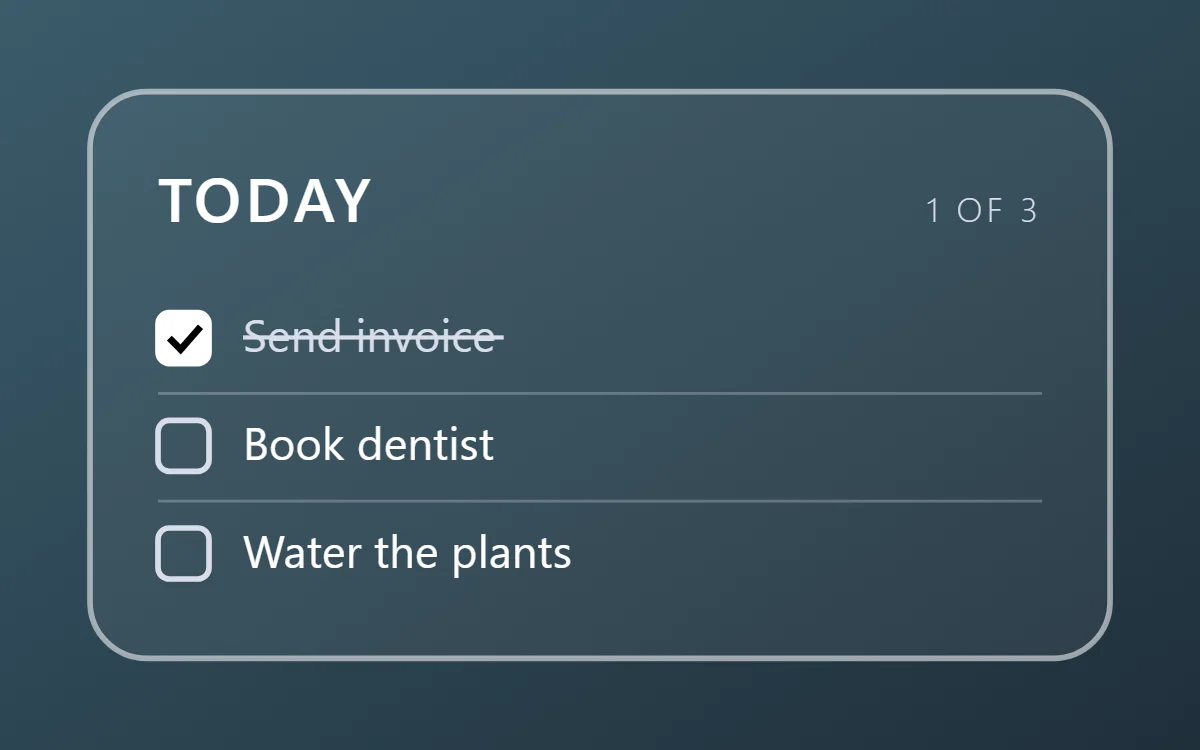 Line art to-do list widgetFree to build
 Line art photo widgetFree to build
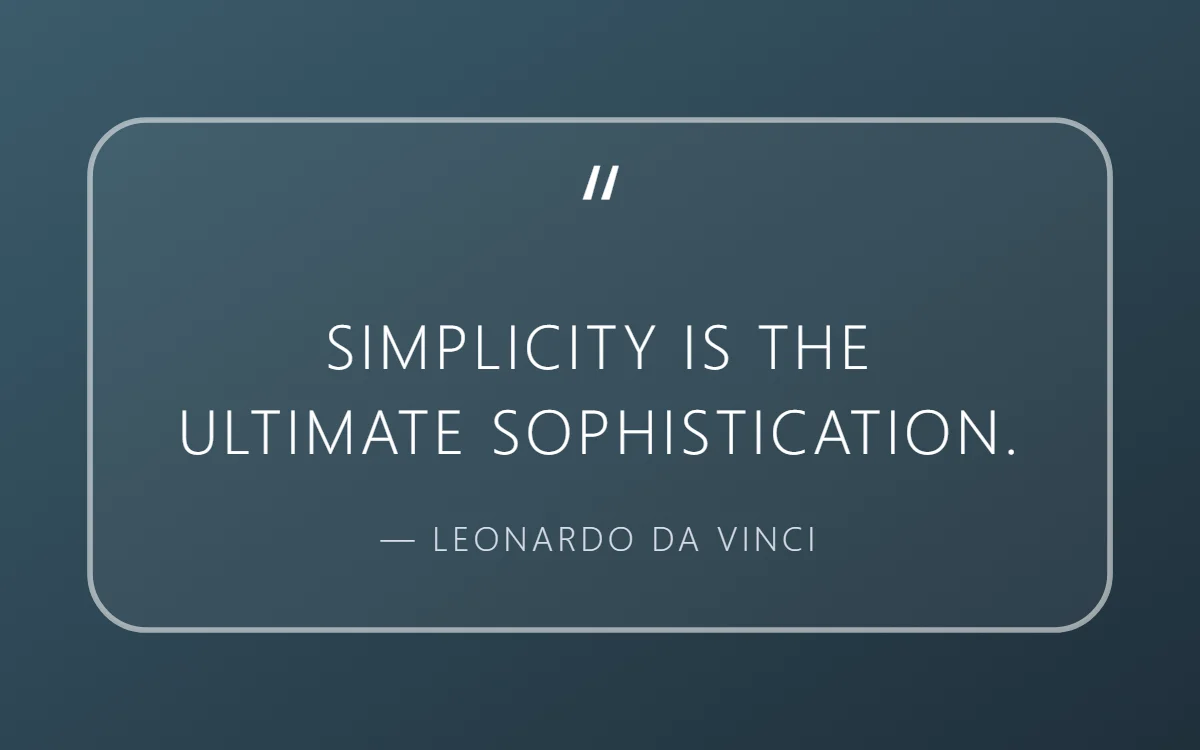 Line art quote widgetFree to build
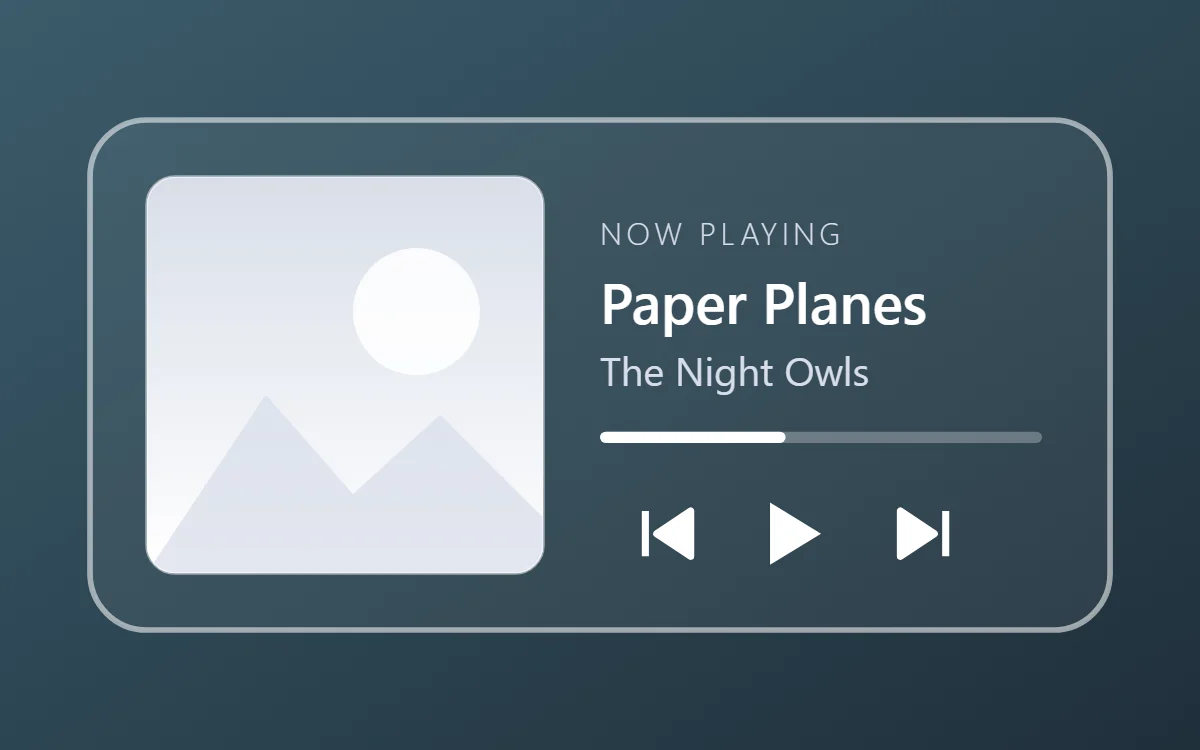 Line art music widgetData needs Pro
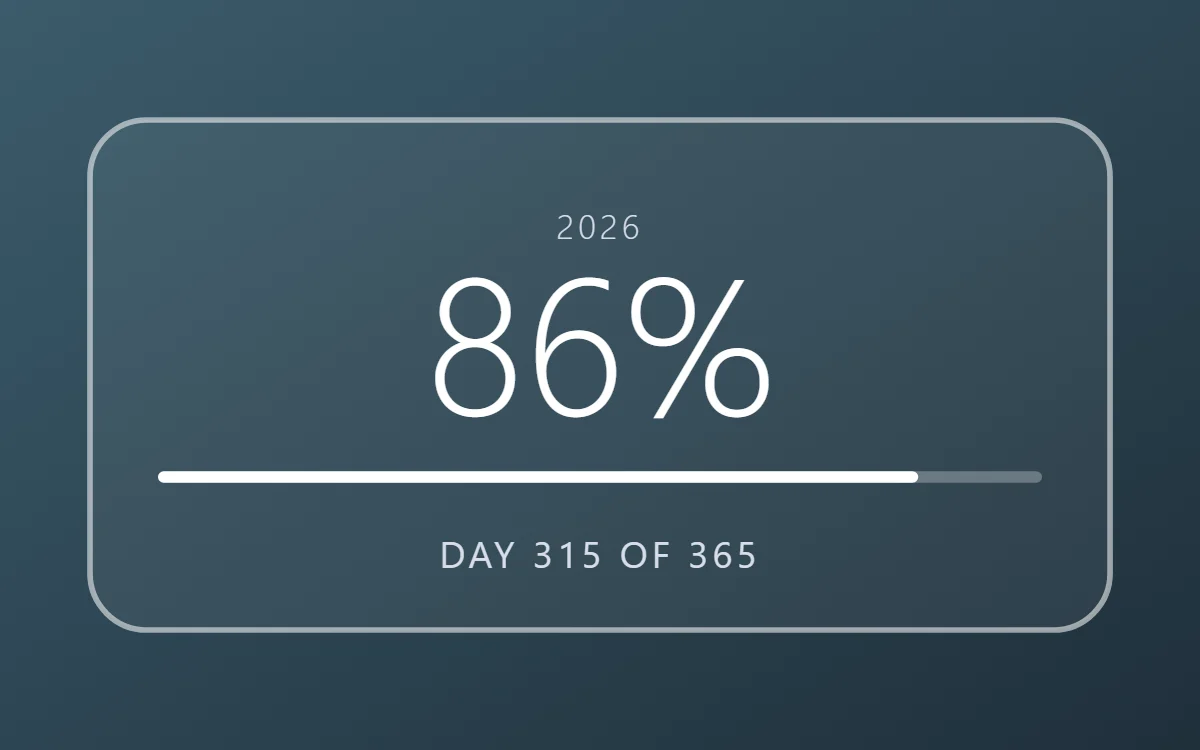 Line art year progress widgetFree to build
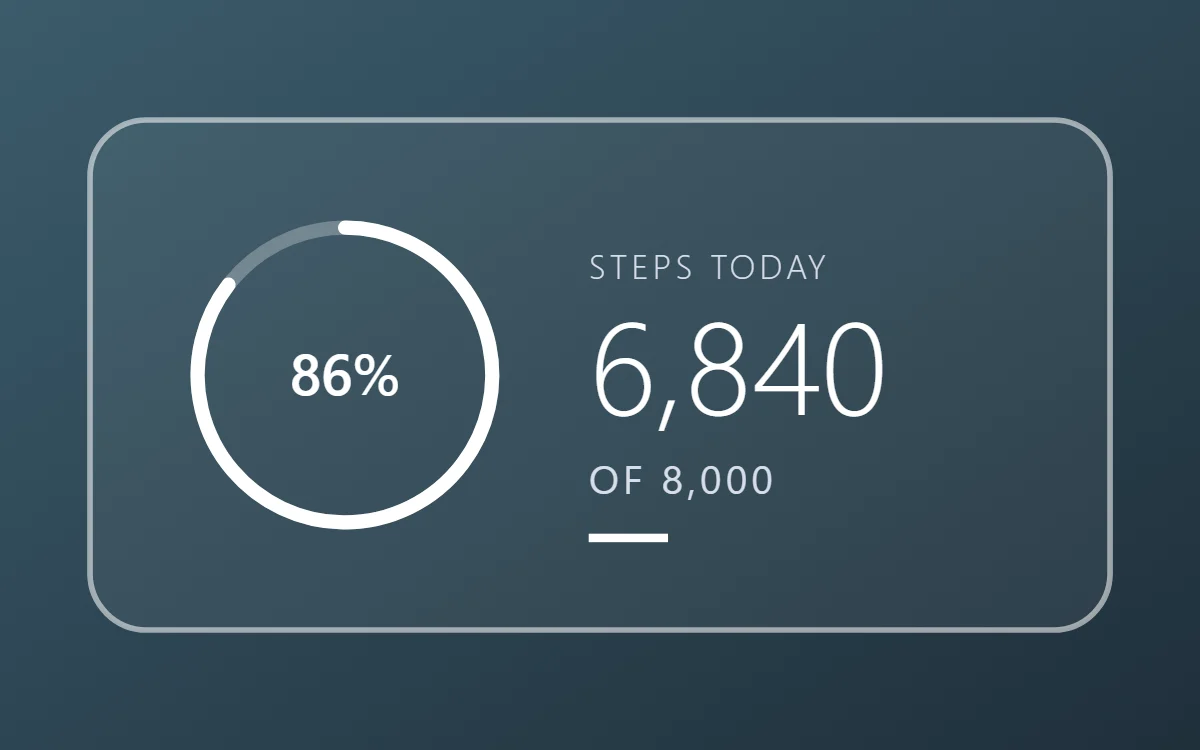 Line art step counter widgetData needs Pro
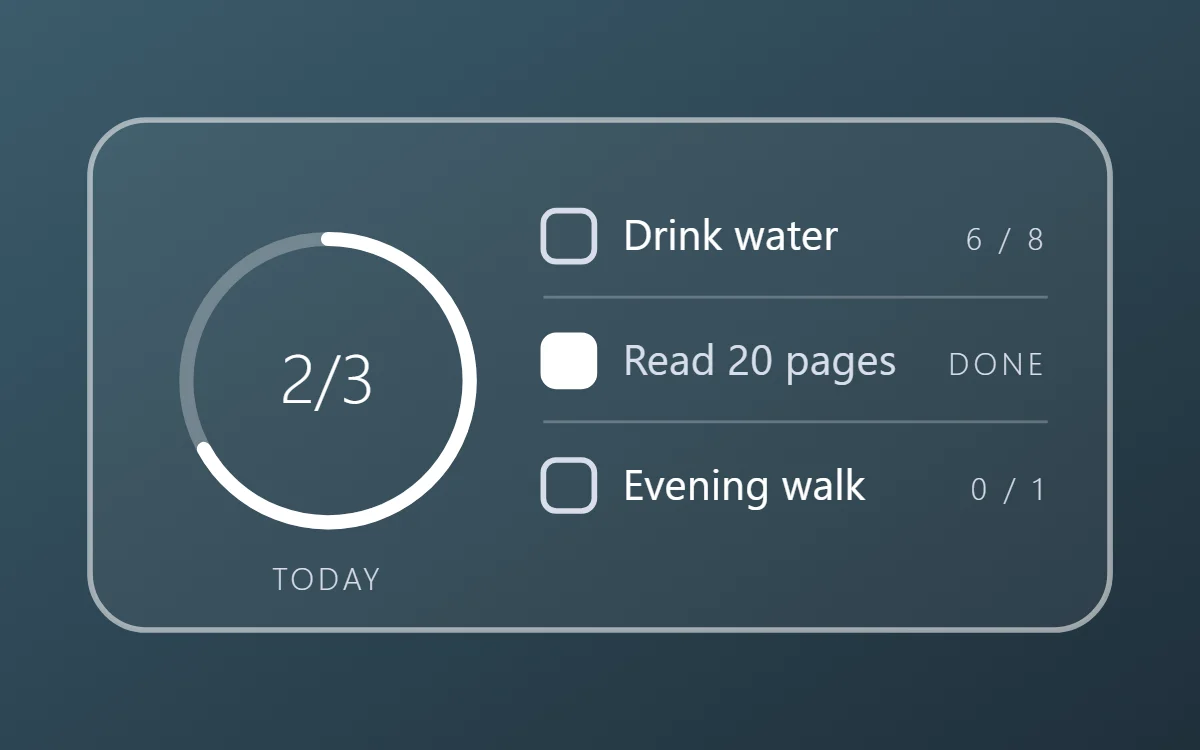 Line art habit tracker widgetFree to build
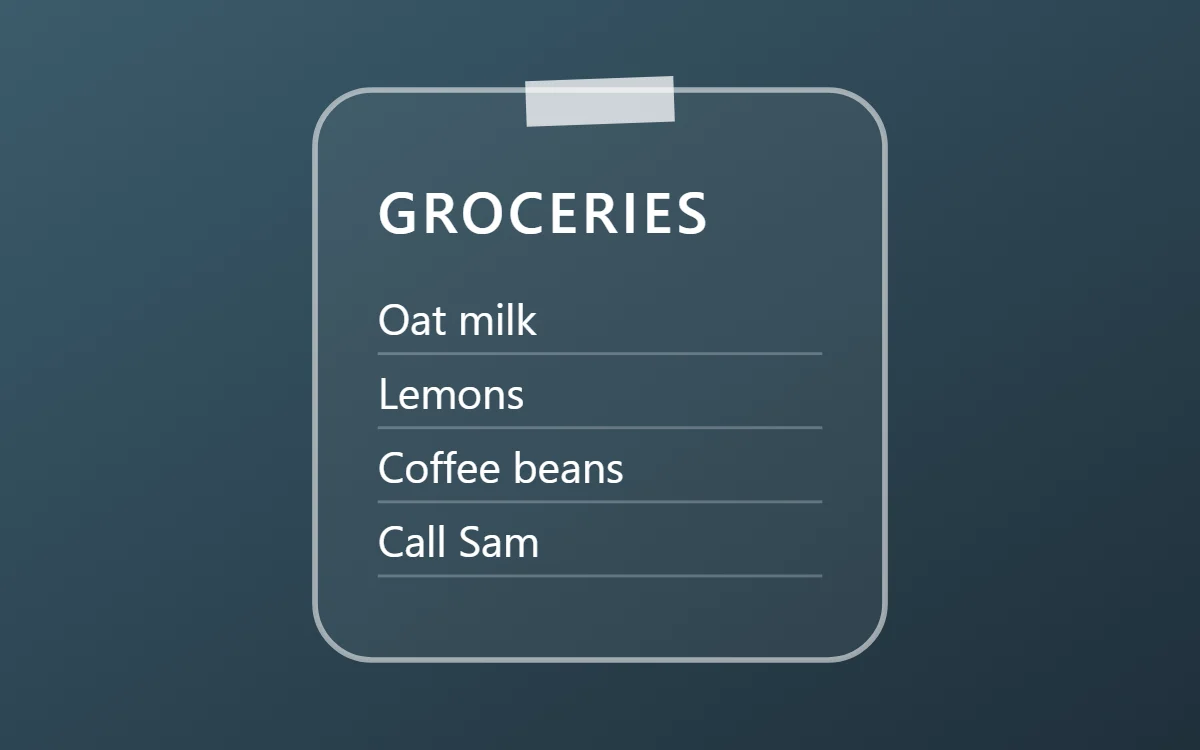 Line art sticky note widgetFree to build
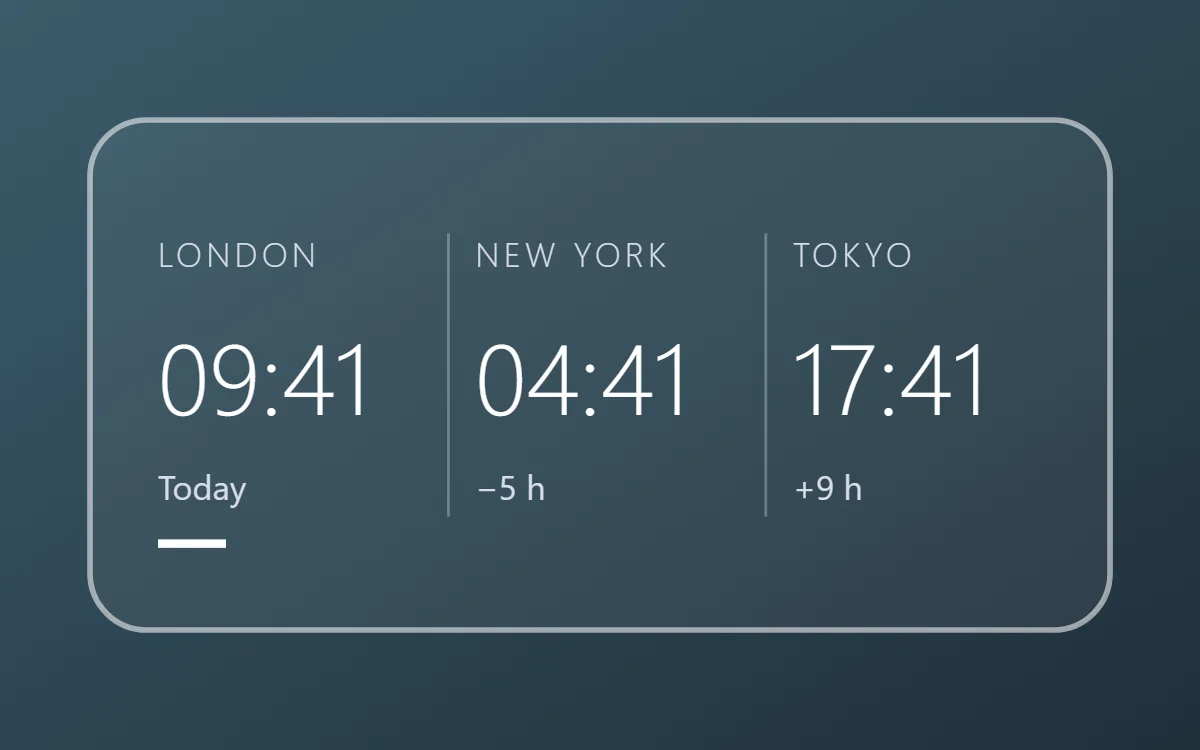 Line art world clock widgetFree to build
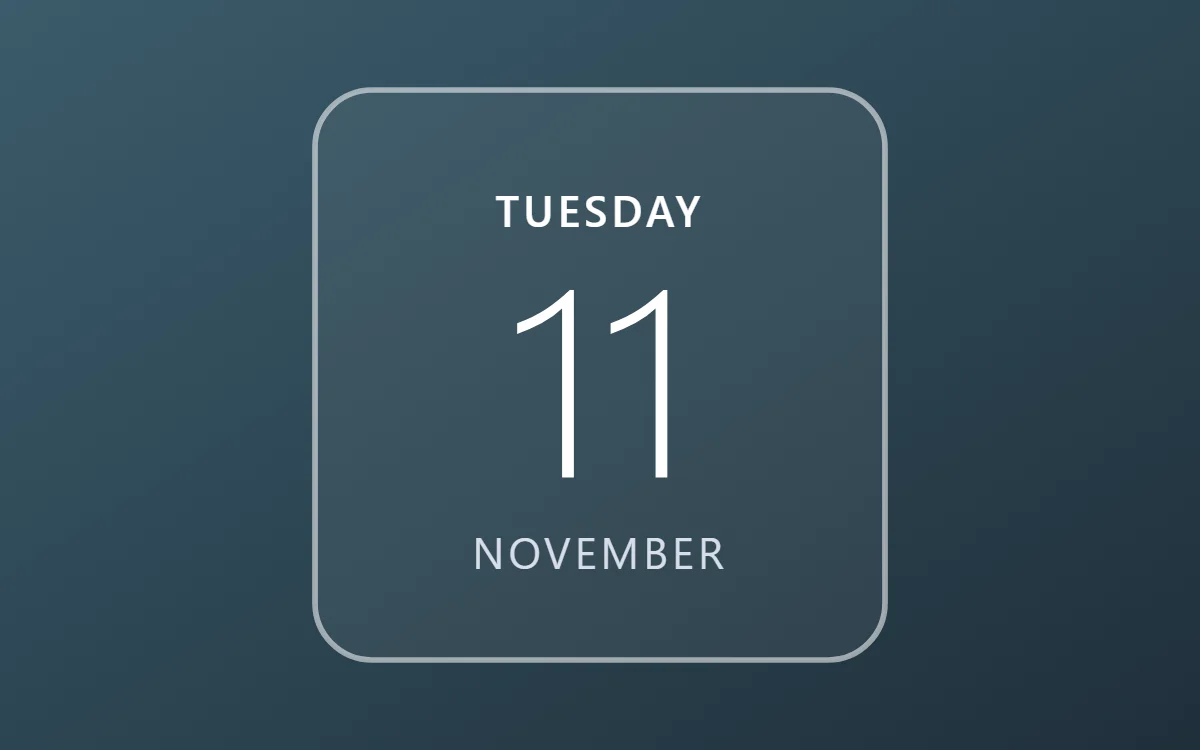 Line art date widgetFree to build
The line art palette
- Clear
#FFFFFFBackground - Clear
#FFFFFFSurface and tracks - White
#FFFFFFText - Mist
#D8DEE9Labels - White
#FFFFFFAccent
Design rules
- Text: Use light-weight capitals with wide spacing in white.
- Numbers: Use a thin weight for numbers so they match the strokes.
- Bars and rings: Draw rings and bars as 2 point strokes; show progress with a brighter stroke.
- Photos: Skip photos; the wallpaper is the picture.
- Lists: Use outlined circles as checkboxes and a thin divider.
Do
- Set the fill fully transparent and the outline to 1.5 to 2 points.
- Match stroke width across every layer.
Avoid
- Do not use bold fonts.
- Do not use it on busy wallpapers; the lines get lost.
Wallpaper and icons
A dark or evenly toned photo with open areas.
Outline icon packs in white.
Questions
What colors suit line art widgets?
Start with Clear (#FFFFFF) for the background, White (#FFFFFF) for text and White (#FFFFFF) as the accent.
Which font works for line art widgets?
Use built-in Sans, at weight 300 with labels in capitals.
Does WidgetCraft have line art widgets ready to use?
There is no ready-made line art pack at the moment. Each recipe on this page lists the exact settings to build one in a few minutes, and most use only free features.