 WidgetCraftGet the app
Guide
Seasonal home screen ideas for the whole year
Keep your layout and swap three things each season: the wallpaper, the widget palette and the date your countdown points to.
A routine that takes ten minutes
Build your widgets once in a neutral style you like. When the season changes, duplicate them and change only the colors and the wallpaper. Your layout, sizes and habits stay the same, so the screen feels fresh without having to relearn it.
Palettes by season
| Season | Background | Text | Accent |
|---|---|---|---|
| Spring | #F6FBEF | #2F4A2A | #F28BB3 |
| Summer | #E8FBFF | #0B3C49 | #FF6B5E |
| Autumn | #F4E4CF | #4A2C1A | #C4561D |
| Halloween | #120B1A | #FF8A1F | #9B5DE5 |
| Christmas | #14402B | #FBF3E0 | #D62828 |
| Winter | #EEF5FB | #1F3550 | #5AA9E6 |
Countdowns worth setting
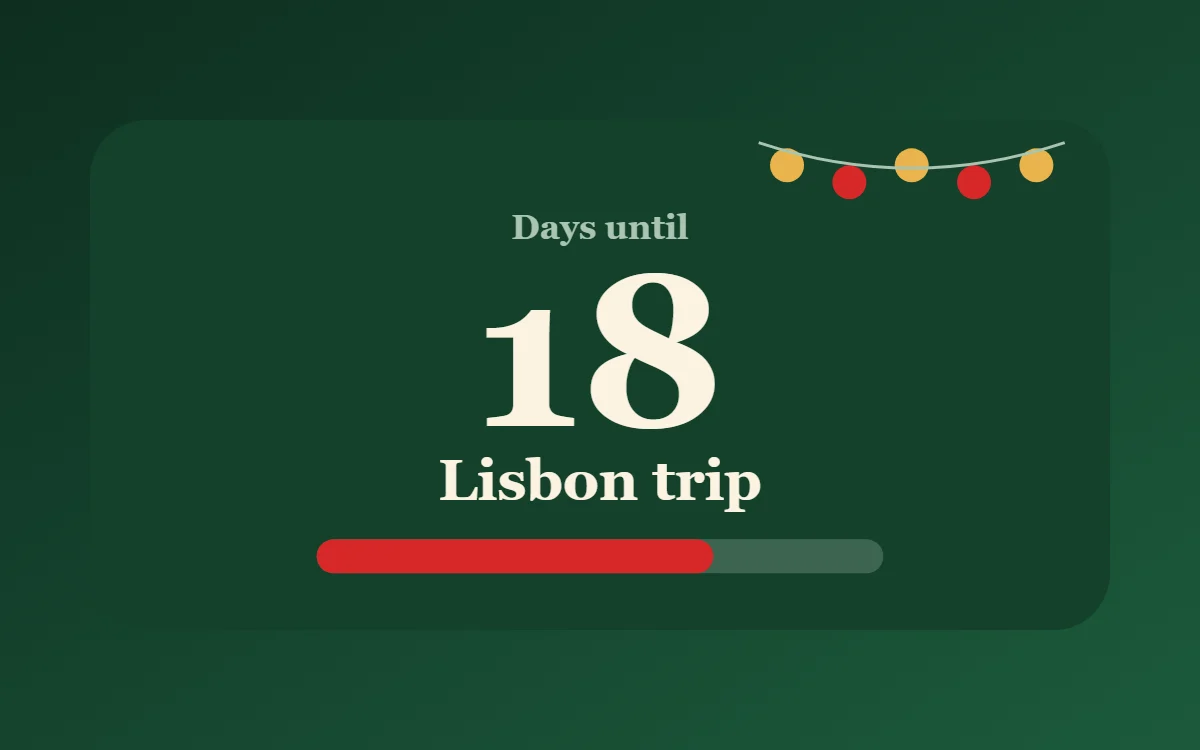
A countdown gives the screen a purpose: a holiday, a trip, the last day of term, a birthday. Set the target date in the countdown layer and name the event in a text layer. When the date passes, point it at the next one so the widget never sits at zero.
Widget ideas for each season
- Spring: a photo widget with blossom, and a step counter for longer walks.
- Summer: a holiday countdown and a packing list you can tick off.
- Autumn: a quote in a warm serif and a cosy photo frame.
- Halloween: a countdown to 31 October in pumpkin orange on black.
- Christmas: a countdown to 25 December and a gift list with red tick boxes.
- Winter: a thin, icy clock and a year-progress bar for the last weeks of the year.
Each of these is a free layer in WidgetCraft, so a seasonal refresh does not need anything extra.
Keep one thing constant
Change colors freely, but keep your font and corner radius the same all year. That constant is what makes each seasonal version still feel like your phone.
Questions
Do I have to rebuild my widgets each season?
No. Duplicate the widget and change its colors.
Are seasonal widgets free?
Yes. Countdown, clock, photo and list layers are free features.