 WidgetCraftGet the app
Guide
WidgetCraft free and Pro: what you get
The free version includes the full editor, basic data and ten saved widgets, with ads. Pro is a single purchase that removes ads and limits and adds advanced connections.
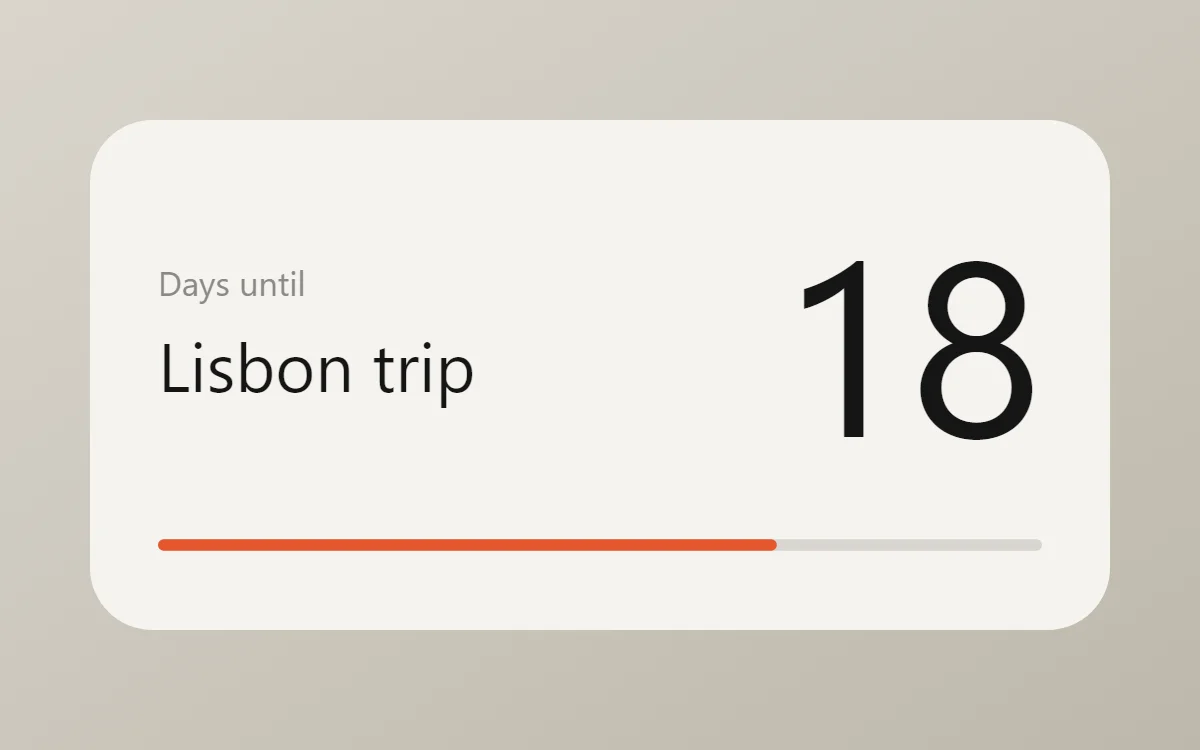
Free
- The complete visual editor: layers, colors, fonts, shapes, rings, progress bars, photos and lists.
- Time, date, battery and local tasks, notes and habits.
- Six starter components and any components you make yourself.
- Up to ten widgets in your Gallery.
- Template imports after one rewarded ad each, and a banner ad inside the app.
Pro
- One payment through Google Play. It is not a subscription.
- Unlimited widgets.
- No ads and no ad before importing a template.
- Calendar, music, fitness and custom web connections.
- All built-in components.
The price is shown in your local currency in the app before you buy.
What does not change
Ads appear only inside the app, never in the widgets on your home screen. Widgets you made in the free version keep working. If you had more than ten widgets and Pro is later refunded, your existing widgets are kept; you just cannot add new ones until you are under the limit.
Restoring a purchase
Pro belongs to the Google account that bought it. On a new phone, sign in to Google Play with the same account, install WidgetCraft, open Settings → WidgetCraft Pro and tap Restore purchases.
Your designs are stored on the device, not in the cloud. Export the ones you want to keep before you switch phones.
Questions
Is Pro a subscription?
No. You pay once.
Can I use Pro on two phones?
Yes, if both use the Google account that bought it.
Which widgets need Pro?
Only those using calendar, music, fitness or web data. Clocks, dates, battery, countdowns, photos, quotes and task lists are free.