 WidgetCraftGet the app
Aesthetic styles
E-ink widgets for Android
Grey paper-like screens with crisp black text and no color. E-ink widgets imitate an e-reader display: a light grey background, sharp black text, no color and no effects. Popular for low-distraction home screens.
Also known as: e-reader style widgets, paper display widgets, low distraction widgets.
E-ink widget recipes
Each recipe has a preview, exact colors and layer-by-layer steps.
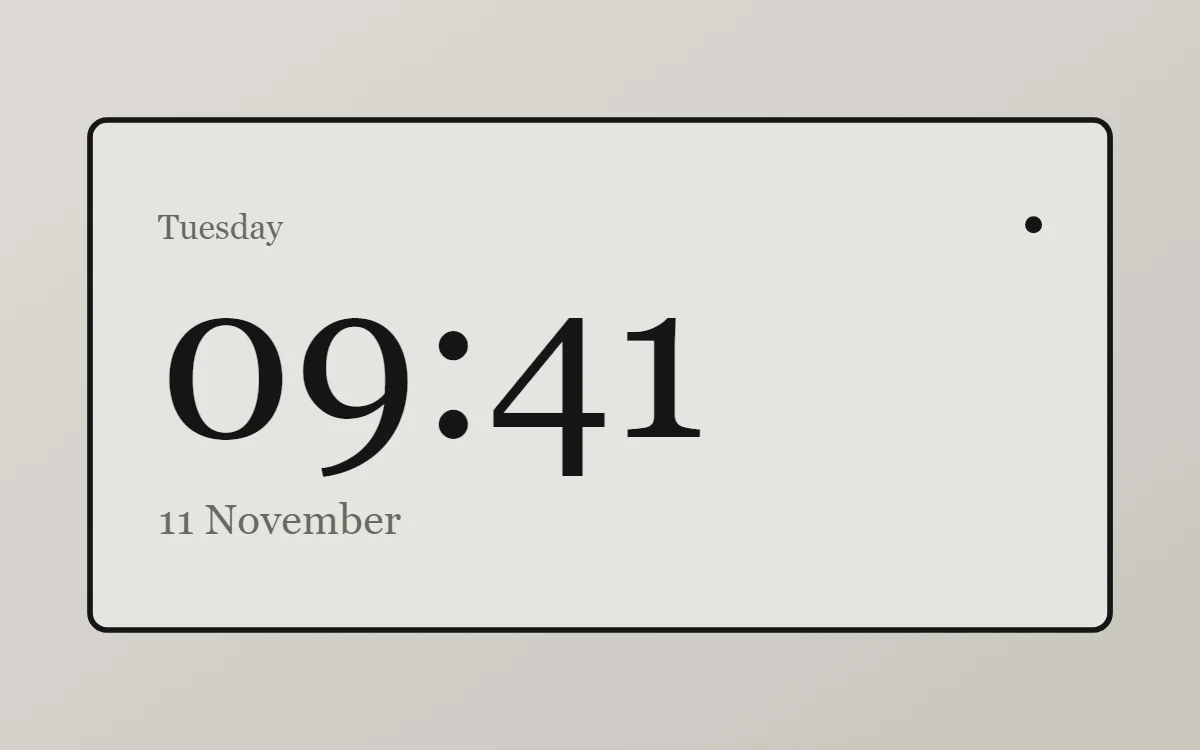 E-ink clock widgetFree to build
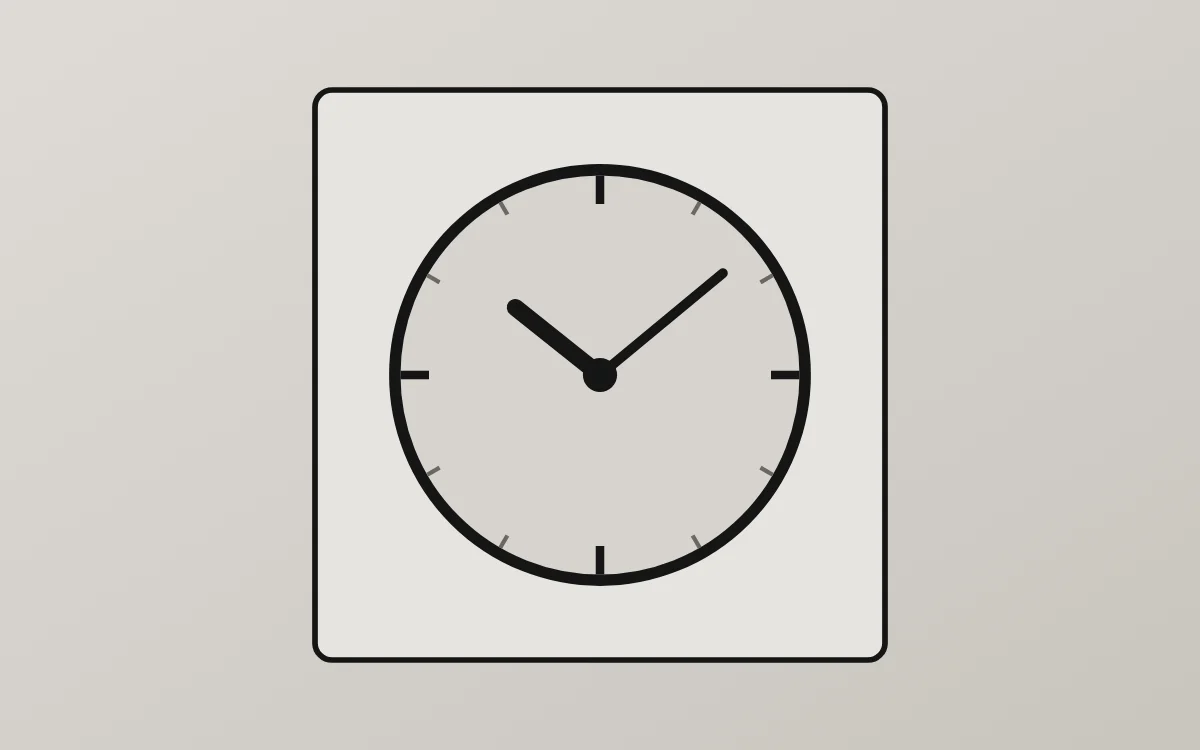 E-ink analog clock widgetFree to build
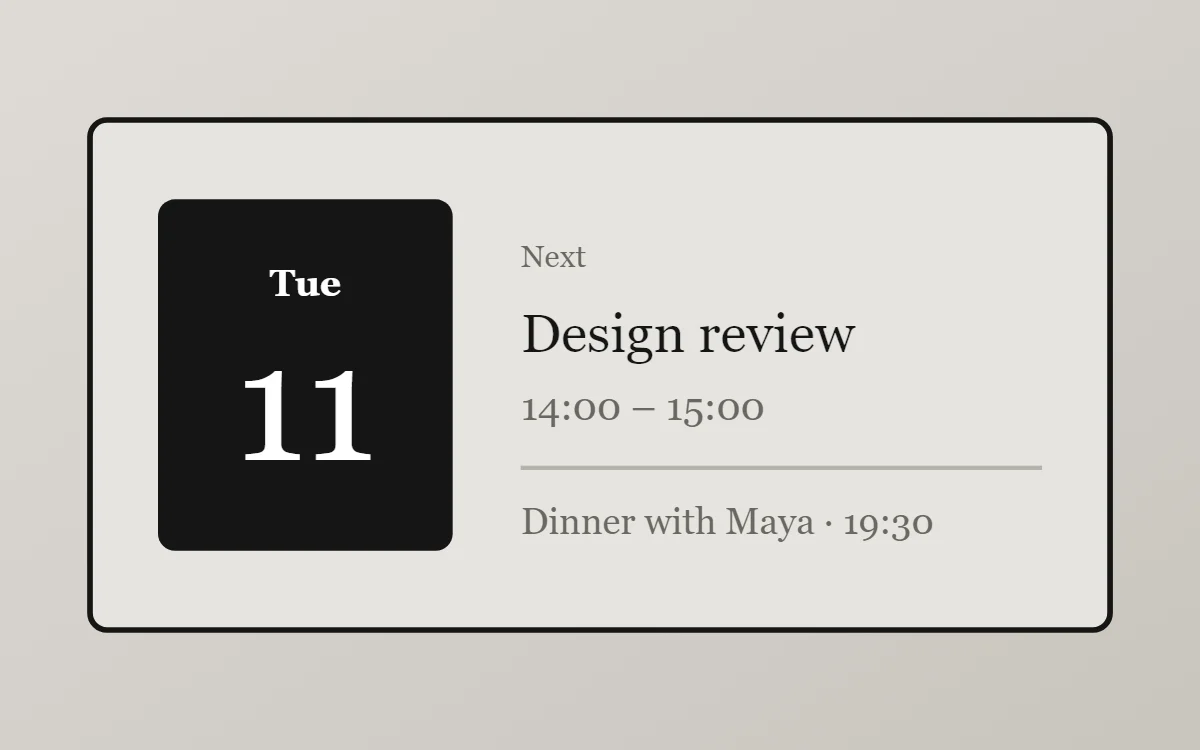 E-ink calendar widgetData needs Pro
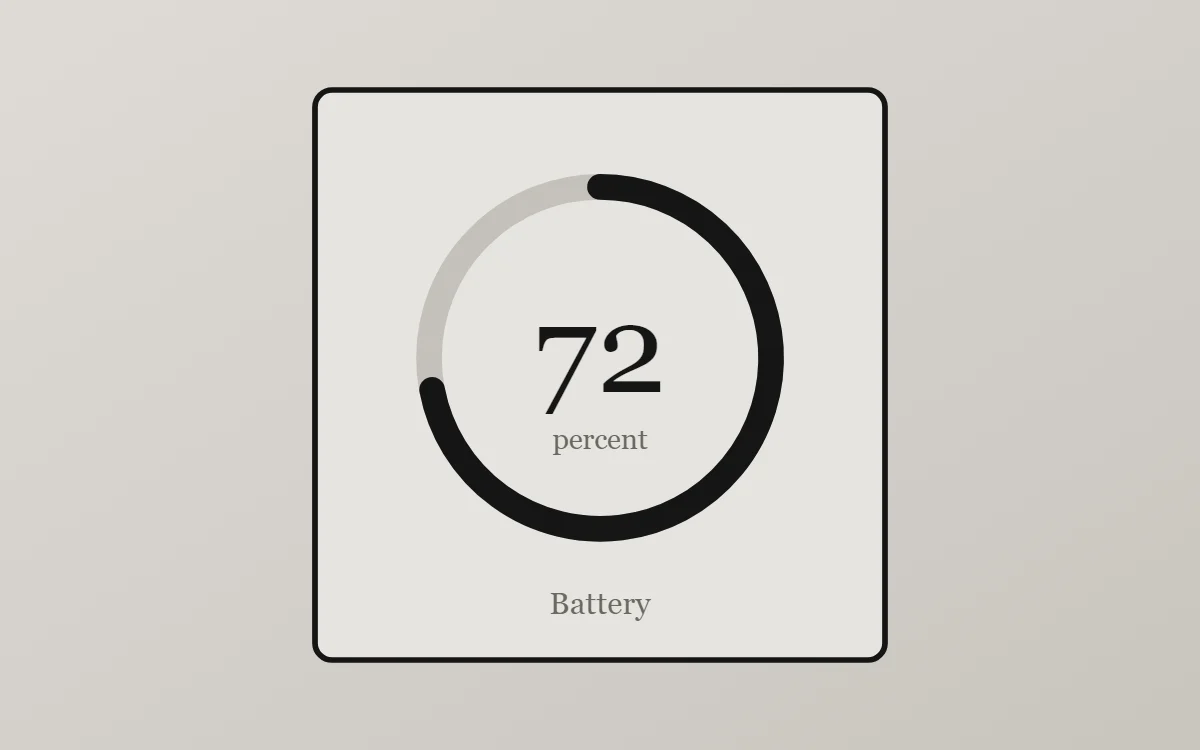 E-ink battery widgetFree to build
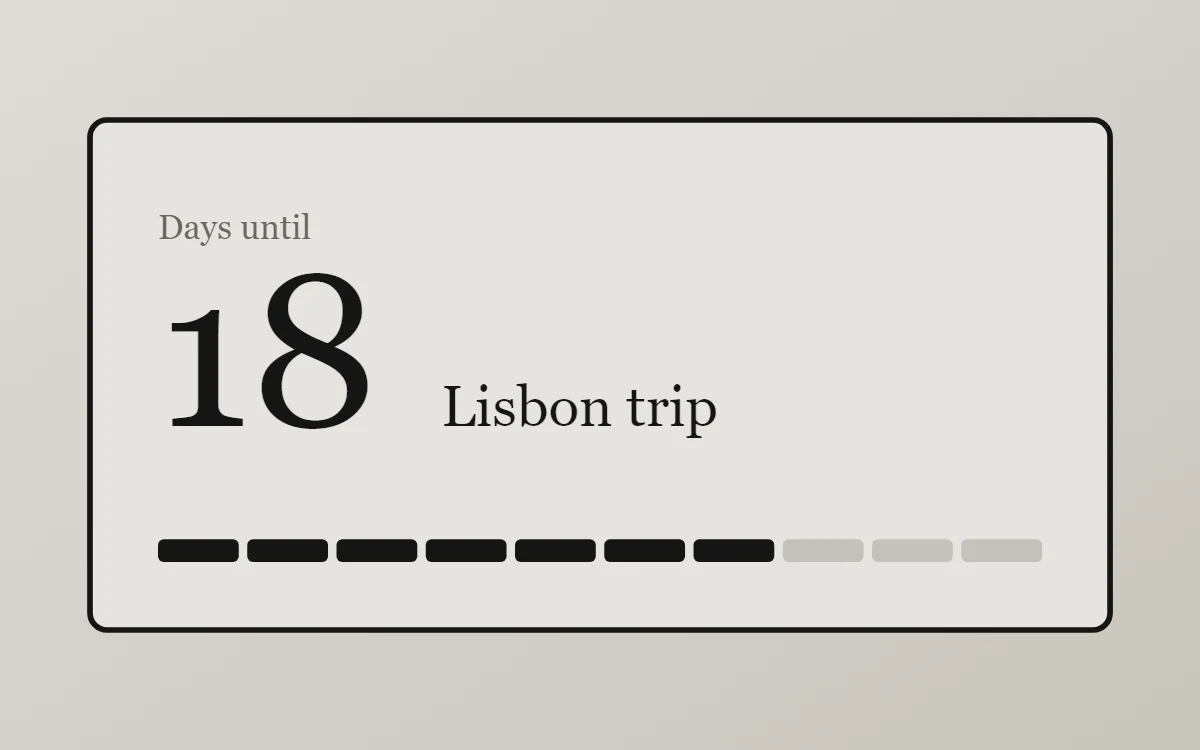 E-ink countdown widgetFree to build
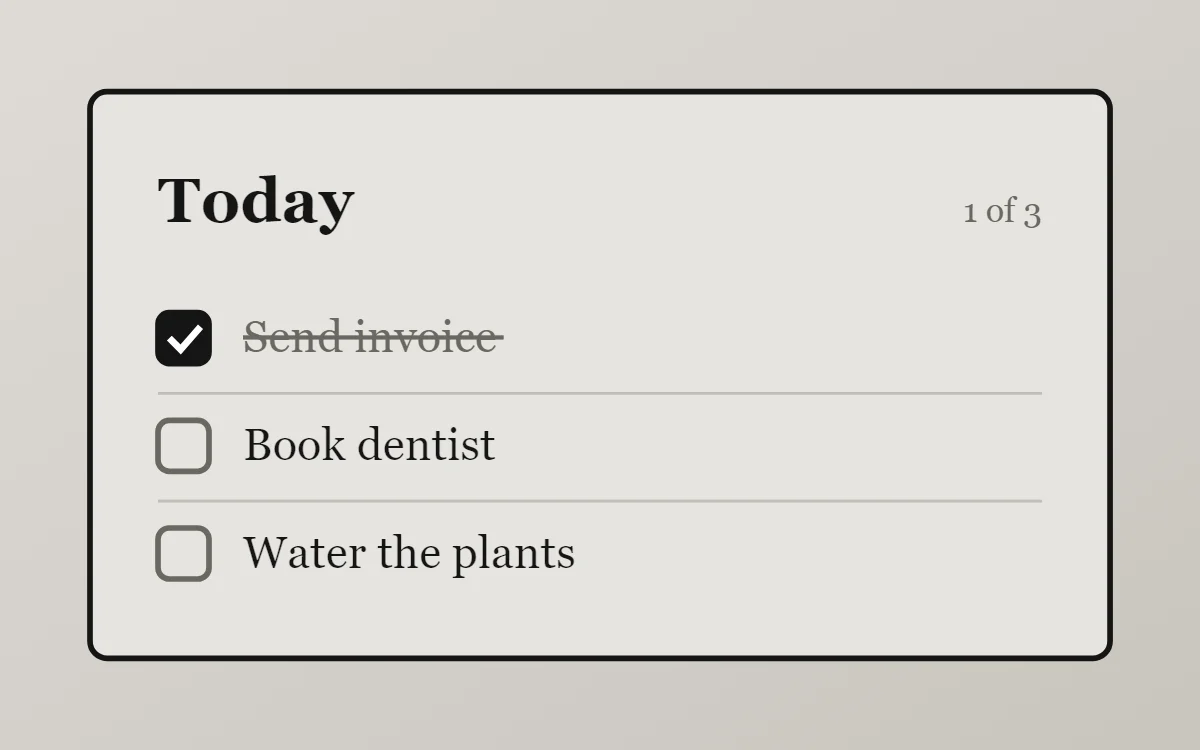 E-ink to-do list widgetFree to build
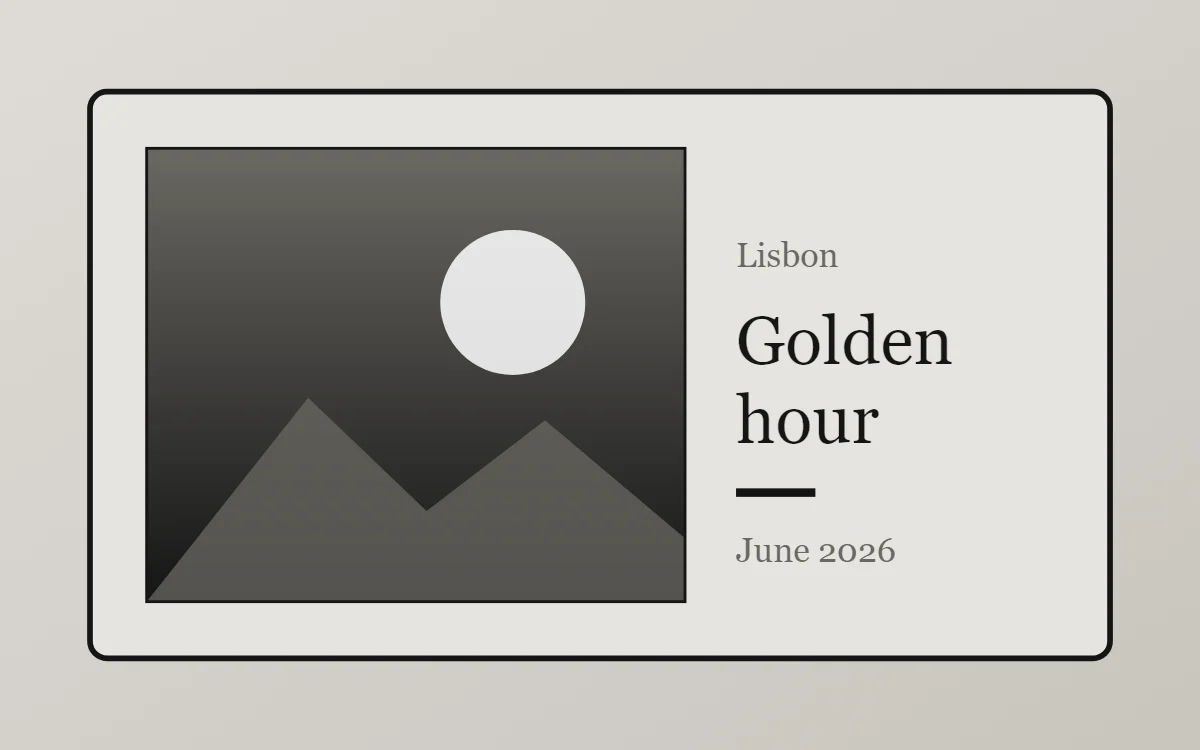 E-ink photo widgetFree to build
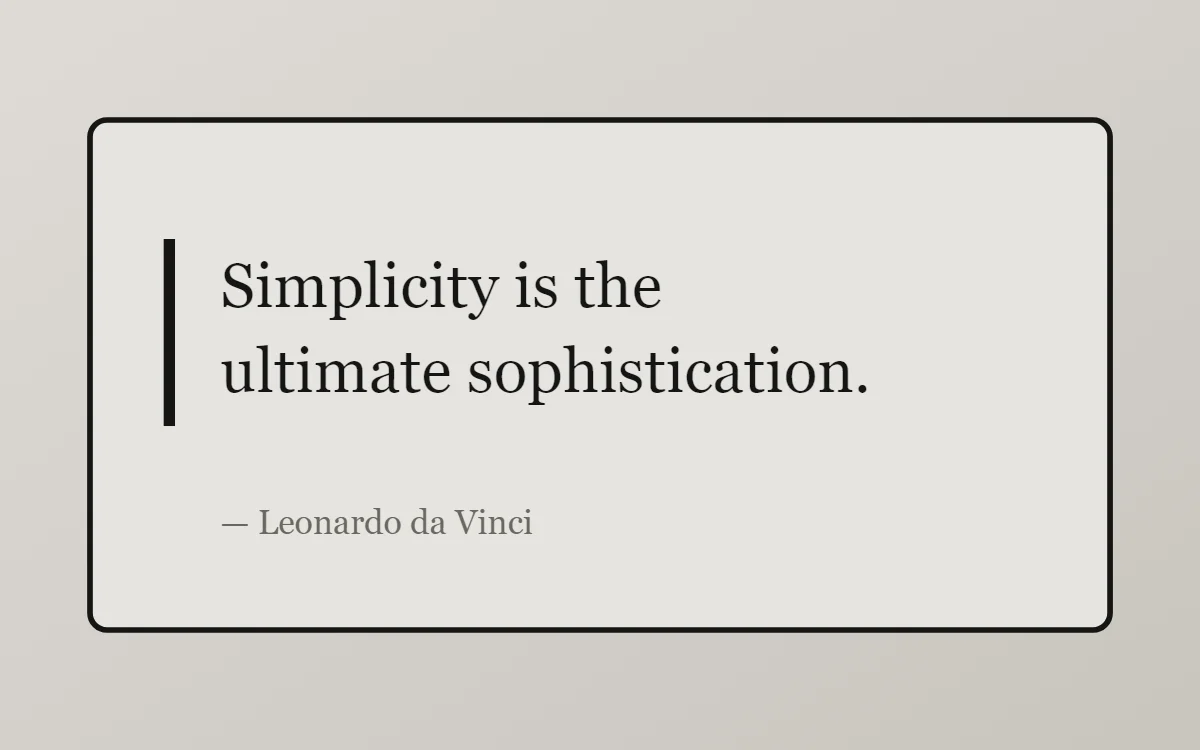 E-ink quote widgetFree to build
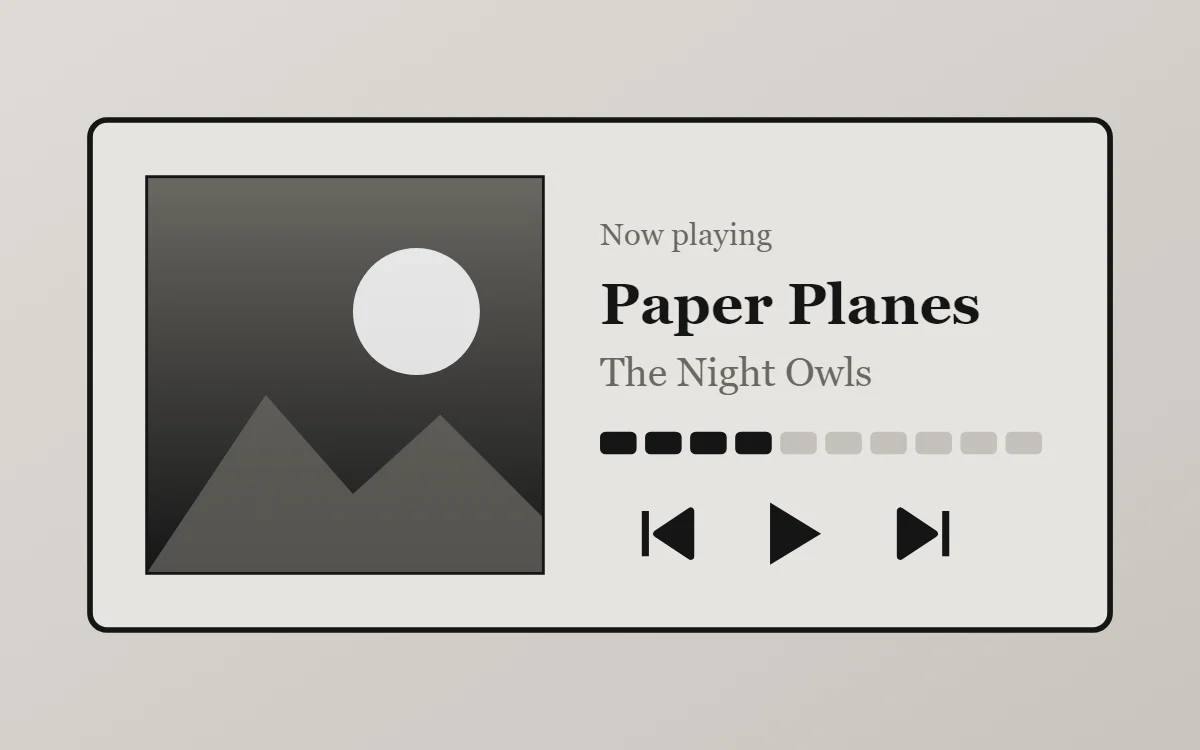 E-ink music widgetData needs Pro
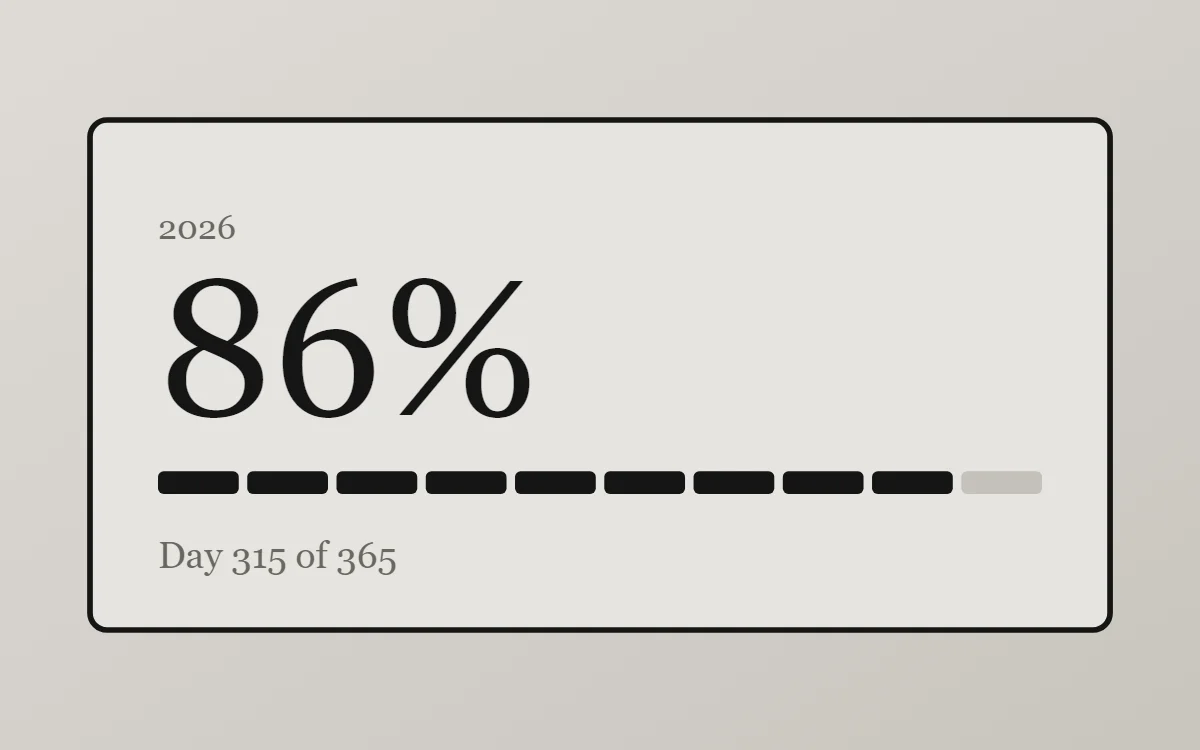 E-ink year progress widgetFree to build
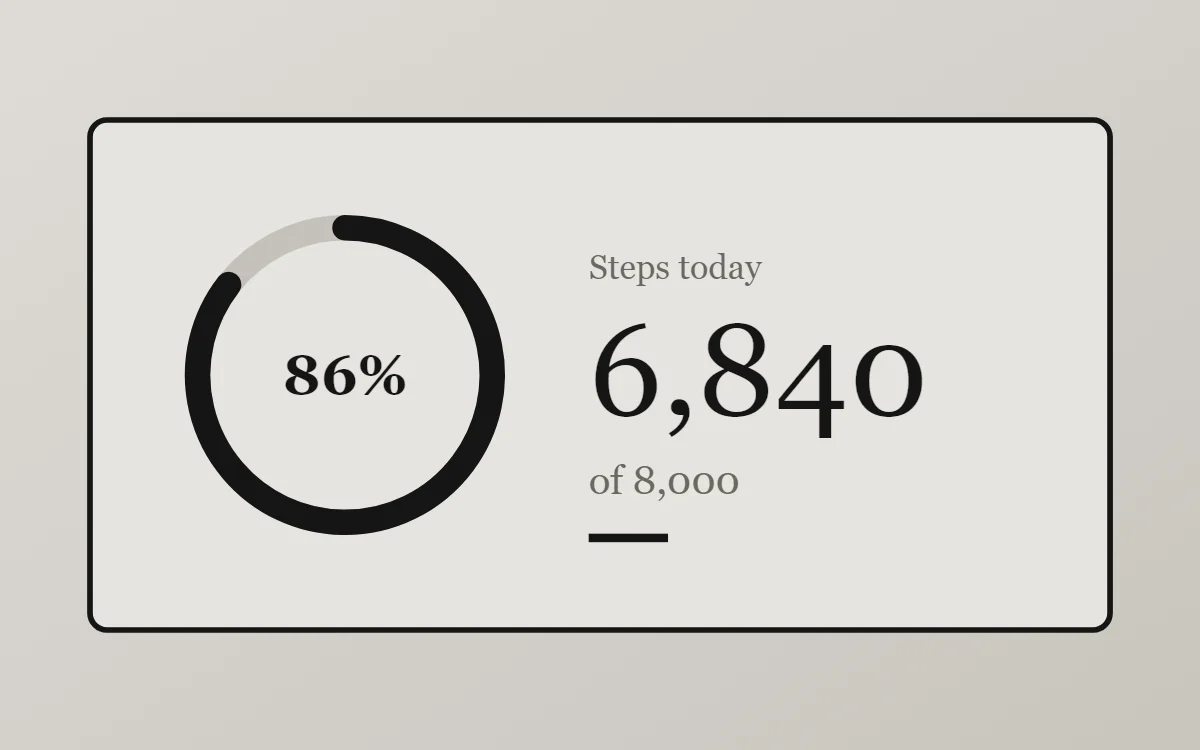 E-ink step counter widgetData needs Pro
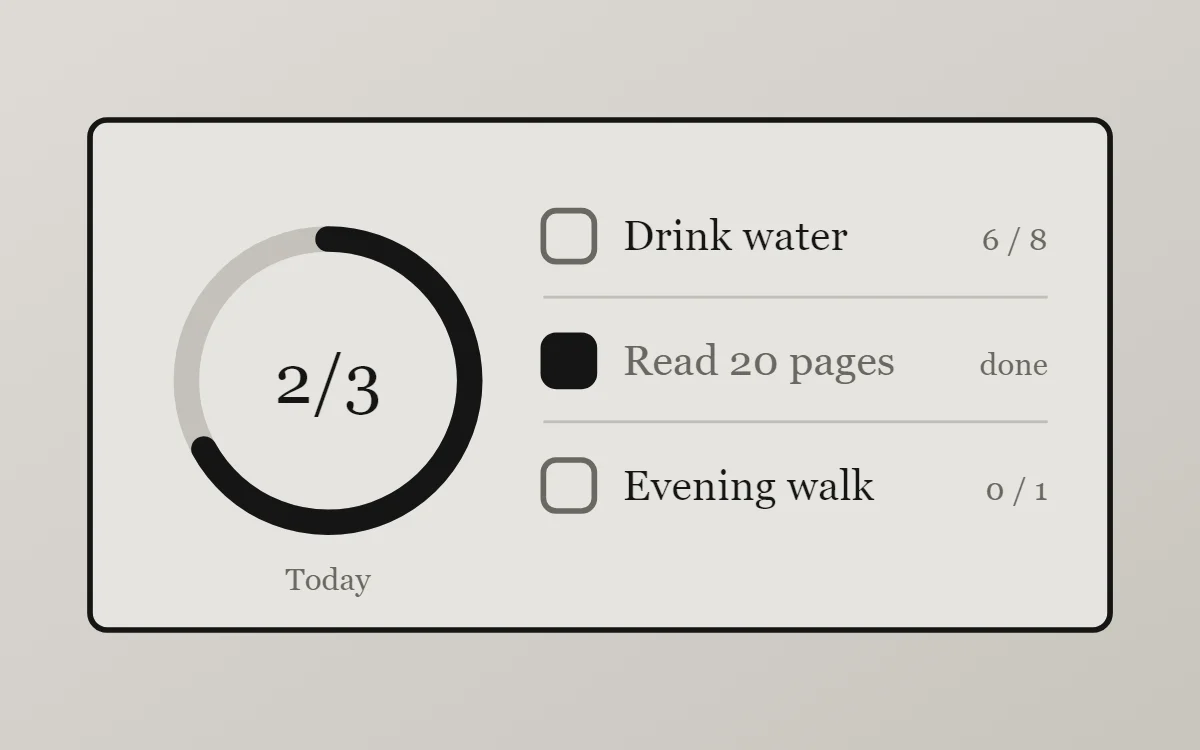 E-ink habit tracker widgetFree to build
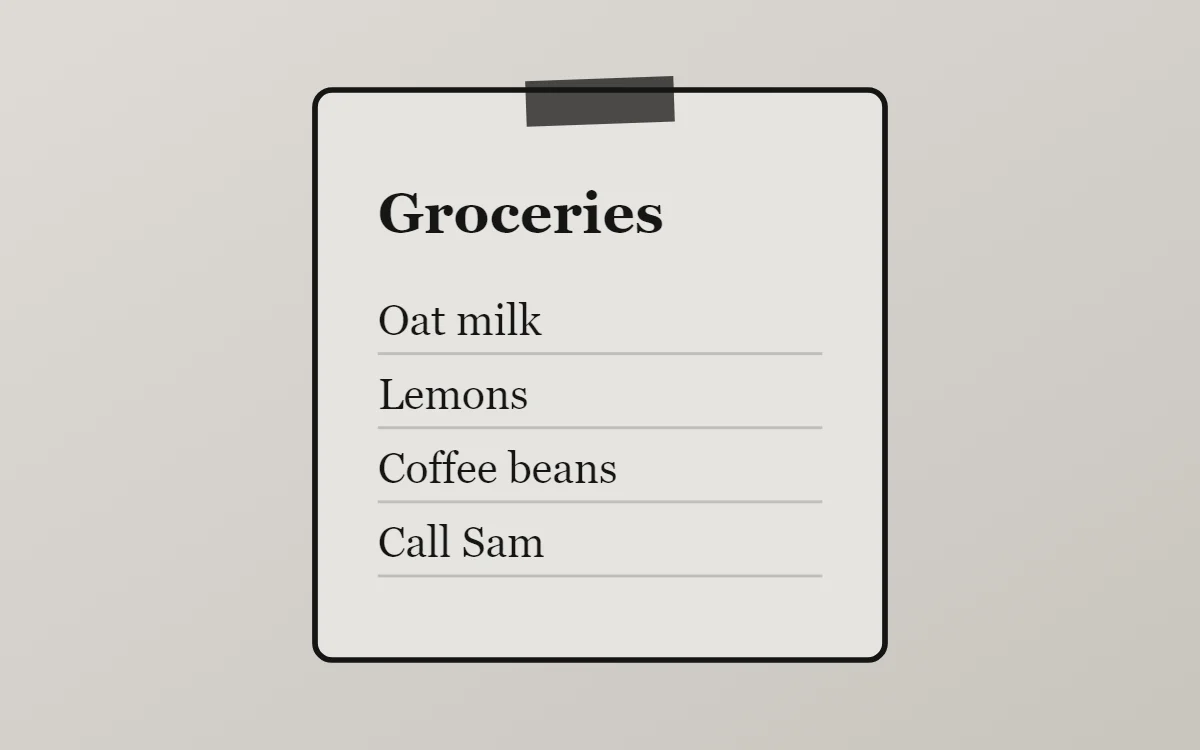 E-ink sticky note widgetFree to build
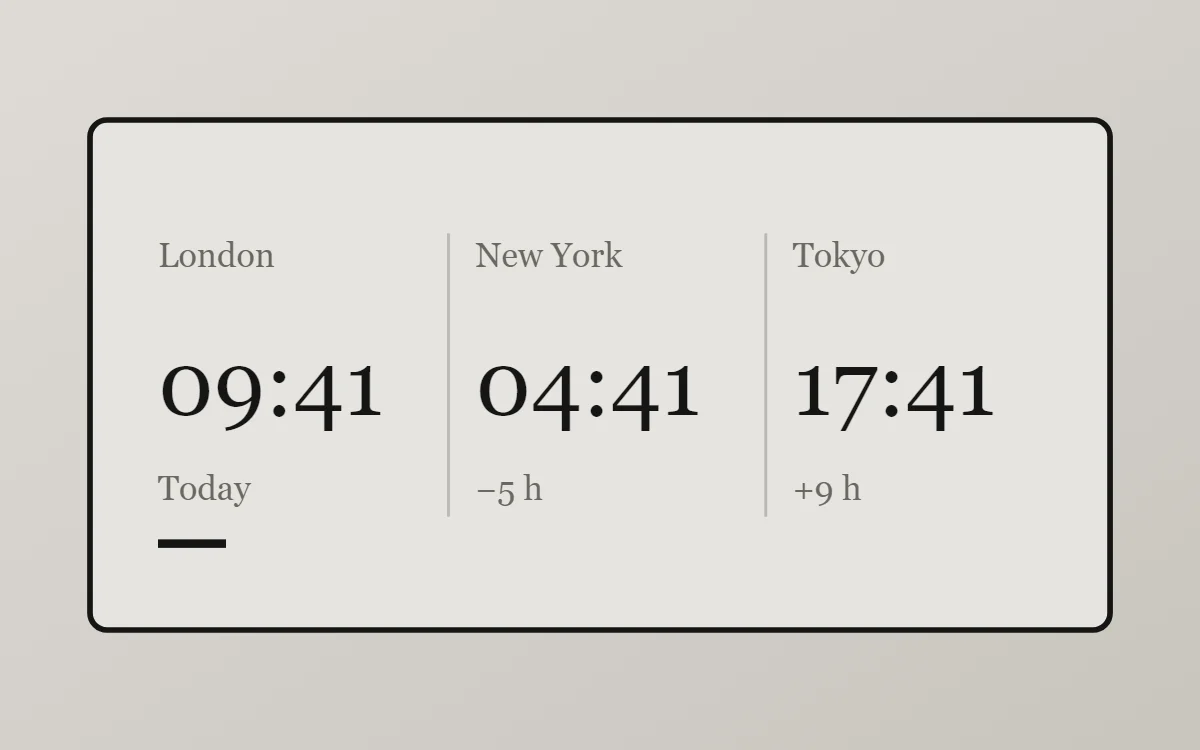 E-ink world clock widgetFree to build
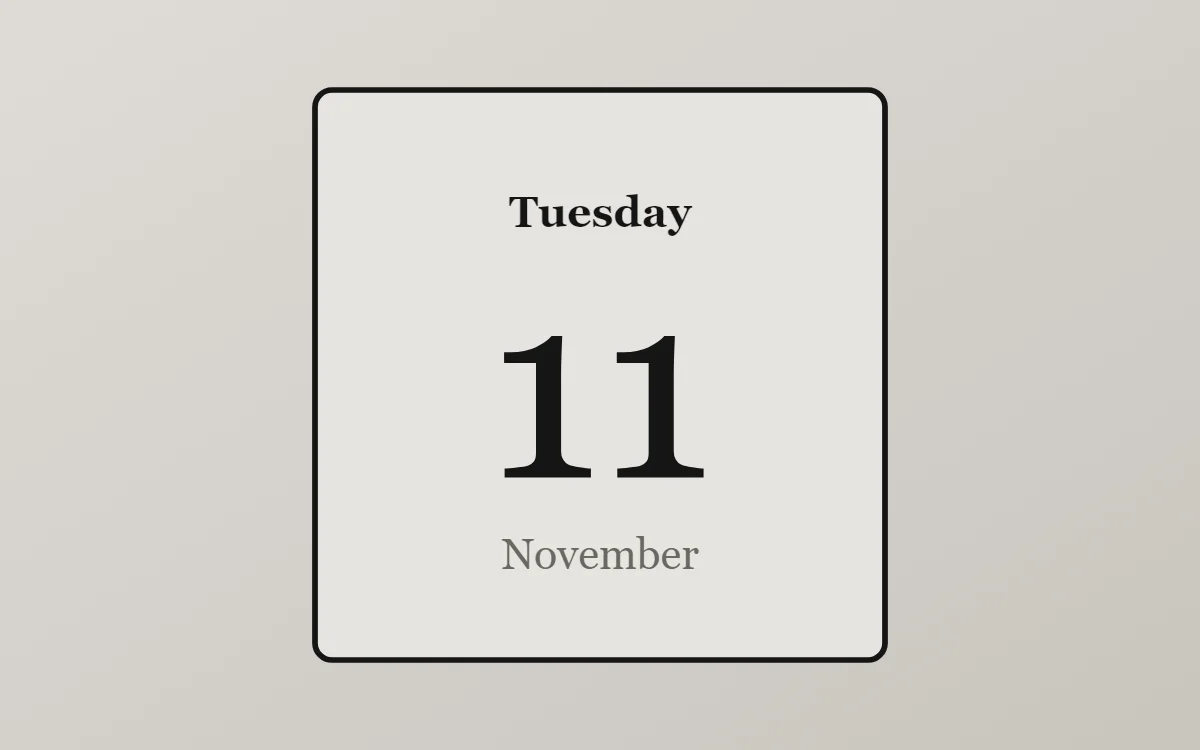 E-ink date widgetFree to build
The e-ink palette
- Paper grey
#E6E4DFBackground - Shade
#D7D4CESurface and tracks - Ink
#151515Text - Pencil
#6A6862Labels - Ink
#151515Accent
Design rules
- Text: Use a book-style serif in black.
- Numbers: Keep numbers black and plain; add a small label.
- Bars and rings: Use black segments or a simple outlined bar.
- Photos: Use high-contrast greyscale photos.
- Lists: Plain rows with square checkboxes.
Do
- Use only black and two greys.
- Add a thin black outline.
Avoid
- Do not use color or gradients.
- Do not use shadows.
Wallpaper and icons
Plain light grey.
Black glyph icons, labels on.
Questions
What colors suit e-ink widgets?
Start with Paper grey (#E6E4DF) for the background, Ink (#151515) for text and Ink (#151515) as the accent.
Which font works for e-ink widgets?
Use built-in Serif, at weight 500.
Does WidgetCraft have e-ink widgets ready to use?
There is no ready-made e-ink pack at the moment. Each recipe on this page lists the exact settings to build one in a few minutes, and most use only free features.