 WidgetCraftGet the app
Guide
Widget ideas for students
The most useful student widgets are a deadline countdown, a short task list, the next class from your calendar and a progress bar for the term.
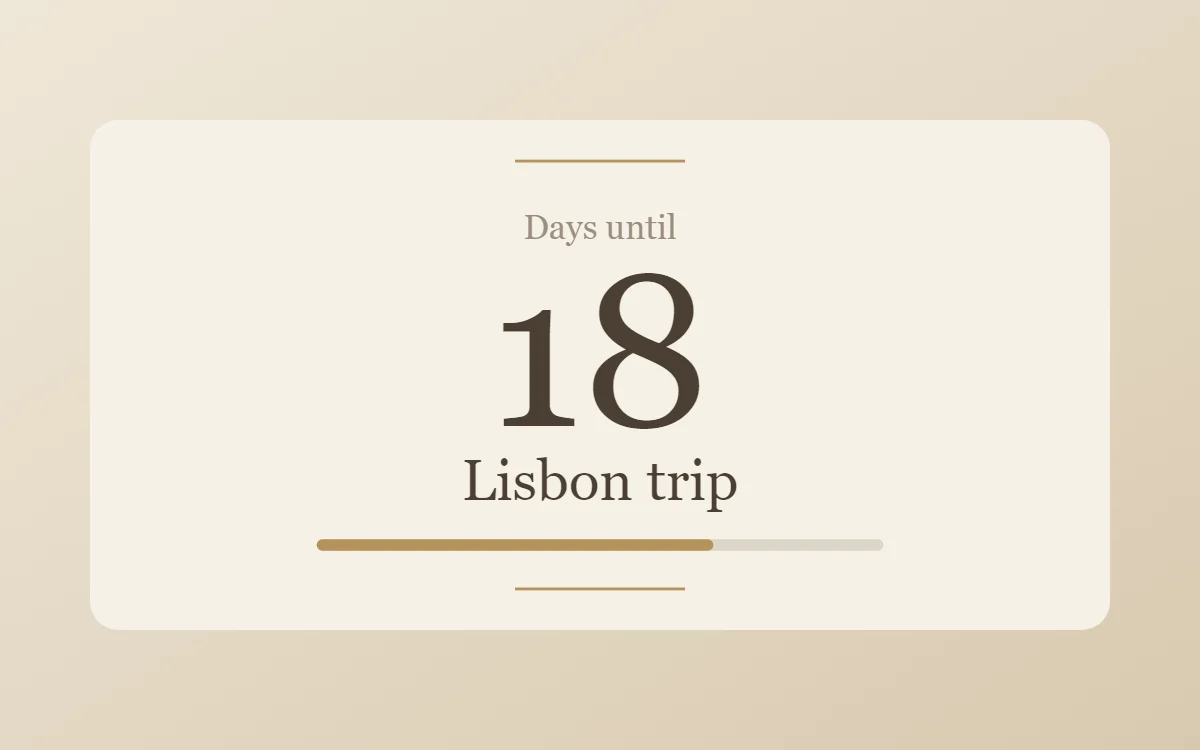
Deadline countdown
Pick the nearest exam or submission date and count down to it. Seeing "12 days" every time you unlock the phone is more effective than a reminder you dismiss. When it passes, point the widget at the next one.
Today's three tasks
A long list is discouraging. Keep the widget to three items you intend to finish today, and tick them off from the home screen. Move the rest to tomorrow.
Next class
If your timetable is in a calendar, a calendar widget can show the next event with its time and room. This uses the calendar connection, which is part of Pro in WidgetCraft. A free alternative is a plain text widget with your weekly timetable typed in.
Term progress
A progress bar from the first day of term to the last gives a sense of pace. The same widget works for the academic year or a revision period.
Study timer
A timer widget set to 25 minutes turns the home screen into a study clock: tap to start, tap to pause. Pair it with a counter that you tap after each finished session.
A quote that works for you
Not a poster slogan: a sentence that actually gets you to start. Change it when it stops working.
Styles that suit study screens
- Light academia: cream, brown and a serif. Calm for long reading days.
- Dark academia: the evening version, in walnut and brass.
- Minimal: the fewest distractions.
- Handwritten: looks like a notebook page.
Questions
Are these widgets free?
Countdown, task list, timer, progress and quote widgets are free. The calendar connection needs Pro.
Will widgets distract me?
Less than apps do. A widget shows information without pulling you into a feed.